Quest 3 Passthrough: What It Can Do, Its Limits and How to Fix Problems
Understand Quest 3 and 3S passthrough: camera quality, mixed reality apps, lighting, controls, tracking fixes and why PC VR versions can behave differently.
We may earn a commission when you buy through links on this page. As an Amazon Associate I earn from qualifying purchases. How this works
Quest 3 and Quest 3S passthrough show your room through color cameras. It lets compatible apps place puzzles, games or windows around you. It remains a camera view with limits in clarity, depth and timing. A better-lit room can help; an app must still support mixed reality itself.
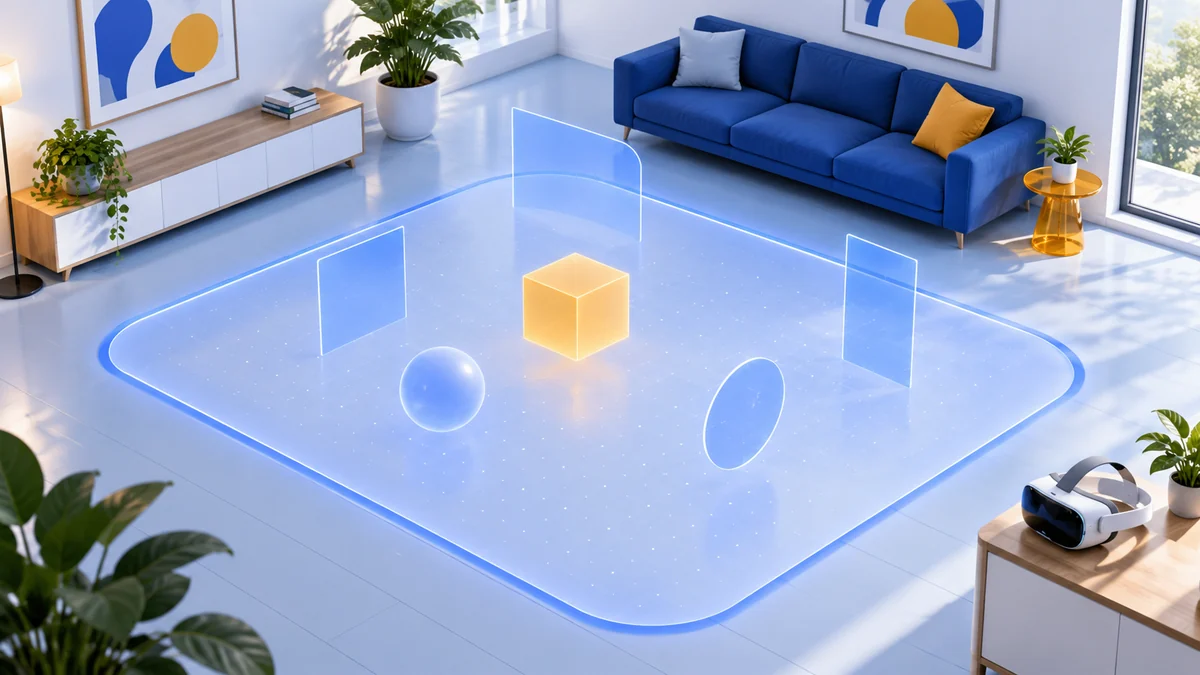
Use this guide to judge the capability or troubleshoot an existing headset. For boundaries and room scanning, follow our Quest mixed reality setup guide. These recommendations come from current Meta documentation and developer guidance, checked on 13 October 2026. We have not measured camera performance ourselves.
What Quest passthrough actually does
See your surroundings
Switch from an immersive view to a live camera view. This helps you check the play area without turning a VR game into a mixed reality game.
Place a useful window
Arrange a browser or another 2D app near your desk. Seeing a physical keyboard and having a virtual window are separate parts of the experience.
Play in the room
An MR app combines virtual content with the physical space. Choose one that uses your room in a way you actually want.
Passthrough is the background camera view. Room understanding is another capability: an app can use mapped surfaces and spatial anchors to position objects. If a virtual object slides away from its intended position, that is a tracking or anchoring problem; increasing image brightness alone will not necessarily solve it.
Quest 3 vs Quest 3S: similar camera specifications, different displays
| Relevant feature | Quest 3 | Quest 3S |
|---|---|---|
| Published passthrough specification | Color stereoscopic, 4 MP / 18 PPD | Color stereoscopic, 4 MP / 18 PPD |
| Dedicated depth sensor | Yes | Not listed |
| Display resolution per eye | 2,064 × 2,208 | 1,832 × 1,920 |
| Quick physical shortcut | Double tap, when enabled | Action button |
| App compatibility | Check the exact app | Check the exact app |
Specifications are from Meta’s device comparison; shortcuts are from its passthrough help page. Camera resolution and display resolution measure different things. The shared camera specification does not promise an identical view in every app, and Quest 3’s depth sensor does not mean that Quest 3S cannot run MR games.
Compare the display, lens adjustment and complete purchase in our Quest 3 versus Quest 3S guide. Avoid buying based on a single promotional camera clip.
Passthrough quality: set realistic expectations
A recording watched on a phone cannot establish how comfortable or readable the view will feel inside a headset. In particular, do not use the ability to spot a phone or keyboard as proof that every small label will be easy to read.
Meta recommends at least 50 lux for color passthrough. Its practical check is whether you can comfortably read a book in the room. Treat that as a starting check, not a guarantee of photographic clarity. Even lighting also matters for position tracking.
A camera view has limits
Meta’s warnings explain that passthrough has a narrower, less clear view than natural vision and may lag or misrepresent depth and color. Remove the headset when a physical task needs an unobstructed view. Virtual furniture cannot support your weight.
How to turn passthrough on
For a shortcut, enable Double Tap for Passthrough in Quest 3’s passthrough settings, then tap either side twice. On Quest 3S, press the action button underneath the headset on the right. An app’s own MR toggle controls its gameplay background; it may be separate from this system shortcut.
Fix the right problem first
| What you notice | First check | Next step |
|---|---|---|
| The camera view is dark | Add even room lighting; try the book test | Compare the system view before changing an app |
| The headset reports tracking lost | Stop moving and check whether lighting changed | Follow Meta’s tracking guidance |
| The room is visible, but a placed object drifts | Treat this as an anchoring issue | Check reflections and play area size using Meta’s drift guide |
| One game stays fully virtual | Check its MR option and the version installed | Verify developer support before reinstalling or buying equipment |
| A window dims the room | Check cinema view’s dimness control | See Meta’s window controls |
Meta’s object drift guidance includes clearing physical space history. That removes boundaries, Spaces and anchors, so previously placed objects and room setup need rebuilding. Read the consequences before using that reset. Our setup troubleshooting table covers the full sequence.
A PC VR purchase may have different passthrough features
The same game name on two stores does not establish feature parity. Cubism’s developer FAQ says mixed reality and hand tracking work on the standalone Meta Quest version, while its PC VR version—including Quest through a Link cable—does not support those features.
Conversely, app updates can improve MR behavior without changing the headset. Puzzling Places’ September 2026 update added continuous mixed reality startup on Quest. Check release notes when an app behaves differently from an older guide.
For room-based games, start with our Quest mixed reality games shortlist. If your goal is streaming SteamVR or a PC simulator, use our PC VR requirements guide to plan that separate setup.
Choose a headset for the experience you want
- Find two or three apps you want and confirm the exact headset model on each store listing.
- Check whether the app supports sitting or needs roomscale movement.
- Compare the display and fit in a demo when possible, then check the retailer’s return terms.
Ready to compare the purchase?
Quest 3 has the higher-resolution display; both models support the six games in our shortlist. Confirm the app, storage configuration and included items before ordering.
Quest passthrough FAQ
Does Quest 3S have color passthrough?
Yes. Meta lists color stereoscopic passthrough on both Quest 3S and Quest 3. Their displays and depth sensing hardware differ.
Does switching on passthrough make every game mixed reality?
No. Seeing the system camera view is different from a game rendering its content in your room. The game must implement an MR mode.
Should I reset room history to fix a dark camera view?
Start with lighting. Room history resets address saved boundaries and anchors; they do not add light or change camera hardware.
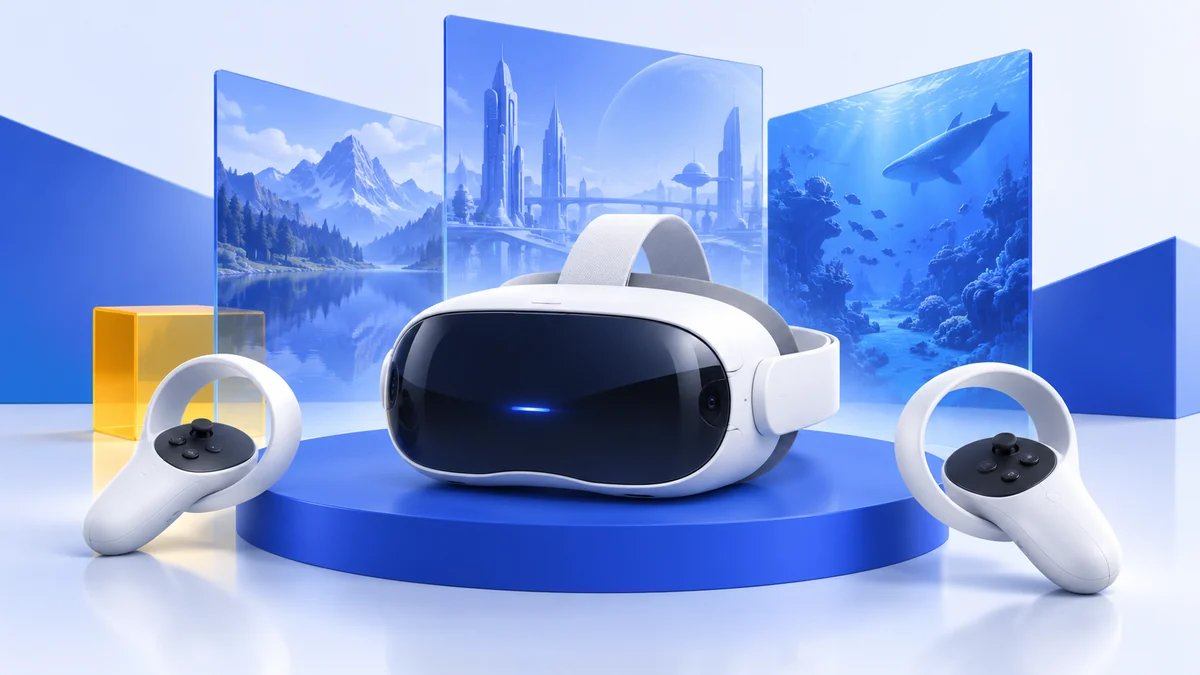
We compare documented capabilities and developer instructions. The featured image is a conceptual illustration. Read our research method or explore the mixed reality hub.
Sources & research approach
Read how we research our guides and use the sources below to check the information behind this article.
View the sources
- Meta Quest Help: How to use Passthrough on Meta Quest
- Meta Horizon OS Developers: Compare devices
- Meta Quest Help: Learn how headset tracking works on Meta Quest
- Meta Quest Help: Troubleshooting object drift during mixed reality experiences
- Meta Quest Help: Moving and adjusting windows
- Cubism: Developer FAQ and standalone Quest feature support
- Puzzling Places: September 2026 mixed reality and passthrough update
- Meta: Quest 3 health and safety warnings
Explore the related guides in Mixed reality guides.