Best AR Glasses in 2026: Display Glasses Compared by Use
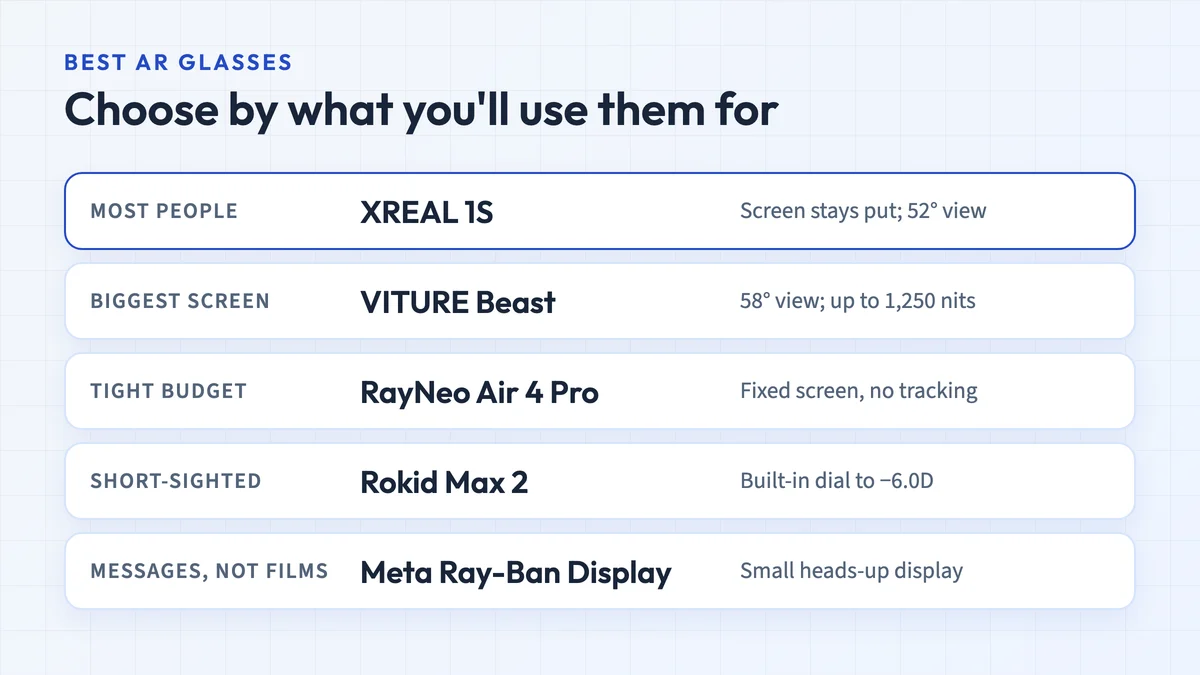
The best AR glasses for most people are display glasses. XREAL 1S, VITURE Beast, RayNeo Air 4 Pro and Rokid Max 2 compared, plus Meta Ray-Ban Display and true AR.
Updated 16 October 2026Find display glasses for your phone, Steam Deck or laptop. Check video output, charging and spatial features before buying.
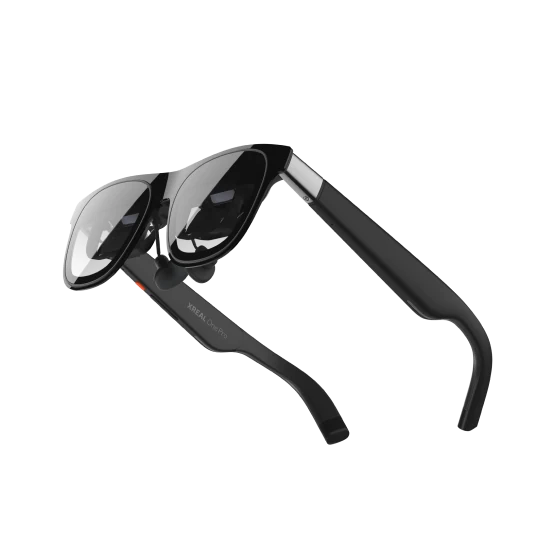
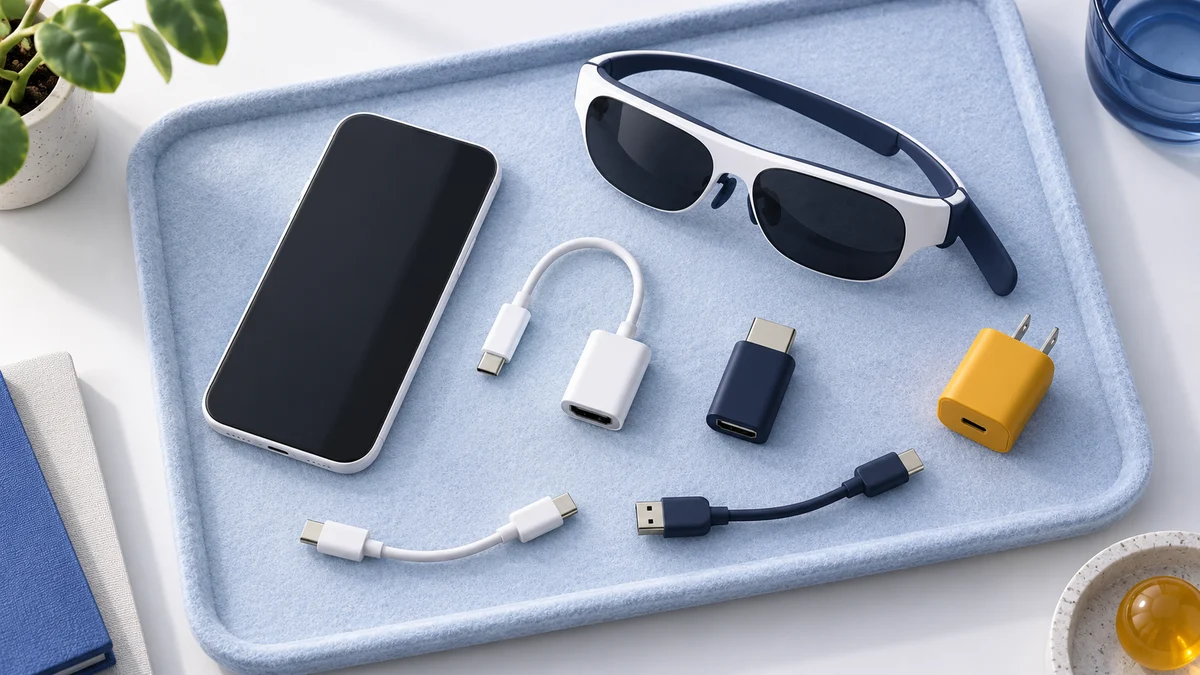
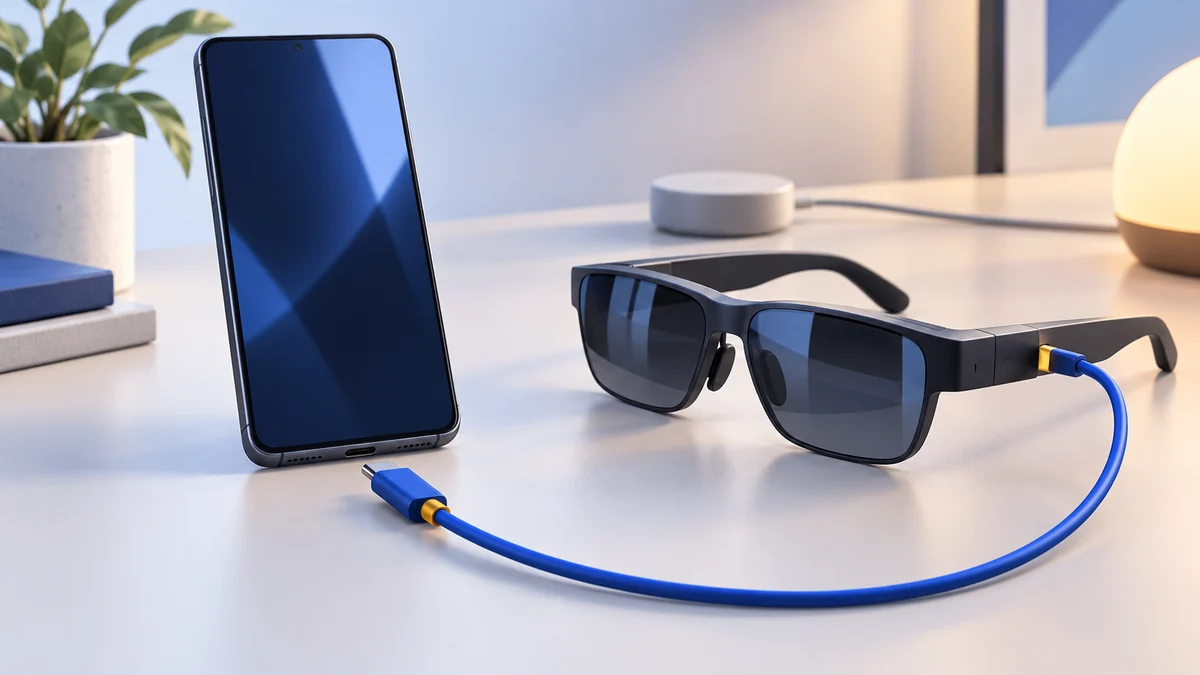
A USB-C connector alone does not establish compatibility. Check video output, adapters and charging before comparing the glasses.
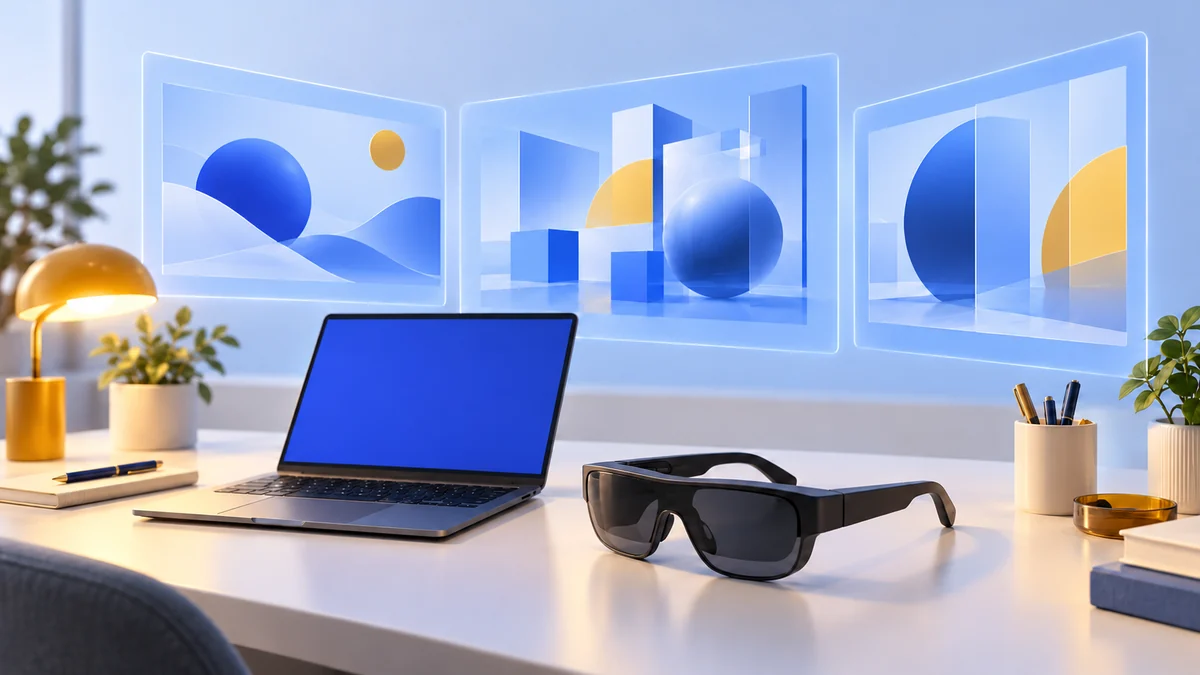
Display glasses give you a personal screen. Spatial controls and virtual workspaces depend on the model, accessories and software you use.
Compare XREAL One Pro and VITURE ProCheck what a work setup can doWrite down your device model, glasses model and every adapter between them.
A device may output video while still needing a compatible adapter to charge during use.
Video output does not guarantee head tracking or a multi-screen workspace.
Compare glasses and check your phone, handheld or work setup.
The best AR glasses for most people are display glasses. XREAL 1S, VITURE Beast, RayNeo Air 4 Pro and Rokid Max 2 compared, plus Meta Ray-Ban Display and true AR.
Updated 16 October 2026Check which iPhones support AR display glasses, the exclusions for 16e and 17e, Lightning adapter routes, charging and SpaceWalker requirements.
Updated 14 October 2026Check Android phone support for AR display glasses: USB-C DisplayPort, Samsung DeX, Pixel 8 and later, charging, SpaceWalker and troubleshooting.
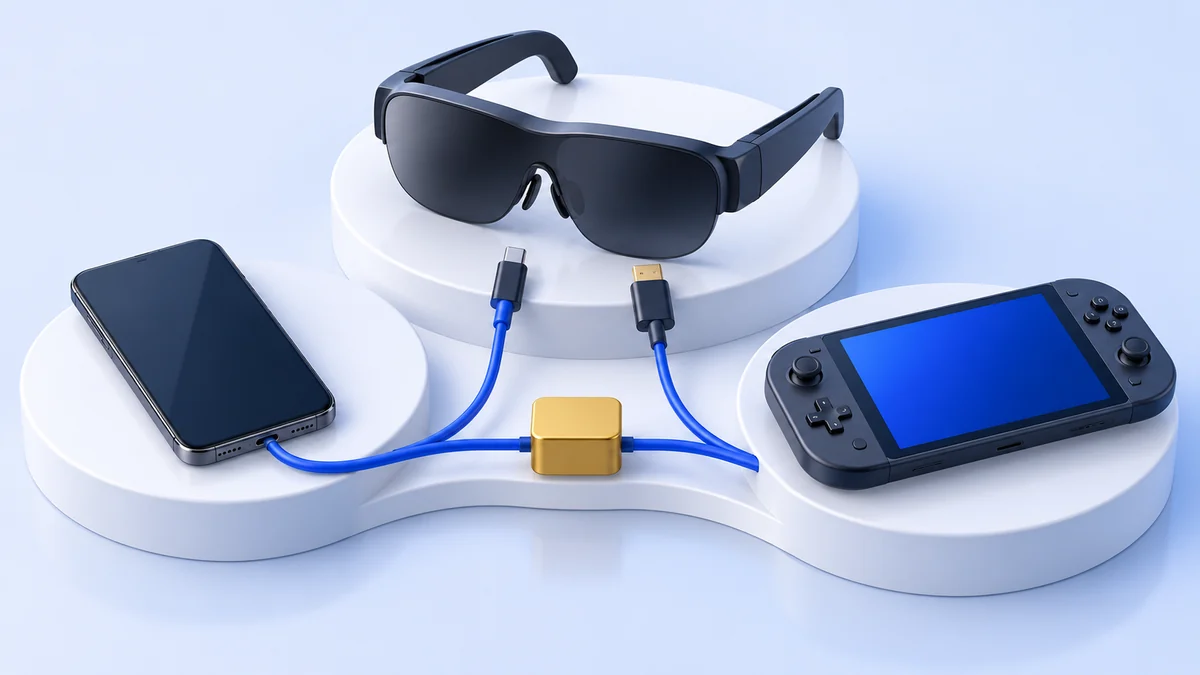
Updated 14 October 2026Connect AR display glasses to Steam Deck or OLED, plan charging passthrough, compare native head tracking with XR Gaming, and troubleshoot video and audio.
Updated 14 October 2026Can AR glasses replace a monitor? Compare direct displays and virtual desktops, check SpaceWalker requirements, laptop ports, text clarity and work limitations.
Updated 14 October 2026Compare XREAL One Pro with original VITURE Pro XR: 57° versus 46° field of view, weight, vision adjustment, spatial modes and device requirements.
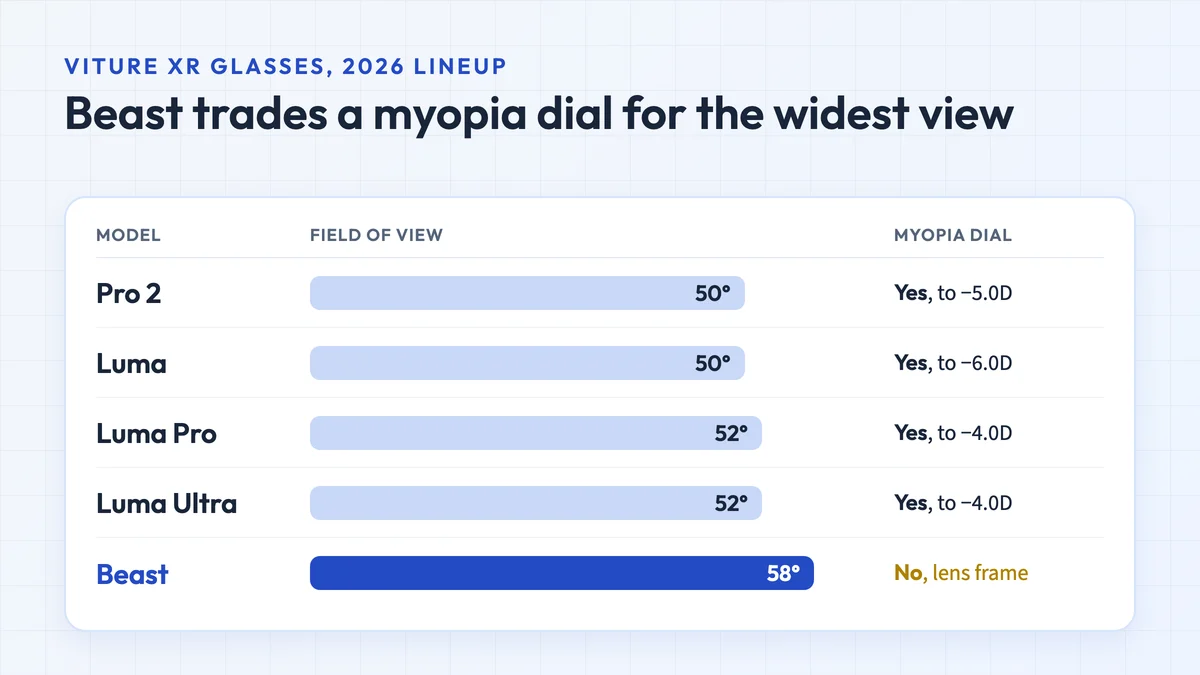
Updated 14 October 2026VITURE Beast: 58° view, built-in 3DoF, no myopia dial. Which iPhones, Android phones and PCs it works with, and how it compares to Luma Ultra, Luma Pro and Pro 2.
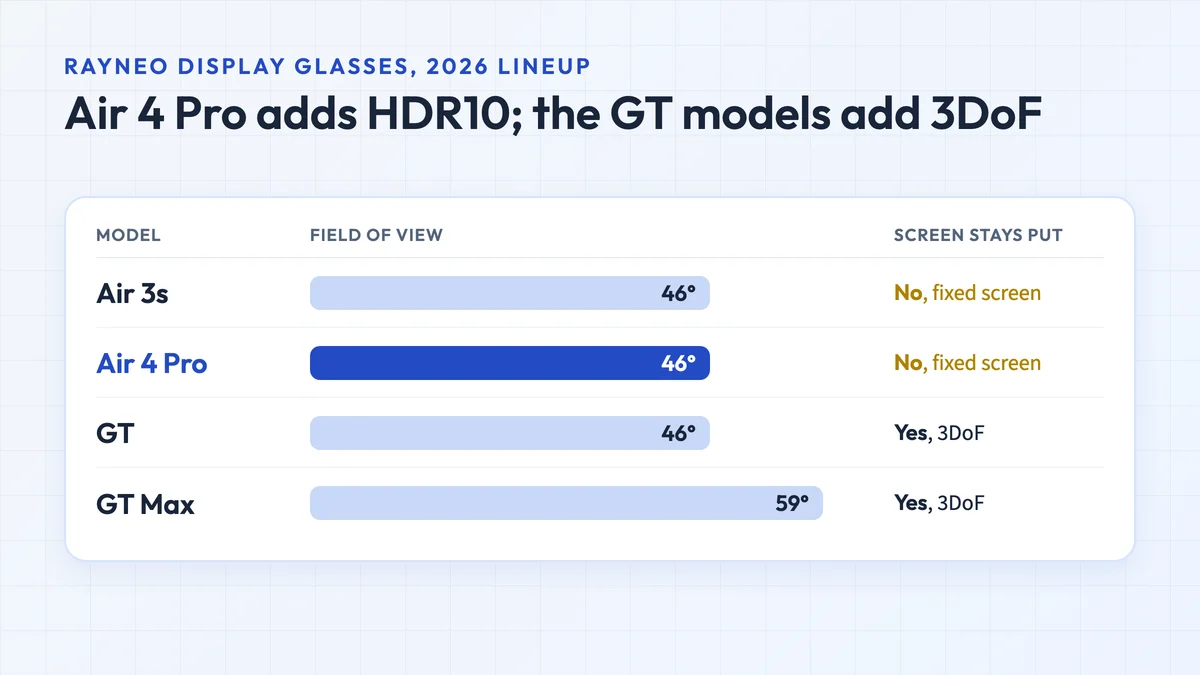
Updated 15 October 2026RayNeo Air 4 Pro specs, price and compatibility with iPhone, Switch, Steam Deck and PC, plus how it compares with the Air 3s, GT, GT Max, X3 Pro and VITURE Pro 2.
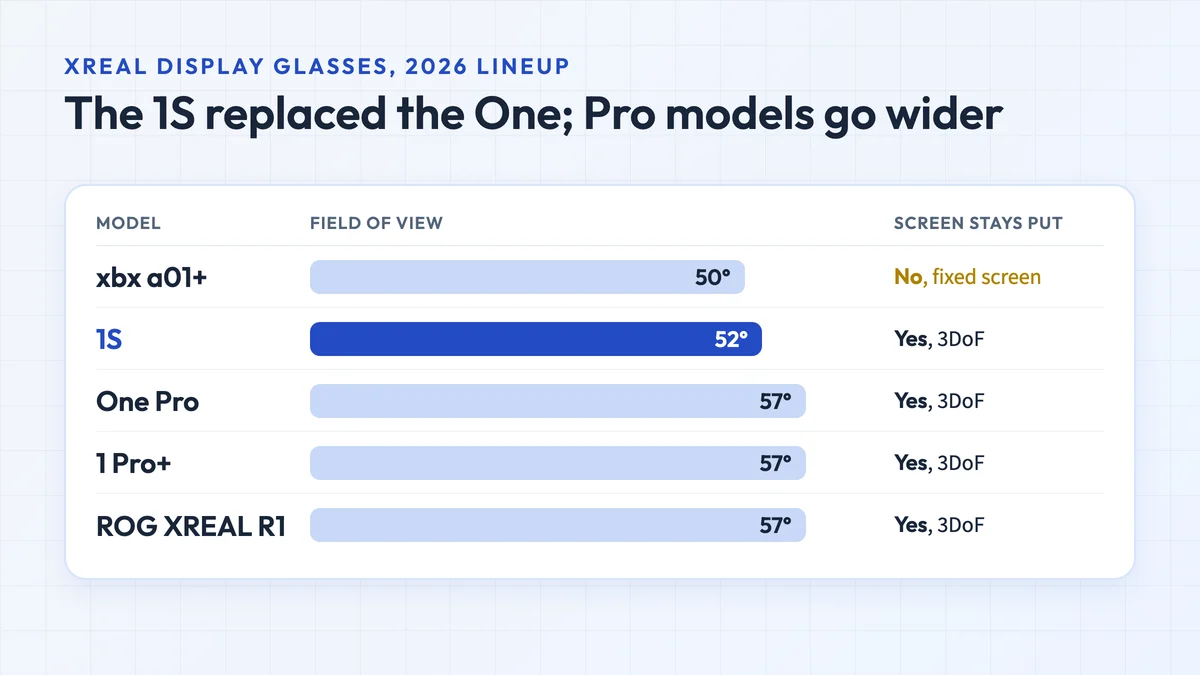
Updated 16 October 2026XREAL's 2026 lineup compared: 1S, One Pro, the new 1 Pro+, xbx a01+, ROG XREAL R1 and AURA, with prices, specs, compatibility and what replaced the XREAL One.
Updated 16 October 2026