Meta Quest 3 vs Quest 3S
We may earn a commission when you buy through links on this page. As an Amazon Associate I earn from qualifying purchases. How this works
Choose Quest 3 for pancake lenses and more display detail. Quest 3S is the lower-cost route into the same current Quest app generation, with Fresnel optics. Both support compatible PC connections. Compare optical fit and the whole setup before choosing.

512 GB configuration
For clearer opticsPancake lenses and more display detail for reading, menus and virtual screens.
Check first: Whether the optical upgrade is worth the extra cost for your use.
Check price on Amazon Paid link · AmazonView manufacturer details
128 GB configuration
For a lower-cost startThe same processor generation, with Fresnel lenses and lower display resolution.
Check first: Optical fit and whether fine text or lens adjustment matters to you.
Check price on Amazon Paid link · AmazonView manufacturer detailsQuest 3 and Quest 3S run the same current standalone app generation, but use different displays and lenses. If you are buying your first headset, compare that optical upgrade with the games, fit and complete setup you can afford. If you're still choosing a platform, our best VR headset guide compares Quest with PS VR2, Steam Frame and premium headsets.
Start with how you will play, then compare optical fit and the whole purchase. The specification table and PC VR explanation help separate the headset’s features from the equipment it connects to.
Platform status and source notes
This comparison uses Meta’s official specifications, checked on 13 October 2026. We have not performed a hands-on comparison or measured their comfort, clarity or battery life. How we research explains that distinction.
Compare the specifications
| Feature | Quest 3 | Quest 3S |
|---|---|---|
| Lens design | Pancake | Fresnel |
| Resolution per eye | 2,064 × 2,208 | 1,832 × 1,920 |
| Horizontal field of view | 110° | 96° |
| Lens-spacing adjustment | Continuous | Three positions |
| Processor | Snapdragon XR2 Gen 2 | Snapdragon XR2 Gen 2 |
| Memory | 8 GB | 8 GB |
| Storage options | 512 GB | 128 GB or 256 GB |
| Passthrough | Full color | Full color |
| Standalone use and supported PC connection routes | Yes | Yes |
Meta’s headset comparison supplies the display and hardware figures; its Link support guide covers PC connections. Current prices depend on region, model and retailer, so check the exact offer rather than rely on an old list-price snapshot.
Choose by how you play
Text and virtual screens
Investigate Quest 3 first. Its higher resolution and pancake optical system are the documented reasons to prefer it for detail-oriented use.
A first standalone headset
Quest 3S offers the same processor generation and current app tier. Choose it when the lower purchase cost matters more than the optical upgrade.
Mostly PC VR
Prioritize lenses and your PC connection. More headset storage does not improve the computer's game rendering.
Start with your game shortlist. Check the relevant store editions and any requirements before comparing headset bundles. If a title has a PC version and a standalone version, those are different builds; do not assume a purchase includes both.
For a PS5-based alternative, read Quest 3 vs PS VR2. For the broader platform decision, use standalone vs PC VR.
Lenses and optical fit
Quest 3’s higher per-eye resolution is a meaningful specification difference. The lens design and adjustment range matter alongside it. Try to judge both while looking at the kinds of objects you use most: menus, subtitles, distant game detail or a virtual desktop.
Do not infer comfort from a specification table. Head shape, glasses, strap adjustment and lens position can change your experience. A demo or a return policy appropriate for trying the fit is more useful than a generic claim that one model is comfortable for everyone.
If you already own a working Quest, identify your actual frustration before upgrading. Is it the image, pressure on your face, runtime or a poor wireless connection? A new headset may address the first concern while leaving the others unresolved.
Price the whole setup
Compare the same retailer region and exact storage version. Include games and the equipment you need to play them. For PC use that means an appropriate computer and a suitable connection; for standalone use it may mean no additional hardware at all.
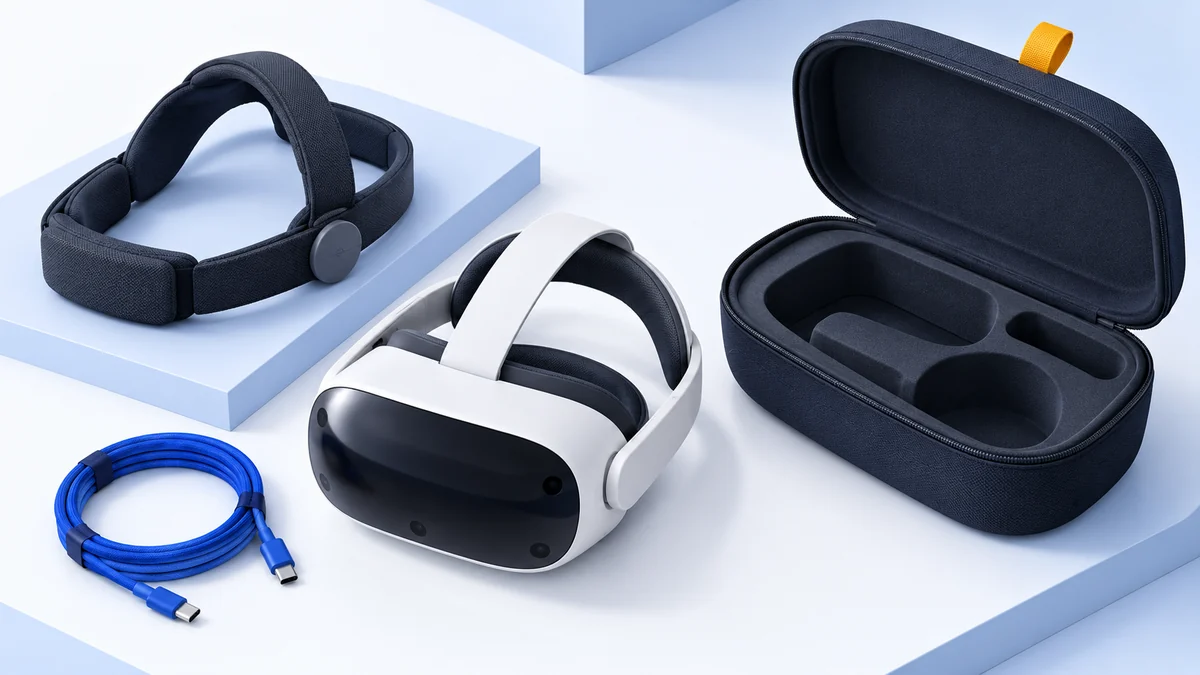
Meta includes controllers, wrist straps, a standard strap and charging equipment with these headsets. Test the included fit before adding a battery strap or charging dock automatically. Our Quest 3 head strap and battery guide compares straps and battery packs that fit both headsets.
A lower-priced headset can be the better decision if it leaves enough budget for the required games or PC connection; our best Quest 3 games guide lists games that run on both. A larger storage model can be useful when you want several standalone apps installed at once. Neither is a substitute for the optical features you specifically want.
PC VR and storage
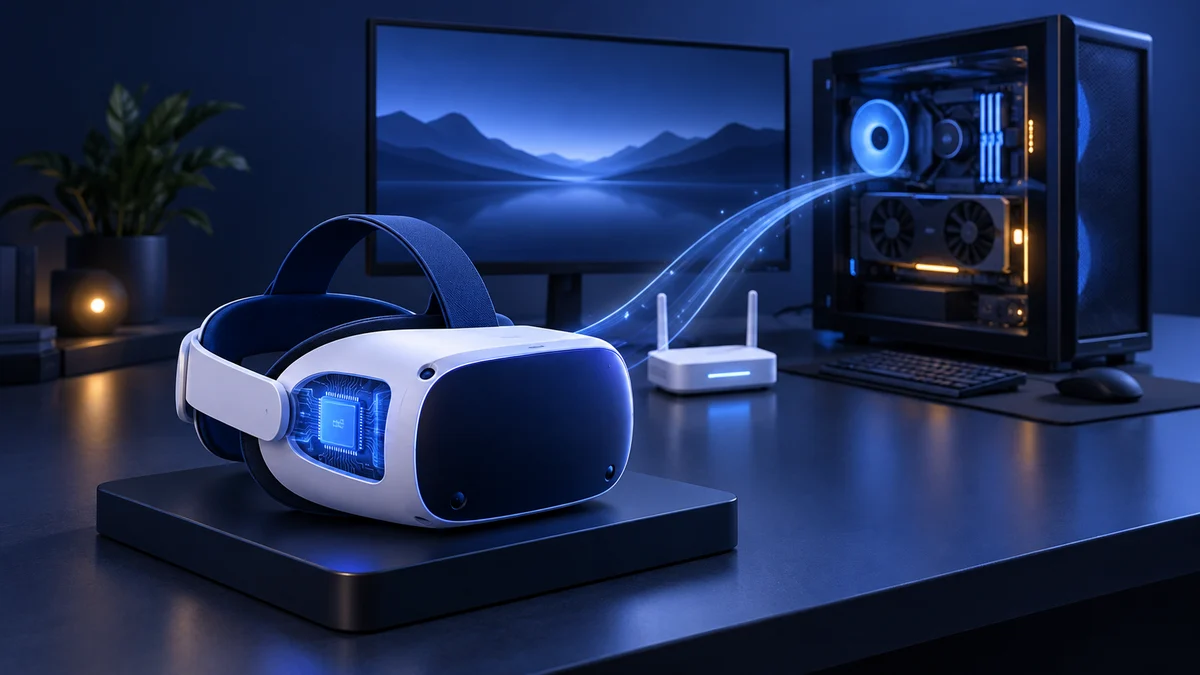
Both headsets can connect to a compatible Windows gaming PC through Meta’s PC routes. Steam Link is another wireless route for SteamVR. Your PC runs the game and supplies the stream; the headset displays it and provides tracking.
The PC game occupies the computer’s storage. Moving from a 128 GB headset to a larger headset therefore does not create more room for Steam games or raise your PC frame rate. Match headset storage to your standalone library instead.
Use PC VR requirements to check the computer first, Link vs Air Link to choose the connection, and Quest SteamVR setup to connect the software. For other hardware designs, see our PC headset buying guide.
Before you choose
Choose Quest 3 when the documented optical upgrade is worth the extra spend for your normal sessions. Skip it if the current headset already meets your needs or the extra cost would crowd out required equipment.
Check price on AmazonPaid link
Choose Quest 3S when you want current standalone Quest apps and PC flexibility at the lower end of the range. Skip it if fine detail, reading or continuous lens-spacing adjustment is a deciding requirement.
Check price on AmazonPaid link
Does Quest 3S run the same generation of games as Quest 3?
Meta's comparison lists the current Quest 3 and Quest 3S app generation for both. Check each game's supported devices and edition before buying.
Is Quest 3S just Quest 3 with less storage?
No. The headsets use different lenses, resolutions, fields of view and adjustment arrangements. Storage is only one part of the difference.
Should I buy extra headset storage for SteamVR?
Choose storage for standalone apps. SteamVR games in a streamed PC session are installed on the PC, so extra headset storage does not improve their rendering.
Will Quest 3 be more comfortable for me?
We cannot establish that from specifications or a hands-on result we do not have. Evaluate fit, glasses clearance and return terms for the exact purchase.
Research behind this guide
Check the linked specifications and support documents, or read how we research. Original review experience stays attributed to its author.
Explore the related guides in VR comparisons.