Compare Quest 3 and Quest 3S
Check the lens and display differences before choosing your headset.
Prepare your Quest and room, understand the camera view, and choose a mixed reality game for your first session.

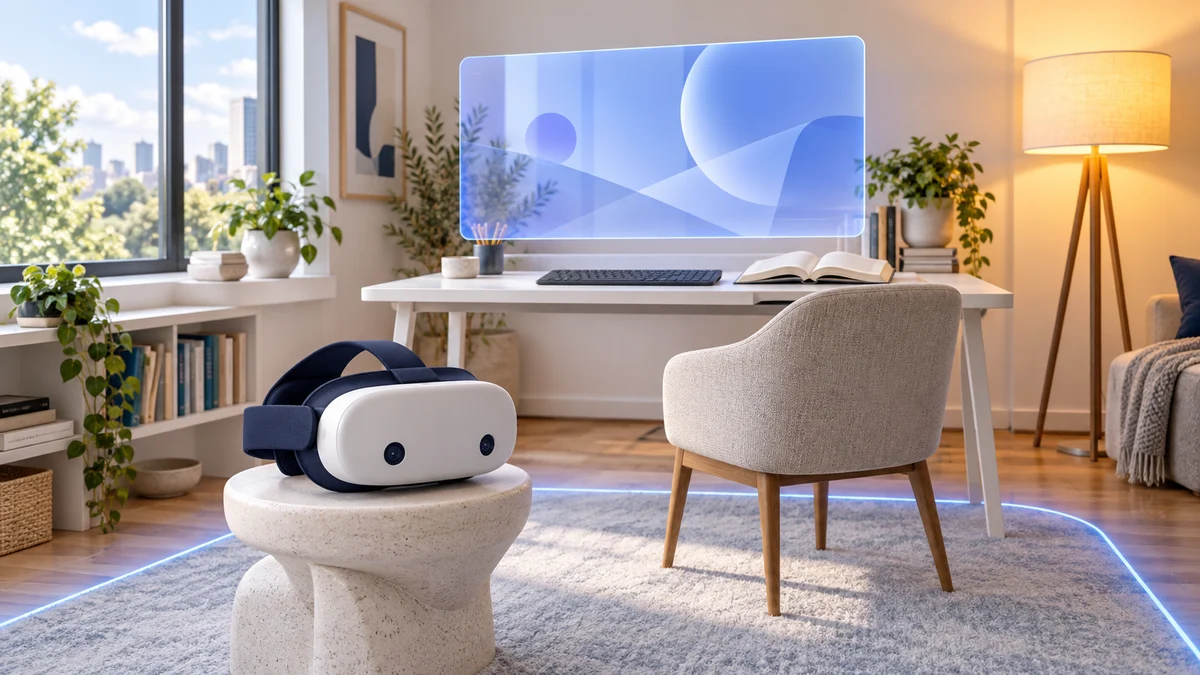
Start with your headset model and a supported app. Then prepare the room and understand the view you will see through its cameras.
Confirm the supported Quest models and play modes on the app’s official store page.
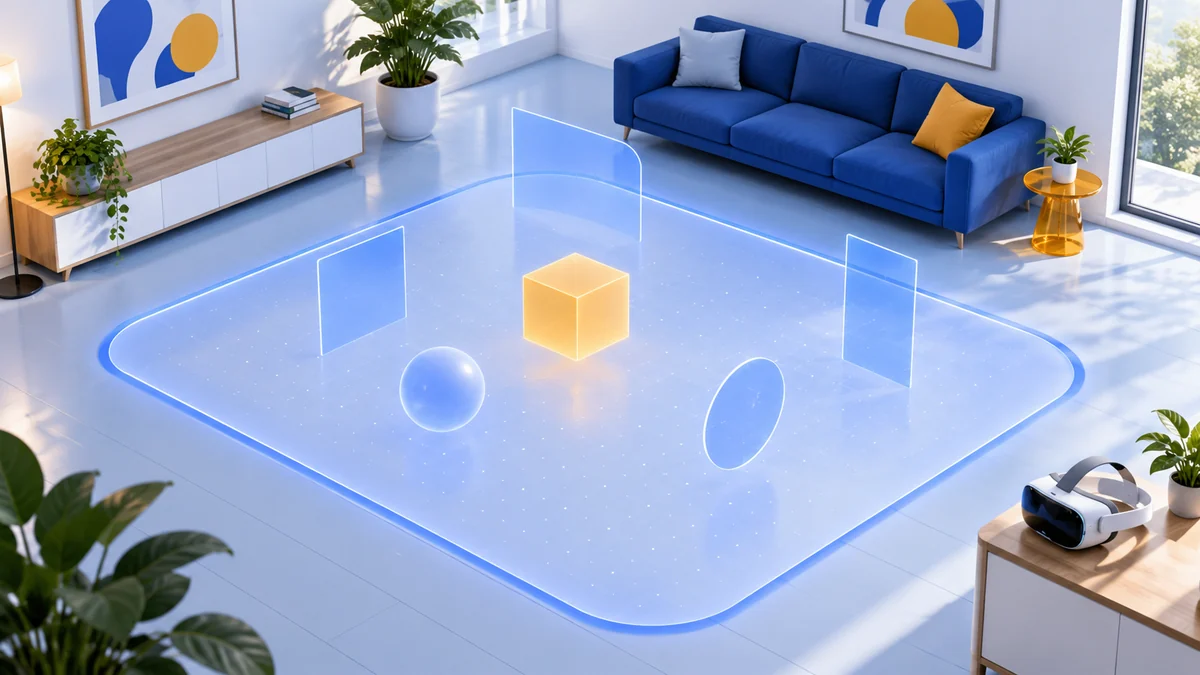
Check the space, lighting and boundaries the experience needs before starting.
The headset shows a camera view of your room. Check its controls and limits before relying on it.
Some mixed reality games fit a seated session. Others need a cleared area where you can move. Compare the room needs and play style first.
Explore Quest mixed reality gamesSet up your first sessionUnderstand passthrough, prepare your room and choose an app that fits.
Set up Meta Quest 3 or 3S mixed reality at home: lighting, boundary and Space Setup, passthrough controls, virtual windows, first apps and fixes.
Updated 14 October 2026Understand Quest 3 and 3S passthrough: camera quality, mixed reality apps, lighting, controls, tracking fixes and why PC VR versions can behave differently.
Updated 14 October 2026Choose Quest 3 or 3S mixed reality games by room size and interaction: First Encounters, Cubism, Puzzling Places, Demeo, Starship Home and Laser Dance.
Updated 14 October 2026