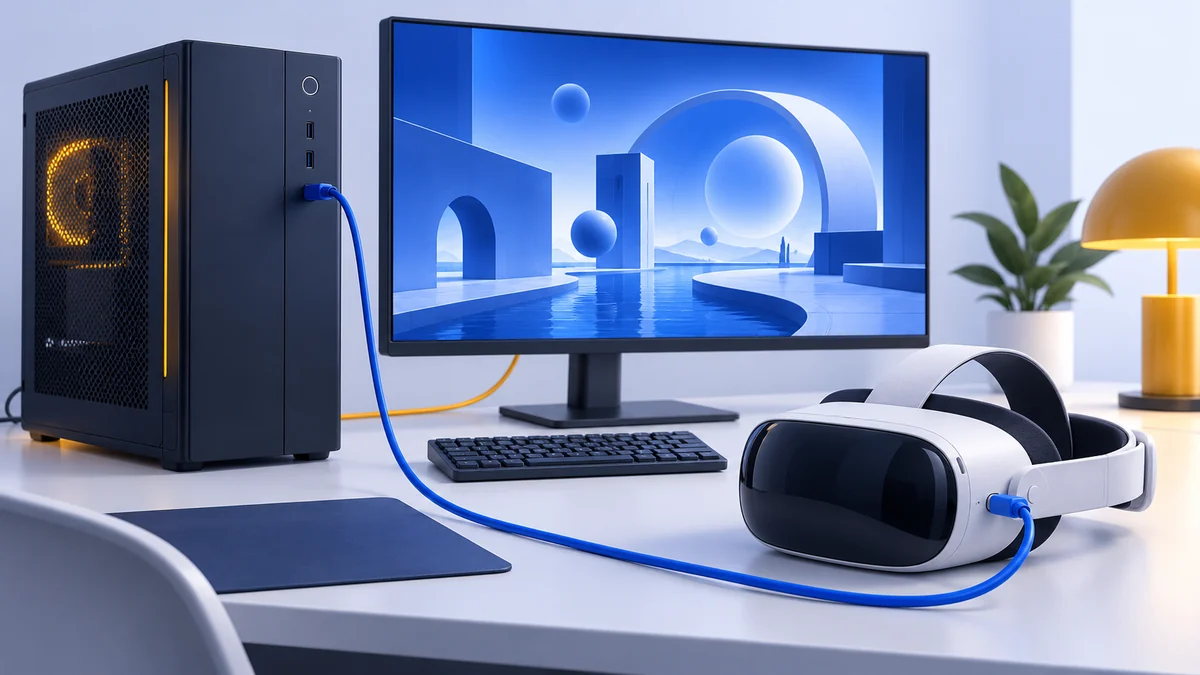
 Editorial illustration
PC VR setup
Play SteamVR games on Quest 3 or Quest 3S with Steam Link, Air Link or a USB cable. Check the PC, connect the headset and diagnose the right part of the setup.
Read the guide↗: How to Play SteamVR Games on Meta Quest Editorial illustration
Headset comparison
Compare Quest 3 and PS VR2 by game library, displays, PC connections and total setup cost. See which PS VR2 features work on PS5 and which are lost on PC.
Read the guide↗: Meta Quest 3 vs PS VR2: Which Setup Fits Your Games?Editorial illustrationHeadset comparison
Compare Quest 3 and Quest 3S by lenses, resolution, storage and PC VR use. Choose the right model for your games, optical fit and complete setup budget.
Read the guide↗: Meta Quest 3 vs Quest 3S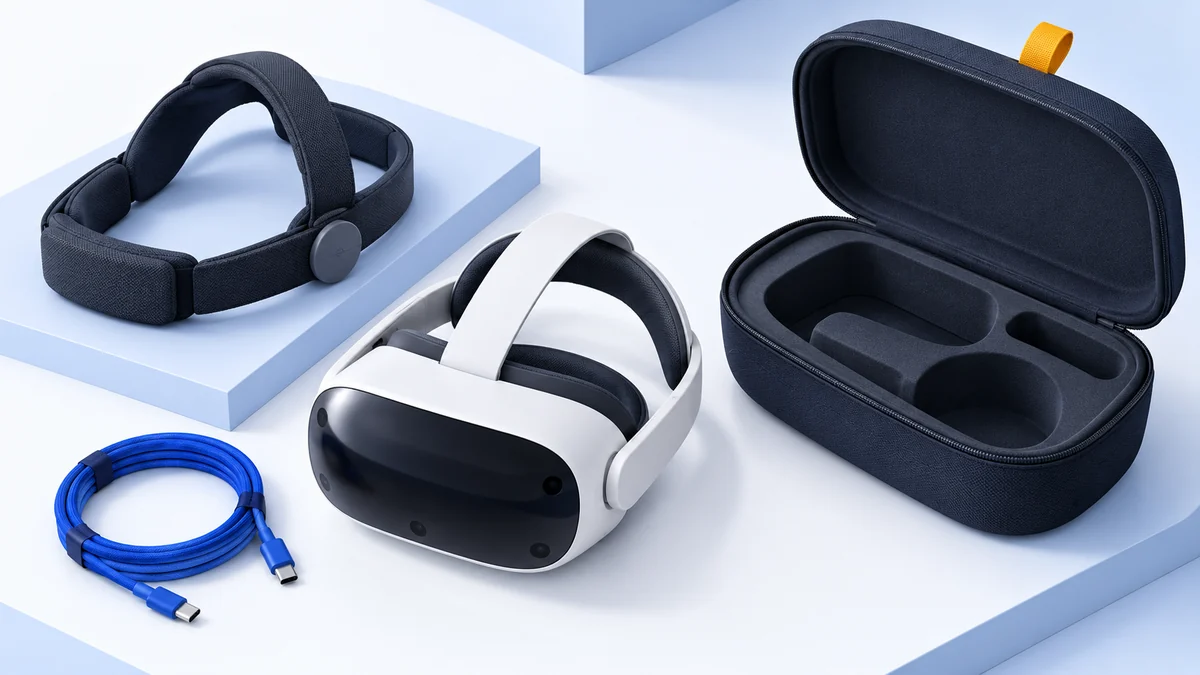 Editorial illustration
Accessory guide
Choose Quest 3 accessories by the problem they solve. Prioritize fit, prescription-insert compatibility, charging and PC connections without buying an unnecessary bundle.
Read the guide↗: Quest 3 Accessories: What to Buy First and What to SkipEditorial illustrationConnection comparison
Choose USB Link or Air Link for your Quest PC VR setup. Compare cable requirements, Wi-Fi layout, charging expectations and a practical method for diagnosing stutter.
Read the guide↗: Quest Link vs Air Link: Cable or Wireless PC VR?Editorial illustrationVR buying basics
Understand standalone and PC VR before buying a headset. Compare where games run, what hardware you need, library differences and the cost of a complete setup.
Read the guide↗: Standalone vs PC VR: Which Way Should You Play?


