AR glasses with Steam Deck: plan the complete setup
We may earn a commission when you buy through links on this page. As an Amazon Associate I earn from qualifying purchases. How this works
Both Steam Deck models can send DisplayPort video to compatible USB-C display glasses. Begin with the supplied glasses cable and confirm picture and audio. A supported video-and-power hub is needed to charge while playing. Choose native screen anchoring or a compatible XR Gaming plugin setup according to the tracking feature you want; they have different requirements.
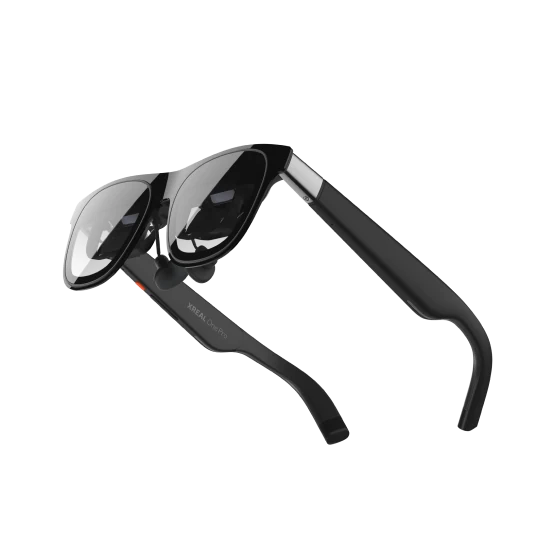
AR display glasses
Wearable displayDisplay glasses for compatible USB-C video sources.
Check first: Confirm your device, lens fit and any required adapters.
Check price on Amazon Paid link · AmazonDisplay glasses give Steam Deck a personal external screen, but the handheld has one USB-C port for video and charging. Start with the simplest connection, then decide which accessories your playing sessions require.
Below, connect either Deck model directly, add charging passthrough, and compare native tracking with the XR Gaming plugin. The final checks cover black screens, audio and refresh rates so you can resolve the connection before adding more hardware.
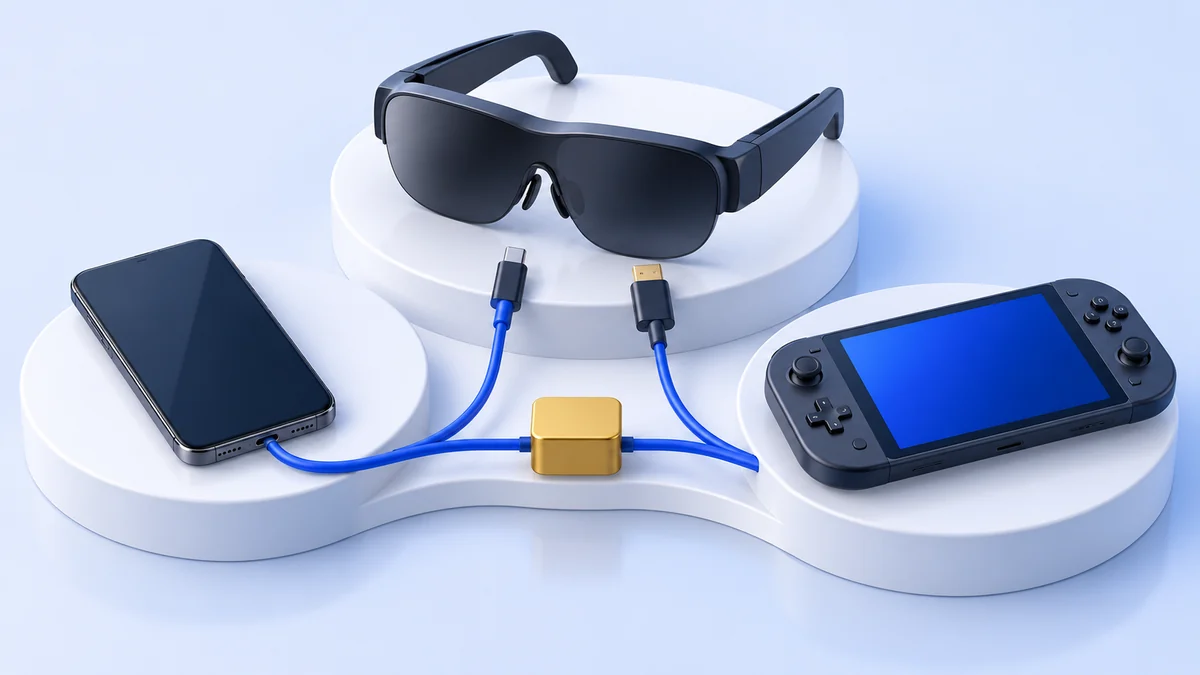
Compatibility and source notes
Manufacturer and project guidance checked 13 October 2026. This guide compares official specifications and community documentation. Plugin support and firmware caveats do not establish a general ranking of the glasses. We have not measured comfort, battery drain or latency across these setups.
Connect the original glasses cable directly. Start with one external game screen and battery power.
Add a hub whose documentation names Steam Deck, your glasses and simultaneous video output.
Choose native tracking or a supported plugin setup. Check firmware and software requirements first.
Begin with the supported connection
Valve’s tech specs list DisplayPort over USB-C. XREAL One Pro requires that signal and shows Steam Deck as a source device. The included glasses cable is the sensible first connection.
Valve’s advertised maximum external-output resolution describes the port, not the resolution of every pair of glasses or the frame rate a game will reach. Set the game for the glasses’ supported display mode and the performance you need.
Before adding accessories, confirm the picture, audio destination and controls. This creates a baseline: if the direct setup works but a dock does not, investigate the added adapter rather than replacing the glasses immediately.
Follow video and power separately
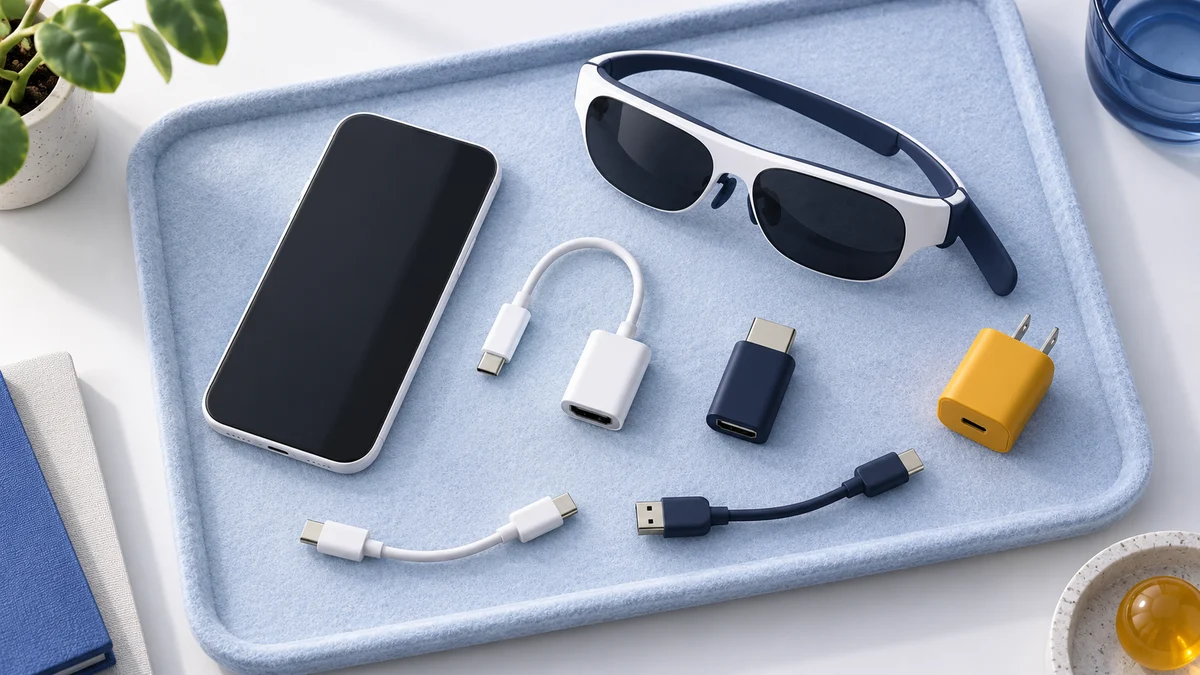
Valve supplies a 45 W USB PD 3.0 charger. With glasses attached directly, the Deck operates on battery. Charging while playing needs a separate path from the charger through an adapter to the handheld.
XREAL Hub lists Steam Deck, Steam Deck OLED and One Pro; it advertises 45 W charging and up to 120 Hz video passthrough. VITURE Mobile Dock Mini also lists Steam Deck and charging while playing. Use the respective maker’s exact connection instructions.
| Accessory question | Evidence to look for |
|---|---|
| Can it charge the Deck? | A documented power input and supported charging arrangement. |
| Does it output USB-C video? | DisplayPort video on the port intended for the glasses. |
| Does it preserve head-tracking data? | Explicit software and USB data support, if a plugin needs it. |
| Does it support these glasses? | The model in its compatibility documentation. |
A desktop dock with a USB-C charging connector may output video only through HDMI or DisplayPort. An ordinary USB-C-to-HDMI cable is designed for a different direction; do not assume it converts the dock’s HDMI output back into a powered glasses connection.
Choose the features you will use
For a larger personal gaming display, prioritize fit, clear screen edges and a charging plan. A nominally larger virtual screen is little help if you cannot read the HUD comfortably.
If you want a screen that stays put when you turn your head, compare how that feature is delivered. Our XREAL One Pro versus VITURE Pro guide covers on-glasses tracking controls, optical fit and software requirements, and our best AR glasses guide compares the current models, including those with built-in 3DoF. RayNeo lists the Steam Deck for its Air 4 Pro, which has no 3DoF.
XREAL One Pro is a documented option for the straightforward Deck connection. Check the retailer’s model, IPD size and included accessories before ordering:
Check price on AmazonPaid link
Head tracking and virtual screens on Steam Deck
Native XREAL route: The One series quick guide describes Follow and Anchor modes controlled on the glasses. The separate XREAL Eye adds 6DoF spatial anchoring. Turning your head and changing your position are different tracking requirements; basic 3DoF does not imply room-scale VR gaming.
VITURE’s Pro controls also describe a beta 3DoF feature, with button behavior depending on firmware. Its Deck instructions point to XR Gaming for a better fixed-screen effect. Confirm the current firmware behavior before choosing by native pinning alone.
Community software route: decky-XRGaming requires Decky Loader and adds virtual-display, follow and head-controlled gaming modes. Basic functionality is available without supporter status; smooth follow, automatic recentering and side-by-side support are supporter features.
The maintainer’s XRLinuxDriver table lists VITURE Pro XR as supported and recommended. XREAL One Pro is supported with caveats and marked not recommended by that project. Its notes require current firmware and disabling the glasses’ stabilizer/anchor features. That is a community-plugin assessment, not a claim that One Pro lacks its own tracking.
Ultrawide route: XREAL’s Deck instructions describe enabling ultrawide on the glasses, turning off automatic resolution and selecting 3840 × 1080. The guide warns that the game itself must support the aspect ratio. Rendering more pixels can also require lower game settings.
Fix a black screen or missing audio
- Remove the hub and reconnect directly with the original glasses cable.
- Confirm that SteamOS detects the external display and select a supported display mode.
- Check the audio output device separately; a visible game does not select every audio route.
- Retest with a second familiar game before treating one title's behavior as a hardware failure.
- For plugin problems, compare the exact model and firmware with the maintainer's current notes.
If one pair will serve your phone too, make a second compatibility check: iPhone display output and Android device support differ. For computer desktops, use the separate work and monitor guide.
Common setup questions
Do Steam Deck OLED and the original Deck need different glasses?
Both provide DisplayPort over USB-C. Confirm the exact glasses and accessory combination rather than using the handheld's built-in screen type as the compatibility test.
Do I need a dock to start?
No, when the glasses accept the Deck's direct USB-C DisplayPort signal. Add a dock or hub for a specific need, such as charging, after verifying its output.
Does a 120 Hz glasses display make every game run at 120 fps?
No. Refresh-rate support describes the display mode. Game performance depends on the game, resolution, settings and handheld.
Was every combination tested by TechFuturae?
No. This guide compares official specifications and the community project's documentation, checked 13 October 2026. We have not measured comfort, battery drain or latency across these setups. See how we research.
For the wider category and buying criteria, return to the AR and display glasses guide.
Research behind this guide
Check the linked specifications and support documents, or read how we research. Original review experience stays attributed to its author.
View 11 sources
- Steam Deck: tech specs
- XREAL One Pro: supported device examples and connection requirements
- XREAL Eye: 6DoF spatial anchoring for the One series
- XREAL: One series quick guide
- XREAL Hub: product page
- XREAL: Steam Deck ultrawide instructions
- VITURE: compatible devices
- VITURE: Pro and One controls and Steam Deck setup
- VITURE Mobile Dock Mini: product page
- decky-XRGaming plugin: installation, modes and supporter features
- XRLinuxDriver: supported devices and model-specific notes
Explore the related guides in AR and display glasses.