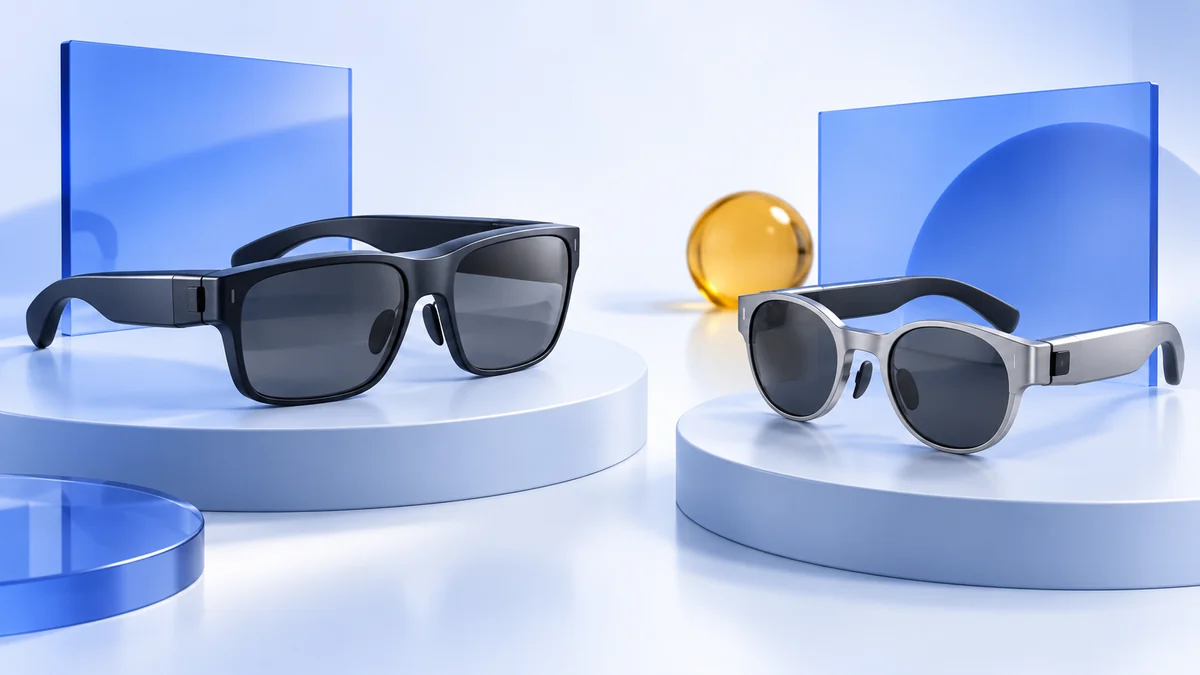
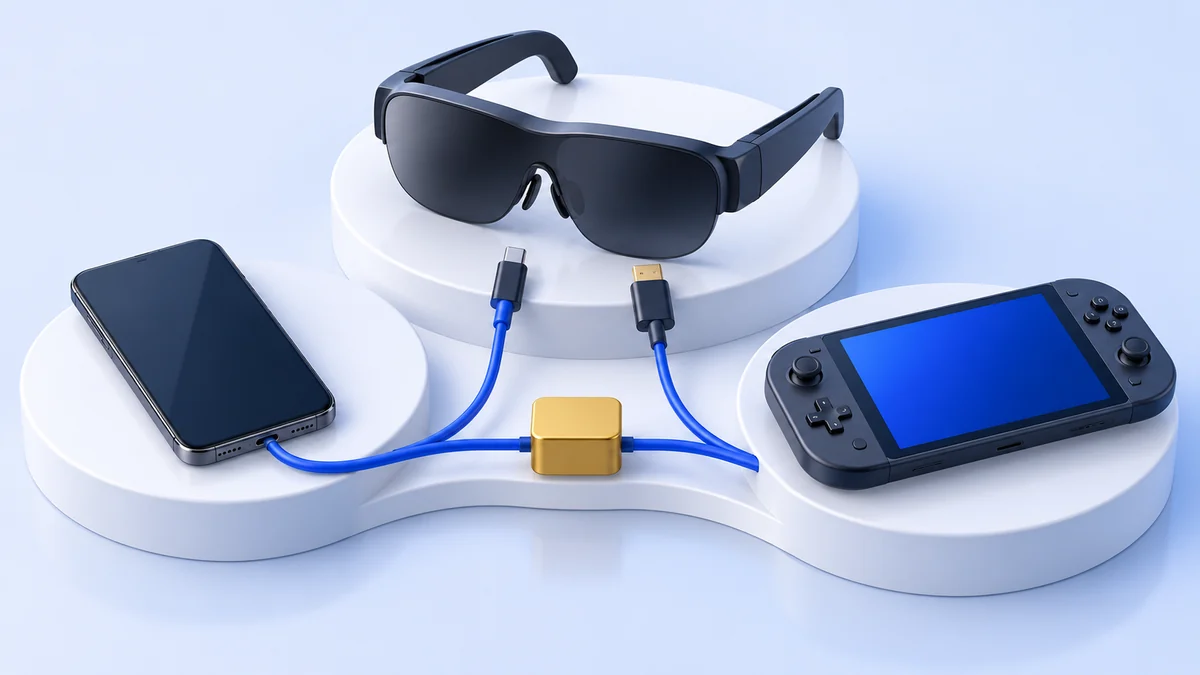
AR glasses for work: a portable monitor, with limits
Can AR glasses replace a monitor? Compare direct displays and virtual desktops, check SpaceWalker requirements, laptop ports, text clarity and work limitations.
We may earn a commission when you buy through links on this page. As an Amazon Associate I earn from qualifying purchases. How this works
AR display glasses can serve as a portable personal monitor. Replacing a desk monitor is a harder decision: verify text clarity, fit, the laptop connection and any software needed for virtual screens. A direct external display, one anchored screen and several virtual monitors are different setups. Choose the one that solves your actual work problem.
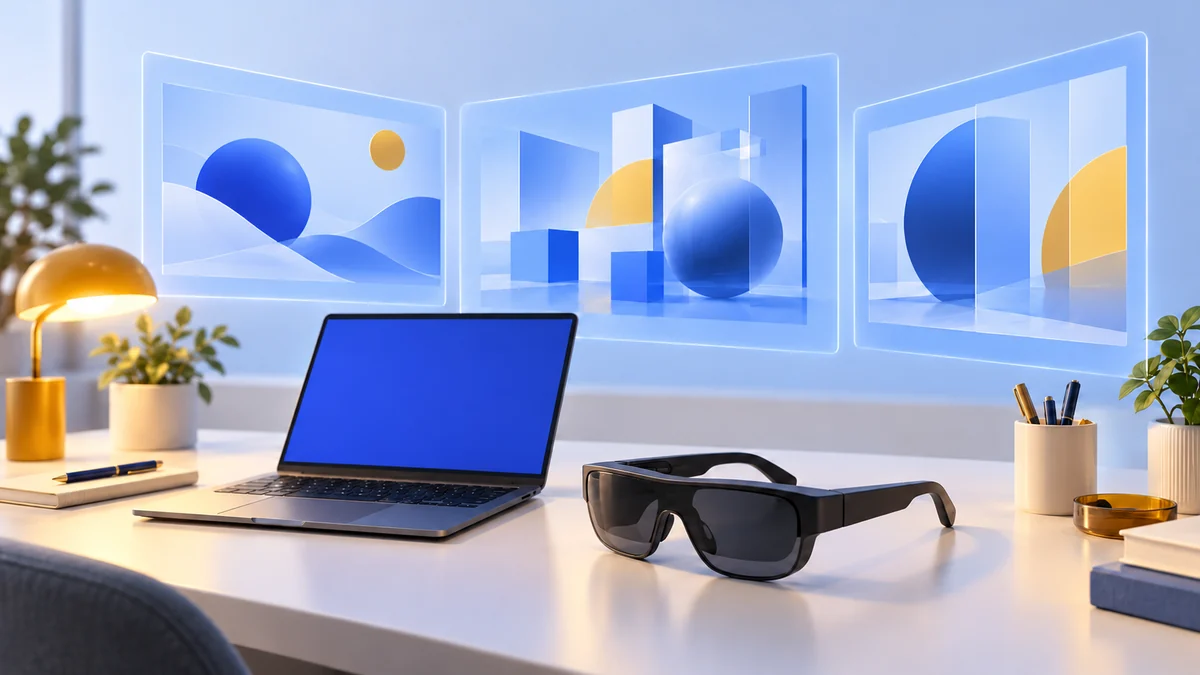
Display option discussed in this guide
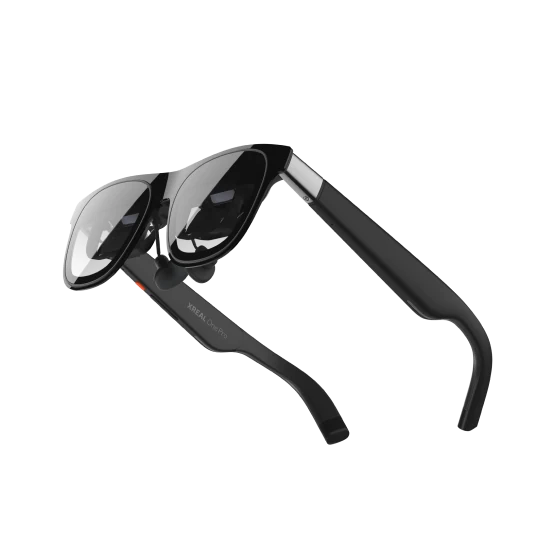
XREAL One Pro
AR display glasses
Display glasses for compatible USB-C video sources.
Consider: Confirm your device, lens fit and any required adapters.
View on Amazon Paid link · AmazonOne extra screen
Start with a supported direct connection. Useful when your goal is a personal display away from your desk.
A wider desktop
Confirm the source can output the selected aspect ratio. Arrange windows across one expanded workspace.
Several virtual monitors
Verify the desktop app, computer specifications and tracking data path before buying accessories.
Choose the workspace you actually need
Write down the job first: a document beside a browser, a terminal beside reference material, or a private presentation display. That makes it easier to reject features that add complexity without improving your day.
| Workspace | What changes | What still needs checking |
|---|---|---|
| Mirrored display | The same desktop appears in the glasses. | Text size, audio and fit. |
| Extended display | The operating system adds another desktop area. | The computer’s supported output and display settings. |
| Anchored single screen | Tracking steadies a screen when you turn your head. | Whether the glasses or host software performs tracking. |
| Virtual multi-monitor layout | Software arranges several screens around your view. | App support, permissions, processing resources and USB data. |
XREAL’s One series controls provide Follow and Anchor modes. Its UltraWide instructions recommend an extended display on a computer; mirroring can preserve the main screen’s aspect ratio instead of producing the desired wide workspace.
VITURE’s SpaceWalker Desktop adds supported virtual-screen layouts to its glasses. This is a separate software decision from whether the glasses can show an ordinary desktop.
Check video, power and data
Check the exact laptop model and the individual port you intend to use. A computer can have several USB-C sockets with different functions. Look for DisplayPort Alt Mode or the maker’s supported video-output specification.
A visible desktop establishes video output. It does not prove that a hub or conversion adapter passes tracking data. VITURE’s desktop troubleshooting explicitly distinguishes these signals.
Start directly with the original cable. Add a dock only when its exact output and software support are documented. An adapter meant to connect a USB-C laptop to an HDMI television does not automatically convert an HDMI desktop output into a powered USB-C glasses connection.
If your source is a phone, use the dedicated Android device guide or iPhone guide. Desktop features shown on a laptop should not be assumed to work through phone mirroring.
Mac and Windows software requirements
Check current requirements for the app version you will install. For SpaceWalker, VITURE publishes these Windows requirements for the best experience:
| Component | Published Windows guidance |
|---|---|
| Operating system | Windows 10 x64, version 1903 or later; Windows 11. |
| Memory | 16 GB or more. |
| Processor | Intel Core i7-13620H or equivalent. |
| Graphics | GeForce GTX 1060 or Radeon RX 580 or higher recommended. |
| Connection | USB-C with DisplayPort Alt Mode. |
For Mac, SpaceWalker v1.2.3 and later require macOS Ventura 13 or higher. Intel Macs are excluded starting with v1.6.0; VITURE points Intel owners to v1.5.0. Review its separate ARM64 Windows instructions if you need extended mode on a Snapdragon laptop. Current SpaceWalker requirements.
The Windows guide explicitly excludes VITURE’s HDMI XR Adapter and USB-C XR Charging Adapter. Do not build a workspace around an accessory simply because it supports viewing or charging in another setup.
For an ordinary direct display, evaluate the glasses and source-output requirements independently. The software’s published computer specification is not a universal requirement for every mirrored-screen use.
Can AR glasses replace a monitor?
They can fit a specific portable-display job. A general replacement depends on your work and visual fit, which cannot be established from a screen-size advertisement.
Both XREAL One Pro and original VITURE Pro XR use 1080p-per-eye displays in the cited XREAL specifications and VITURE specifications. Creating more virtual monitors does not turn those physical panels into several full-size, simultaneously visible desk displays.
You may turn your head to inspect another virtual screen or enlarge text for comfort. That can suit reference material beside a main document, but may be awkward if you constantly scan a dense spreadsheet across several displays. Treat this as an evaluation question, not a promised productivity improvement.
For room-aware interfaces rather than connected display glasses, explore mixed reality setup. If immersive games are the real priority, the Quest 3 versus Quest 3S guide covers a different device category.
Evaluate your real work before committing
Use the retailer’s actual return terms to plan a useful evaluation. Check deadlines, condition requirements and whether separate accessories have separate policies.
- Open your own spreadsheet, editor and browser at the text sizes you normally use.
- Read both the center and edges; check menus, cursor and small labels.
- Compare direct display mode with the virtual layout you actually need.
- Check how easily you return to the laptop, keyboard and real surroundings.
- Verify charging, meetings, headphones and screen sharing with your normal tools.
- Try the complete intended session length before retiring your desk display.
Measure the task that matters: can you comfortably finish the work? Do not substitute a brief film demonstration for reading code or editing a budget. We have not performed these tests across every model; this checklist is for your evaluation.
Buy for a specific job
For one portable screen with on-glasses spatial controls, XREAL One Pro is an option to investigate. For SpaceWalker layouts, confirm the VITURE model and computer support first. Our XREAL One Pro versus VITURE Pro comparison covers fit, display specifications and the software tradeoffs.
Once the XREAL route matches your source and work needs, check the exact model, IPD size and bundle at the retailer:
View on AmazonPaid link
For after-work use, make an independent Steam Deck connection check. A good desktop setup does not establish every handheld adapter arrangement.
Work glasses FAQ
Do I need special software for one external screen?
A supported direct display can work through the operating system's ordinary display functions. Head-tracked multi-monitor layouts have additional software requirements.
Will any laptop dock work?
No. Check video-output direction, glasses power and USB data for the app. A dock that shows a picture can still block tracking data.
Are three virtual screens three physical monitors?
No. Software creates the layout, while the glasses' physical panels and viewing area still determine what you see at one time.
Manufacturer documentation checked 13 October 2026 informs this guide. We do not claim measured productivity, optical comfort or all-day usability. See how we research and the AR glasses buying overview.
Sources & research approach
Read how we research our guides and use the sources below to check the information behind this article.
Explore the related guides in AR and display glasses.