XREAL One Pro vs VITURE Pro: fit, display and software
Compare XREAL One Pro with original VITURE Pro XR: 57° versus 46° field of view, weight, vision adjustment, spatial modes and device requirements.
We may earn a commission when you buy through links on this page. As an Amazon Associate I earn from qualifying purchases. How this works
Shortlist XREAL One Pro for its wider stated field of view and X1 spatial controls; shortlist VITURE Pro XR for its lighter stated weight, myopia dials and supported SpaceWalker layouts. The better purchase depends on fit, your source device and the feature you actually need. This compares the original VITURE Pro XR, not VITURE Pro 2, Luma Pro or Beast.
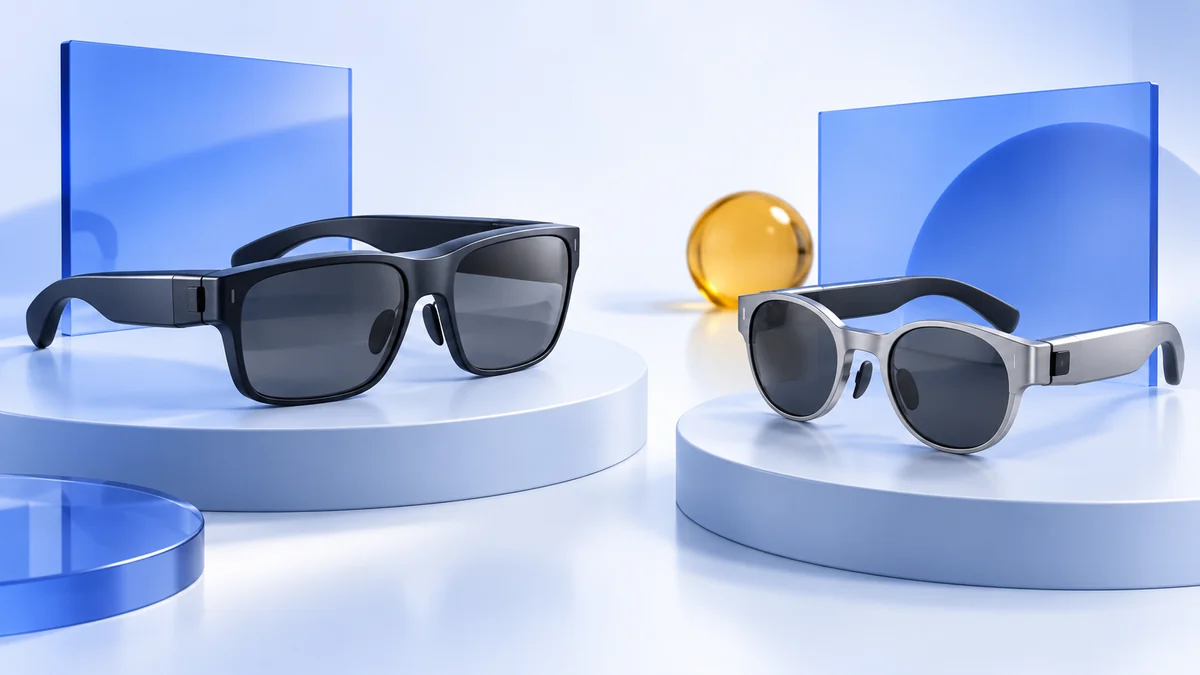
XREAL listing discussed in this comparison
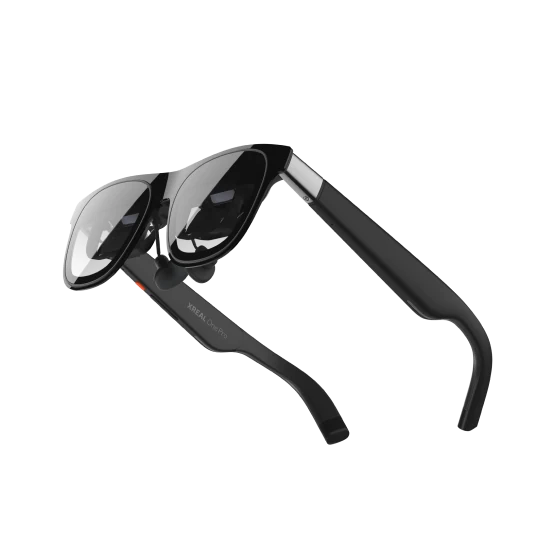
XREAL One Pro
AR display glasses
Display glasses for compatible USB-C video sources.
Consider: Confirm your device, lens fit and any required adapters.
View on Amazon Paid link · AmazonChoose by your main priority
Wider field of view
XREAL lists 57° for One Pro. Consider it when a wider viewing area matters, then verify that you can see the complete image clearly.
Built-in myopia adjustment
VITURE Pro has adjustment dials. Check their stated range against your needs before assuming you can skip prescription inserts.
A work or gaming setup
Compare the required software and adapter chain. One model's strongest feature may not work through your intended source or accessory.
These are buying criteria derived from the manufacturers’ specifications, not results from our own optical or comfort tests. A ten-gram weight difference and a wider nominal viewing angle do not establish which frame suits your face.
XREAL One Pro vs VITURE Pro specifications
| Feature | XREAL One Pro | VITURE Pro XR |
|---|---|---|
| Resolution per eye | 1920 × 1080 | 1920 × 1080 |
| Highest listed refresh rate | 120 Hz | 120 Hz |
| Field of view | 57° | 46° |
| Listed glasses weight | 87 g | 77 g |
| IPD guidance | M: 57–66 mm; L: 66–75 mm | 56.5–70.5 mm listed |
| Vision adjustment | Model-specific prescription insert route | 0.0 D to −5.0 D myopia dials; insert option |
| Lens tint | Three electrochromic modes | Electrochromic film |
| Spatial setup | X1-powered 3DoF; Eye adds 6DoF | Beta on-glasses 3DoF described; SpaceWalker and supported host routes |
Sources: XREAL One Pro specifications, XREAL IPD guidance and VITURE’s Pro-specific table, checked 13 October 2026. Display modes and controls can depend on source devices and firmware.
Ignore virtual screen inches when the comparison omits viewing distance. Also separate panel brightness from perceived brightness: numbers using different definitions cannot settle image quality. We have not measured either display’s brightness or edge clarity under identical conditions.
Fit and vision correction
For One Pro, choose the correct physical IPD size before ordering. XREAL’s guidance gives M and L different ranges and says software IPD adjustment can reduce maximum screen size and distance. Adjusting a menu is not a substitute for selecting the appropriate frame.
VITURE Pro’s myopia dials are a useful distinction for buyers whose needs fall within the listed range. Its Pro-specific specification lists adjustment to −5.0 D. That does not establish correction for every prescription; check the model-specific insert option if the dials do not cover yours.
For either model, test the complete image with the intended vision correction. Can you read the screen corners, menus and small game labels? Does changing the nose pad improve alignment? XREAL’s fitting instructions treat nose pads and lens alignment as part of setup.
Choose a seller whose return terms let you evaluate the actual optical fit. Do not treat the listed IPD range as a guarantee that every face shape will see equally clear edges.
Spatial modes and software
XREAL’s quick guide describes switching between Follow and Anchor modes on the glasses. XREAL Eye is a separate module for 6DoF spatial anchoring. The basic One Pro purchase does not include every accessory shown in a spatial demonstration.
VITURE’s Academy controls table describes on-glasses 3DoF as a beta feature and warns that button functions vary with firmware. Confirm current behavior for the original Pro XR if native screen pinning is your deciding requirement. For a desktop with several virtual screens, check SpaceWalker Desktop and the computer connection instead of treating beta pinning as the same feature.
For Steam Deck’s community plugin, the XRLinuxDriver maintainer recommends VITURE Pro XR and supports One Pro with caveats, including disabling its native stabilizer/anchor features. This refers to that software route; it is not an overall hardware ranking.
Match the glasses to your device
Use the relevant guide to make the comparison concrete:
- iPhone glasses connections: supported USB-C models, Lightning routes and iPhone spatial-app limits.
- Android phone checks: DisplayPort, Samsung DeX and feature-specific restrictions.
- Steam Deck setup: direct video, charging and community tracking options.
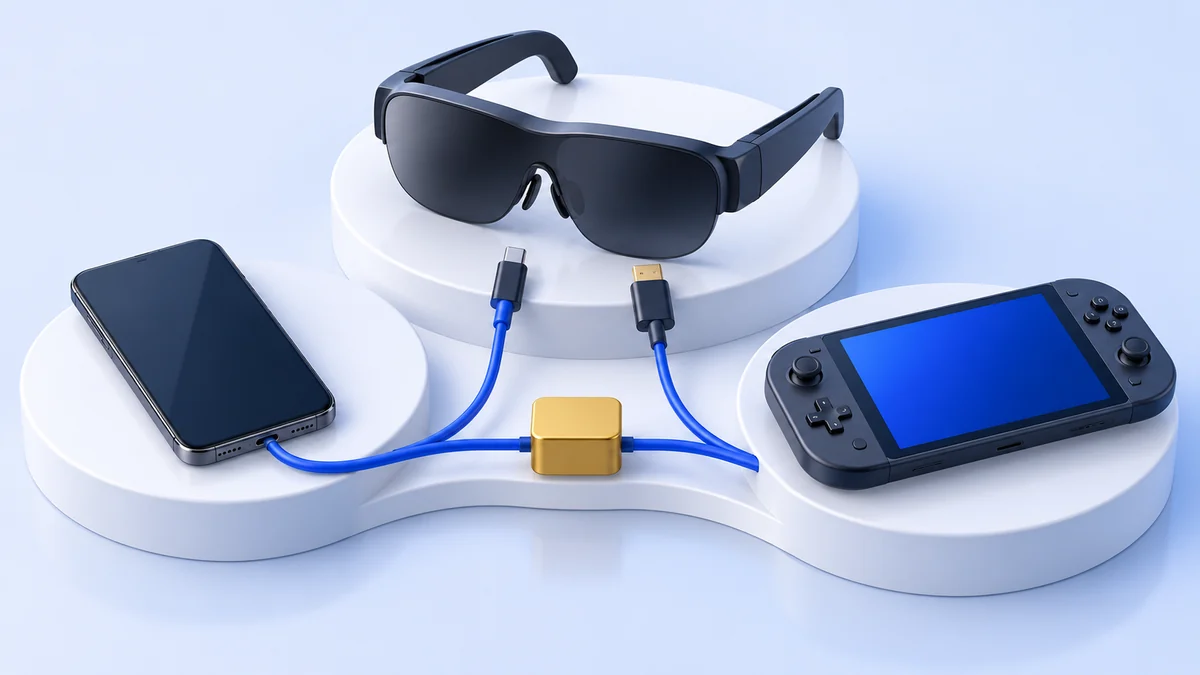
- AR glasses for work: direct monitors, virtual layouts and laptop software requirements.
If you want immersive VR games with tracked controllers, compare Quest 3 and Quest 3S instead. A tracked virtual display does not establish support for the same games or interaction system.
Compare the complete purchase
Price the setup that meets your job: glasses, vision correction, charging adapter and any required spatial accessory. Check the included cable, exact frame size and retailer bundle. Keep current prices and availability at the retailer.
XREAL’s manufacturer listing describes a prescription frame with no lenses included. If the One Pro route matches your source and requirements, inspect the exact Amazon listing:
View on AmazonPaid link
For original VITURE Pro XR, start with VITURE’s model documentation and confirm the seller’s precise model name. Pro 2, Luma Pro and other similarly named products have different specifications.
Comparison FAQ
Does XREAL One Pro have more pixels than VITURE Pro?
The cited specifications list 1920 × 1080 per eye for both. XREAL's wider stated field of view does not mean a higher pixel count.
Is VITURE Pro automatically more comfortable because it weighs less?
No. Its listed weight is lower, but optical alignment, nose pads, frame pressure and vision correction also matter. We have not measured comfort on different users.
Does this comparison include VITURE Pro 2?
No. It compares original VITURE Pro XR with XREAL One Pro. Confirm the complete model name when reading specifications or shopping.
This is a documentation-based comparison checked 13 October 2026. We have not conducted comparative comfort, latency or optical tests. See how we research and the AR glasses overview for our wider selection criteria.
Sources & research approach
Read how we research our guides and use the sources below to check the information behind this article.
View the sources
- XREAL: One Pro specifications
- XREAL: One Pro IPD sizes and adjustment
- XREAL: glasses fit and prescription insert installation
- XREAL One Pro: box contents and manufacturer listing
- XREAL: Follow and Anchor modes
- XREAL: Eye spatial module
- VITURE: original Pro and One specifications, controls and accessories
- VITURE: SpaceWalker Desktop support and requirements
- XRLinuxDriver: supported devices and community recommendations
Explore the related guides in AR and display glasses.