VR Sync Review: Synced 360° Video for Groups of VR Headsets
We may earn a commission when you buy through links on this page. As an Amazon Associate I earn from qualifying purchases. How this works
VR Sync coordinates 360° and 180° video playback across groups of headsets. It is a playback and session-control service, rather than a video editor. The September 2026 checks found Meta Quest, Pico and SteamVR support, per-headset licences and a 72-hour trial. Test your footage, headset fleet and network together before paying. If you need to cut or assemble footage, choose a video editor first.
If a group needs to watch the same 360° video together, synchronised playback is a different job from editing the footage. VR Sync handles the group session. Your choice depends on the headsets, their network connection and how many device licences you need.
Check the playback workflow and supported headsets and licence costs first. The group-use section explains the intended audience; the alternatives separate app building from video editing.
Platform status and source notes
Is VR Sync still available?
Yes. VR Sync, made by VR Owl Labs in Utrecht, is still sold and supports far more devices than when this review was written. It now runs on Meta Quest, Pico and SteamVR headsets, with per-headset pricing and a 72-hour free trial (details below). It plays 360° and 180° video to groups; it is not a video editor. For editing, look at Adobe Premiere; for no-code interactive apps, InstaVR, though its site looks largely unchanged since around 2020. Checked 24 September 2026.
Original review experience: Dustin Jermalowicz’s first-person observations below were published in January 2020. References to his computer and editing workflow describe that original setup. The group playback, pricing and device updates are from the checks recorded on 24 September 2026.
One of my favorite things to do in VR is to visit places I’ve never been to.
I can go to Mount Everest, the Outback, and Ancient Egypt.
I’ve recently taken an interest in making this content to share new places with others.
The issue, I’ve found, is finding a way to format this content for VR devices. This is where VR Sync steps in.
They offer an easy to use service that promises to work with a ton of devices.
Is it worth it?
This VR Sync (click and get a free trial) review will take an in-depth look and let you know my thoughts.
Things to Consider Before Buying VR Editing Software
This heading comes from the original review. Editing and group playback need separate tools: finish your footage in an editor, then use VR Sync to deliver the session to your headsets. The computer and workflow observations below describe Dustin’s original setup.
Shooting VR media can be easy, as you can do it on your smartphone in some cases.
You can also do it through the use of a 360 camera.
The issue becomes editing and processing the media you shoot for consumption.
Because of this, there are some things that you need to consider before buying VR editing software to convert your media. Some of these include:
- Your PC - I use an Apple Mac Mini with 16GB of RAM, but having a computer powerful enough to process the video isn’t realistic for everyone. Even if you don’t have a powerful computer, you still have to edit your videos, so make sure you pick a software that is compatible with your platform.
- Your goals - Are you looking to produce something for fun or something you’re going to use in a professional sense? This will impact the software you invest in. Obviously, if you’re going to be doing something professionally, it makes sense to put a bit more into the software you use.
- Time - Your time is worth money, and if you spend the time editing and processing on your computer, this is something you need to factor in. Offloading some of the processing will make things go faster, but you’re going to pay for the luxury.
Note: the Intel-based Mac mini linked above has since been replaced; as of September 2026 Apple sells the Mac mini with M6 and M5 Pro chips.
I think that the ideal person buying VR editing software is someone that wants to take their 360 or VR media editing game to the next level.
The software will give you full control over your media, and if you want that, then you should indeed buy in.
Introducing VR Sync
VR Sync uses a web dashboard and headset apps to coordinate playback for a group. Prepare your video first, upload it to the Content Manager, and use the supported headset apps for the viewing session.
The distinction matters at a trade show or class: organising simultaneous playback does not replace the work of cutting and assembling the footage. Check the number of headsets, the supported video format and the network before choosing licences.
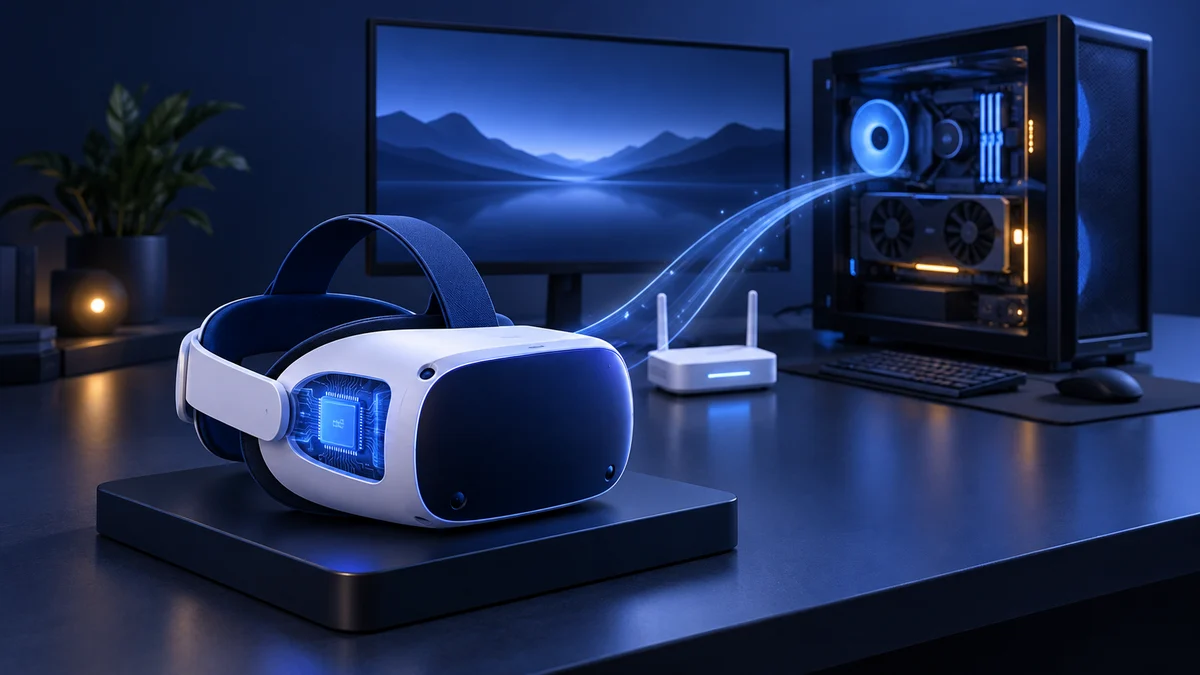
According to the current VR Sync FAQ, you upload files through the Content Manager in the web dashboard (up to 5GB per file) and install the headset app from the Meta Quest or Pico store. It recommends a reliable, low-latency network connection; the optional VR Sync Box acts as its own local network, so sessions can run offline.
Features
- Support for spatial audio (.tbe files at 44.1 kHz, or stereo AAC)
- Multiple device support
- Support for 4K video (up to 3840×3840 at 60 fps, H.264 or H.265)
- Ability to send messages to users
- 360° and 180° video and photos, subtitles, playlists and group control
Pros
- Professional platform
- Easy to use
- Able to personally brand your content
Cons
- Won’t be for casual users
- Per-headset licences add up for large fleets (the device list is no longer a weakness: it now covers Meta Quest, Pico and SteamVR headsets)
VR Sync pricing and supported headsets
Prices from the VR Sync pricing page (checked 24 September 2026); an enterprise edition is available on request.
| Option | Price |
|---|---|
| 1-week licence | €5 per headset |
| 1-month licence | €20 per headset |
| 1-year licence | €80 per headset |
| VR Sync Box (offline use, 50 to 300 devices) | €350 to €2,450 one-off, licences still required |
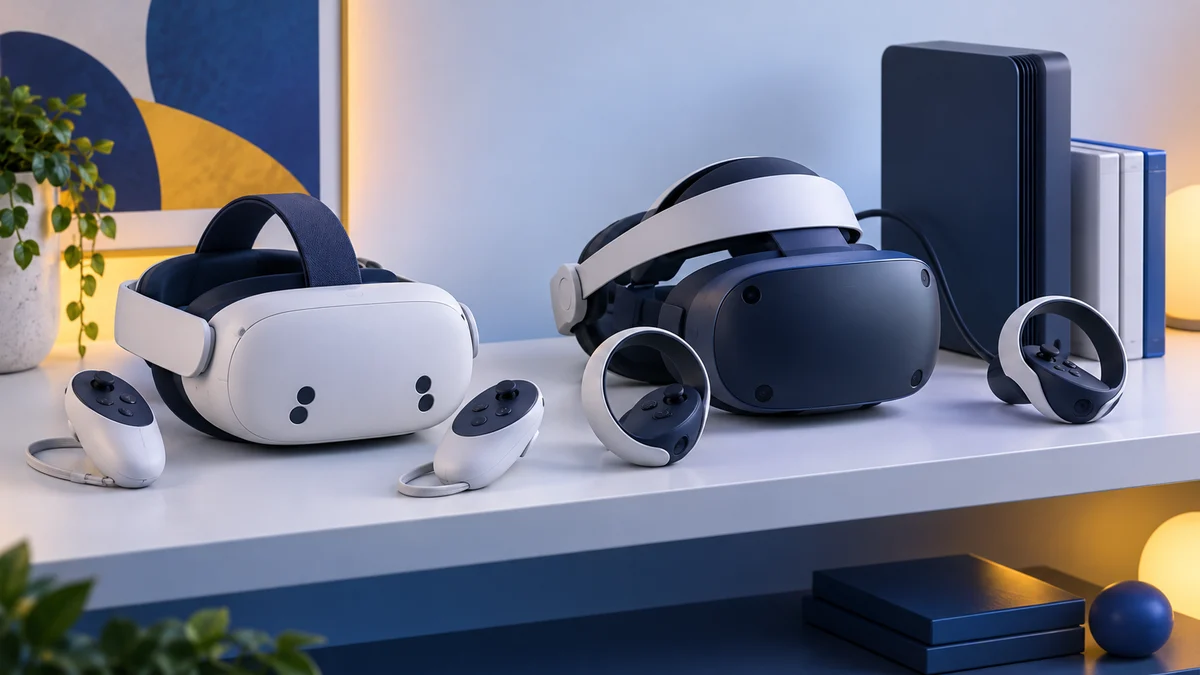
Supported: Meta Quest 2, 3 and 3S; Pico G2 4K, G3 and Neo 3 and 4 series; SteamVR headsets on Windows 10 or later, including Varjo, Pimax, Vive Pro 2, Valve Index and HP Reverb.
Our Experience With VR Sync
Ease of Use
I found VR Sync to be relatively easy to use. I popped my video up onto the website and found no issue with situating things how I wanted.
While I’m pretty decent at editing, I think that a person with some basic editing skills who’s knowledgeable with computers will be able to use the service without too many issues.
Professional Applications
If you’re a professional, then VR Sync is an excellent choice for showcasing real estate, videos, or presentations to targeted audiences.
The service can be used using your own devices and can feature your own branding. Without a doubt, this service is built with professionals in mind.
Recreational Use
I am a big fan of creating VR content, and I know that editing on your computer is a pain.
I don’t particularly see much recreational use for this, unless you’re a hobbyist that’s looking to possibly expand into commercial applications in the future.
Value
In terms of the service’s value, I have to say that I’m impressed. For commercial applications, the ability to control the experiences for groups while adding your logos and other brand tools is very useful.
For the pricing, I think you’re going to be hard-pressed to find another app that stacks up favorably.
Who Should Use VR Sync
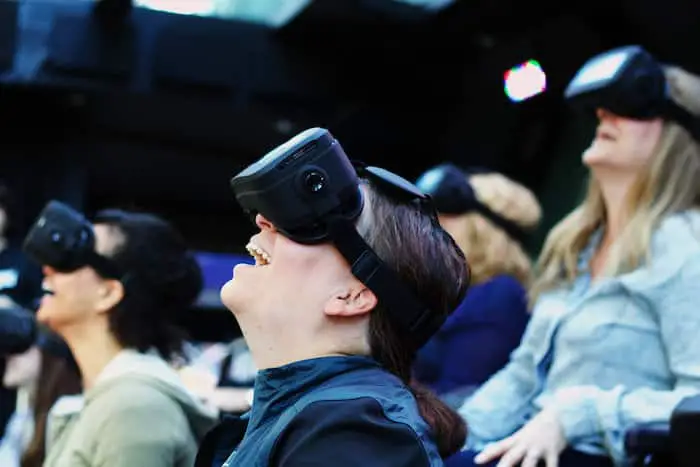
VR Sync is a great service if you’re looking to use virtual reality for a specific professional situation. The product is well-suited for use in groups, where you want to curate a first-rate experience.
For those looking to use this recreationally, you may want to look elsewhere.
What Others Are Saying About VR Sync
As of the publication of this review, there aren’t a ton of user reviews that I’ve been able to find online.
Note: the user video originally shown here is no longer embedded.
Alternatives to VR Sync
There are a slew of alternatives for those looking to use a different service from VR Sync.
The following are what I consider to be good alternatives to VR Sync, each with their own merits.
InstaVR
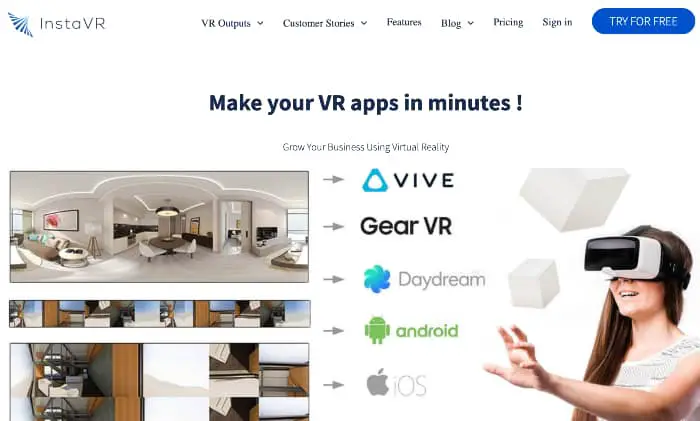
InstaVR is a service that mirrors a lot of the professional value of VR Sync while bringing some expanded features. In addition to the video aspect, you can even develop full VR apps.
The service is pricier than VR Sync, but has been used by the likes of the US Navy, Red Bull, CBS, Expedia, and more.
Note: the InstaVR website is still online and still offers a no-code, drag-and-drop VR app builder, but its listed platforms (Oculus Quest, Go and Rift S, Google Cardboard, WebVR) and its newest articles date from around 2020. Its pricing is not published, so we could not confirm whether it is still pricier than VR Sync.
Similarities
- Professional platform
- Supports 360 video
- Allows for corporate branding
Differences
- Pricier (as of the original review)
- Allows for app development
- Heatmap data compatible
Adobe Premiere Pro
Adobe Premiere Pro is an all-around video editor.
You can use it to assemble video for any platform, but it works equally well for VR and 360 videos. The software will require some tutorials to learn to use it effectively, but it’s a great platform to learn. Adobe also includes this in their Creative Cloud service, which includes other services like Photoshop and After Effects.
Adobe now markets the app simply as Adobe Premiere. It is subscription-only, from $22.99 a month on an annual plan or as part of Creative Cloud Pro, with a seven-day free trial (checked 24 September 2026). Its product page no longer highlights 360° editing, so confirm immersive-video support before subscribing.
Similarities
- Can be used to put together 360 videos
- Used by professionals around the globe
- Can be billed monthly
Differences
- More versatile
- Backed by a global software brand
- Requires more work to implement into VR systems
Is VR Sync Worth It?
I didn’t know what to expect when I was first trying out VR Sync.
I walked away impressed, but feel that the application isn’t for everyone. If you’re a professional user looking to integrate VR into your marketing efforts, VR Sync is a great option.
If you’re a recreational user, you’ll probably want to look to an alternative like Premiere Pro.
Since VR Sync is still sold and supports current Meta Quest and Pico headsets, this conclusion still holds: it suits trade shows and group presentations, while anyone editing their own 360° footage needs a video editor.
Research behind this guide
Check the linked specifications and support documents, or read how we research. Original review experience stays attributed to its author.
Explore the related guides in VR apps.