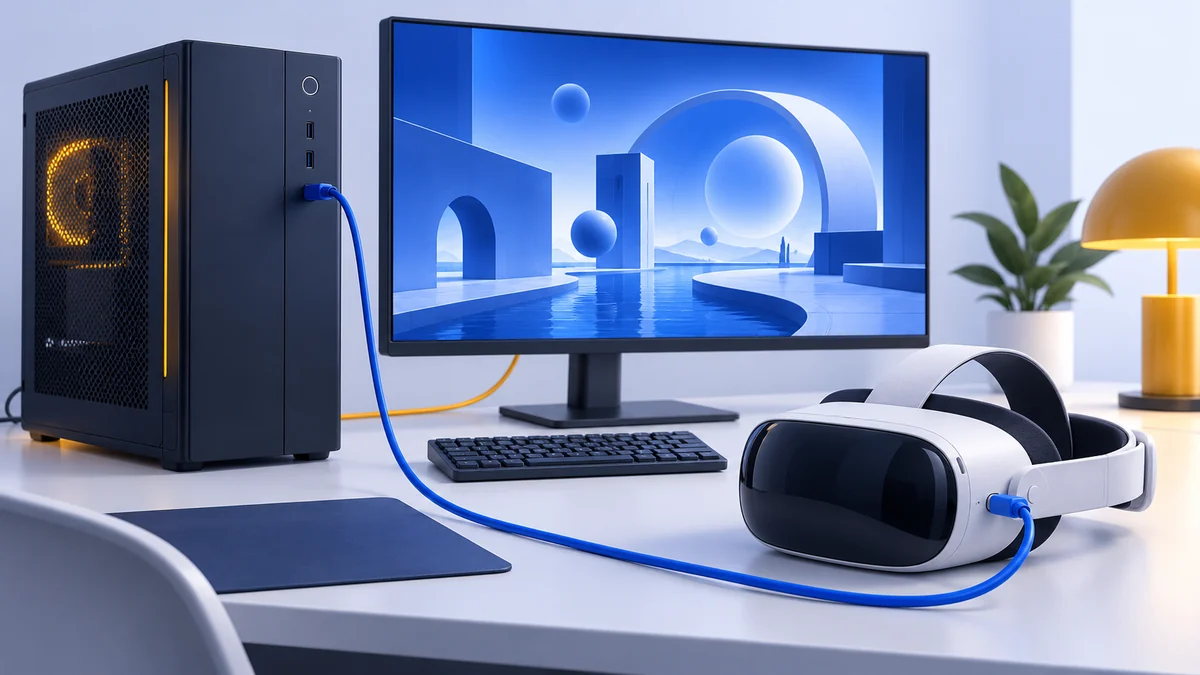
Meta Quest 3 vs PS VR2: Which Setup Fits Your Games?
Compare Quest 3 and PS VR2 by game library, displays, PC connections and total setup cost. See which PS VR2 features work on PS5 and which are lost on PC.
We may earn a commission when you buy through links on this page. As an Amazon Associate I earn from qualifying purchases. How this works
Quest 3 suits buyers who want standalone VR and the option to stream PC games. PS VR2 suits buyers whose must-play games are on PS5, or existing owners adding compatible PC hardware. For a new PC-only purchase, compare connection requirements before treating the two as interchangeable.
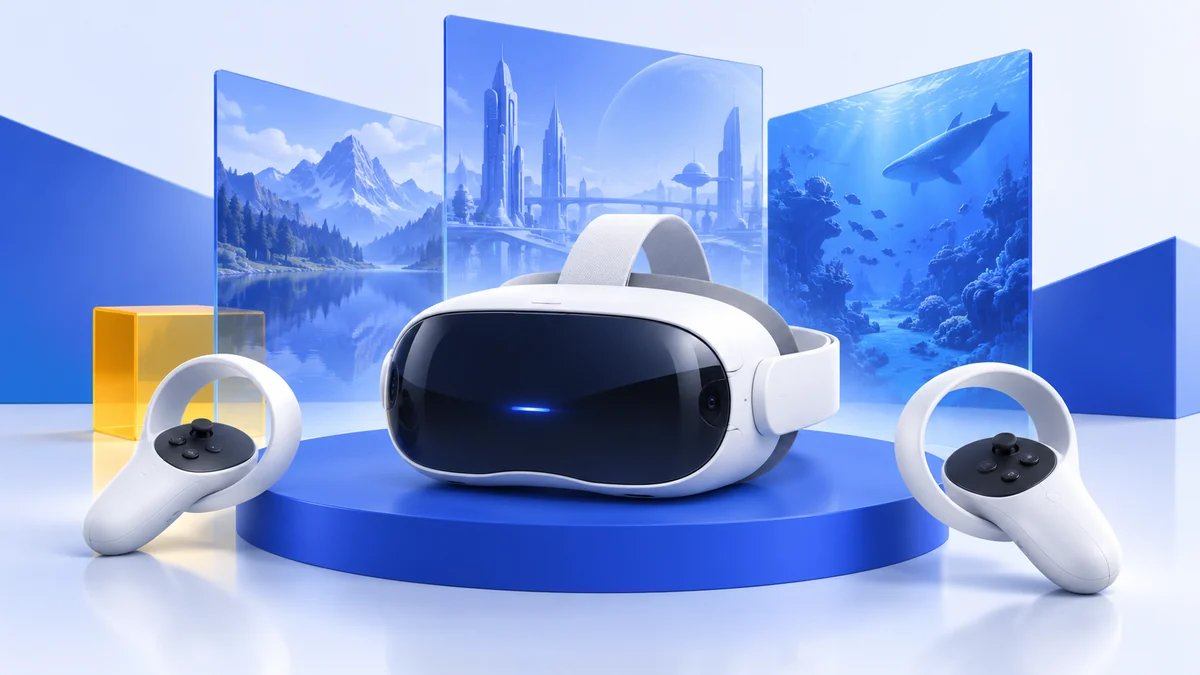
Headset options discussed in this guide

Meta Quest 3
512 GB configuration
Pancake lenses and a higher-resolution display than Quest 3S.
Consider: Compare the complete purchase, including any accessories.
View on Amazon Paid link · AmazonPlayStation VR2
Check the exact retailer bundle
A headset for PS5, with a separate adapter option for PC VR.
Consider: PC use needs the adapter and a compatible DisplayPort setup.
View on Amazon Paid link · AmazonQuest 3 vs PS VR2 is partly a display comparison, but the more expensive mistake is choosing a headset that cannot run your games. A PS5, a Windows gaming PC and a standalone headset are three different routes into VR. Owning one platform does not give you the other platforms’ software.
This comparison interprets official specifications and support documentation checked on 13 October 2026. We have not tested these headsets together. Our recommendations explain which setup fits a particular use rather than award a universal winner.
Choose your platform first
No console or gaming PC
Start with Quest 3. Its standalone apps run on the headset. Budget for games and any fit adjustment you actually need.
Your favorite games are on PS5
Choose PS VR2 after checking each game's PS VR2 support. The game library is a stronger reason than a small difference in pixel counts.
You mainly use SteamVR
Quest 3 offers wired or wireless streaming. PS VR2 uses a separate PC adapter and a compatible direct DisplayPort connection.
If your real choice is whether to buy a gaming PC at all, read standalone vs PC VR. If you have already settled on a Quest, our Quest 3 vs Quest 3S comparison covers the lower-cost alternative.
The differences that matter
| Decision | Meta Quest 3 | PlayStation VR2 |
|---|---|---|
| Play without another computer | Standalone Quest apps | Requires PS5 or a compatible PC setup |
| Display technology | LCD with pancake optics | OLED |
| Resolution per eye | 2,064 × 2,208 | 2,000 × 2,040 |
| PC connection | USB Link or wireless streaming | PC adapter and DisplayPort 1.4 cable |
| PS5 VR games | Does not act as a PS VR2 headset | Supported games through PS5 |
| Eye tracking | No built-in eye tracking | Available on PS5; unavailable through Sony’s PC adapter |
Display figures come from Meta’s comparison and Sony’s technical specifications. Sony documents the PC feature differences in its adapter announcement.
OLED is a reason to investigate PS VR2 for dark scenes; pancake optics are a reason to investigate Quest 3 for reading and looking around virtual interfaces. Neither label tells you how the headset fits your eyes. Lens adjustment, glasses clearance and your tolerance for pressure need a demo or a suitable return policy.
Avoid declaring either sharper from panel resolution alone. The optics, rendered resolution, software and, on Quest PC streaming, video compression also affect what you see. We do not have a measured image-quality or latency result for this pair.
Check the games you want before buying
Make a shortlist of three games and open the store page for the version you intend to play. Check the supported headset or platform, whether VR is required, and whether your computer or console meets the requirements.
A familiar game name does not establish that all versions have the same VR mode. Likewise, a PS VR2 game on PlayStation is not automatically a PC entitlement. Check purchases separately rather than assuming cross-buy or transferable saves.
For multiplayer, confirm where your friends play and whether the specific title supports cross-platform play. For social VR, our VRChat headset guide explains why standalone and PC content can differ even when people share the same service.
Using either headset with a PC
Quest 3 receives a streamed image from the PC. Meta’s setup guide describes USB Link and wireless Air Link. Valve’s Steam Link is another wireless route for SteamVR; our Quest SteamVR setup guide explains the software chain.
PS VR2 takes a different route. Sony requires its PC adapter, a separately sold DisplayPort 1.4 cable, compatible USB and Bluetooth, and a supported PC. Sony explicitly says DisplayPort over USB-C is incompatible with this adapter. That restriction matters on laptops with powerful GPUs but no suitable video output.
PS VR2 on PC has fewer features than on PS5. Sony lists HDR, eye tracking, headset feedback, adaptive triggers and haptic feedback beyond basic rumble as unavailable on PC. Buy for the features supported by the platform you will actually use.
Before purchasing either headset for PC, work through our PC VR requirements checklist. For Quest owners deciding between Wi-Fi and a cable, see Link vs Air Link.
Compare the complete setup
| Your starting point | Cost items to check |
|---|---|
| Quest 3 for standalone play | Exact storage version, games, fit needs |
| Quest 3 for PC play | Gaming PC, suitable cable or local Wi-Fi setup, PC games |
| PS VR2 for PS5 play | PS5, compatible PS VR2 games, exact headset bundle |
| PS VR2 for PC play | Gaming PC, Sony adapter, DisplayPort cable, Bluetooth compatibility |
Keep current prices at the retailer. Compare new versus refurbished condition, seller, region, warranty and return policy. A headset bundle containing a console game may offer little extra value to a PC-only buyer.
The Quest 3 accessories guide helps you buy to solve a specific problem. Do not add a strap, battery and dock to the budget automatically before you know which you need.
Who should buy which?
Choose Quest 3 for standalone play, wireless PC flexibility, or a first headset that can serve both roles. Skip it if your essential games require PS VR2 on PS5, or you specifically want a direct DisplayPort PC connection.
View on AmazonPaid link
Choose PS VR2 when the PS5 VR library is the reason you are buying, or when you already own the headset and have checked its PC requirements. Skip it for standalone play, wireless PC VR, or a laptop lacking Sony’s required video output.
View on AmazonPaid link
Still considering more PC headsets? Use our PC VR headset buying guide to compare tracking systems and the rest of the setup.
Quest 3 vs PS VR2 FAQ
Can Quest 3 replace PS VR2 on a PS5?
No. Quest 3's standalone and PC routes do not turn it into Sony's PS VR2 headset. Check the platform listed for each VR game.
Can PS VR2 work without a PS5?
Yes, with a compatible PC and Sony's PC adapter setup. It is not a standalone headset, so the adapter does not remove the need for another computer.
Which is better for PC VR?
Quest 3 fits buyers who want wireless use and standalone apps. PS VR2 fits a compatible wired setup, particularly for someone who already owns it. Display preferences and fit still need personal evaluation.
Does PS VR2 eye tracking work in SteamVR through the official adapter?
No. Sony explicitly lists eye tracking among the features unavailable on PC through its adapter.
Sources & research approach
Read how we research our guides and use the sources below to check the information behind this article.
Explore the related guides in VR comparisons.