Samsung HMD Odyssey vs. HTC Vive: Comparison and Current Status
We may earn a commission when you buy through links on this page. As an Amazon Associate I earn from qualifying purchases. How this works
We would not start a new PC VR setup with either headset. Both are discontinued. The Odyssey has the additional Windows Mixed Reality dependency, which current Windows 11 removed; the Vive needs a complete working base-station kit. Jamie’s original review preferred the Odyssey, but its launch-era convenience no longer settles the purchase decision. Read the dated platform evidence and alternatives first.

128 GB configuration
Standalone VRStandalone games with Fresnel lenses.
Check first: Check the app library, optical fit and return policy.
Check price on Amazon Paid link · Amazon
512 GB configuration
Pancake opticsPancake lenses and a higher-resolution display than Quest 3S.
Check first: Compare the complete purchase, including any accessories.
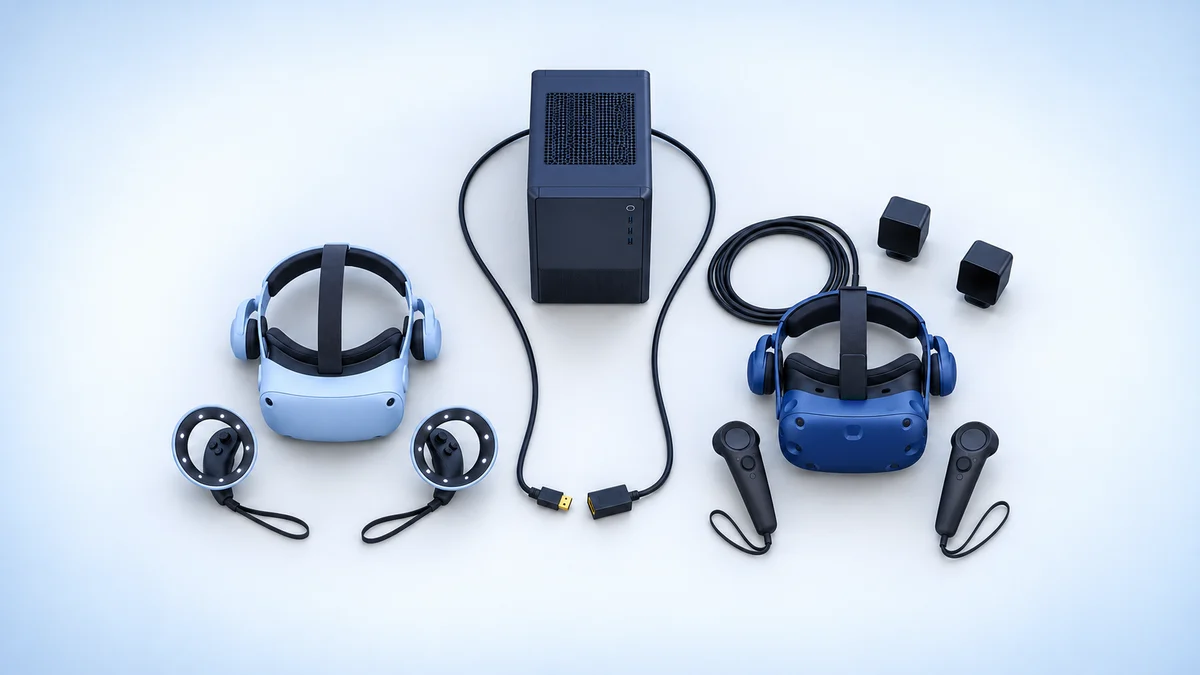
Check price on Amazon Paid link · AmazonComparing a used Samsung Odyssey with an original HTC Vive starts with Windows support. The Odyssey’s Windows Mixed Reality platform was removed from current Windows 11. The Vive needs external base stations and controllers, so neither is a simple headset-only purchase.
Work through the setup checks, then compare published specifications with Jamie’s original experience of setup and comfort. The historical Odyssey verdict stays below, followed by alternatives for a first setup.
Platform status and source notes
Status: both headsets are discontinued, and the Odyssey's platform has been removed from Windows
HTC Vive: the original Vive launched in April 2016 at $799. In September 2019 HTC told UploadVR it was being phased out, and HTC's current product lineup no longer lists it. A working used Vive still runs SteamVR, which Valve still lists as supporting the HTC Vive.
Samsung HMD Odyssey: a Windows Mixed Reality (WMR) headset released in November 2017 at $500, according to Wikipedia. We found no current listing for it. Microsoft removed Windows Mixed Reality in Windows 11, version 24H2, including the Mixed Reality Portal and Windows Mixed Reality for SteamVR. Existing headsets keep working with Steam through November 2026 only if you stay on Windows 11, version 23H2; after that, WMR gets no updates or support. A community driver called Oasis, bundled with the SteamVR beta since September 2025 according to Wikipedia, can run WMR headsets on newer Windows 11 builds, but only with Nvidia graphics.
Our advice: the comparison below is a historical hands-on review. Don't buy either headset unless it is very cheap and you accept these limits; see what to buy instead. Checked 24 September 2026.
Original comparison opening (2020)
A hard-fought battle between these two headsets. Personally, I think the HMD Odyssey comes out on top.
Read on to find if this VR headset is suited to you as well.
I started with lower-end models to try VR headsets, but I wanted to go further and see what premium VR offers users. I set off looking for higher-end headsets that have better visuals, immersion, and features.
I decided to look at the Samsung HMD Odyssey versus the HTC Vive. Following an enjoyable introduction to virtual reality with the Oculus Go, I hoped that one of these models could satisfy my thirst for deeper and more interactive virtual reality experiences.
What to Check Before Buying a Used Odyssey or Vive
Before comparing the displays, confirm a software route for your actual PC. The Odyssey’s original plug-in setup depended on Windows Mixed Reality. The Vive depends on SteamVR and working base stations. Check the operating-system notes above and the contents of any used listing.
Jamie’s original experience below remains useful for the hardware differences. Judge those differences against the setup you can actually run:
- Setup: Does the listing include tracking hardware, controllers and cables?
- Computer: Can your PC run the required software and games?
- Fit: Can you try the headset with your glasses and return it if needed?
- Condition: Are the lenses, straps and controller batteries in working order?
Presenting the Samsung HMD Odyssey and HTC Vive
Original 2020 comparison: The first-person observations and launch-era verdicts below are Jamie Holmes’s original coverage. They are retained for readers comparing older hardware; they are not recommendations to buy a first setup today.
For each attribute listed above, we will compare the Samsung HMD Odyssey with the HTC Vive and declare a winner. The Samsung HMD Odyssey is often described as the ultimate Windows Mixed Reality (WMR) headset while the Vive is seen as one of the most immersive and interactive headsets on the market. The tracking and experience you get with the HTC Vive is what sets it apart from its competitors.
Both devices are similar in the quality of the visuals, as they boast OLED display technology. The Odyssey and Vive are also very similar in their offering of apps and games, with a wide range of entertainment available on both headsets.
Another similarity relates to comfort. Unfortunately for people who wear glasses like me, you will not be able to comfortably wear your lenses while using either of these VR headsets. Thankfully, my glasses are not that strong, so I can cope without them, but if you are farsighted and your glasses are essential, I’d recommend looking for other VR headsets.
Finally, both headsets have built-in headphones so you don’t have to fiddle around with earphones or headphones of your own, which is a plus for someone like me who is a melophile.
Note: the original HTC Vive shipped without built-in headphones. Integrated over-ear audio came with the optional Deluxe Audio Strap, released in June 2017 for $99.99, according to Wikipedia. The Vive headphone comments in this article refer to a Vive fitted with that strap.
Key specs at a glance
These are the published specifications, not our measurements. Sources: Wikipedia (Windows Mixed Reality) and Wikipedia (HTC Vive).
| Samsung HMD Odyssey | HTC Vive | |
|---|---|---|
| Released | November 2017 | April 2016 |
| Launch price (US) | $500 | $799 |
| Display | AMOLED, 1440 x 1600 per eye | OLED, 1080 x 1200 per eye |
| Field of view | About 110 degrees | About 110 degrees |
| Tracking | Inside-out (headset cameras) | Two Lighthouse base stations |
| Audio | Integrated AKG headphones | None built in; optional Deluxe Audio Strap |
| Platform | Windows Mixed Reality, SteamVR | SteamVR |
| Status | Discontinued; WMR removed in Windows 11 24H2 | Discontinued; still supported by SteamVR |
The lists below provide a quick overview of the advantages and disadvantages of the Odyssey and the Vive respectively.
Samsung HMD Odyssey
Pros
- Excellent visual experience: OLED screen and high-resolution display
- Built-in headphones
- Decent comfort
- Good selection of games and software
- Best Windows Mixed Reality headset
Cons
- Headphones do not clip on and are tricky to adjust
- Tracking is good but could be improved
- Controllers touchpads and battery casing could also be improved
- If you wear glasses, you’ll have to take them off to use the Odyssey
- “God rays” and boxed feel
HTC Vive
Pros
- A great immersive experience with very good tracking
- An excellent visual and audio experience
- Good selection of games and software
- Functional controller design: charged with USB, nice to use and hold
- Headphones built in with the optional Deluxe Audio Strap
Cons
- Not the easiest VR headset to set up, not very portable
- Facepadding absorbs sweat making the Vive a pain to clean
- On the more expensive side
- If you wear glasses, you’ll have to take them off to use the Vive
- Screen door effect can be noticeable
Ease of Set Up and Use
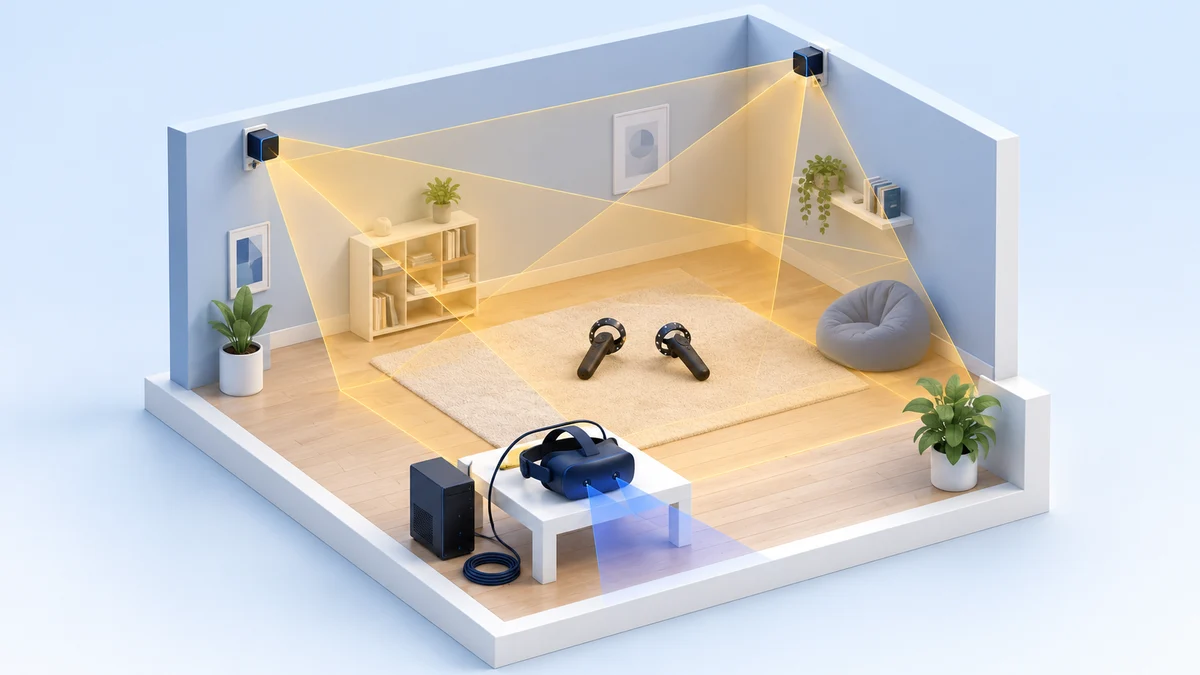
The setup for the Odyssey is relatively straightforward compared to the HTC Vive, as you just have to plug in two cables into your PC or gaming laptop. Whereas with the Vive you have to set up two base stations for tracking as well as set up the headset itself.
If you are using a desktop computer, then it is important to know that you will need Bluetooth capability or you will need to buy a Bluetooth dongle to use the Odyssey headset. It is not made clear enough by Samsung that you need a Bluetooth dongle to get started and it’s disappointing that they just assume their customer already has a Bluetooth-enabled connection.
When setting up the Odyssey or the Vive, you will be asked to create a virtual boundary so that you are safe when you are playing with the VR headset. Say you are in a virtual world with swashbuckling pirates, the headset will give you a notification once you are near to the boundary and guide you back into the space you set out initially.
Remember, people have injured themselves severely just by playing Pokemon Go and not paying attention to what’s going on around them. It is reassuring to know that HTC and Samsung have thought about safety. However, thanks to the easier setup and smoother experience, the Odyssey wins this round.
Winner: Samsung HMD Odyssey
User Experience - Hardware
In terms of the hardware, both models have an adjustable InterPupillary Distance (IPD) and The Odyssey has a proximity sensor so the headset knows when you are about to wear it or take it off so it can save energy and turn the display on and off accordingly.
In terms of display, there are god rays with the Odyssey, but they’re less pronounced than with the Vive. However, the so-called screen door effect is much more noticeable for the Vive, which makes it seem like you’re watching the experience through your grandma’s nasty screen door.
The field of view is very similar for both models at around 110 degrees, but the Odyssey does not have the same immersive feel as the lens of the Vive is noticeably closer to your eyes. This means that with the Odyssey, you can see the black edges when you are using it and feels like you are watching something through a box of some sort.
There are nice colors with Samsung’s headset, with a similar brightness and vividness as the Vive or Oculus. In terms of resolution, the Odyssey feels like a 1080p display whereas the Vive is more like 720p. But when it comes to brightness, I would say that the Vive is slightly better in this regard.
Overall, the tracking of the Odyssey is decent, but it may disconnect if you turn around too quickly. There are some issues with above head tracking but shouldn’t restrict your gaming too much. In any case, it readjusts quickly. The Vive is clearly superior in this regard, as the tracking is accurate to the millimeter thanks to the two base stations that track your headset and controllers.
The Odyssey’s touchpads definitely have some room for improvement. The feel and response of them may not be uniform on at least one of the controllers and they are rounder than other WMR headsets. The triggers do not click when pressed fully, unlike the Vive’s controllers, which are more tactile and responsiveness.
Then there’s the slightly odd design of the Odyssey’s controllers, with an unfavorable angle on the inner side of the controller which means you cannot grip with your middle finger in a comfortable position. At least that was my experience. I felt like the Vive’s controllers were easier and more comfortable to handle and use.
Another drawback of the Odyssey’s controllers is that the back cover for the batteries may pop off when you are using the headset, along with the hassle of replacing batteries or buying rechargeable ones. Whereas the Vive’s controllers are much easier to charge since it uses a USB interface.
Winner: HTC Vive
User Experience - Software
With the Samsung Odyssey, there were free games you could download from the Microsoft Store, and you also have access to SteamVR. The HTC Vive runs the same SteamVR library, so most PC VR games work on both. Note that the Mixed Reality Portal and Windows Mixed Reality for SteamVR are no longer included in Windows 11, version 24H2, so the Odyssey now needs Windows 11, version 23H2 or earlier, or the community Oasis driver.
Two of the best games I checked out on the Odyssey were Space Pirate Trainer, which has excellent tracking, good graphics and was quite entertaining, and Archangel, which provided excellent immersion and gameplay. As a music fan, I also couldn’t resist a go on Beat Saber. With free games on the Steam app, including paintballing and bowling, the Odyssey provides a lot of choice for gamers, whether casual or experienced.
For the Vive, I couldn’t stop playing the Chair in the Room. As a kid, I have loved horror games like Resident Evil, so to experience a horror game in VR was very refreshing and enjoyable. At times it was so good, I forgot I was in virtual reality and started getting really spooked as the game progressed and the haunting soundtrack pulsed in my ears.
In terms of the software experience, I would say that the Odyssey is almost as good as the Vive, with the HTC Vive just eeking out the win in this category.
Winner: HTC Vive
Comfort
In terms of comfort, we want to look at the headset’s material and whether sweating becomes an issue. The Samsung Odyssey’s headset padding is nice and soft, but firm as well and the entire face pad and other bits of padding and earphones are all the same material. The Vive is pretty comfortable and comes with a replacement face pad to ensure that no matter what shape or size your face is.
For the time it takes to start sweating, the Odyssey and Vive are pretty similar. But the padding of the Odyssey is better as the inner material does not absorb any sweat, so it is much more convenient to clean and is more hygienic.
The material on the HTC Vive soaks up your sweat making it harder to clean and more awkward. Imagine, after I’ve been playing for a while and my dad comes by to have a go, he’ll not only play a game on my VR headset but he’ll get some of my sweat added in too!
The process of cleaning the Vive and waiting for the inner face pad to dry just seems like an unnecessary process and lack of thought on behalf of HTC. Nevertheless, the nose area of the Vive is much more functional while the Odyssey’s is a bit awkward, as the multiple flapping pieces feel like they could break easily.
Another aspect to consider is the headphones and the cable that come with both of these headsets. The headphones for the Vive are much better than the Odyssey’s since they click onto your ears and are much easier to adjust.
The cable for the Odyssey is about three meters long while the Vive’s is one-meter longer, allowing for more room to maneuver. However, the Samsung model’s cable is much more lightweight and flexible.
If glasses are a necessity for you, you will hate both of these headsets. While you may manage to get the Odyssey onto your head, your glasses will touch, and eventually scratch, the lenses. The Vive does not perform any better either.
Winner: Samsung HMD Odyssey
Value for Money
The Odyssey is slightly cheaper than the Vive, but both are close to the cost of a new console. For reference, the Odyssey launched at $500 and the Vive at $799; HTC had cut the Vive to around $500 by 2019, according to UploadVR. Neither is sold new any more. The Odyssey is more comfortable, easier to set up, matches the Vive in terms of software, and provides a better visual experience in some ways than the Vive.
While the Samsung headset is easy to set up and is portable, the downside is the limited tracking and the headphones are not as great as the Vive’s. But for the price you pay, the Odyssey delivers value for money, much more so than the Vive.
Winner: Samsung HMD Odyssey
Why the Odyssey Beat the Vive in Our 2020 Review
Historical verdict: This recommendation reflects the original 2020 comparison, when the headsets were on sale. Use the platform notes and alternatives for a purchase today.
Both the Samsung HMD Odyssey and HTC Vive are very good VR headsets but based on the value for money, range of software, comfort, and portability, I prefer the Odyssey.
While it costs a bit more and takes a bit more effort to set up, the HTC Vive offers a great experience for the power users and VR experts taking you toward the upper limits of what virtual reality can offer in terms of immersion and interactiveness. Unless you’re really hardcore into VR, the Odyssey is the way to go.
Note: that verdict dates from when both headsets were on sale. Both are now discontinued, and the Odyssey’s Windows Mixed Reality platform has been removed from current Windows, so the Vive is the easier of the two to keep running today, provided you have the base stations and controllers.
If you still want to look for a Samsung HMD Odyssey (discontinued), click here or for the HTC Vive (also discontinued), click here.
What to Buy Instead of an Odyssey or Vive
These alternatives were researched on 24 September 2026. The prices below are that dated US list-price snapshot, not current retailer offers. Check each exact model and setup before buying.
- Meta Quest 3S and Quest 3: standalone headsets that can also connect to a Windows PC through Meta Horizon Link. Meta’s comparison page lists the Quest 3S at $349.99 (128GB) or $449.99 (256GB) and the Quest 3 (512GB) at $599.99. See our Quest 3 vs Quest 3S comparison.
- Valve Steam Frame: Valve’s wireless headset streams from a PC over a Wi-Fi 6E dongle and also works standalone. Road to VR reports prices from $1,059 (256GB) after a reservation round, with Valve planning to send the first purchase emails on 18 September 2026. It replaces the Valve Index, which Valve confirmed in November 2025 it had stopped making.
- HTC Vive Pro 2: a later wired PC VR model mentioned in the original alternatives. HTC’s overview now says “VIVE Pro 2 is no longer available”, so do not treat a product lineup entry as confirmation that a new unit is sold.
If you already own an original Vive with working base stations and controllers, it still runs SteamVR, so there is little reason to replace it with a used Odyssey.
Research behind this guide
Check the linked specifications and support documents, or read how we research. Original review experience stays attributed to its author.
View 10 sources
- Features and functionality removed in Windows client (Microsoft Learn)
- Windows Mixed Reality (Wikipedia)
- HTC Vive (Wikipedia)
- HTC confirms the original Vive is being phased out (UploadVR)
- VIVE product lineup (HTC)
- SteamVR (Steam store)
- Compare Meta Quest headsets (Meta)
- Meta Horizon Link requirements (Meta)
- Valve confirms that it has stopped making the Index VR headset (Engadget)
- Valve Steam Frame price, release and pre-orders (Road to VR)
Explore the related guides in VR comparisons.