Samsung HMD Odyssey vs. HTC Vive Pro Comparison
We may earn a commission when you buy through links on this page. As an Amazon Associate I earn from qualifying purchases. How this works
The original Odyssey recommendation no longer applies to a first purchase. Both headsets are discontinued, and Windows Mixed Reality was removed from current Windows 11. A used Vive Pro still has a SteamVR route on Windows 11, but needs compatible base stations and controllers. Compare that full kit with the alternatives; Dustin’s original display, comfort and value judgments remain historical coverage.

128 GB configuration
Standalone VRStandalone games with Fresnel lenses.
Check first: Check the app library, optical fit and return policy.
Check price on Amazon Paid link · Amazon
512 GB configuration
Pancake opticsPancake lenses and a higher-resolution display than Quest 3S.
Check first: Compare the complete purchase, including any accessories.
Check price on Amazon Paid link · Amazon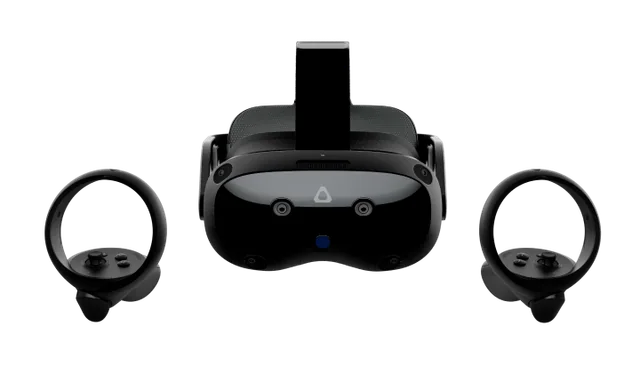
Check the exact retailer bundle
VIVE headsetA standalone and PC VR option discussed in this guide.
Check first: Check the required PC connection and accessory setup.
Check price on Amazon Paid link · AmazonEqual panel resolution does not make the Odyssey and Vive Pro equally practical buys. The Odyssey relies on Windows Mixed Reality, which current Windows 11 removed. A used Pro needs compatible base stations, controllers and a gaming PC, so compare what you need to connect first.
Start with the PC and budget checks, then read Dustin’s original comparison of tracking, software and value. Its Odyssey recommendation is historical; the alternatives give first-time buyers a different starting point.
Platform status and source notes
Samsung HMD Odyssey and HTC Vive Pro: status checked 24 September 2026
Neither headset is sold new any more, and the Odyssey has lost official support on current Windows. The Odyssey is a Windows Mixed Reality headset. Microsoft deprecated Windows Mixed Reality in December 2023 and removed it in Windows 11, version 24H2. Microsoft says existing headsets keep working with Steam through November 2026 only if you stay on Windows 11, version 23H2; after that there are no updates or support.
The Vive Pro was declared end of life by HTC in March 2020, and its successor is gone too: HTC's page now says "VIVE Pro 2 is no longer available". A used Vive Pro still runs SteamVR: HTC's system requirements list Windows 10 and Windows 11, and it works with either Base Station 1.0 or 2.0, as long as you don't mix versions.
What to consider instead: HTC points buyers to the Vive Focus Vision ($999 when we checked, 2448 x 2448 pixels per eye, PC VR over a DisplayPort connection). Meta's Quest 3S and Quest 3 (from $349.99 and $599.99 when we checked) also play PC VR games through Link or Steam Link. See our Quest 3 vs Quest 3S comparison.
Original comparison opening (2020)
I’m gonna hit you with a truth bomb right away: The Samsung HMD Odyssey is a better VR headset for the every-man and I recommend it for 99% of users over the HTC Vive Pro.
Note: This verdict dates from when both headsets were on sale. Today the Odyssey depends on Windows Mixed Reality, which Microsoft has removed from current Windows 11, so we no longer recommend buying one. On the used market, the Vive Pro is the one that still works with supported Windows.
When you think of a VR headset, you may think of the Oculus Rift or HTC Vive.
Heck, I don’t blame you, those are top-of-mind to me as well!
Still, there are other headsets coming out, with the Samsung HMD Odyssey and higher-end HTC Vive Pro coming to mind.
I wanted to take a look at which one of these headsets is better for users looking for something different, letting you know which is better.
In this Samsung HMD Odyssey vs HTC Vive Pro matchup, I’ll take a deep dive and let you know my honest thoughts.
What to Check Before Buying a Used Odyssey or Vive Pro
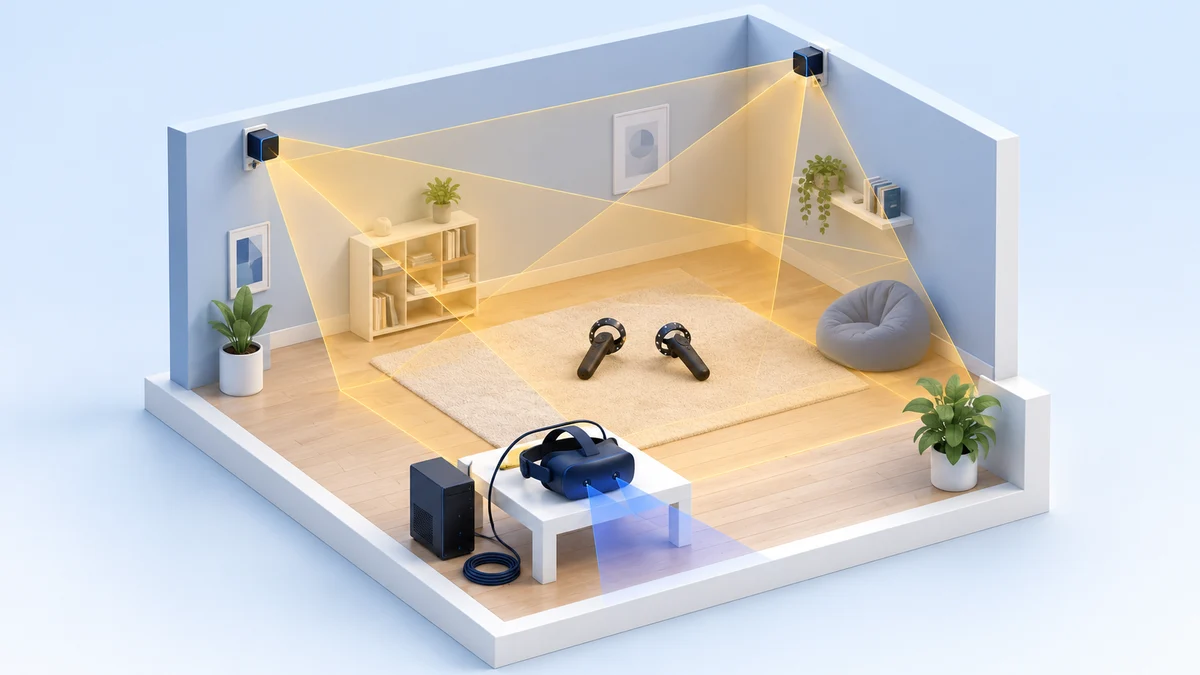
Begin with the computer and the tracking kit. A Vive Pro needs DisplayPort, compatible base stations and controllers; a headset-only listing may leave those out. An Odyssey needs a Windows Mixed Reality software route, which current Windows 11 no longer includes.
Once you have ruled out an incompatible setup, weigh the hardware differences against the games you want and your complete budget. Dustin’s original comparison below explains those differences in the context of the headsets’ launch-era market.
Your Gaming Rig
Not just any PC will do when it comes to VR. You’re going to need a Gaming PC with a capable video card, as VR needs double the processing for images.
These gaming rigs aren’t exactly cheap, but they do tend to run the games well. You need to make sure that your PC can handle the load before you commit to a headset.
Your Expectations
What are your expectations?
Are you looking for an experience that’s more apt to watching movies or streaming television, or do you want to go balls-to-the-walls with blasting demons and such in games?
If you chose the former, you may want to stick to a standalone headset (we originally suggested the Oculus Go, which Facebook discontinued in 2020), but if you want to game heavily, then PC VR may be the technology for you.
What Can You Afford?
When you’re looking at PC VR headsets, there are no “cheap” options.
You’re going to be looking at headsets running into the hundreds of dollars on the low end, up to the price of a nice computer for high-end sets.
I always say to buy the best you can afford, and that’s definitely the case with VR. You’ll find the higher-end headsets tend to do well with keeping up with technological shifts.
Presenting the Samsung HMD Odyssey and HTC Vive Pro
Original 2020 comparison: The first-person observations and launch-era verdicts below are Dustin Jermalowicz’s original coverage. They are retained for readers comparing older hardware; they are not recommendations to buy a first setup today.
Both the Samsung HMD Odyssey and HTC Vive Pro are PC VR headsets, although they are strikingly different. Samsung’s HMD Odyssey is a Windows Mixed Reality headset, the platform that brought VR to brands outside of the likes of HTC or Oculus. The Odyssey has cameras on the headset, built-in AKG audio, and launched with Cortana voice support (Microsoft has since deprecated Cortana in Windows).
HMD Odyssey Specs
- Released: November 2017, at $500 with two motion controllers
- Weight: about 645 grams
- Field of View: 110 degrees
- Screen/Resolution: Dual AMOLED, 1440 x 1600 per eye
- Refresh Rate: 90Hz
- Tracking: inside-out, using the headset’s cameras
Sources: Wikipedia (VR headset comparison, Windows Mixed Reality).
HTC Vive Pro Specs
HTC’s Vive Pro is an update on the original Vive, which is one of the OGs when it comes to the VR industry.
The Vive Pro is a pro-level tool, bringing large room-scale play areas, high resolution, and re-designed balance for comfort and longer play-time.
Without a doubt, the Vive Pro isn’t for everyone, but it’s the type of thing high-end users are clamoring for.
- Released: April 2018, at $799 for the headset alone; the Full Kit with base stations and controllers later cost $1,399
- Weight: about 550 grams
- Field of View: 110 degrees
- Screen/Resolution: Dual AMOLED, 1440 x 1600 per eye
- Refresh Rate: 90Hz
- Tracking: outside-in, with SteamVR base stations
Sources: Wikipedia, UploadVR (Full Kit price).
Comparing the HTC Vive Pro and Samsung HMD Odyssey
I ended up getting down and dirty with both the HTC Vive Pro and Samsung HMD Odyssey, seeing how they stand up to each other in key categories. Here’s how they compare:
Video Experience
When we line up the visual experience, the Samsung HMD Odyssey and HTC Vive Pro are pretty close.
They both have identical displays, with an AMOLED panel giving you a 1440 x 1600 per-eye resolution.
Both devices have 110-degree FoV, and there’s a 90Hz refresh rate.
I will say that the Vive Pro’s refresh rate is a bit more stable, but it’s so close that I have to consider these about identical.
Edge: Draw
Audio Experience
The audio for these devices both include 3D spatial audio, with the headphones being both built-in and removable. You’d look at these and say that this is destined to be another draw, but I prefer the Vive Pro’s headphones.
I think the quality is the best I’ve used for a VR headset, and it really helps put you into the experience. I say that audio is just as important as video, and the Vive Pro delivers in spades.
Edge: Vive Pro
Controllers
The Odyssey ships with Windows Mixed Reality motion controllers. The Vive Pro was first sold as a headset only, and the Full Kit added Vive Controllers, which are the best in the industry if you ask me. The tracking is second-to-none, and they end up really delivering an experience that makes you think your hands are in the app.
The controllers that ship with the Odyssey are good too, with great tracking and reasonable comfort.
The Odyssey’s aren’t as accurate as the Vive Pro’s, but they’re pretty good.
Edge: Vive Pro
Tracking
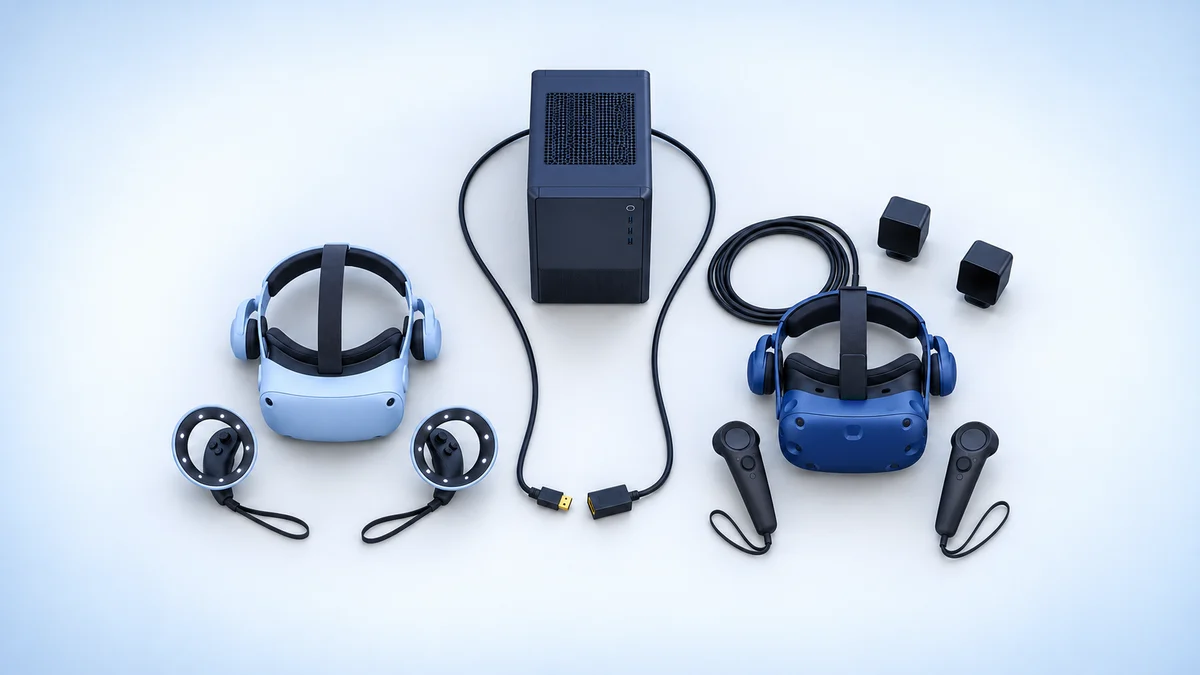
The tracking for both headsets is as wildly different as you can think. The Odyssey uses inside-out tracking, which uses the cameras on the headset to see little diodes on the controllers. This works pretty well but isn’t quite as accurate as base stations, which is what the Vive Pro uses.
Speaking of the Vive Pro, the headset uses SteamVR Tracking base stations to provide more accuracy, and the Full Kit came with the newer 2.0 version. The system uses room-scale to allow you to move around the room to get a more immersive experience. Roomscale is dope and it’s my favorite way to experience VR, giving the Vive the win here.
Edge: Vive Pro
Software
HTC’s Vive Pro uses the Viveport software to provide an ecosystem for purchasing and loading software.
I really like the software, even if it’s not quite as nice as what you get from Oculus. There’s also Viveport Infinity, which is a Netflix style subscription service that lets you access a bunch of games and apps. If you want, you can also buy and launch games through Steam VR, which is tied to the hugely popular game service.
The Odyssey had access to apps through the Microsoft Store as well as Steam VR. The interface for the Odyssey’s software platform isn’t nearly as nice as Viveport, but Steam is identical. Still, the edge here goes to the Vive Pro.
Note: Windows Mixed Reality, including the Mixed Reality Portal app and the Windows Mixed Reality for SteamVR driver, was removed in Windows 11, version 24H2, so the Odyssey's software side no longer applies on current Windows. Viveport still operates as a PC VR store, with its Infinity subscription still on offer.
Edge: Vive Pro
Value
This is a huge caveat section. The Samsung HMD Odyssey is much more cost-efficient than the HTC Vive Pro.
I can’t say that the discrepancy in price is reflected in the discrepancy in quality between the two headsets.
The value is much, much better with the Odyssey than the Vive… unless you’re using the headset for professional purposes.
This is a clear winner for the Odyssey, and it goes a long way in being the most vital category in this comparison.
Edge: Odyssey
The Vive Pro Wins the Tally, but the Odyssey Wins on Value
Historical verdict: This recommendation reflects the original 2020 comparison, when the headsets were on sale. Use the platform notes and alternatives for a purchase today.
If we’re looking at the bottom line by adding up all of the sections, the HTC Vive Pro wins hands-down.
The tracking, audio, and software are all superior and you’re sure to get a top-notch experience by using it.
Despite tallying up in favor of the Vive Pro, I actually recommend the Samsung HMD Odyssey. I know this makes me a hypocrite, but the value proposition is so much better for the Odyssey that the other factors cannot overcome it. You can get about 85% of the experience of the Vive Pro by using the Odyssey while keeping a grand in your pocket.
If you’re thinking about picking up the Odyssey, you can do so by clicking here. If you want to check out the Vive Pro, you can find it here.
What to Buy Instead of an Odyssey or Vive Pro
If you already own a Vive Pro with working base stations and controllers, it still runs SteamVR on Windows 11. If you are buying new, look at these instead:
- HTC Vive Focus Vision: HTC’s own suggested replacement. It needs no base stations, works standalone or with a PC, and has 2448 x 2448 pixels per eye, well above either headset here.
- Meta Quest 3S or Quest 3: a lower-cost route into PC VR. They connect to a Windows 10 or 11 PC through Meta Horizon Link or Valve’s Steam Link app, which streams SteamVR games over 5GHz Wi-Fi.
Research behind this guide
Check the linked specifications and support documents, or read how we research. Original review experience stays attributed to its author.
View 16 sources
- Microsoft Learn: Deprecated features in the Windows client (Windows Mixed Reality, Cortana)
- Microsoft Learn: Using SteamVR with Windows Mixed Reality
- Wikipedia: Windows Mixed Reality
- Wikipedia: Comparison of virtual reality headsets
- Wikipedia: HTC Vive
- UploadVR: HTC discontinues the Vive Pro and Vive Focus
- HTC VIVE: product lineup
- HTC VIVE Pro 2 overview (no longer available notice)
- HTC VIVE support: VIVE Pro system requirements
- HTC VIVE support: which VIVE hardware is compatible with my base stations
- HTC VIVE Focus Vision specs
- Meta: compare Meta Quest headsets
- Meta: Link PC requirements
- Steam Link for Meta Quest
- Wikipedia: Oculus Go
- VIVEPORT Help Center: What is Infinity?
Explore the related guides in VR comparisons.