Review of the Gabba Goods VR Headset
We may earn a commission when you buy through links on this page. As an Amazon Associate I earn from qualifying purchases. How this works
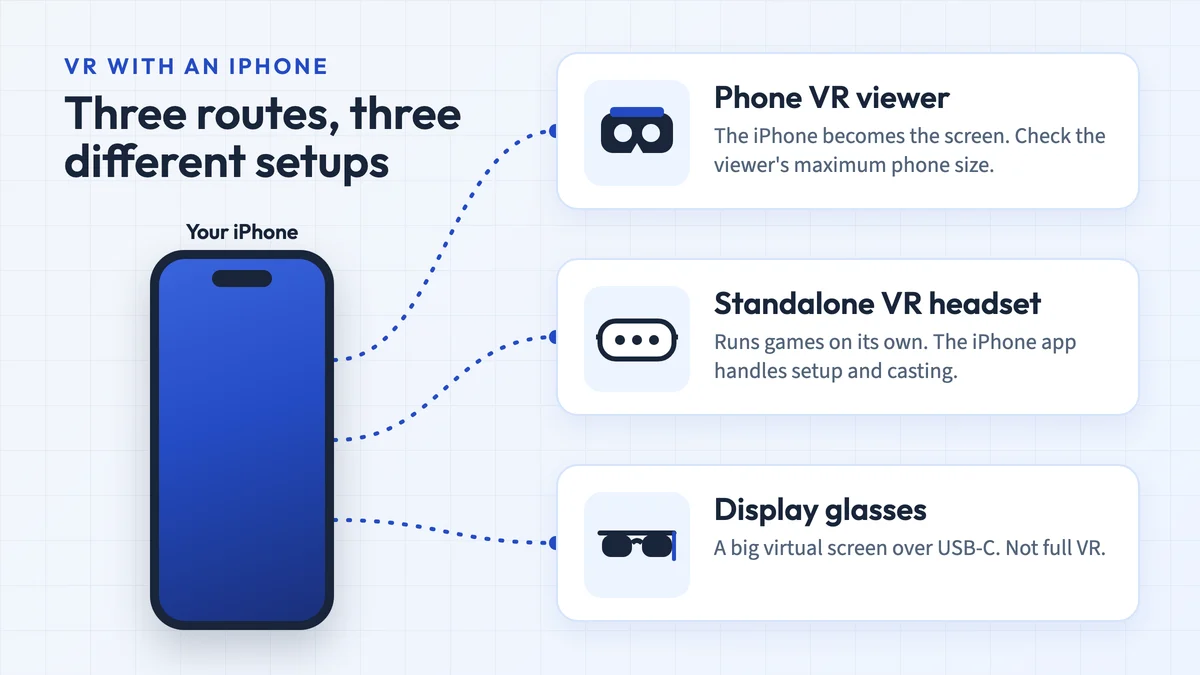
Consider an existing Gabba Goods viewer for simple phone VR only after checking your phone’s fit and the app’s viewing mode. Current headset stock and pricing are unconfirmed, and the original tray specification stops at 6 inches. Camera access does not establish compatibility with every AR app. For tracked VR games, use the current alternatives section instead.

128 GB configuration
Standalone VRStandalone games with Fresnel lenses.
Check first: Check the app library, optical fit and return policy.
Check price on Amazon Paid link · Amazon
512 GB configuration
Pancake opticsPancake lenses and a higher-resolution display than Quest 3S.
Check first: Compare the complete purchase, including any accessories.
Check price on Amazon Paid link · Amazon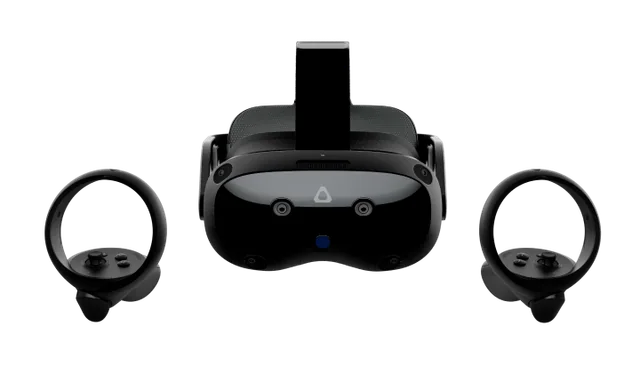
Check the exact retailer bundle
VIVE headsetA standalone and PC VR option discussed in this guide.
Check first: Check the required PC connection and accessory setup.
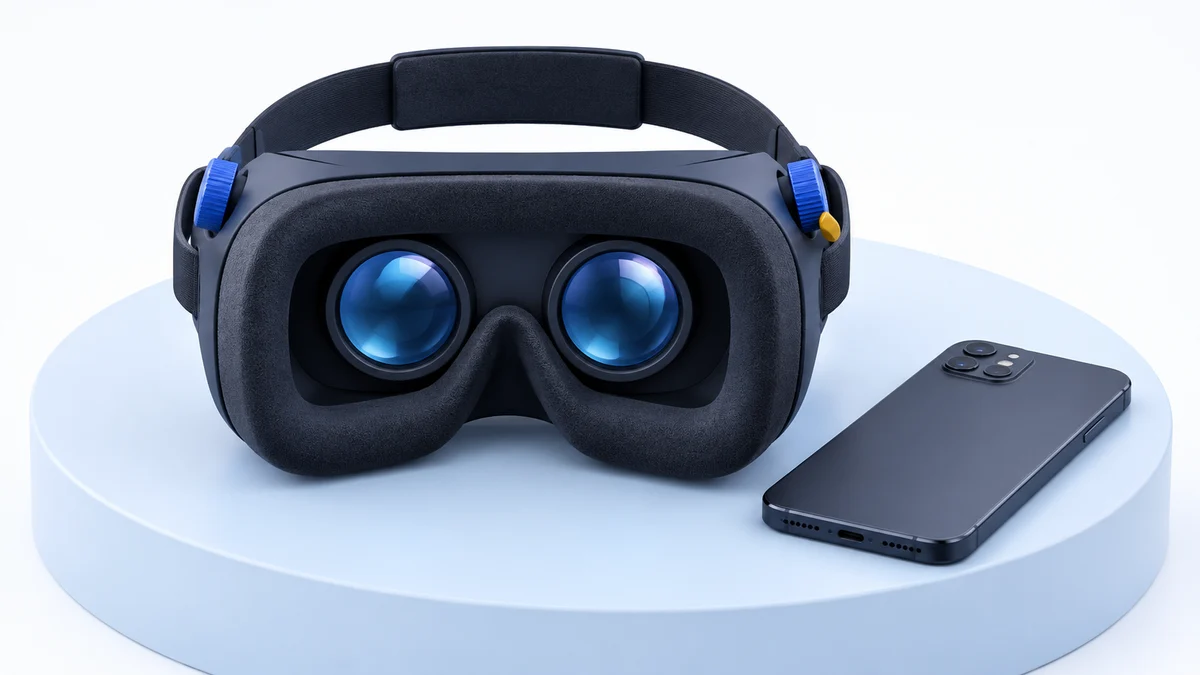
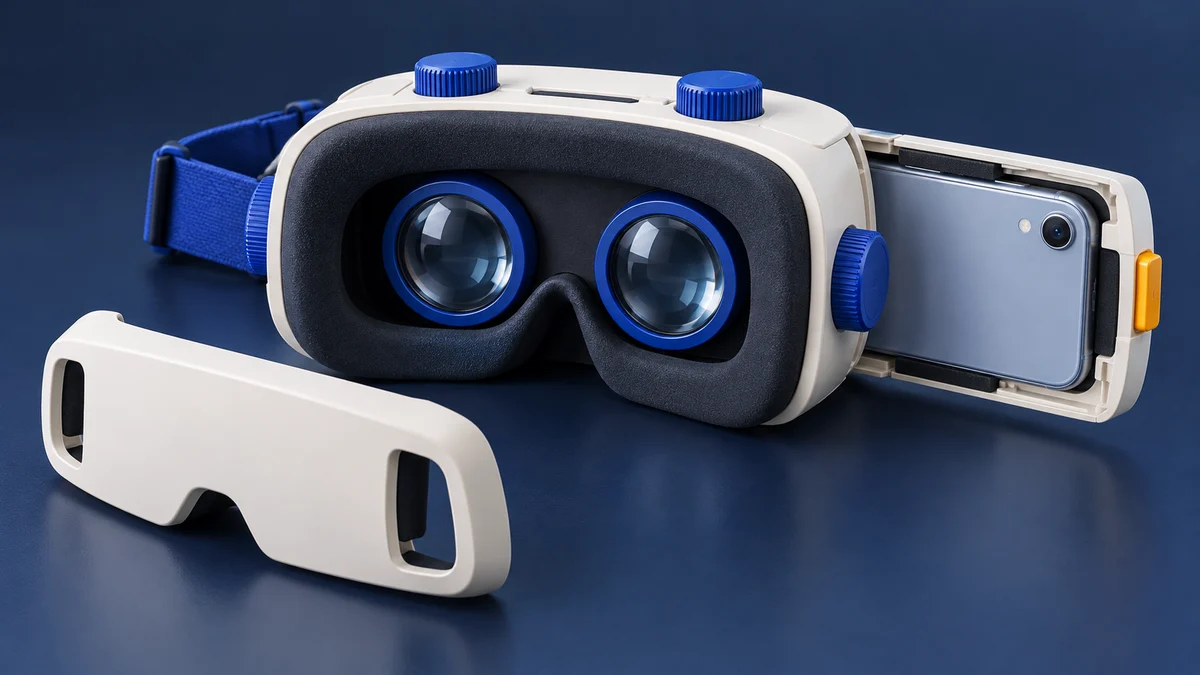
Check price on Amazon Paid link · AmazonThe Gabba Goods VR headset is a phone viewer with adjustable lenses and a faceplate that exposes the camera. Its usefulness depends on a phone that fits the older 6-inch limit and an app that supports the viewing mode you want.
We explain phone requirements, budget and tracking before covering the tray, lens adjustment, camera access and audio. Read the dated availability and app notes with the original review. The alternatives section distinguishes old phone viewers from standalone and PC-capable systems.
Product status and source notes
The Gabba Goods headset is a simple phone-based VR viewer: it has no screen or electronics of its own and holds your phone behind two adjustable lenses. We couldn't confirm that it is still sold. The GabbaGoods website now lists headphones, speakers, chargers and other accessories but no VR headset, and we couldn't load the Amazon listing, so current availability and price are unconfirmed.
If you already own one, it can still be used, with limits. Its tray was listed for phones up to 6 inches, while most current phones are larger (the iPhone 17 has a 6.3-inch display, according to Apple). Phone VR software has also thinned out: the Google Cardboard app is still available for Android and iOS, but YouTube's Cardboard mode works on Android only. Two of the three alternatives in the original review, the Google Daydream View and the HTC Vive Pro, are discontinued. For real VR with motion tracking, a standalone headset such as the Meta Quest 3S is the better buy; see what to consider instead.
Original review context (published 2020). The first-person account below is John’s original review. Read its product impressions and recommendations alongside the dated status and source notes. This redesign adds no new hands-on test.
You want to try out virtual reality, but you aren’t quite sure it’s for you and want to test it first. I remember when VR first piqued my interest. I wanted the best of the best but wasn’t willing to risk hundreds before I knew if I liked it.
What to Decide Before Buying the Gabba Goods Headset
Before you purchase your first headset, there are a few things you should decide first.
1. Do you have a decent smartphone?
Some virtual reality headsets use your phone for the screen and to run apps. So, you need a decent smartphone to have a good VR experience. If you don’t, you may want to look into a stand-alone headset or a console/computer-based system.
2. What is your budget?
Headsets can range from $15 to over $1000. Generally speaking, the more you spend, the better the system. If you are on a tight budget, you can still get into VR and have a great time, but don’t expect the top-of-the-line.
3. What level of immersion do you want?
With the entry-level VR headsets, you get 3D video and 360-degree images/video. You don’t get real motion tracking and the apps are pretty basic. The next level offers better graphics and apps and some basic motion control.
As you move into the higher-end systems, you’ll get full motion tracking and hand controllers. They have phenomenal graphics and a very immersive experience.
Presenting the Gabba Goods Virtual Reality Headset
The Gabba Goods headset is an entry-level mobile VR headset. It uses your smartphone for the screen and to run the virtual reality apps. It fits most smartphones and works with both Android and iPhone.
The headset works by putting your smartphone onto an adjustable tray and then sliding it into the headset from the side. So, you start the app you want to use, insert the phone, put on your headset, and enjoy.
The headset has a reasonably sturdy build, is lightweight, and is pretty comfortable. The 3-strap harness secures the headset firmly to your head, so it isn’t moving around on you too much.
While there are many apps you can enjoy, you are somewhat limited in your VR app choices. Many of the higher-end apps need more computing power than a smartphone can handle. You can have a great time with this headset, but don’t expect to play the latest, greatest VR games.
Pros
- Lightweight and comfortable
- Inexpensive
- Works with most smartphones (up to 6 inches, which rules out many current models)
- Can handle augmented reality apps as well as virtual reality
Cons
- Is limited by the abilities of your smartphone
- The lenses aren’t the best
- Availability is now unconfirmed
View the listing on AmazonPaid link · Historical or unverified listing
Gabba Goods VR Headset Features
The Gabba Goods headset has most of the features you would look for in a mobile VR headset. This gives you a decent VR experience and makes it a good entry-level headset or a really cool gift.
Here are some of the features and benefits Gabba Goods offers:
Comfort
The Gabba Goods headset has an adjustable, 3-strap harness that fits comfortably on your head. This removes most of the weight from your face. There is soft-leather covered padding where the goggles sit on your face for comfort.
Adjustable Lenses
When using any VR headset, the distance between your eyes and your visual acuity (how good your eyesight is) can affect the clarity of the screen.
Some people’s eyes are farther apart than others. The Gabba Goods headset gives you the ability to adjust the pupil distance of the lenses (the distance between your eyes). This makes the lenses more in line with the position of your eyes, giving a clearer image.
The headset also gives the ability to adjust the focal distance of the lenses (distance in front of your eyes) to compensate for differing levels of visual acuity. It can’t compensate for all vision issues, but if you need to wear light reading glasses, it should be able to adjust to give a clear image.
Fits Most Smartphones
The Gabba Goods headset uses your smartphone for a screen and to run the VR apps. This means you have to have a decent smartphone to use the headset. You may want to go into your favorite app store and look at some of the VR apps to make sure your phone is compatible.
Once you are sure your phone is compatible, the good news is it will probably work with the Gabba Goods headset. It has one of the widest adjustable phone bays I’ve seen. It fits phones ranging in size from 3.5” to 6” (diagonal length) and works with either Android or iPhone.
Note: A 6-inch limit was generous when this review was written, but it excludes most phones sold today. According to Apple's comparison page, the smallest current iPhones, such as the iPhone 16e and 17e, have 6.1-inch displays, and most models are larger, as are many Android flagships. Check your phone's screen size and dimensions before relying on this headset. App support has narrowed too: the Google Cardboard app for iPhone is still available, but YouTube says its Cardboard mode is not supported on iPhone and iPad.
Compatible with Augmented Reality
Augmented reality apps use your phone’s camera to show you your surroundings. They then enhance your experience with those surroundings.
Some examples of augmented reality are apps that use live video of your home and allow you to change the paint colors of your walls. Some let you see what different furniture would look like in your home. Others give you historical information as you tour a city. There are many other AR apps available which do some fantastic things.
Many mobile virtual reality headsets have solid faceplates which block your phone’s camera. This prevents you from using augmented reality apps with your headset. The Gabba Goods headset has a retractable faceplate which allows your phone’s camera to work when you want to use it. You can then cover it for a more immersive experience when you are in virtual reality.
Audio
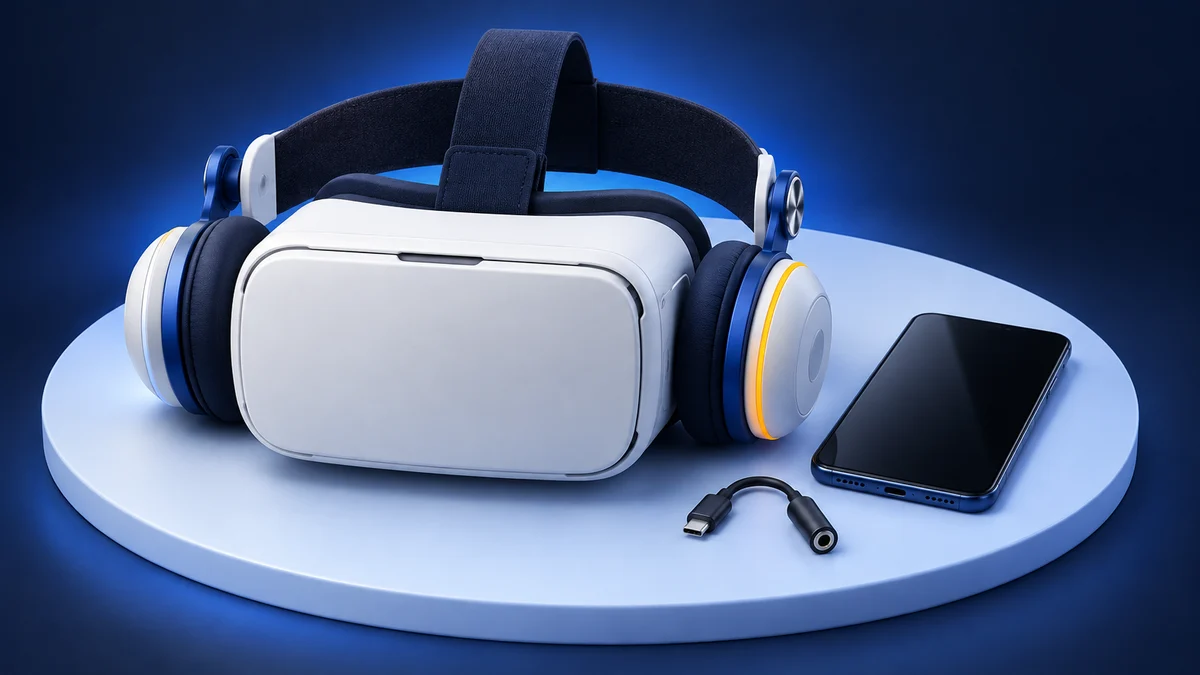
The Gabba Goods headset does not have built-in audio. This is actually a plus when it comes to lower-cost VR headsets. The quality of the built-in headphones on most mobile VR headsets leaves much to be desired. Most people already own headphones which are probably better quality.
The Gabba Goods headset has a hole to allow you to plug in your headphones. Of course, Bluetooth headphones work, too. So, if you have good headphones you normally use for listening to music, you will have good audio for your VR experience as well.
Keep Your Lenses Clean
You get a microfiber cloth with your virtual reality goggles to help keep your lenses clean and prevent scratching. It’s a simple thing, but it’s nice, and many headsets don’t come with a cloth.
What Buyers Said About the Gabba Goods Headset
The reality is that feature lists and specs can be helpful but don’t always capture the real-life experience of using a product. Even one person’s experience won’t necessarily tell you everything you need to know.
So, I looked around the web to find ratings and reviews from real users. Their opinions were positive overall. You can see a few here:
https://www.amazon.com/GabbaGoods-Headset-Virtual-Reality-Glasses/product-reviews/B01KBM75FY/
We couldn’t load that listing when we checked, so we can’t say whether it is still live or what its current rating is.
Original Alternatives to the Gabba Goods Headset
The Gabba Goods virtual reality headset is a good entry-level option.
However, depending on your needs and preferences, another headset may be a better fit for you.
So, we’ve reviewed three alternative headsets so you can decide which headset is best for you. Two of them are no longer made; for current options, see what to consider instead.
Google Daydream View
Note: The Daydream View is discontinued and the Daydream platform is no longer supported. Google stopped selling the headset in October 2019, and it dropped Daydream support with Android 11, so it may not work on newer phones. We don't recommend buying one; the comparison below is kept for reference.
The Google Daydream View is another mobile virtual reality headset. Like the Gabba Goods headset, it uses your smartphone for the screen and to run the apps. The Daydream, however, comes with a Bluetooth remote to help navigate apps.
Rather than having a 3-strap harness, it has a single, adjustable band and does not have a strap on top of your head. This may allow more movement on your head and cause more weight to rest on your face, particularly your nose.
To insert your phone into Google’s headset, you open the hinged faceplate. Then set your phone on the faceplate and then close the faceplate. There is no way to retract or remove the faceplate, so the Daydream does not work with augmented reality (AR) apps.
When it was on sale, the Daydream View was a good option if you wanted a remote and didn’t care about AR.
You can find more information about the Daydream View here (discontinued).
Similarities
- Uses your smartphone
- No built-in audio
- Adjustable lenses
Differences
- Single strap instead of a 3-strap harness
- Does not support augmented reality apps
- Comes with a remote
- Has a hinged faceplate
Pansonite 3D VR Glasses Virtual Reality Headset
As an entry-level mobile headset, the Pansonite VR headset is like the Gabba Goods headset but has some clear distinctions. It has higher quality lenses and a wide 110-degree field of view.
Rather than using a slide-in tray, you remove the magnetic faceplate and use a velcro strap to secure your phone. This is less prone to breaking. The removable faceplate means you can use AR apps by leaving off the faceplate.
The Pansonite 3D VR Glasses offer a more immersive VR experience. If that sounds good to you, then they may be the headset you should choose. Whether this model is still sold is also unconfirmed, and like the Gabba Goods it is sized for phones up to about 6 inches.
Similarities
- Uses your smartphone
- No built-in audio
- Can be used with AR apps
Differences
- Magnetic, removable faceplate instead of a slide-in tray
- Phone held in place with a velcro strap
- Wider field of view (a claimed 110 degrees)
- Higher quality lenses
HTC VIVE Pro Virtual Reality System
Note: The original HTC Vive Pro is discontinued. HTC declared it end of life in March 2020, and its successor, the Vive Pro 2, is now also listed as no longer available; HTC points buyers to the VIVE Focus Vision instead. The Vive Pro also needs a Windows PC rather than a Mac: HTC's system requirements list Windows only.
The HTC Vive Pro was a top-of-the-line virtual reality system. The Vive Pro is different from the other headsets we’ve looked at in this article. It has ultra high-definition screens built-in and uses your computer to run apps.
So, you need a good Windows gaming PC to use the HTC Vive Pro, and you are tethered to your computer while you play.
The HTC Vive Pro can run advanced PC VR games and apps. It has an expansive field of view and comes with hand controllers. It uses advanced motion tracking which tracks your body and hand controllers.
It also has built-in headphones with HD, spatial audio.
If you wanted to jump into VR head-first with one of the most immersive virtual reality experiences possible, the HTC Vive Pro was a strong choice in its day.
Learn more about the HTC Vive Pro here (discontinued).
Similarities
- Has a 3-strap harness
Differences
- Able to play high-end VR games and apps
- Uses your PC rather than your phone for running apps (tethered)
- High-end graphics and an impressive field of view
- Built-in high-quality 3D spatial audio
- Comes with controllers
- Full motion tracking
- Offers one of the most immersive virtual reality experiences of any headset
- Costs a whole lot more than the Gabba Goods headset
What to Consider Instead of the Gabba Goods
We checked the manufacturers’ current line-ups:
- Keep using a phone viewer (cheapest). If your phone fits, the free Google Cardboard app for Android and iOS still sets up phone viewers. Google itself stopped selling Cardboard viewers in 2021, so expect a small and shrinking library of phone VR apps.
- Meta Quest 3S (best entry point). A standalone headset with its own screens, processor, controllers and motion tracking, so no phone or PC is needed. Meta lists it from $349.99 for 128 GB, and the Meta Quest 3 from $599.99 (prices as of 24 September 2026). See our Quest 3 vs Quest 3S comparison.
- HTC VIVE Focus Vision (in place of the Vive Pro). HTC’s current product page lists it as a headset that works standalone or with a PC.
For more options, browse our VR headset reviews.
Is the Gabba Goods VR Headset Still Worth It?
Are you ready to take the leap into virtual reality?
An entry-level VR headset like the Gabba Goods headset was a great way to start, with the added benefit of being able to explore augmented reality. Today it only makes sense if you already own one or find one cheaply and your phone is 6 inches or smaller; for anything beyond 360-degree video, a standalone headset such as the Meta Quest 3S is a far better experience.
If you still think the Gabba Goods headset is a good fit for you, you can check whether it’s available by clicking here.
Research behind this guide
Check the linked specifications and support documents, or read how we research. Original review experience stays attributed to its author.
View 13 sources
- GabbaGoods: Everyday Consumer Electronics (official site)
- Apple: Compare iPhone models
- Google: Google Cardboard
- App Store: Google Cardboard
- YouTube Help: Watch VR videos with Cardboard
- 9to5Google: Google Store stops selling Cardboard VR headsets
- 9to5Google: Google Daydream View is no longer available from the Google Store
- GSMArena: Google drops Daydream VR support with Android 11
- UploadVR: HTC discontinues the Vive Pro and Vive Focus
- VIVE: What are the system requirements? (Vive Pro)
- VIVE: VIVE Pro 2 Full Kit overview
- VIVE: Products
- Meta: Compare Meta Quest headsets
Explore the related guides in VR headsets.