Astoria VR 3D Immersive Virtual Reality Headset Review
We may earn a commission when you buy through links on this page. As an Amazon Associate I earn from qualifying purchases. How this works
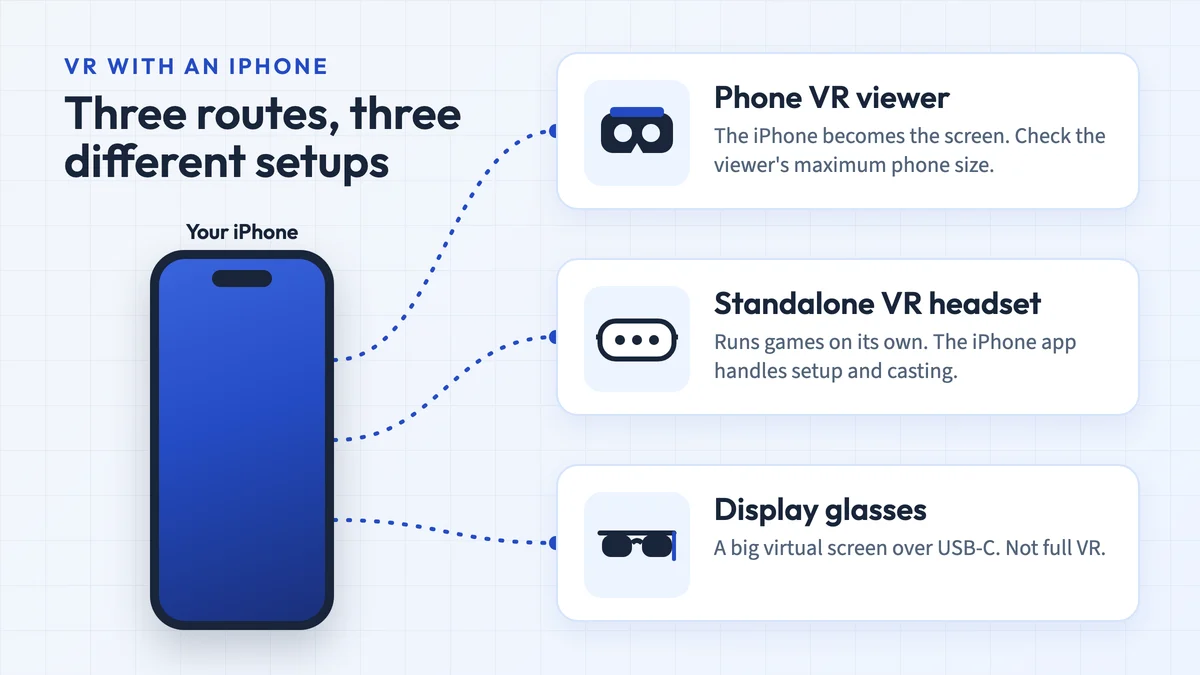
Use an existing Astoria for basic phone VR; be cautious about buying one. Its listed 3.5–6.0-inch phone range rules out larger models. Confirm a split-screen app works before fitting the phone. Current manufacturer support has not been verified. For tracked games or PC VR, use the alternative headset options.

128 GB configuration
Standalone VRStandalone games with Fresnel lenses.
Check first: Check the app library, optical fit and return policy.
Check price on Amazon Paid link · Amazon
512 GB configuration
Pancake opticsPancake lenses and a higher-resolution display than Quest 3S.
Check first: Compare the complete purchase, including any accessories.
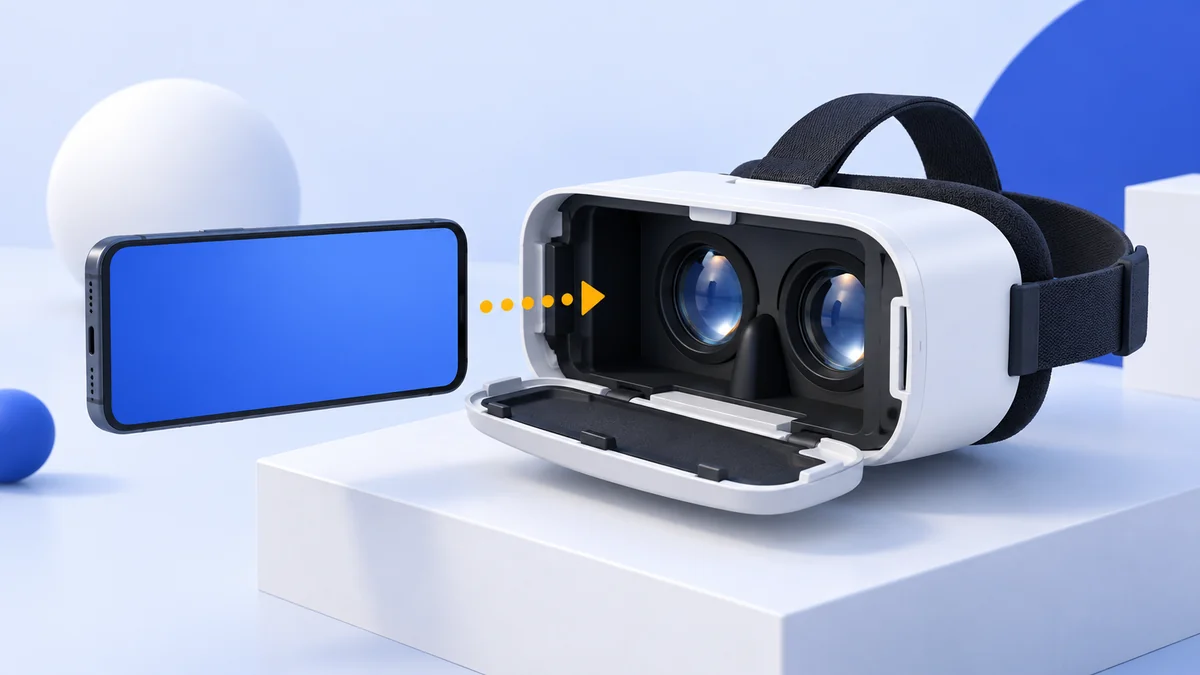
Check price on Amazon Paid link · AmazonThe Astoria VR headset is a phone viewer with adjustable lenses. It has no HDMI connection for PC games. Before using one, check the listed 3.5–6.0-inch phone range and install an app with a split-screen VR mode.
Below, you’ll find the specifications, lens adjustments, audio and phone requirements. The customer feedback, alternatives and FAQs explain what this older viewer can offer and where a different first headset makes more sense.
Product status and source notes
Manufacturer support checked 16 October 2026. We could not reach the former Astoria maker website, astoriavr.com, or verify current manufacturer support. That does not establish whether a reseller has a unit. Use the review for its original 3.5–6.0-inch phone range and controls, and confirm the app and physical fit before buying.
Still usable? Yes, if you already own one and your phone fits. It is a passive viewer with lenses and no electronics, so it works with any phone VR app that offers a split-screen mode. The catch: it was listed for 3.5" to 6" phones, and the non-folding iPhones Apple sells today have 6.1" to 6.9" screens (see Apple's comparison page), so most current phones will be too big. Google's Cardboard app is still available for Android and iPhone, but YouTube's VR mode is Android-only.
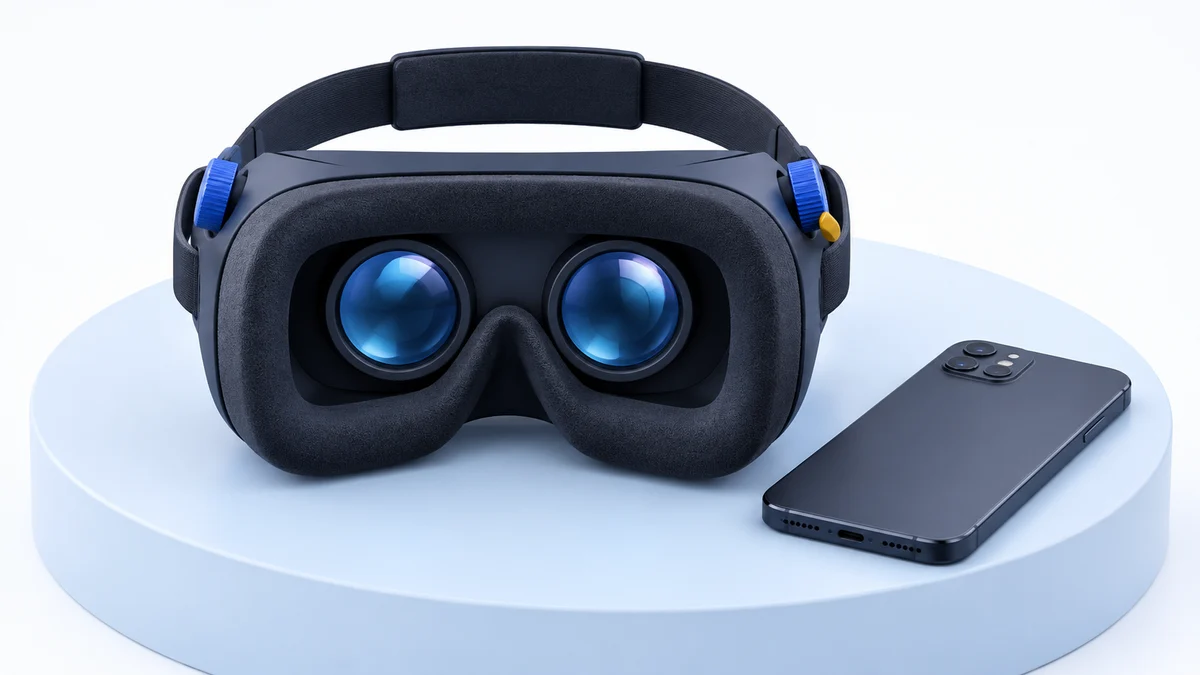
What to consider instead: for real VR games and apps, a standalone headset such as the Meta Quest 3S (from $349.99 in the US since Meta's April 2026 price change). For a cheap phone viewer, see our VR headsets under $50.
About the original review: The review below was published in January 2020. First-person observations and original product comparisons refer to that coverage. Later status and compatibility notes are labelled separately.
Choosing a VR headset: use, budget and compatibility
Like technological products have a wide selection of products and latest versions, VR headsets are also in the same category.
You can make your choice from a selection of full functionality headsets, basic models to the most expensive ones, highly accurate tracking models to ones with remarkable graphics quality. Similarly, the pricing is also arranged as per the functionality and features.
Given all these options and variables, where does one start? There are quite a few important considerations when buying a VR headset.
Intended use
If you want a VR headset for high-end gaming, then an entry-level headset will probably be a disappointment to you. Actually, you need not spend much if all you are going to do is watch 3D movies and play the odd VR game.
Consider exactly what you want to use the headset for and check out the features and specifications before zeroing down on the best option for yourself.
Budget
While it would be great to have the best of everything, budget is always a factor. If you need a better headset, it might mean waiting until you have saved enough or putting off other purchases. You should consider your budget before you decide on which headset you would like for yourself.
Device Compatibility
It is not going to do you any good if you get a brand new VR headset and later you find that it’s not compatible with your smartphone, PC or any other device you are planning to use with it. Make sure you are clear on this before making any decisions.
Astoria VR 3D Immersive Virtual Reality Headset Review
If you are looking for a good VR experience on a relatively tight budget, then the Astoria VR can be a good deal for you.
It promises to deliver an immersive VR experience with wide range of virtual reality content and easy setup. The Astoria VR headset advertised quality lenses that are highly adjustable for quality graphics.
If you are wanting an ergonomically designed and comfortable headset for multiple hours of gaming, the Astoria may be suitable. All you need to do is install a VR app and slide your smartphone into the headset.
The Astoria may disappoint high-end gamers and those wanting a truly accurate experience but will suit most people very well. Given the price of the headset relative to more expensive models, those buying it need to have realistic expectations.
Specifications
| Specification | Astoria VR (as listed) |
|---|---|
| Weight | 14.6 ounces |
| Color | Black |
| Phone size | 3.5” to 6” |
| Adjustments | Pupil distance and focal distance |
Pros
- Great value for money
- Works with just your smartphone
- Full 360-degree experience
- Sharpness depends on your phone’s screen resolution
- Customizable
Cons
- Graphics are not as realistic as some other models
- Tracking is not as accurate as more expensive options
- Lacks some features of top end VR headsets
- Less expensive options are available
- Adjustments do not work perfectly
Astoria VR features and phone requirements
The Astoria VR is loaded with many user-friendly features and functionalities.
Let’s review them in detail to understand it better.
Design
The Astoria has a lightweight and ergonomic design with a durable leather adjustable strap.
Internal foam padding keeps you comfortable even after hours of gaming.
Display & Field of View (FOV)
One can get quality graphics and 360-degree view (smartphone dependent) from the headset.
The Astoria has high definition optical lenses with nano coating and 8 layers which impart exceptional clarity making for an enjoyable VR experience. The lenses were also said to filter blue light; we could not verify that claim.
Controls and Tracking
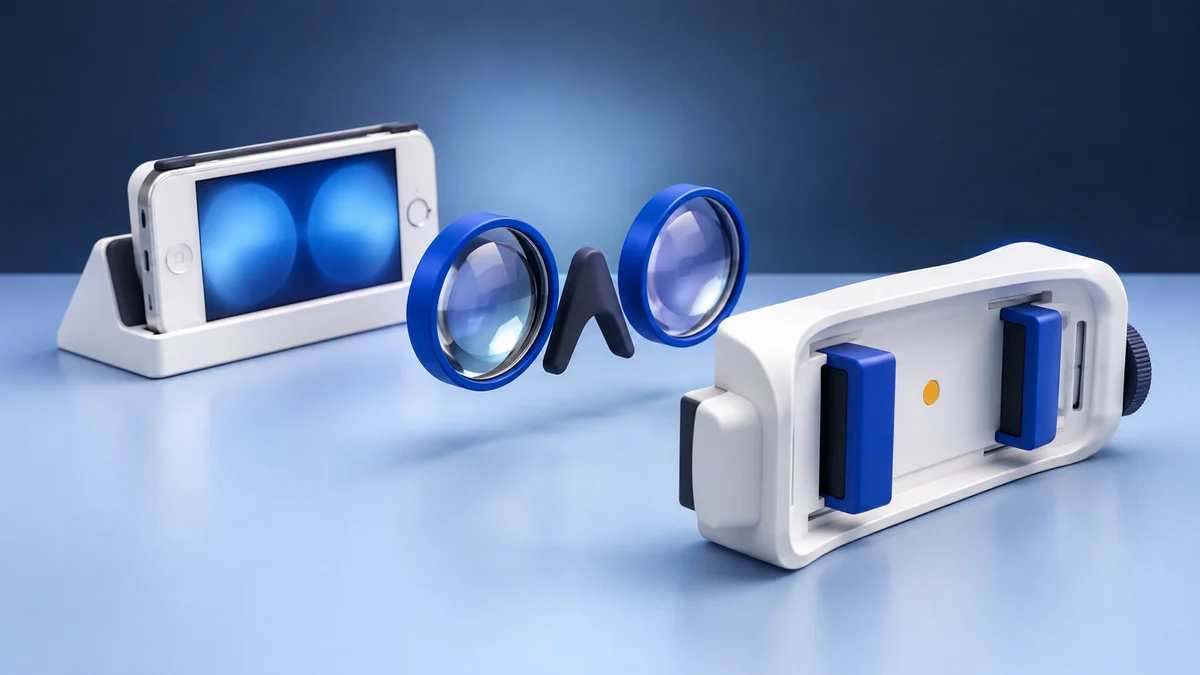
An adjustment knob will allow you to effortlessly adjust Pupil Distance as well as Focal Distance as per your needs. You can easily use this knob, which is placed on the side of the headset and adjust the focal length to a range of 20mm.
Audio
The audio will depend on the quality of your smartphone audio.
Most modern smartphones will perform perfectly well. You can also get VR headphones.
Phone Compatibility
The Astoria VR headset will work with most modern Android and iPhone smartphones.
The list includes Apple iPhone; 4, 5, 5S, SE, 6, 6S, 6 Plus, 7, 7 Plus as well as Samsung Galaxy S5 S6 S7 Note 4 Note 5 as well as other 3.5” to 6” smartphones.
Note that this list is dated. Many current phones are bigger than 6 inches (the non-folding iPhones Apple sells today have 6.1” to 6.9” screens, according to Apple’s comparison page), so check your phone’s size and the tray before relying on it. Head tracking comes from the phone’s own sensors and is rotation-only, so you can look around but not lean or walk. Our guide to smartphones for VR covers what to look for.
Software requirements
All that is needed is a VR app with a split-screen (Cardboard) mode from Google Play or the App Store. Phone VR has shrunk a lot since this review: Google stopped selling Cardboard viewers in March 2021 and now maintains Cardboard as an open-source SDK. The Google Cardboard app for iPhone is still on the App Store.
What customers said about the Astoria VR headset
It is always helpful to look at the comments from people that have bought and used a product. If you read enough comments it usually gives you a good indication of what most people think of it.
In the case of the Astoria VR headsets, the reviews from customers were mixed when we wrote this review. Some people found it enjoyable and good value for money.
Many people were grateful to have received one as a gift or were happy with their purchase.
https://www.amazon.com/gp/customer-reviews/R4FF4GWFW1VH0/ref=cm_cr_dp_d_rvw_ttl?ie=UTF8&ASIN=B01NCVCDKW
Others found the quality to be lacking in certain areas and did not feel like they got a good deal.
https://www.amazon.com/gp/customer-reviews/RZIB4ZN26YLST/ref=cm_cr_dp_d_rvw_ttl?ie=UTF8&ASIN=B01NCVCDKW
Alternatives to the Astoria VR headset
There are a number of alternatives that you should also look at when deciding on the ideal VR headset for your needs. The three options further down were our picks in 2020; two of them are now discontinued, so start with the current options below.
What to buy instead of the Astoria today
- Standalone VR: the Meta Quest 3S (also on Amazon) is a standalone headset, so it needs no phone and runs its own games and apps. Meta raised US prices in April 2026 to $349.99 (128 GB) and $449.99 (256 GB), according to Meta’s pricing update. See Meta Quest 3 vs Quest 3S for how it compares with the Quest 3 (from $599.99).
- Another phone viewer: if you only want 360° video on a budget, a newer viewer that takes 6”+ phones makes more sense than the Astoria. Our VR headsets under $50 page lists options.
NOON VR - Virtual Reality Headset
The Noon VR headset works on the same principle as the Astoria so you simply slide your smartphone in and you are ready to go. While slightly more expensive, it was also good value for money. Design wise and features are very much the same as the Astoria.
The complaints people have regarding the Noon VR are very similar. Many people found it to be heavy and that it does not support the phone securely. There are complaints of it being uncomfortable after a fairly short time of usage.
While it might be fun to play with at the price, there are cheaper VR headsets that will perform at least as well as the Noon VR. It will disappoint serious gamers and those wanting a fully immersive VR experience.
Similarities
- Similar Design matching with the Astoria
Differences
- More expensive than Astoria
- Noon found to be a heavy model
- Uncomfortable after many hours of usage
We could not confirm that the Noon VR is still sold new. Our Noon VR review has more detail.
Check price on AmazonPaid link
Oculus Rift (discontinued)
While the Oculus Rift is a very big jump in price you will see and feel a dramatic difference immediately.
The Rift is no longer made: Facebook (now Meta) ended sales of the last Rift model, the Rift S, in 2021 and moved to standalone Quest headsets that can also connect to a PC. A used Rift can still be an option for PC VR, but for a new purchase look at the Quest line above. Our Oculus Rift review covers the original headset.
The graphics quality, tracking accuracy, controllers and compatibility are all very good and a big improvement on both the Astoria and the Noon VR headsets.
Most Oculus Rift users have very few negative comments about this product. It is popular with gamers and 3D movie fans.
- Oculus Rift is costlier than Astoria
- Oculus is a high quality model
- Popular for VR games and 3D movie watching
- Higher tracking accuracy and better device compatibility as compared to Astoria
HTC VIVE Virtual Reality System (discontinued)
As the name suggests, this is so much more than a VR headset but a full VR system. It is even more expensive than the Oculus Rift but delivers a mind-blowing immersive VR experience. Graphics are out of this world, movement tracking is precise and it comes with loads of free content.
The system is portable and you can set it up either in a small area or a room up to 15 feet by 15 feet. Combining the headset and wireless controllers you will have access to the SteamVR library of games and apps as well as a host of other content.
Obviously you will need a quality GPU and some people find it to be less comfortable than some other models but overall, users love the quality and experience the HTC Vive provides.
The original Vive has since been retired: HTC began phasing it out in September 2019 in favour of the Vive Cosmos. It still works with SteamVR if you find one used. See our HTC Vive review.
- HTC Vive is a complete VR system while Astoria is just a VR headset
- Complete access to SteamVR collection of games and other VR content
- High quality and precise movement tracking is much better than Astoria
Check price on AmazonPaid link
It is always a good idea to look at a few options when buying electronic equipment. Take a look at the above options before you make your decision.
Astoria VR headset FAQ
How to use the Astoria VR headset?
The first step is to select and install a VR app for your smartphone (see the next question). That is about the most challenging part of the setup; the rest is quick and easy. Slip your smartphone into the Astoria VR headset, make sure it fits comfortably by adjusting the straps, get the focus that works best for you and adjust the eye spacing. That’s it.
What apps do I need to use the Astoria VR headset?
Any app with a split-screen VR (Cardboard) mode will work. Our original picks were Dive Launcher, Bubblecars and Shadowgun VR, plus VR content from Discovery, The New York Times, National Geographic and YouTube VR. Most of these date from the mid-2010s phone VR boom and we could not confirm they are still available, so check your app store first. Google's Cardboard app is still offered for Android and iPhone, and YouTube's VR mode works with Cardboard viewers on Android but not on iPhone.
Who makes the Astoria VR headset?
The headset was sold under the Astoria VR brand. Our 2020 version named Kanderian Enterprises of Katy, Texas as the company behind it, while the current Amazon listing names ToRi Innovations as the manufacturer. Apart from headsets, the brand also offered VR controllers, VR headphones and a VR cleaning kit. The support phone number and email address we listed in 2020 could not be confirmed, and the astoriavr.com website no longer resolves, so contact the seller you bought from for help.
Can I connect it to my computer?
No. The Astoria is a phone viewer with no electronics or HDMI port, and earlier versions of this article were wrong to say it came with an HDMI cable. For PC VR you need a headset that connects to a PC, such as a Meta Quest with Link.
Is the Astoria VR headset still worth buying?
An existing Astoria may still work as a simple viewer if your phone fits and the intended split-screen app runs. For a purchase, current manufacturer support has not been verified, and the original phone range excludes larger handsets. Start with the setup requirements and alternatives above.
For a high-quality immersive experience or if you are a big gamer, you will probably not be impressed by the Astoria. You may choose one of the higher end models in such a scenario.
The top reasons the Astoria VR headset was a suitable choice were:
- Provides value for money
- Easy to operate
- Works with just your smartphone and a VR app
Now that you understand more about the Astoria VR headset as well as other options, you are in a position to make an informed choice that will suit your needs and your budget.
Check whether the Astoria VR is still listed on Amazon.
Research behind this guide
Check the linked specifications and support documents, or read how we research. Original review experience stays attributed to its author.
View 10 sources
- Google Cardboard (Google AR & VR)
- Google Cardboard on the App Store
- Watch VR videos on YouTube (YouTube Help)
- Google Store stops selling Cardboard VR headsets (9to5Google)
- Cardboard SDK repository (Google, GitHub)
- Compare iPhone models (Apple)
- An update on Meta Quest pricing (Meta)
- Meta Quest 3S (Meta)
- Facebook to discontinue the Rift product line in 2021 (Road to VR)
- The original HTC Vive is being phased out (UploadVR)
Explore the related guides in VR headsets.