iLive 3D Virtual Reality Headset Review
We may earn a commission when you buy through links on this page. As an Amazon Associate I earn from qualifying purchases. How this works
The iLive is difficult to recommend for a first VR purchase: Dustin’s original review reported distorted visuals, poor phone-speaker sound and weak build quality. Its quoted 3.5–6-inch phone range also needs checking, and current manufacturer support has not been verified. If you already own one, confirm that your phone and chosen app work. For a purchase, compare a better phone viewer or a standalone headset.

128 GB configuration
Standalone VRStandalone games with Fresnel lenses.
Check first: Check the app library, optical fit and return policy.
Check price on Amazon Paid link · Amazon
512 GB configuration
Pancake opticsPancake lenses and a higher-resolution display than Quest 3S.
Check first: Compare the complete purchase, including any accessories.
Check price on Amazon Paid link · AmazonThe iLive 3D is a phone viewer, so your handset supplies the display and apps. Phone compatibility alone does not make it a good buy. Dustin’s original review found problems with the lenses, sound and plastic construction.
This page checks the headset’s status, then covers phone fit, the controller and those original observations. The alternatives section separates the old comparisons from the later options for phone viewing and standalone VR.
Product status and source notes
Product documentation. Current manufacturer support for this exact iLive viewer has not been verified. The specifications and price comparisons below belong to Dustin’s original review. Its reported lens, sound and build problems remain reasons to be cautious even if you find a listing for the same model.
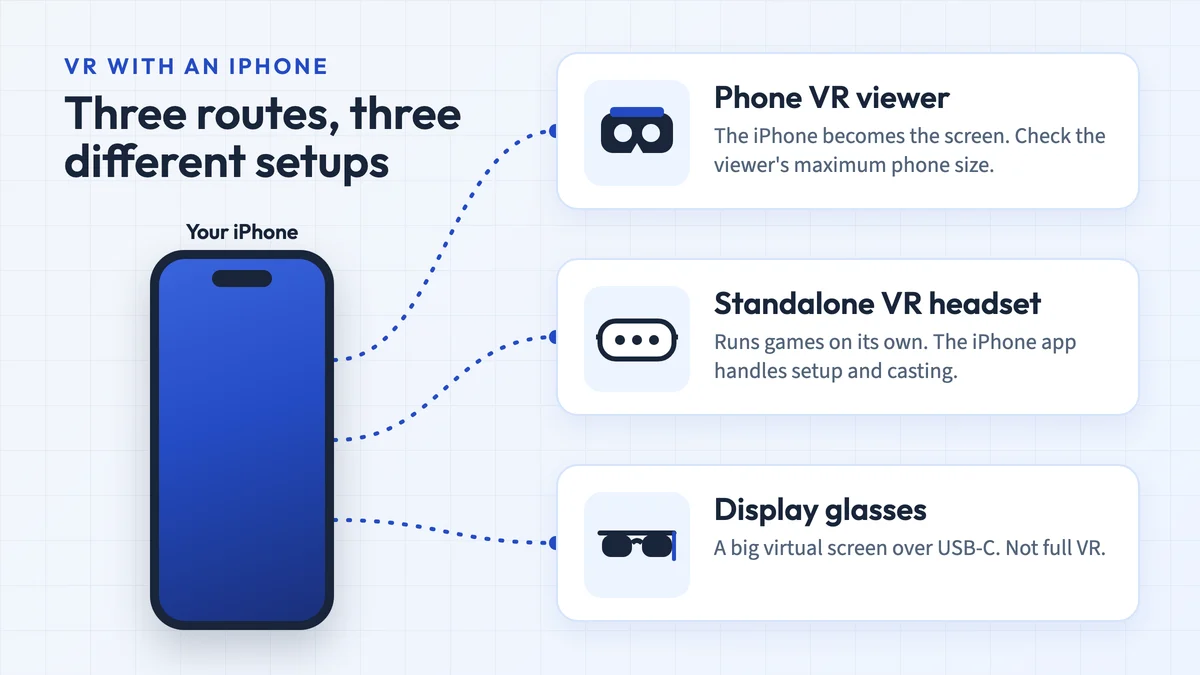
Can you still use it? Technically, yes, if your phone fits. It is a passive plastic viewer for phones with 3.5 to 6-inch screens, so it works with any phone VR app or 360-degree video. The Google Cardboard app is still offered for Android and iOS, but Google stopped selling Cardboard viewers in March 2021 and phone VR has seen little new content since. Many current phones are also larger than 6 inches.
What to consider instead? All three alternatives in the original review have been discontinued. For real VR today, a standalone headset such as the Meta Quest 3S is the practical choice; see what to consider instead.
Original review: The first-person observations below are Dustin Jermalowicz’s review published in 2020. His assessment is retained as original experience; the dated notes identify the later product and software research.
In the few years that I’ve been reviewing VR headsets, I’ve come across some truly great devices.
I’ve also come across crap. These crap devices are often junk, thrown together to try and capitalize on a fad.
Unfortunately, the iLive VR Headset falls into this category.
What to Weigh Before Buying the iLive VR Headset
At current count, I have 23 VR headsets sitting in my house. The vast majority are in a box and will never be used again. Needless to say, I’ve got a bit of experience using these things.
I’ve come up with a list of things you may want to consider before buying a VR headset, because I don’t want to see you throwing your money away.
Some of the things to consider are:
Budget
The old adage is “you get what you pay for”.
That’s certainly true in VR headsets, as going for the cheapest possible set will get you a piece of junk.
While it’s wise not to go cheap, you don’t have to break the bank, either.
There are plenty of good VR headsets in the $20-50 range that will give you a lot of value.
Note: that price range applied to phone viewers when this review was written. Standalone headsets with their own screens and tracking now start at $349.99 for the Quest 3S (128 GB), according to Meta’s US pricing update effective 19 April 2026 (checked 24 September 2026).
What Do You Want to Do in VR?
Are you the type of user who wants to get lost in a virtual world, or are you someone who just wants to chill in VR? The device you invest in should be reflected in what you want to do.
If you’re looking for a way to consume VR media, a simple mobile VR headset may do the trick.
If you want to shoot zombies in the face and flip burgers, you may want to go higher up.
What Phone Do You Use?
Are you an Android or iOS user? If you prefer Android smartphones, your VR experiences are going to be more diverse than someone who uses iPhones. This comes down to how the parent groups curate their app stores.
Google Play is more open to content than Apple’s App Store, which restricts titles in order to create a positive user experience.
An iPhone user may just be better off going with a different VR device than someone who has an Android, just for the sake of software.
Introducing the iLive VR Headset
iLive has a history of being an electronics brand that puts out affordable products.
They’ve certainly gone that route with the iLive VR Headset.
The device is made of plastic and has the goal of providing a budget experience that’s compatible with most mobile phones.
Specs
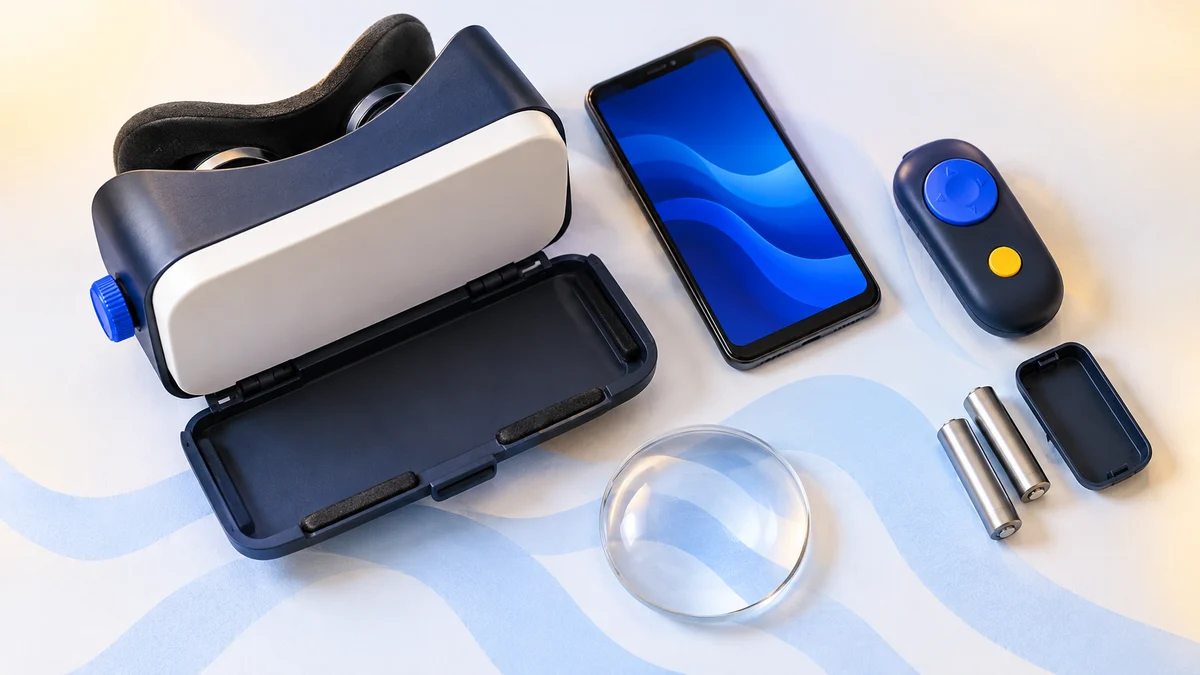
- 11.7 ounces in weight
- Fits most phones 3.5 to 6 inches
- Knob adjustment for lens distance
- Includes wireless remote
- Tinted cover for AR use
Pros
- Economical
- The controller isn’t the worst I’ve seen
- Fits most smartphones
Cons
- Feels cheap
- Lens quality sucks
- Bad sound quality
View the listing on AmazonPaid link · Historical or unverified listing
Features of the iLive VR Headset
I’ve noted a few benefits of this headset, mainly because I’m an optimist and try to look for the positive in everything (my wife says it’s one of my best traits).
Unfortunately, this device isn’t very good, and this next section may seem a bit harsh to my regular readers.
Visuals
The lens quality of this headset isn’t good. When I put this on, something just seemed “off” about it.
It was almost like I had beer goggles on, when most other headsets at least give the look of what you’d expect to see. Everything here is just distorted.
Moving the knob to adjust the distance of the lenses to the phone doesn’t help, either.
The visual quality is just terrible.
Audio Quality
The sound of your phone in this device won’t sound very good unless you use headphones.
That’s because the headset doesn’t have good grates for your phone’s speakers, and with the cheap plastic, it will echo and sound like your phone is in a cave.
My recommendation is to use wired headphones if you use this headset.
Build Quality
The iLive VR Headset is a cheap piece of equipment, and it shows. Everything here is plastic, including the knob on the side that’s painted to look like metal.
I just hate the feel of it. It’s like one of those dollar store squirt guns you’d buy as a kid.
You know it’s not the best, but you’re not expecting it to be as bad as it is.
Controller
I do have to say that the controller isn’t the worst one I’ve ever used with a VR headset.
That’s not to say it’s good, but it’s at least functional. The device is made of plastic and requires 2 AAA batteries, which gives it way more heft than it needs.
If you’re using an Android device, you’ll get some functionality here, but if you’re using an iPhone, the controller is useless as it’s not compatible.
Overall Experience
This is a no-frills device. It comes with no software from the company, and just reeks of shoddiness.
I really can’t recommend it to readers.
What Others Are Saying About the iLive VR Headset
I thought I was being really harsh on this headset, so I looked to see if I could find any other users that had reviewed this device. Skimming around was hard, as there are iLive products that are similar and have better reviews. Finding some thoughts on this particular headset was difficult, though.
I did find a customer on Amazon who agrees that the lenses are terrible.
Hey, while that’s a pretty harsh review, she’s not wrong!
View the listing on AmazonPaid link · Historical or unverified listing
Alternatives to the iLive VR Headset
Despite my hatred for the iLive VR Headset, there are a lot of great mobile VR headsets out there.
Note: all three headsets below are now discontinued. The Gear VR only ever worked with compatible Samsung Galaxy phones, not iPhones; Facebook stopped Gear VR software updates and pulled the Oculus Video and 360 Photos apps from download in 2020, and newer Galaxy phones from the Note 10 and S20 onward no longer support it. Oculus announced in June 2020 that it would stop selling the Oculus Go, and HTC declared the original Vive Pro end of life in March 2020. The links are kept for reference; see current options below.
As I’ve stated, I had dozens of headsets, and there are some other choices I’d recommend over this garbage.
Samsung Gear VR
I’ve had a long love affair with the Samsung Gear VR headset. If you have a compatible Samsung device, this is the best mobile VR headset.
It mixes in the functionality of an Oculus headset with the convenience of mobile VR.
I highly recommend the Gear, especially if you use a Galaxy smartphone.
Similarities
- Both hold a smartphone
- Similar head straps
Differences
- Much higher quality
- Lenses are actually good
- Controller is awesome
View the listing on AmazonPaid link · Historical or unverified listing
Oculus Go
If you’re willing to up the amount of your investment into a premium device, then I think you’ll love the Oculus Go. You don’t need a phone to power it, and you’ll get an excellent all-around experience for games and media.
I particularly love the 3D spatial audio built into the head straps, and the comfort will see you able to wear the Go for hours.
Similarities
- They’re both VR headsets
- That’s about it, they’re seriously not similar in any way
Differences
- Much higher quality
- Has 3D audio
- Doesn’t require a smartphone
View the listing on AmazonPaid link · Historical or unverified listing
HTC Vive Pro Headset
If you have a beefy gaming PC, then the Vive Pro is a fantastic option for VR.
It delivers a high-end experience that I’d consider to be top-of-the-line. The roomscale movement and six degrees of freedom (6DOF) really make this headset stand out.
Of course, this isn’t a mobile headset, but man, it’s worth mentioning just for the awesome experiences.
Similarities
- They both sit on your head
Differences
- Name brand
- Actually is comfortable
- Didn’t make me feel like gouging my eyes out
View the listing on AmazonPaid link · Historical or unverified listing
What to consider instead of the iLive
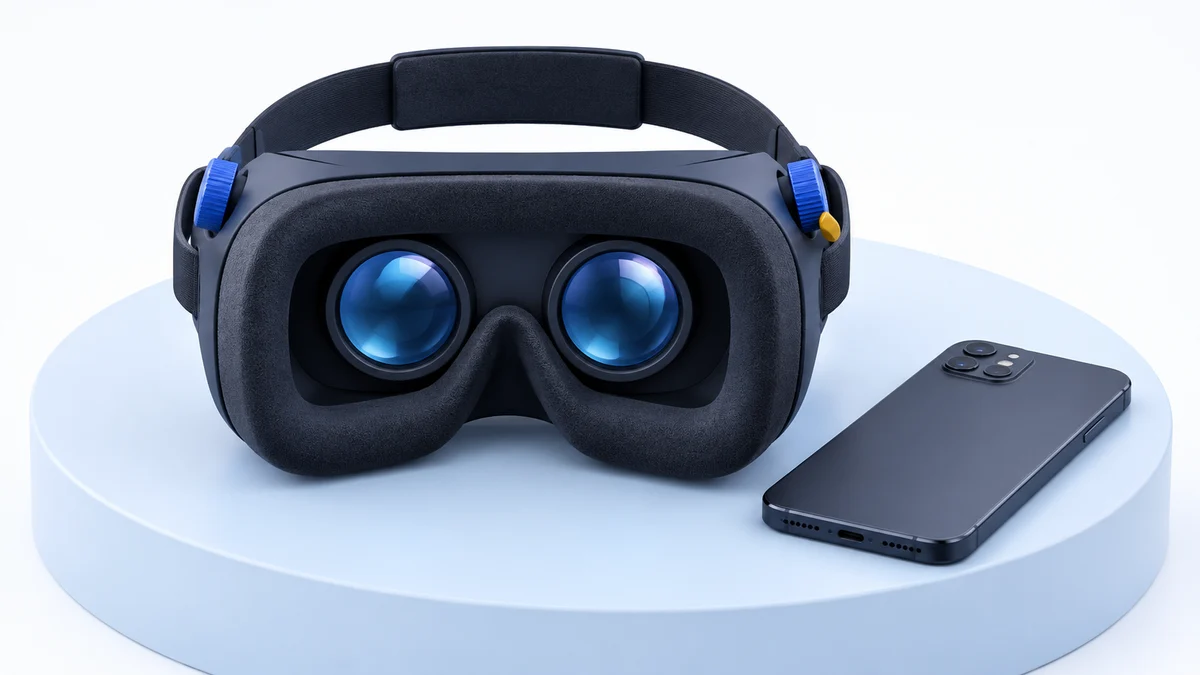
If you want to try VR cheaply with the phone you already own, any passive viewer will do the same job as the iLive, and a better-made one will be more comfortable. Check that it fits your phone’s screen size and outer dimensions before buying, and expect a limited choice of apps: the Google Cardboard app and 360-degree video are the main uses left.
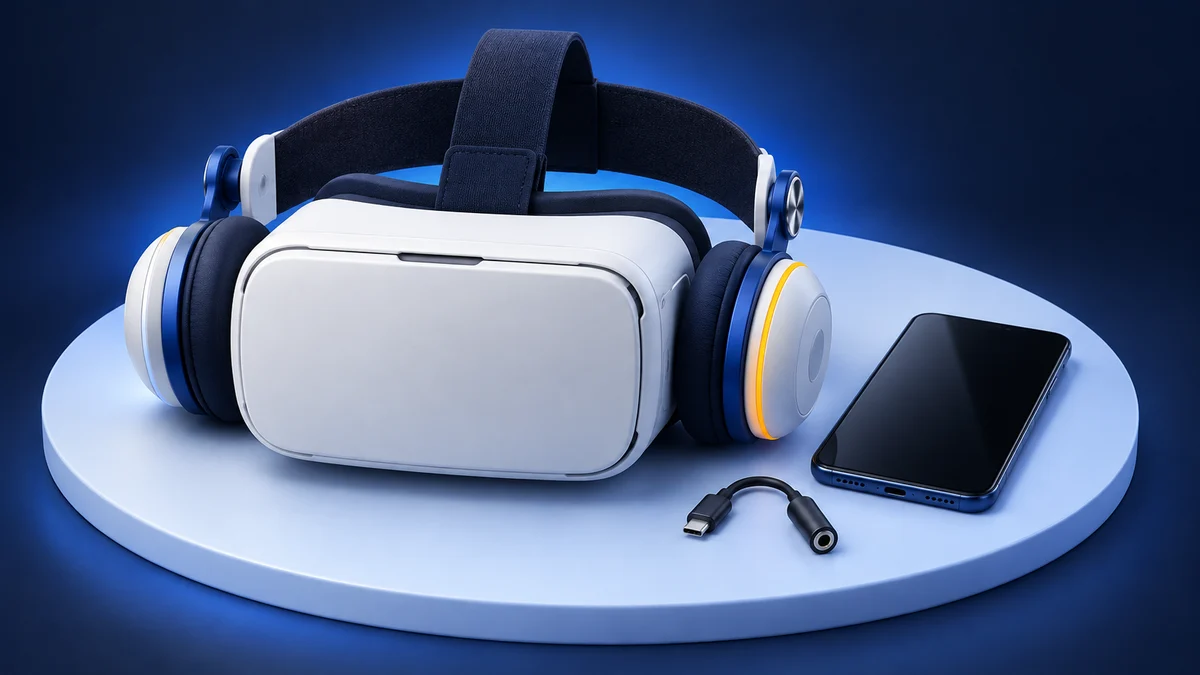
For games, fitness and apps that are still being developed, a standalone headset is the realistic option. As of September 2026, Meta lists the Quest 3S at $349.99 (128 GB) or $449.99 (256 GB) and the Quest 3 (512 GB) at $599.99 in the US, according to its pricing update. Both are self-contained headsets with their own screens, processors and motion tracking, so they do not depend on your phone.
For more options, see our best VR headsets under $50, our Meta Quest 3 vs Quest 3S comparison and the VR headsets hub.
Why the iLive VR Headset Is Not Worth Buying
I love VR, but I hate the iLive VR Headset. I really can’t recommend this to anyone, and I urge you to buy any of the alternatives that I listed above.
Since those alternatives are no longer sold, the current choice is between a better-made phone viewer for casual 360-degree video and a standalone headset such as the Quest 3S for real VR.
The iLive just feels cheap, has horrible lenses, and serves no purpose to users, other than to possibly torture them. Your best bet is to look to the alternatives, as I guarantee they do a better job of delivering quality VR.
If you’re dead set on buying this device, you can get it by clicking here.
Research behind this guide
Check the linked specifications and support documents, or read how we research. Original review experience stays attributed to its author.
View 7 sources
Explore the related guides in VR headsets.