VITURE Beast: Specs, Compatibility and Which VITURE Glasses to Buy
We may earn a commission when you buy through links on this page. As an Amazon Associate I earn from qualifying purchases. How this works
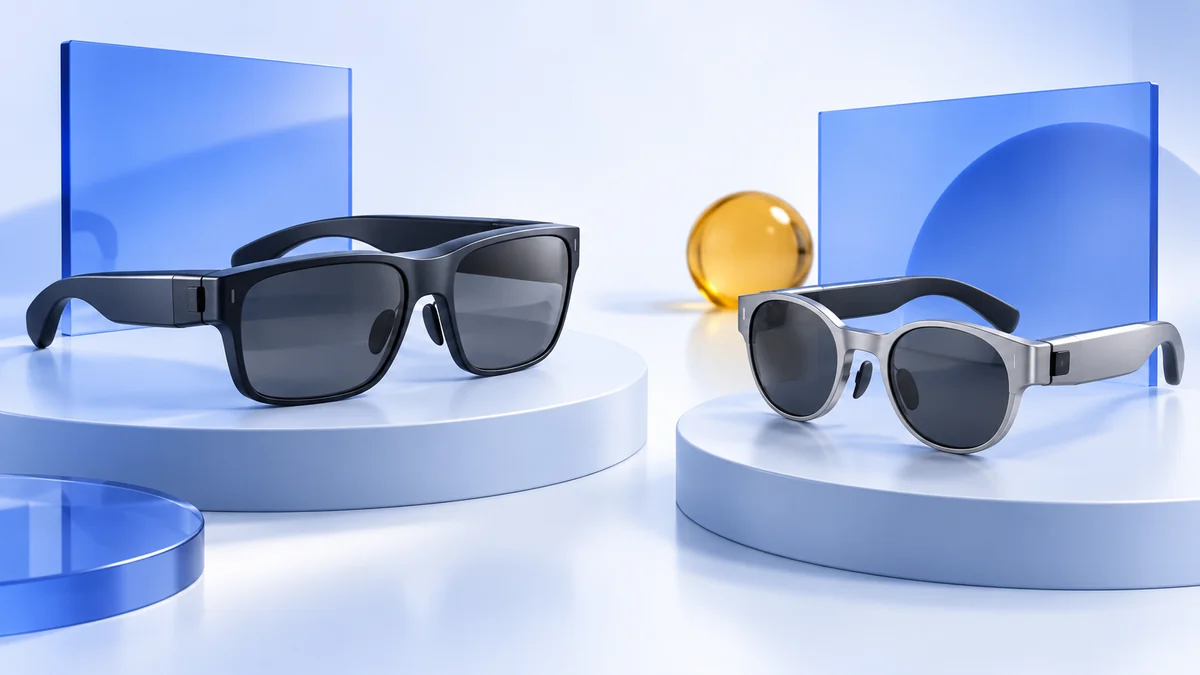
VITURE Beast is VITURE's widest-view display glasses: a 58° field of view, up to 1,250 nits and built-in 3DoF tracking, launched at $549. It has no myopia dial, so glasses wearers need VITURE's prescription lens frame. It works with iPhone 15 and later except the 16e and Air, Android phones that output DisplayPort over USB-C, and Macs and Windows PCs.
Which VITURE to buy: Beast for the biggest screen and tracking without an app; Luma Ultra for screens fixed in space on a Mac or PC; Pro 2 or Luma for a lower price and a myopia dial.
Display glasses discussed in this guide
VITURE Beast
Model V1254 · Regular
Widest viewA 58° view, 1200p per eye and built-in 3DoF tracking, according to VITURE.
Check first: Glasses wearers need the prescription lens frame; iPhone 16e and Air aren’t supported.
Check price on Amazon Paid link · AmazonVITURE Pro 2
Model V1273
Lower price, myopia dialVITURE’s lightest glasses at 63 g, with a dial to −5.0D.
Check first: A 50° view, narrower than the Beast’s.
Check price on Amazon Paid link · Amazon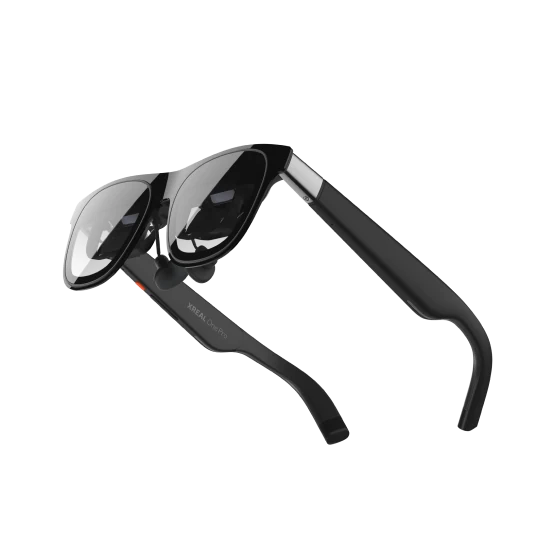
XREAL One Pro
AR display glasses
XREAL alternativeA 57° view with 3DoF from its X1 chip, and optional 6DoF with the XREAL Eye.
Check first: Needs prescription inserts rather than a dial.
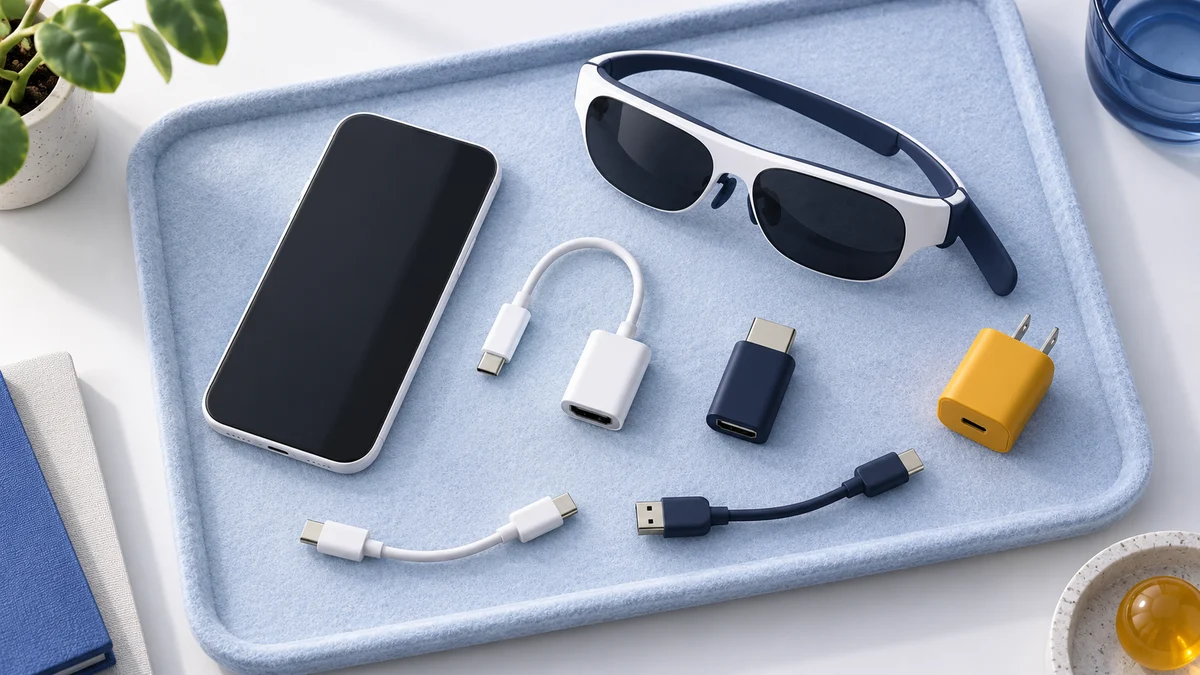
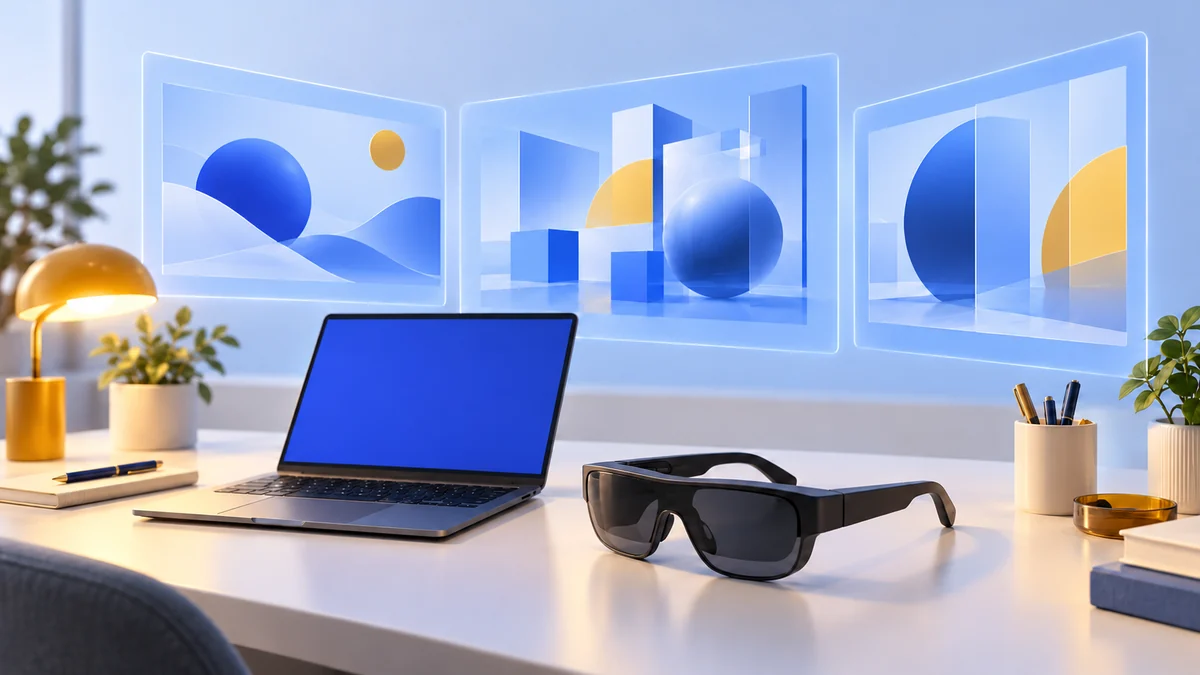
Check price on Amazon Paid link · AmazonThe Beast is display glasses: it shows the screen of the phone, console or computer you connect as a large virtual display. It doesn't run apps itself, and it isn't a VR headset. VITURE's lineup now has five models, and the right one depends on your eyesight, your source device and whether you want the screen to stay put when you turn your head.
Start with the specifications and the device list, then compare the lineup. If you're still choosing a device to connect, our guides for iPhone, Android and Steam Deck cover the cables and settings in detail.
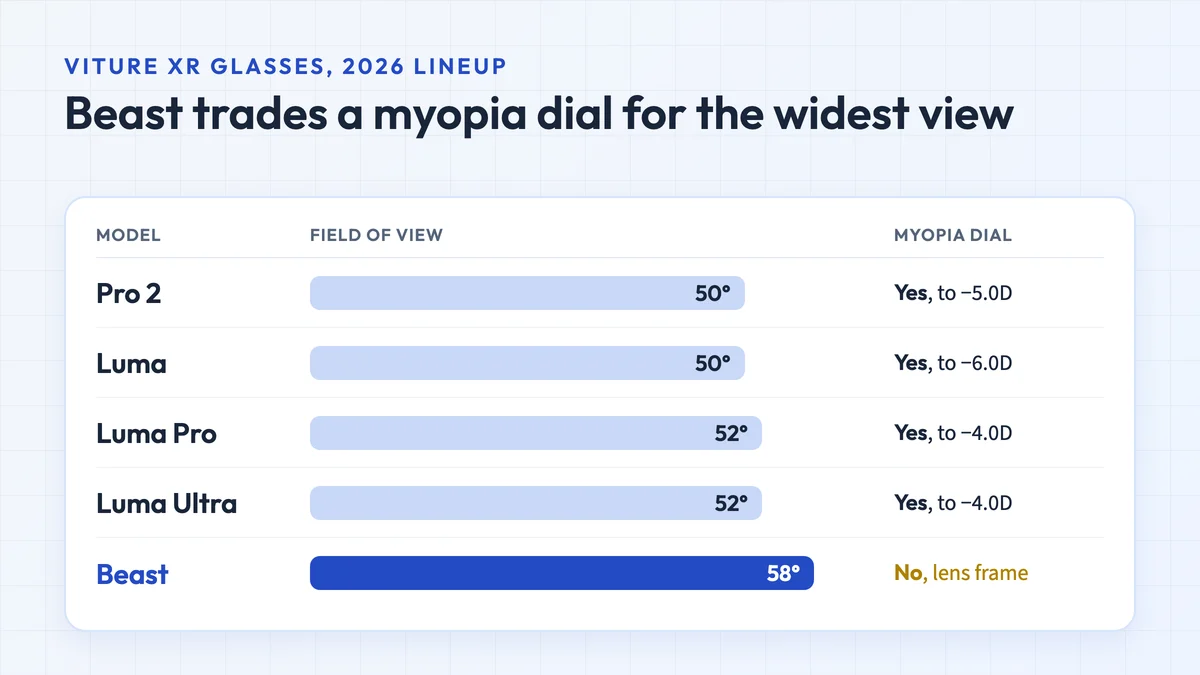
Specification and source notes
Specifications come from VITURE's spec pages and buying guide, checked 15 October 2026. The Beast went on sale on 27 April 2026 at $549, according to Road to VR. VITURE lists some features, such as 6DoF tracking from the front camera, as coming in software updates. We have not tested the Beast or the other models; image quality and comfort are not compared here.
VITURE Beast specifications
| Specification | VITURE Beast |
|---|---|
| Field of view | 58°, a 174-inch screen at 4 m (distance adjustable from 1 to 5.5 m) |
| Displays | Sony micro-OLED, 1920 × 1200 per eye, up to 120 Hz |
| Brightness | Up to 1,250 nits (perceived) |
| Dimming | Electrochromic, 9 or more levels |
| Tracking | Built-in 3DoF; 6DoF from the front camera is planned in a software update |
| Vision correction | No myopia dial; prescription lens frame |
| IPD | 64 ± 6 mm (Regular), 68 ± 6 mm (Large) |
| Weight | 88 g (Regular), 90 g (Large) |
| Audio | HARMAN AudioEFX with spatial sound |
| Connection | USB-C with DisplayPort Alt Mode |
Source: VITURE’s Beast specifications, checked 15 October 2026. Built-in 3DoF means the glasses track head rotation themselves, so the screen can stay anchored in front of you without a companion app.
What the Beast works with
The Beast needs a video signal over USB-C. VITURE’s advice is to look for “DisplayPort over USB-C” or “DP Alt Mode” in your device’s specifications.
| Device | Works with the Beast? |
|---|---|
| iPhone 15, 16, 17 and 18 Pro models | Yes, connected directly by USB-C |
| iPhone 16e and iPhone Air | No; VITURE lists them as not compatible, and Apple’s display guidance also excludes the iPhone 17e |
| Lightning iPhones (iPhone 14 and earlier) | No direct route; VITURE’s HDMI XR Adapter, used for Lightning setups, doesn’t support the Beast |
| Android phones with DisplayPort over USB-C | Yes; phones without it can still update the glasses’ firmware |
| Mac and Windows computers | Yes, with VITURE’s SpaceWalker Desktop software |
| Steam Deck and ROG Ally | Listed on the Beast’s Amazon listing; charging while playing through VITURE’s USB-C XR Charging Adapter limits the Beast to 60 Hz |
| Nintendo Switch and Switch 2 | Listed on VITURE’s Beast page; check VITURE’s certified device list for the exact setup |
| VITURE Pro Neckband | Android Mode only; the One Neckband and Mobile Dock aren’t supported |
Sources: VITURE’s Beast specifications, the Beast product page, Apple’s display guidance and the Beast’s Amazon listing, checked 15 October 2026. Our AR glasses for iPhone guide explains the iPhone models in more detail.
Beast vs the rest of VITURE's lineup
| Feature | VITURE Beast | VITURE Luma Ultra | VITURE Luma Pro | VITURE Luma | VITURE Pro 2 |
|---|---|---|---|---|---|
| Price at VITURE | $549 | $599 | $499 | $399 | $299 |
| Field of view | 58° | 52° | 52° | 50° | 50° |
| Brightness | 1,250 nits | 1,500 nits | 1,000 nits | 1,000 nits | 1,600 nits |
| Weight | 88 g (Regular) | 83 g | 79 g (Regular) | 77 g | 63 g |
| Myopia dial | None | Up to −4.0D | Up to −4.0D | Up to −6.0D | 0 to −5.0D |
| Tracking | Built-in 3DoF | 6DoF and hand gestures with the Pro Neckband; 6DoF on Mac and Windows | 3DoF through SpaceWalker | 3DoF through SpaceWalker | Not stated in VITURE's guide |
Sources: VITURE’s Luma series specifications, Beast specifications and VITURE’s buying guide for the Pro 2 and the prices, checked 15 October 2026. VITURE’s guide gives Luma Pro and Luma Ultra a −6.0D range, but their specification page says −4.0D; we use the specification page. Brightness figures are VITURE’s own and may be measured differently between models.
Which VITURE glasses to buy
- VITURE Beast if you want the largest screen in the lineup and a screen that stays put without an app. If you wear glasses for short-sightedness, budget for the prescription lens frame.
- VITURE Luma Ultra if you want screens fixed in space for work on a Mac or Windows PC (6DoF), or hand gestures with the Pro Neckband. On Android it works in 3DoF only, according to VITURE.
- VITURE Luma Pro for a myopia dial (to −4.0D) with a slightly wider view than Luma, at a lower price than the Beast.
- VITURE Luma if you need the strongest myopia dial (to −6.0D) or have a narrow or wide IPD: VITURE lists 56–72 mm.
- VITURE Pro 2 for the lowest price, the lightest frame (63 g) and the highest brightness figure in the lineup, with a dial to −5.0D.
Check price on AmazonPaid link
Check price on AmazonPaid link
VITURE Beast vs XREAL One Pro
| Feature | VITURE Beast | XREAL One Pro |
|---|---|---|
| Field of view | 58° | 57° |
| Resolution per eye | 1920 × 1200 | 1920 × 1080 |
| Highest refresh rate | 120 Hz | 120 Hz |
| Weight | 88 g (Regular), 90 g (Large) | 87 g |
| Built-in tracking | 3DoF | 3DoF from the X1 chip; the XREAL Eye camera adds 6DoF |
| Vision correction | Prescription lens frame | Prescription inserts |
| Sizes for IPD | Regular 64 ± 6 mm, Large 68 ± 6 mm | M 57–66 mm, L 66–75 mm |
Sources: VITURE’s Beast specifications and XREAL One Pro specifications, checked 15 October 2026. On paper the two are close: the Beast has a slightly taller image and the wider view, while XREAL’s optional Eye camera already offers 6DoF. Neither has a myopia dial. Our XREAL One Pro vs VITURE Pro comparison covers XREAL’s fit and software in more depth.
Check price on AmazonPaid link
VITURE Beast FAQ
When did the VITURE Beast come out?
It went on sale on 27 April 2026 at $549, at Amazon, Best Buy and VITURE's own store, according to Road to VR. Pre-orders opened in July 2025, and limited early batches shipped in December.
Does the VITURE Beast work with iPhone?
Yes, with iPhone 15 and later models, connected directly by USB-C. VITURE lists the iPhone 16e and iPhone Air as not compatible, and Apple's own display guidance also excludes the iPhone 17e. Lightning iPhones have no supported route, because VITURE's HDMI XR Adapter doesn't support the Beast.
Can I use the VITURE Beast if I wear glasses?
Not with a built-in adjustment: the Beast has no myopia dial. VITURE sells a prescription lens frame for it. If you'd rather adjust the glasses yourself, Pro 2 and the Luma models have dials.
Does the VITURE Beast have 6DoF?
Not yet. It has built-in 3DoF, which tracks head rotation. VITURE says the front camera will add basic 6DoF through a software update after launch.
Should I buy the Beast or Luma Ultra?
Beast has the wider view (58° against 52°) and built-in 3DoF without an app. Luma Ultra is brighter on paper (1,500 against 1,250 nits), has a myopia dial to −4.0D, and offers 6DoF on a Mac or Windows PC or with the Pro Neckband.
Is the VITURE Beast a VR headset?
No. It shows your device's screen as a large virtual display and doesn't run apps itself. For VR games, see our Quest 3 vs Quest 3S comparison.
Research behind this guide
Check the linked specifications and support documents, or read how we research. Original review experience stays attributed to its author.
View 7 sources
- VITURE: The Beast XR glasses specifications
- VITURE: Beast product page
- VITURE: Luma series specifications
- VITURE: Guide to choosing Pro 2, Luma series and The Beast
- Road to VR: VITURE Beast available at Amazon and Best Buy (27 April 2026)
- Apple: Connect iPhone to a display with USB-C
- XREAL One Pro specifications
Explore the related guides in AR and display glasses.