Quest 3 Accessories: What to Buy First and What to Skip
Choose Quest 3 accessories by the problem they solve. Prioritize fit, prescription-insert compatibility, charging and PC connections without buying an unnecessary bundle.
We may earn a commission when you buy through links on this page. As an Amazon Associate I earn from qualifying purchases. How this works
Start with fit, then fix the limitation in your actual sessions. A better strap may help pressure or adjustment; a battery solves insufficient runtime; a Link cable enables a wired PC connection. A charging dock or carrying case is useful only when it suits your routine.
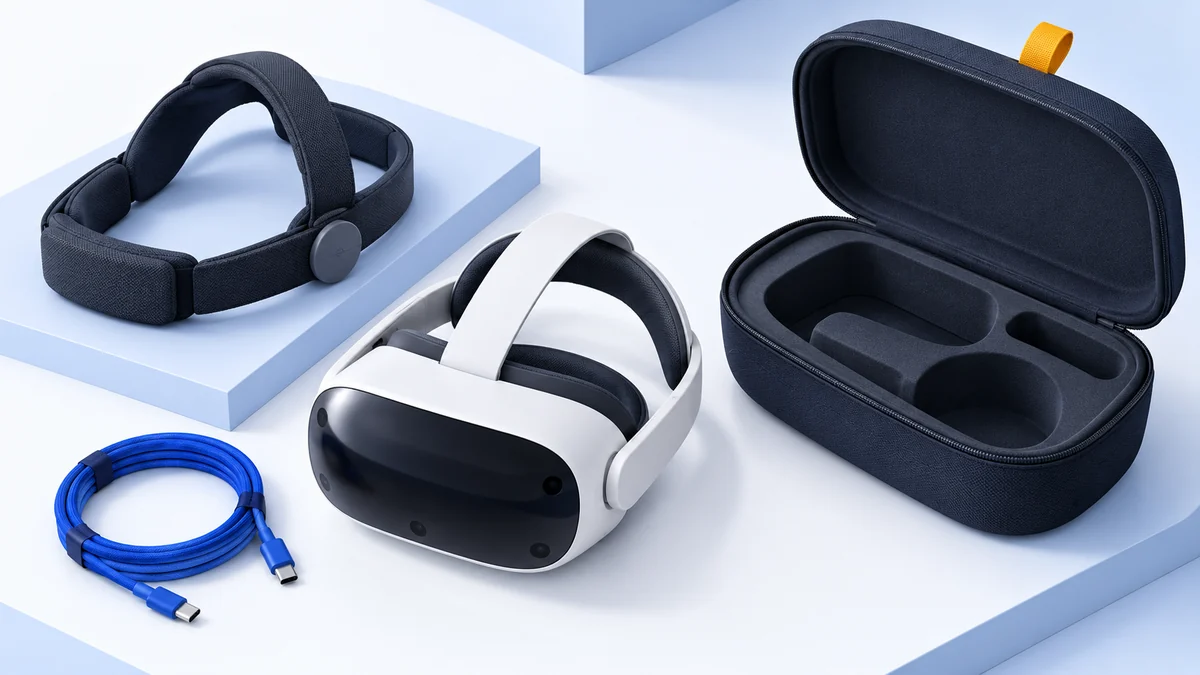
The best Quest 3 accessories are not necessarily the largest bundle. You can spend a substantial part of the headset budget without improving the thing that bothers you. Use the included equipment for a first session, identify the limitation, then choose one change.
This guide covers documented accessory roles and compatibility, checked on 13 October 2026. It is not a hands-on ranking of straps or batteries. The illustration is conceptual; it does not show a tested accessory kit.
Choose an upgrade order
| What interrupts play? | Accessory category to investigate | When to skip it |
|---|---|---|
| Headset slips or feels difficult to adjust | Alternative head strap | The included strap already stays secure |
| Glasses clearance or repeated lens-position issues | Model-specific prescription inserts or fit adjustment | Existing fit is clear and comfortable |
| Headset battery ends your sessions | Battery strap or compatible power solution | Normal sessions finish with charge remaining |
| You need wired PC VR | Suitable Link data cable | Standalone or wireless use only |
| Equipment is hard to charge or keep together | Compatible dock or carrying case | Existing storage and charging are convenient |
The Meta accessory catalog lists model compatibility. Check the exact item, not only the category name.
Comfort and optical fit
First adjust the stock strap and lens position. Tightening everything until the headset stops moving can create pressure without solving the fit. Try your usual seated or standing activity and note where the discomfort appears.
The Meta Elite Strap uses a dial adjustment and is an official option to inspect. Choose this type of accessory if you want a different adjustment system or support arrangement. Skip it if the standard strap already feels good, or if the issue is glasses clearance rather than head support.
A replacement facial interface addresses a different problem: contact with your face, cleaning needs or the space around your glasses. Meta’s catalog distinguishes Quest 3 interfaces from Quest 3S interfaces. Do not assume a shared strap means all face parts are interchangeable.
Meta also lists separate prescription-insert options for Quest 3 and for Quest 3S/2. Select the insert for your exact headset and follow the seller’s fitting instructions. If several people share the headset, think about how easily inserts can be removed and replaced before choosing them.
For the headset differences behind these choices, see Quest 3 vs Quest 3S. Fit accessories should not be used to imply that the two have identical optical systems.
Batteries and longer sessions
A battery accessory is useful when runtime ends a session you otherwise want to continue. Before buying, note how long your ordinary games, workouts or social sessions last and whether you have a charging break between them.
Meta’s Elite Strap with Battery combines a strap and battery. Choose a combined accessory when you want both changes. Skip it if you only need a fit adjustment or already have enough charge for your sessions.
Check compatibility, included cables and charging instructions on the exact product page. An added battery changes the physical arrangement of the headset. We cannot promise that it will feel better simply because it moves some weight behind your head.
For shared equipment, make the charging routine obvious. A battery that is rarely recharged may offer less practical value than a simple place to return the headset after every use.
A cable for PC VR
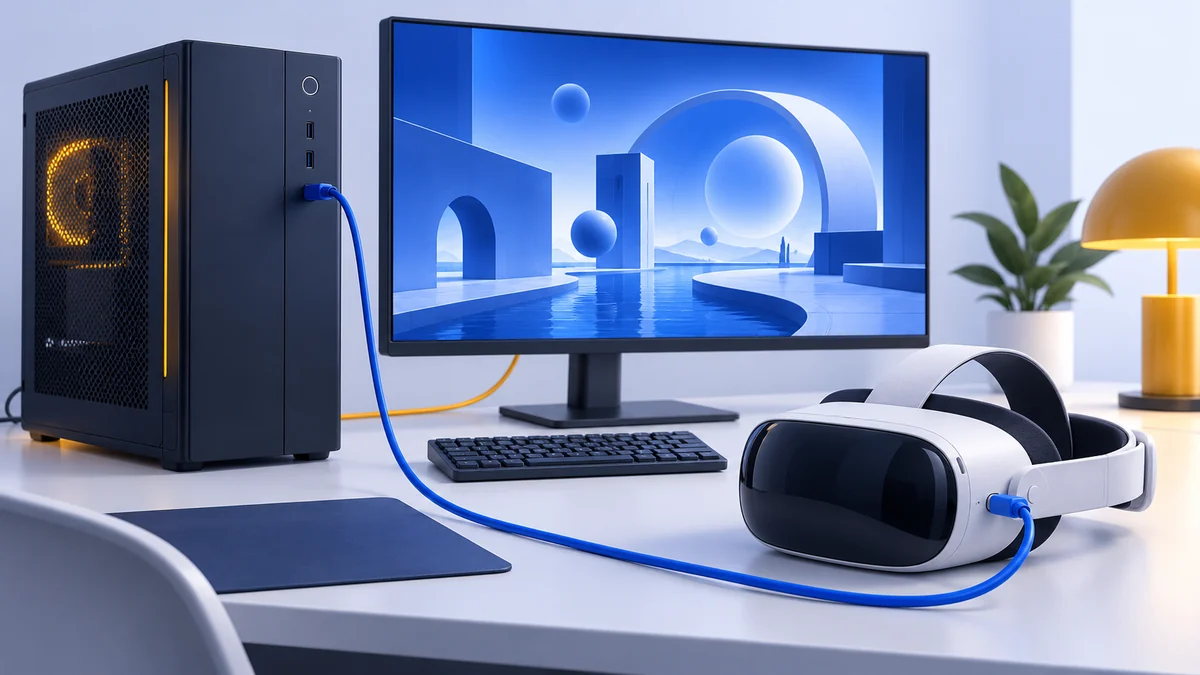
If you want wired PC VR, choose a data cable for that job. Meta’s Link setup guide specifies USB-C 3.2 supporting at least 5 Gbps. A cable advertised mainly for charging does not establish that it meets this requirement.
The official Meta Link cable is a documented PC connection accessory. Check your PC’s port, the cable’s connectors and enough usable length for your play position. Leave slack and keep the cable away from chair wheels and walking paths.
Choose it if you need a suitable wired connection and do not already have one. Skip it for standalone use, or if wireless PC VR is working well and you prefer moving freely.
View on AmazonPaid link
A cable does not make an unsupported PC suitable for VR. Check PC requirements first. Then use Link vs Air Link to choose the connection, and Quest SteamVR setup to get your software working.
Docks and carrying cases
A dock is primarily a convenience purchase. Consider it if leaving the headset in one obvious place would make charging consistent. Do not assume every dock charges the same combination of headset, controllers and battery accessories.
Read what is included, whether special controller batteries are needed, and which power supply the product expects. Meta’s current catalog lists a Compact Charging Dock for Quest 3/3S alongside other charging products; matching the exact model matters more than the word “dock.”
Choose a carrying case after settling the strap. A fitted case for a headset with its original strap may not accommodate a bulkier replacement or battery attachment. Check the stated internal fit with everything you intend to transport.
Skip both categories if the headset stays at home, has a secure storage spot and is reliably charged. Keep the budget for an accessory with a specific benefit you can name.
Controller straps and audio
Quest headsets include wrist straps with their Touch Plus controllers, according to Meta’s box contents. Use those first. Additional controller straps change how the controllers sit in the hand; they do not automatically improve tracking.
If you investigate a grip or active strap, confirm that it fits Touch Plus and leaves controls and tracking areas accessible. Choose it for a particular handling preference rather than an unspecified performance boost.
For audio, identify the problem first: privacy, room noise or your preferred sound. Check the headset’s supported connection and whether it competes with a battery or Link cable for a port. In voice apps, also confirm the active microphone; new headphones are not automatically a microphone upgrade.
Before you buy
- Name the problem the accessory will solve.
- Confirm Quest 3 versus Quest 3S compatibility for the exact item.
- Check whether it fits your existing strap, case, insert or charging arrangement.
- Read the included-parts list rather than assume a power supply or battery is bundled.
- Compare the exact retailer listing, condition, seller and return policy.
Quest accessory FAQ
Do I need accessories to start using Quest 3?
Meta lists a strap, facial interface, controllers, wrist straps and charging equipment in the headset box. Start with the included setup, then add accessories for a specific need.
Do Quest 3 accessories fit Quest 3S?
Some do. Meta lists shared straps and certain storage products, but separate facial interfaces and prescription inserts. Check the exact compatibility label for every item.
Is a Link cable required for SteamVR?
No. Wireless routes include Steam Link and Air Link. A suitable cable is required when you choose USB Link instead.
Which accessory should I buy first?
Address fit or clear vision before convenience upgrades. If the stock setup already works well, there may be no accessory you need immediately.
Sources & research approach
Read how we research our guides and use the sources below to check the information behind this article.
Explore the related guides in VR accessories.