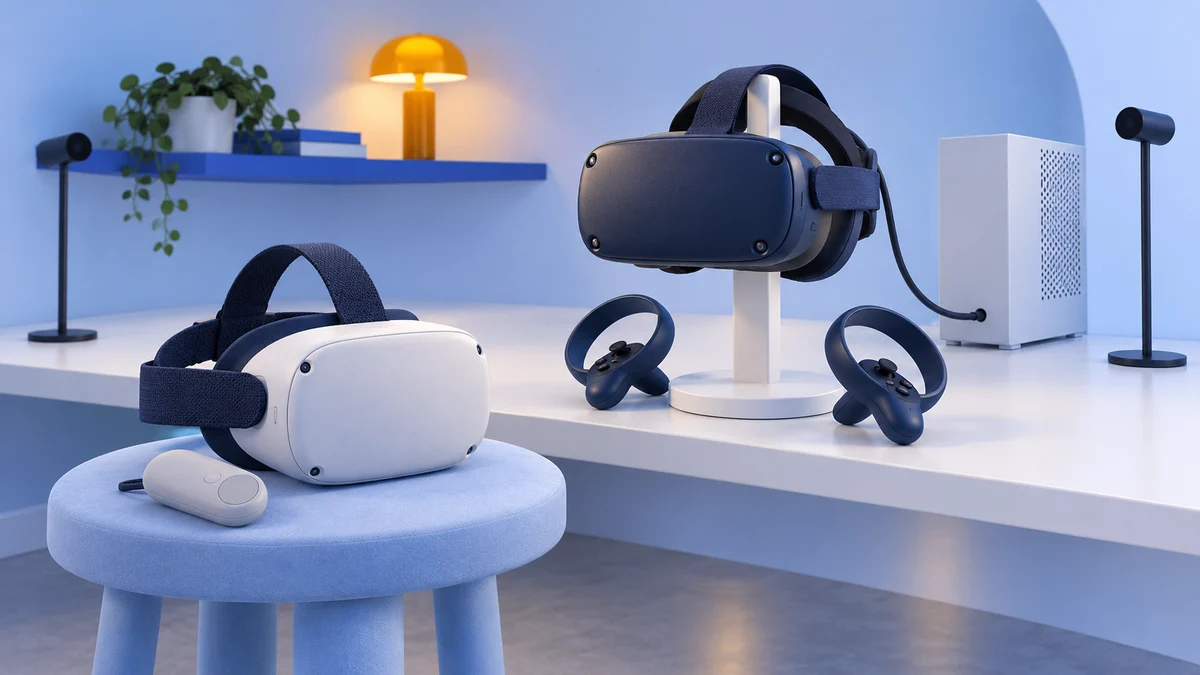
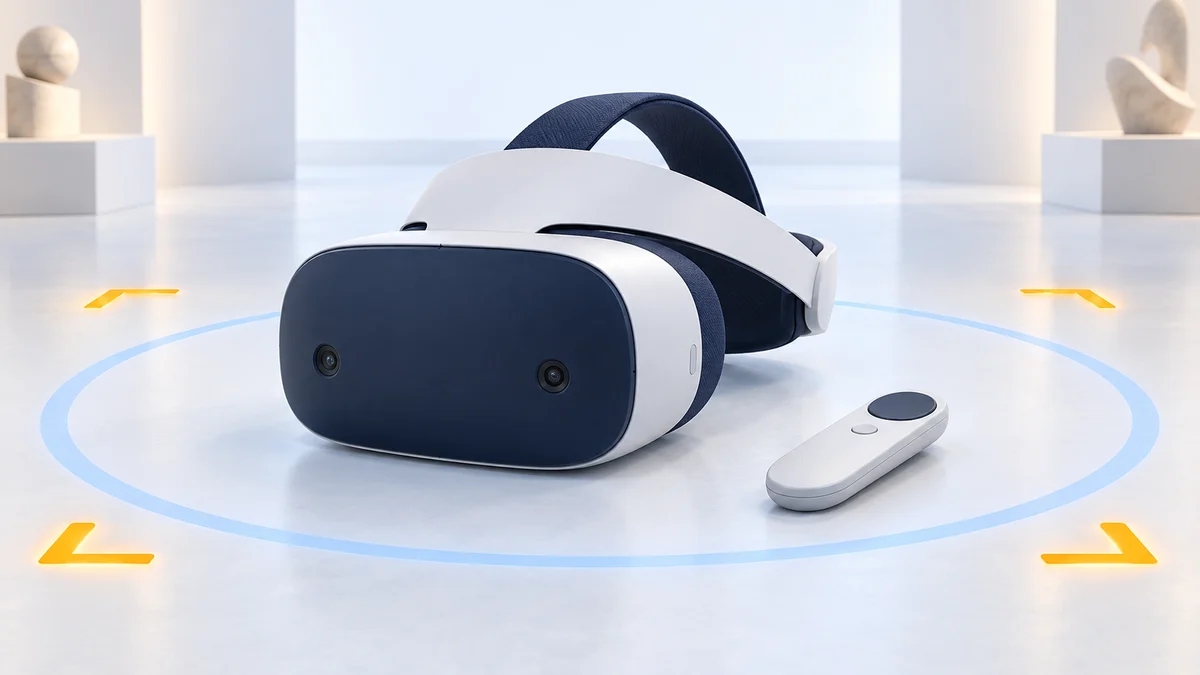
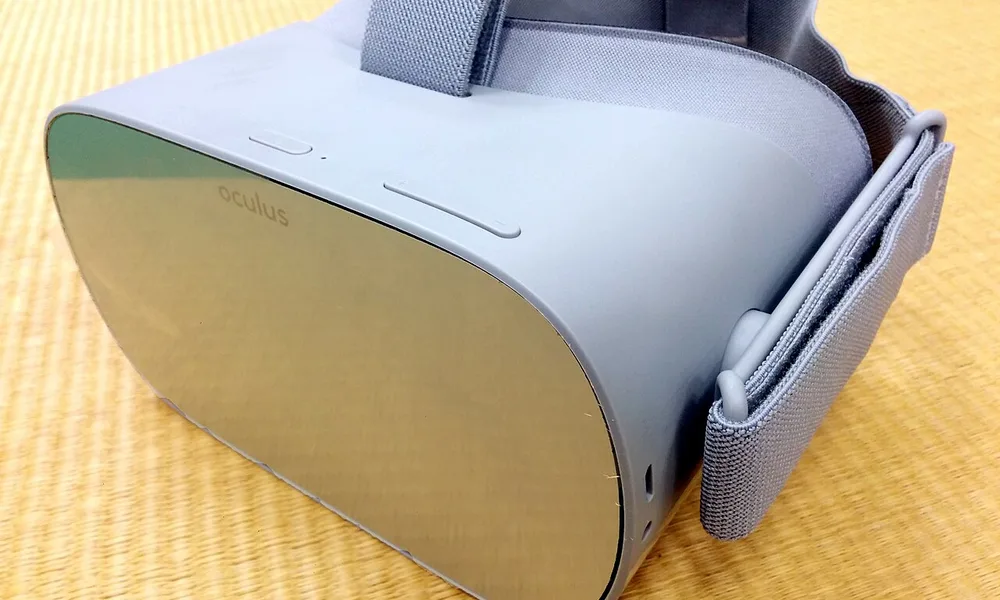
Lenovo Mirage Solo vs. Oculus Go: A Virtual Reality Showdown
We may earn a commission when you buy through links on this page. As an Amazon Associate I earn from qualifying purchases. How this works
Both headsets are discontinued and unsupported, and app access is unreliable. Jamie Holmes chose the Oculus Go in the original 2020 review for its comfort and multimedia experience. The Mirage Solo offered better head-position tracking and expandable storage. Those historical differences can help existing owners, but they do not make either a dependable purchase for a new user. See what to buy instead.

128 GB configuration
Standalone VRStandalone games with Fresnel lenses.
Check first: Check the app library, optical fit and return policy.
Check price on Amazon Paid link · Amazon
512 GB configuration
Pancake opticsPancake lenses and a higher-resolution display than Quest 3S.
Check first: Compare the complete purchase, including any accessories.
Check price on Amazon Paid link · AmazonThe Lenovo Mirage Solo and Oculus Go offered VR without a gaming PC or console. A used headset still has that appeal, but both now depend on unsupported software. For a first-time buyer, app access matters more than the original difference in price or processor.
Compare what each setup requires, then read the original tracking comparison and comfort observations. The replacement options explain where to look if you want a maintained standalone platform.
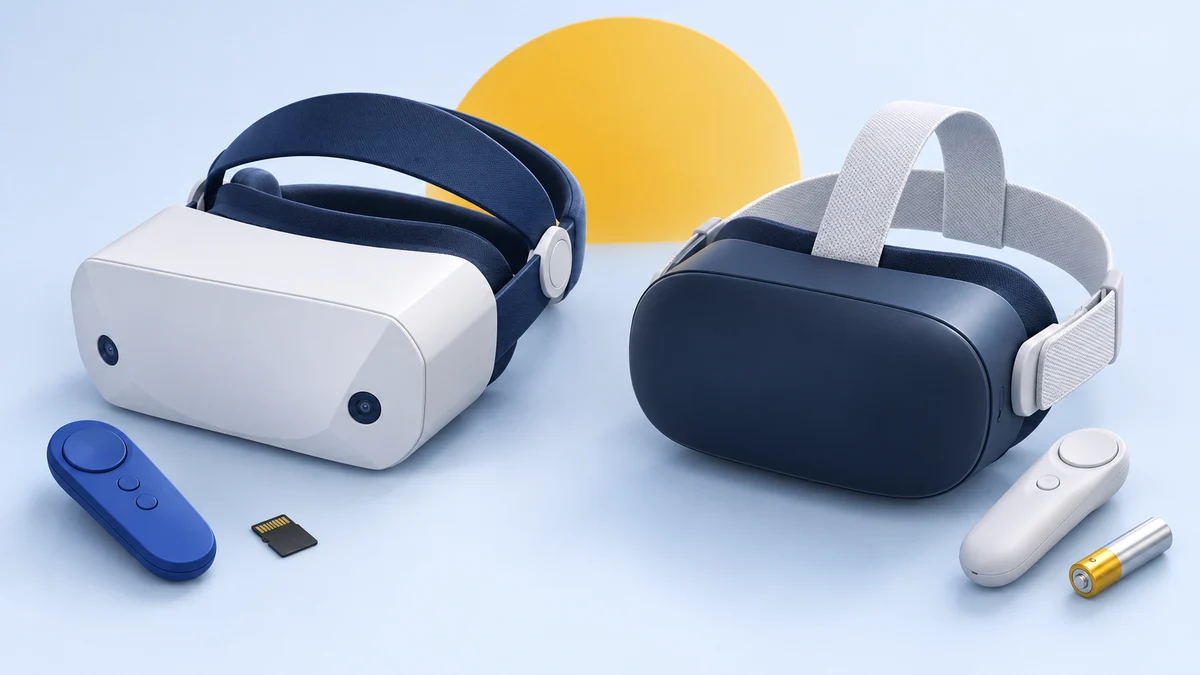
Platform status and source notes
Lenovo Mirage Solo and Oculus Go: status checked 24 September 2026
Both headsets are discontinued, and neither platform is supported any more. Google stopped selling its own Daydream View headset and certifying new Daydream devices on 15 October 2019, and dropped Daydream support with Android 11 in 2020. Its developer site adds that since November 2023, previously supported devices can no longer download and install Google VR Services, the core Daydream app, for new users. Oculus stopped selling the Go in June 2020, stopped accepting new Go apps and updates in its store after 4 December 2020 and ended bug fixes and security patches after 2022. In May 2024 users reported that many purchased Go apps stopped launching.
A second-hand unit may still play locally stored videos, but we don't recommend buying either one. For a standalone headset today, look at the Meta Quest 3S or Quest 3 (see what to buy instead). The comparison below is our original 2020 review, with outdated claims corrected.
Original 2020 verdict: Jamie Holmes chose the Oculus Go.
From Jamie Holmes’s original 2020 review: I compared these two standalone headsets while looking for new VR experiences. My preferences for music, comfort and simple setup shaped the decision.
The original comparison of the Lenovo Mirage Solo versus Oculus Go reflects that use case. The experience reports below are historical; the platform notes above explain their software limitations now.
What to Check Before Buying a Used Mirage Solo or Go
Both are self-contained headsets. The first check today is whether an already configured unit can run the content you want, because neither has a supported app platform.
| Setup difference | Lenovo Mirage Solo | Oculus Go |
|---|---|---|
| PC or console | Not needed for standalone use | Not needed for standalone use |
| Head movement | WorldSense tracks position as well as rotation | Tracks rotation, without head-position tracking |
| Controller power | USB-C charging | One AA battery |
| Audio | Headphones required; no built-in speakers | Built-in speakers or headphones |
| Media storage | 64 GB plus microSD expansion | 32 GB or 64 GB; no expansion |
| Software constraint | Daydream is unsupported; new users cannot install its core services normally | Go is unsupported; owners have reported purchased apps failing to launch |
Jamie’s original 2020 priorities: I wanted a headset for musical experiences, then weighed the hardware, software, immersion, value and comfort. My grandmother also enjoyed using the Go to revisit her hometown in Poland. Those experiences explain the choice in this review, rather than establish what a new owner can access today.
VR also has uses beyond games, including the police-training example cited in the original article. Other examples included virtual-beach meditation and VirtualSpeech. For either headset, check the specific app and its availability before buying hardware for that task.
Presenting the Lenovo Mirage Solo and Oculus Go
For each aspect, we will compare the Lenovo Mirage Solo with the Oculus Go and see how they stack up against each other. The main advantages of the Lenovo include the motion tracking, which brings virtual reality worlds to life more, and the expandable memory allowing you to store a lot of media files on your headset.
However, the motion tracking comes with a higher price tag, a heavier headset and one of the major disappointments is that you have to use headphones, as there are no in-built speakers.
On the other hand, the main advantages of the Oculus Go are that it is relatively cheap, offers a decent first experience for those new to virtual reality with a wide range of games and apps, and is a much more comfortable headset.
The downsides with the Oculus Go are the limited memory capacity, the connection to Facebook and the privacy concerns that follow, and the lack of motion tracking, which means the VR experience is quite basic.
The key specifications side by side, as listed on Wikipedia’s Oculus Go page and Wikipedia’s Google Daydream page (which covers the Mirage Solo):
| Lenovo Mirage Solo | Oculus Go | |
|---|---|---|
| Launch price (US) | $399 (May 2018) | $199 (32 GB) / $249 (64 GB), May 2018 |
| Processor | Snapdragon 835 | Snapdragon 821 |
| RAM | 4 GB | 3 GB |
| Storage | 64 GB plus microSD | 32 GB or 64 GB, not expandable |
| Display | 2560 x 1440 LCD | 5.5-inch 2560 x 1440 LCD, 60-72 Hz |
| Tracking | Six degrees of freedom (WorldSense) | Three degrees of freedom |
| Audio | 3.5 mm headphone jack, no speakers | Built-in speakers and 3.5 mm jack |
| Battery | 4,000 mAh | 2,600 mAh, about 2 to 2.5 hours |
| Status | Discontinued; Daydream unsupported | Discontinued June 2020; unsupported |
User Experience: Software
With the Lenovo based on Google’s DayDream 2.0 system, the app functionality is similar to the Google Pixel and other DayDream VR headsets, besides the space sensing. In terms of the range of apps and games, the Oculus Go offers a better selection. For instance, Blade Runner is a pretty cool game to check out in VR. If you’ve seen the film and are a fan of it like me, I definitely recommend checking out this game.
Facebook attempted to pack everything they could into the Oculus Go, meaning the software is slightly better in areas such as browsers and accessing YouTube within the VR headset. On the social VR side, there was Oculus Rooms, where you could watch films with others in virtual worlds and chat in VR.
However, one thing I am wary about is the data sharing agreement between Facebook and Oculus Go.
Following privacy concerns with Facebook, it is important to realise that there is a blanket term in Oculus’ terms and conditions that allows the sharing and receiving of data between Facebook and Oculus.
If this data ends up in the wrong hands, you could be tracked more than you are at the moment! If you are more conscious about this aspect, the Mirage Solo might be the safer option, although Lenovo has had its own security controversy: in 2015 it was found to have pre-installed Superfish adware on some laptops that could intercept encrypted web traffic.
In terms of music, the Oculus Go provides better apps and games in my opinion, with MelodyVR providing access to live music and the YouTube VR app, which are the perfect use cases for me.
Note: the app recommendations above date from 2020. The Go store stopped taking new apps and updates in December 2020, and since 2024 users have reported "Failed Entitlement Check" errors that stop many purchased Go apps from launching; according to the same Mixed report, Meta support said some apps "may no longer work properly" because the Go is no longer supported. Oculus Rooms shut down in October 2019. Don't count on any of these apps working on either headset today.
User Experience: Hardware
The unique feature of the Lenovo Mirage Solo is WorldSense, developed in conjunction with Google. By combining two front-facing fisheye cameras with inertial sensors, the Mirage Solo allows up to six degrees of movement such that the headset tracks not only your head but also any other movements, like walking, leaning or dodging.
While not as good as the HTC Vive, the Lenovo provides a more affordable option for those looking for better immersion in VR worlds. The inside-out tracking itself is Google’s WorldSense technology, which Google offered for Daydream standalone headsets.
The hardware for the Oculus Go is pretty basic in comparison. In terms of memory and file storage, the Mirage Solo has 64 GB of internal storage and enough space for memory cards, adding up to 256 GB. The inability to expand the internal storage as much as the Mirage Solo is a big downer for the Oculus Go, as most of the available space is taken up by the operating system and default apps.
In terms of battery life, Lenovo’s lasts for about two-and-a-half hours, and is pretty much the same, on average, for the Oculus Go too.
For the controller of both VR headsets, the touchpad serves as a button, however, the Oculus Go also includes a trigger button on the back, which enhances the experience when playing shooting games.
The Mirage Solo’s controller is more practical since it is charged via USB-c, the same as the headset, whereas you will need a double A battery for the Oculus Go’s controller.
The winner here is clearly the Mirage Solo, boasting better technical specifications in terms of visuals, more practical charging and a large capacity for storing media files.
Quality
In terms of quality, we want to look at how well does the product performs when watching a video, playing games or listening to music. We also want to see which of the two provides a more immersive virtual reality experience.
First, let’s get the technical specifications out of the way, and explain what they mean for quality. Lenovo Mirage Solo specifications include a Qualcomm Snapdragon 835 processor, 4GB of RAM, a 5.5 inch LCD screen with 2560 x 1440 resolution and a refresh rate of 75Hz. In a nutshell, this means the visuals are very similar to the graphics we get on a Lenovo smartphone today, but the tracking is very impressive thanks to the WorldSense technology mentioned previously.
The Oculus Go has similar specifications, with a slightly less powerful processor (a Snapdragon 821 with 3GB of RAM) and a lower refresh rate on the same screen size. Its refresh rate depends on the application you’re using and ranges from 60 to 72 Hz. Overall it is very difficult to tell the difference in the graphics between the two headsets. You’re not going to get the top quality graphics you’d get with the Oculus Rift, but you could see it as some sort of midway point between the Samsung Gear VR and the Oculus Rift.
The Oculus Go has in-built speakers, but the Lenovo doesn’t, which makes the Go more enjoyable for the user, who doesn’t have to scramble for headphones. While the motion tracking is much better, the combined visual and audible experience is much better with the Oculus Go for me.
Mobile headsets like the Mirage Solo and Oculus Go do not go to the full extent with visual immersion, such as waving your own virtual hand. They are both great multimedia devices for the amateur, but if you are looking for a deeper experience, then headsets that are connected to a computer’s GPU(s) are your best bet.
Value for Money
In terms of value for money, the Oculus Go definitely wins this round for me personally.
At launch, the Oculus Go was about 50 percent cheaper than Lenovo’s Mirage Solo ($199 against $399). Despite the Mirage Solo’s added benefit of the tracker with the added range of movement – only available on a handful of apps – the Oculus Go was an affordable introduction to virtual reality.
However, if you are planning on storing a lot of media files on the headset, then the Mirage Solo might be worth the extra cost as this headset has a maximum capacity of 320GB compared to the Oculus Go’s 64GB maximum.
For a casual user like myself, the Oculus Go is the best value for money. Arguably its main achievement is making mobile VR easier to access, but if you are a hardcore gamer or looking for a more immersive experience, the Oculus Go might not be a satisfying purchase.
Comfort
If you are not new to VR headsets, then it is useful to know that the Lenovo Mirage Solo feels a bit like the PlayStation VR headset. The design is very similar, with the adjustable headgear almost identical. However, the extra padding on the forehead can make you feel hot after a while.
Unfortunately, there is no included speaker in the Mirage Solo, which means you will have to use earphones or headphones. This is where the Mirage Solo loses a lot of points with regards to comfort, as it introduces wires the non-tapered headsets were designed to get away from in the first place.
The Oculus Go is a lot more comfortable in comparison, using adjustable straps and velcro, plus it doesn’t require me to use any earphones or headphones. Even if you’re wearing glasses, the Oculus Go is still comfortable.
Both models are mobile and are not tethered to a PC or console, which is a positive as you are safer and movement is unrestricted. So one of the key differences between the two headsets is the weight. The Oculus Go weighs 468 grams while the Mirage Solo is heavier at 645 grams.
The heavier headset is the trade-off made by Lenovo for the improved motion tracking, so this is a question you have to ask yourself, whether comfort and ease of use are the main factors or functionality and immersion.
For me, it’s more about comfort, so I’ve gone with the Oculus Go for the comfort category.
What to Buy Instead of a Mirage Solo or Oculus Go
Neither headset makes sense as a new purchase, and used units come with an unsupported operating system and app stores that no longer work reliably. The closest modern equivalent to both is a standalone Meta Quest headset, which adds six degrees of freedom tracking for the headset and both controllers, colour passthrough and a maintained app store. As of September 2026, Meta’s comparison page lists two models:
- Meta Quest 3S: $349.99 (128 GB) or $449.99 (256 GB), the entry-level option and the natural successor for someone who would have bought an Oculus Go.
- Meta Quest 3: $599.99 (512 GB), with pancake lenses and a sharper display.
Meta raised these prices in April 2026, citing higher memory chip costs. Quest headsets still require a Meta account, so the privacy trade-off discussed above applies to them too. Our Meta Quest 3 vs Quest 3S comparison covers the differences between them.
Why the Oculus Go Won Our 2020 Comparison
Original 2020 verdict: The following is Jamie’s choice from the original review. Neither unsupported headset is a recommended first purchase today.
I’ve really enjoyed my time with both the Lenovo Mirage Solo and the Oculus Go, but overall, the Oculus Go is the winner. It just delivers a better experience for users, with better comfort and ecosystem.
At the time, I preferred the Lenovo Mirage Solo for its WorldSense tracking when considering more involved gaming, privacy concerns or power efficiency. That historical preference does not resolve the unsupported Daydream platform today.
Note: both headsets are discontinued, so the listings below, where still live, will be for remaining or second-hand stock. See what to buy instead before buying either one.
Historical listings for reference: Lenovo Mirage Solo here, or the Oculus Go listing is here.
Mirage Solo and Oculus Go FAQ
Can you still use a Lenovo Mirage Solo?
Only partly. Google dropped Daydream support with Android 11 in 2020, and its developer site says that since November 2023 previously supported devices can no longer download and install Google VR Services for new users. A headset that is already set up may still run installed apps and local media, but there is no support and no guarantee that apps will keep working.
Does the Oculus Go still work?
The hardware still works, but Meta stopped software support after 2022, and since 2024 users have reported that many purchased apps fail to launch. In 2021 Oculus released an unlocked Go operating system build that gives full root access, which lets developers repurpose the hardware.
What replaced the Oculus Go?
Meta's standalone Quest line replaced it. As of September 2026, Meta sells the Quest 3S and the Quest 3.
Research behind this guide
Check the linked specifications and support documents, or read how we research. Original review experience stays attributed to its author.
View 11 sources
- GSMArena: Google drops Daydream VR support with Android 11
- Google VR developers: WorldSense (archived, with Daydream end-of-support notice)
- Game Developer: Oculus is winding down Oculus Go support
- Mixed: Oculus Go purchased apps suddenly unusable
- Meta for Developers: Unlocking Oculus Go
- Wikipedia: Oculus Go
- Wikipedia: Google Daydream
- Wikipedia: Superfish
- UploadVR: How to hang out with friends on Oculus Go post-Rooms
- Compare Meta Quest headsets (Meta)
- UploadVR: Meta raises Quest 3 and Quest 3S prices
Explore the related guides in VR comparisons.