Oculus Go vs. Oculus Rift – Which Should You Buy?
We may earn a commission when you buy through links on this page. As an Amazon Associate I earn from qualifying purchases. How this works
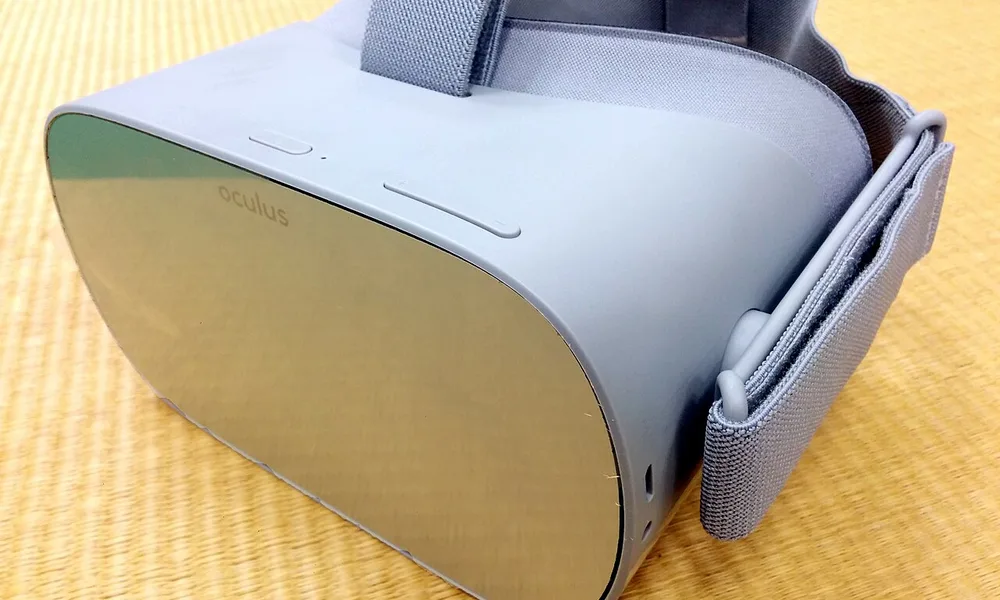
Dustin preferred the Rift in the original 2020 comparison for its PC VR experience and position-tracked controllers. He preferred the Go for easy setup and watching media. Today, both are discontinued: Go apps may fail to launch, and the Rift needs a suitable Windows PC plus its tracking accessories. For a first headset, use the replacement guide before treating that historical verdict as a shopping recommendation.

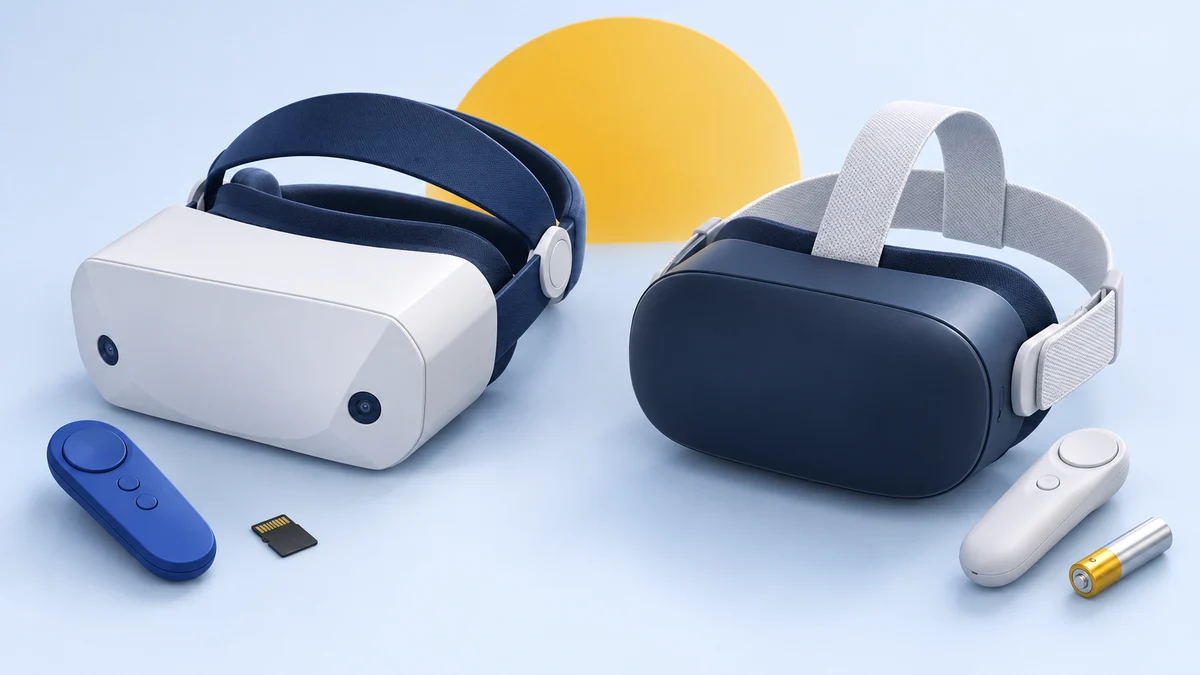
128 GB configuration
Standalone VRStandalone games with Fresnel lenses.
Check first: Check the app library, optical fit and return policy.
Check price on Amazon Paid link · Amazon
512 GB configuration
Pancake opticsPancake lenses and a higher-resolution display than Quest 3S.
Check first: Compare the complete purchase, including any accessories.
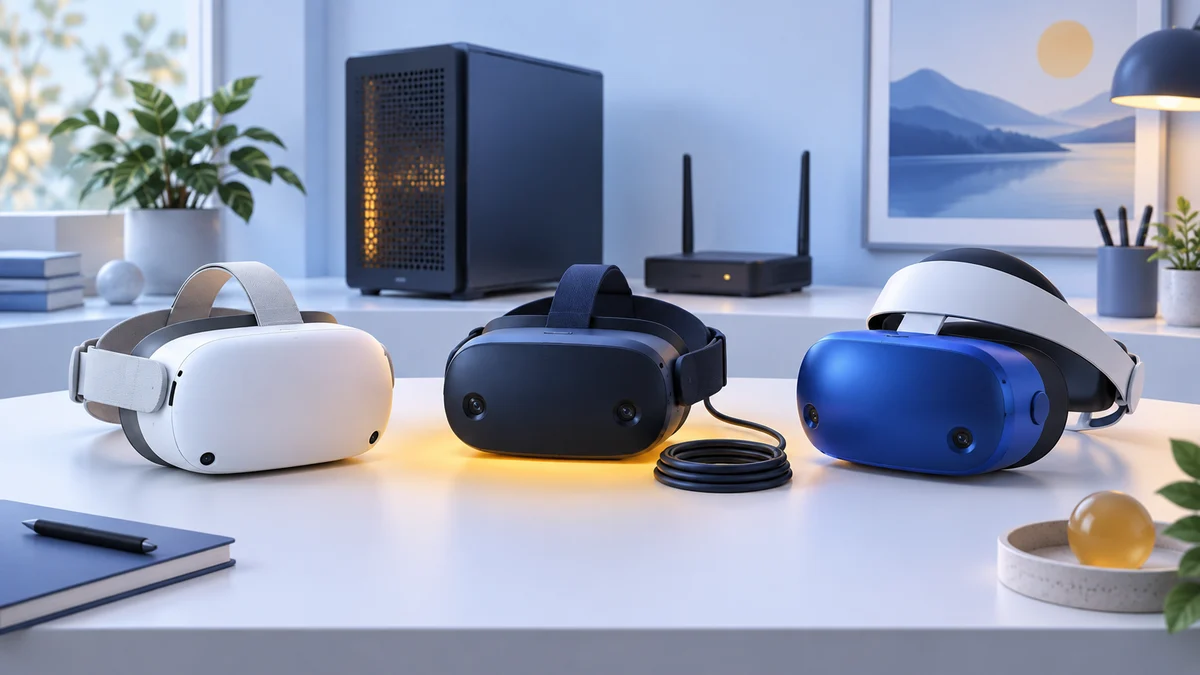
Check price on Amazon Paid link · AmazonOculus Go and Rift solve different setup problems: the Go is self-contained, while the Rift connects to a gaming PC and tracks your position. Neither is a current headset. If you're considering a used one, working software and a complete kit matter more than the original winner.
Compare the platform requirements, controllers and setup effort below. Dustin's original experience explains their trade-offs; the alternatives show where a first-time buyer can look next.
Platform status and source notes
Oculus Go and Oculus Rift: status checked 24 September 2026
Neither headset is sold new any more. Production of the original Rift (CV1) ended in March 2019, and the Rift S replaced it, and Facebook ended Rift S sales in 2021 as it dropped PC-only hardware. Oculus Go sales were discontinued on 23 June 2020; the store stopped accepting new Go apps and updates after 4 December 2020, with security patches promised only through 2022.
Still usable? Only with caveats. In May 2024, Go owners reported purchased apps failing an entitlement check, and Meta support said some apps may no longer work. A used Rift still needs a Windows gaming PC. When the Rift S launched, Oculus said it would keep supporting the original Rift "for the foreseeable future", but we could not find a current Meta statement on how long that support will last.
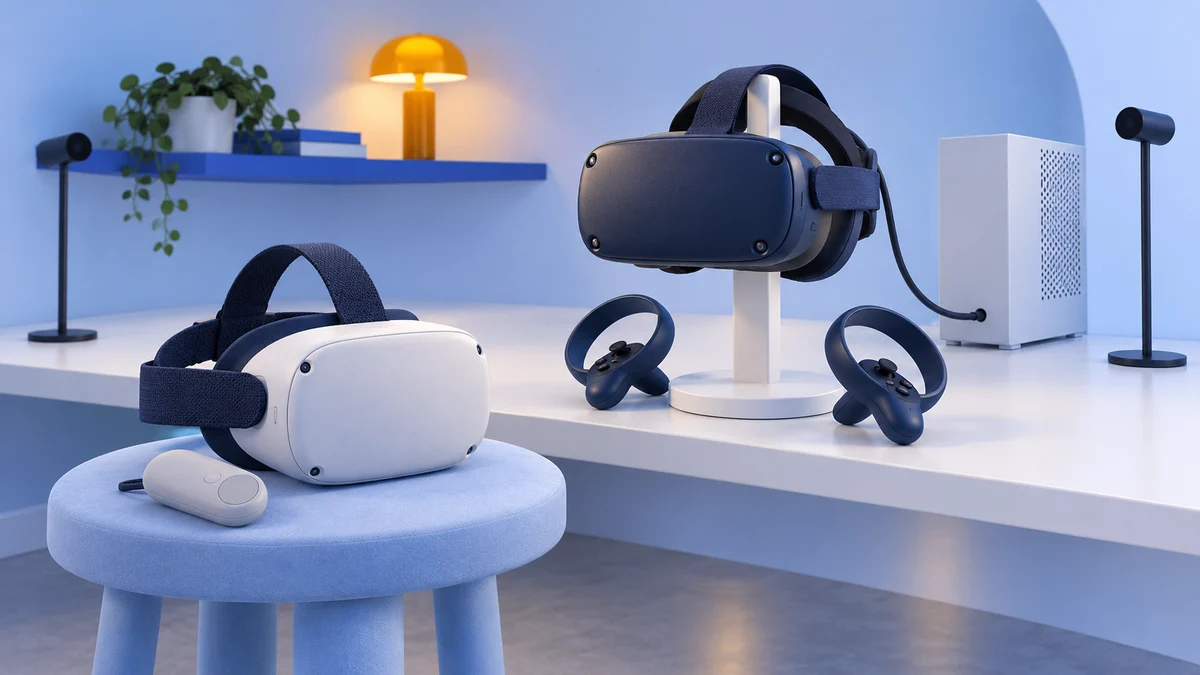
What to consider instead: Meta's current headsets are the Quest 3S and Quest 3, which are standalone like the Go, track in 6DOF like the Rift, and can also play PC VR games over a cable. See What to buy instead below.
From Dustin Jermalowicz’s original 2020 review: I owned the Go, Rift and Quest when I wrote this comparison. I chose the Rift overall, while keeping the Go for its simple setup and media use. The first-person observations and category winners below describe that original experience.
What to Check Before Buying a Used Go or Rift
Start with what powers the headset and the movement your apps need. Neither a higher display resolution nor a lower used price solves missing software or tracking hardware.
| Requirement | Oculus Go | Original Oculus Rift |
|---|---|---|
| What powers it | Processor inside the headset | Windows gaming PC |
| Movement | Head rotation only, called 3DOF | Head position and rotation, called 6DOF |
| Main controller | One pointer controller | Touch controllers tracked as your hands |
| Setup effort | Standalone headset; no external tracking sensors | PC connection and external sensor calibration |
| Main constraint today | Unsupported software and reported app-launch failures | Discontinued kit; PC software and complete accessories required |
The original buying criteria follow. They explain Dustin’s experience in 2020; verify compatibility for your own hardware before buying an older kit.
Expectations
Decide whether you want to watch media or play games that track your head and hands through a room. The Go’s rotation-only tracking and single pointer are a different experience from the Rift’s position-tracked headset and Touch controllers. Check the specific app before choosing hardware for it.
Wired or Wireless
The Go runs inside the headset; the Rift remains connected to the PC that renders the game. With a Rift, plan where the cable and external sensors will go. With a Go, the simpler physical setup does not remove its unsupported-software limitation.
Budget
Count the complete setup, including any gaming PC, missing sensors or controllers. Neither headset is a current retail product, so a low used price should come with a compatibility check. Compare that total with the replacement options below.
The Ideal Consumer for VR
A new user should be able to complete the account, software and hardware setup without relying on an unsupported workaround. An existing owner may already have a functioning kit, but a first-time buyer should compare a maintained platform before choosing the Go or Rift.
Presenting the Oculus Go and the Oculus Rift
In the original 2020 review, I considered both the Oculus Go and the Rift are excellent VR headsets. I own both, and I freaking love them.
With the design, Oculus really put comfort and functionality at the forefront, and you can tell the difference between an Oculus device and any other developer.
By the way, you can check out my full review of the Go here.
Build Quality
Both the Go and the Rift are well-built, but they serve different purposes. The weight of the devices is virtually identical, with the Rift coming in at 470 grams versus the Go’s 468 grams.
The way the devices sit on your head is the main difference though, as the Go’s straps seem a bit flimsier, whereas the RIft is more substantial.
Another feature you need to take into account is the tether that is required with the Rift. The headset goes right into your PC, and it can feel like a pain to rub against your neck, back, or armpits.
The Go is completely wireless, and this isn’t an issue.
Winner: Tie
Visual Quality
If we’re going on straight terms of the screen quality in the headsets, then the Go would seem like the obvious winner. It has a screen resolution of 2560×1440, which gives you a resolution of 1280×1440 per eye.
This compares with the Rift’s 2160×1200 resolution across two displays, which delivers 1080×1200 per eye.
This isn’t the only factor though. Both screen types are different. The Rift uses an OLED display, while the Go has simply an LCD. This means that black levels on the Rift are better, and the higher refresh rate of 90Hz versus a maximum of 72Hz on the Go, makes things a bit smoother.
When you combine all of these factors with a better computer powering the headsets, the Rift comes out ahead in terms of visual quality, at least in my books.
That’s not to say that the Go sucks in this regard to its visuals.
It looks really good. I just think the Rift is better when all things are considered.
Winner: Rift
Audio Quality
Both the Rift and the Go have built-in audio options for users. The Rift has over the top headphones attached to the device, while the Go has tiny speakers that are included in the strap arms of the device.
Both provide 3D spatial audio and work well. If you don’t like these options, you can use your own headphones.
A lot of users like the Rift headphones, but I think they’re nuts. To me, the option of having the audio piped into my ears while not having them covered or anything in them is way better. It’s also not obnoxiously loud, as people next to me say they can barely hear anything.
I give the edge to the Go here.
Winner: Go
Controllers
Both devices come with controllers for manipulating the virtual world. The Go has a single device that serves as more of a pointer than anything else. The Rift ships with Oculus Touch controllers, which become extensions of your hands. You can control different finger movements, and the controller is spectacular.
Combined with the 6DOF of the Rift headset, there’s no comparison here. The Rift is the winner by a country mile.
I should say that if you want to play with a Bluetooth controller, you can do so on either device.
I’ve hooked in an Xbox One Bluetooth controller to both and had great results.
Winner: Rift
User Experience
You can do a lot of great things with both devices, but the overall user experience on the Rift is superior. Users do get a similar setup for the menus and launch tables of both devices, which is polished and lets you easily navigate between your library, settings, social interactions, and more.
The real benefit when it comes to using the devices is the Rift’s 6DOF (degrees of freedom) technology. This means that you can move side to side as well as front to back, and up and down in your virtual world. When you’re playing games, you can actually lean for a gun or duck below a sword.
This is something that the Go can’t do, as the device is stuck in 3DOF, which only lets the user go side to side rotationally. While 3DOF isn’t bad, it’s just a whole different beast compared to the Rift.
Another aspect to consider is the computer that powers the devices. The Rift is tied into a capable gaming PC, while the Go has its computer all contained in the headset, using mobile phone grade materials. This means that the experiences aren’t going to be as in-depth as you’d find on the Rift.
You can simply do so much more on the Rift, and combining this with the 6DOF gives the Rift yet another edge.
Winner: Rift
Setup/Teardown
One thing that I always complain about when using VR is setting up and tearing down the devices.
If I use something like my PSVR, I have to pull it out, plug it into boxes, and then set it up.
When I’m done I have to tear it all down and pack it away, unless I want my cat chewing on the cords.
The same experience is had with my Rift. I hate having to set it up, calibrate the different cameras, and then putting it all away when I’m done. Sometimes I’m simply pooped from playing a game like Superhot or Beat Saber, and I just want to chill.
The Go is superior in this aspect. You simply pull it out of its case, turn it on, and you’re ready to go.
When I’m done, I just turn it off and put it back in its case. It’s super simple and saves me a few minutes of fighting with cords. This seems like a small element, but it’s actually a big deal.
Winner: Go
Why the Rift Beat the Go in Our 2020 Review
Original 2020 verdict: Dustin’s choice below describes his experience when both headsets were on sale. It is not a current purchase recommendation; see the replacement options next.
I really love both of these devices, but if I have to choose one over the other, I’d say that the Oculus Rift is better. While it’s a pain to have that cord and to have to set it up, the 6DOF and different ways to use the device are just superior to that of the Go.
Despite losing the straight-up comparison to the Rift, I still use my Go a lot. I love how easy it is to use, and it’s actually my preferred headset when I’m watching media or streaming PC games to play.
Neither headset is sold new today, so see What to buy instead below for current options.
What to Buy Instead of an Oculus Go or Rift
This comparison was written when both headsets were on sale. Today the Go and the Rift are only available used, and the Go in particular has lost most of its software support. The verdict above still describes how the two compared, but it is no longer a buying recommendation.
Meta’s current line-up combines the strengths of both: the Quest 3S and Quest 3 are wireless and self-contained like the Go, but they track head and hand movement in 6DOF like the Rift. Specs and prices below are from Meta’s comparison page, checked 24 September 2026; Meta raised these prices on 19 April 2026.
| Quest 3S | Quest 3 | |
|---|---|---|
| Resolution per eye | 1832×1920 | 2064×2208 |
| Refresh rate | 72, 90 or 120Hz | 72, 90 or 120Hz |
| Lenses | Fresnel | Pancake |
| US price | $349.99 (128GB), $449.99 (256GB) | $599.99 (512GB) |
If you want PC VR games like the ones the Rift ran, either Quest can connect to a Windows PC with Meta Horizon Link. Meta’s Link requirements list at least an Intel i5-4590 or AMD Ryzen 5 1500X, 8GB of RAM, Windows 10 or 11 and a supported graphics card.
For more detail, read our Meta Quest 3 vs Quest 3S comparison or our list of Oculus Rift alternatives.
Oculus Go vs Rift FAQ
Can you still buy the Oculus Go or Oculus Rift new?
No. Oculus Go sales were discontinued in June 2020, production of the original Rift ended in 2019 when the Rift S replaced it, and Rift S sales ended in 2021. Any unit you find now is old stock or second-hand.
Does the Oculus Go still work?
It can still power on and play content, but it no longer receives software updates, new apps stopped arriving in December 2020, and owners have reported purchased apps failing to launch since 2024. In October 2021 Meta also released an unlocked OS build that gives full root access; installing it is not reversible and ends official updates.
Can the Oculus Go play Rift games?
Not natively. The Go is a 3DOF standalone headset with a single pointer controller, while Rift games expect a PC, 6DOF tracking and Touch controllers. A current Quest headset with Meta Horizon Link is the practical way to play PC VR games without a Rift.
Research behind this guide
Check the linked specifications and support documents, or read how we research. Original review experience stays attributed to its author.
View 10 sources
- Oculus Go - Wikipedia
- Oculus is winding down Oculus Go support to instead double down on Quest and Rift - Game Developer
- Unlocking Oculus Go - Meta for Developers
- Oculus Go: Purchased apps suddenly unusable - Mixed
- Oculus Rift CV1 - Wikipedia
- Oculus Rift - Wikipedia
- Facebook to discontinue Rift product line in 2021 - Road to VR
- Compare Meta Quest headsets - Meta
- Meta announces price increases for Quest 3 headsets - Game Informer
- Meta Horizon Link PC requirements - Meta Quest Help Center
Explore the related guides in VR comparisons.