Noon VR Pro Headset Review: Pros & Cons
We may earn a commission when you buy through links on this page. As an Amazon Associate I earn from qualifying purchases. How this works
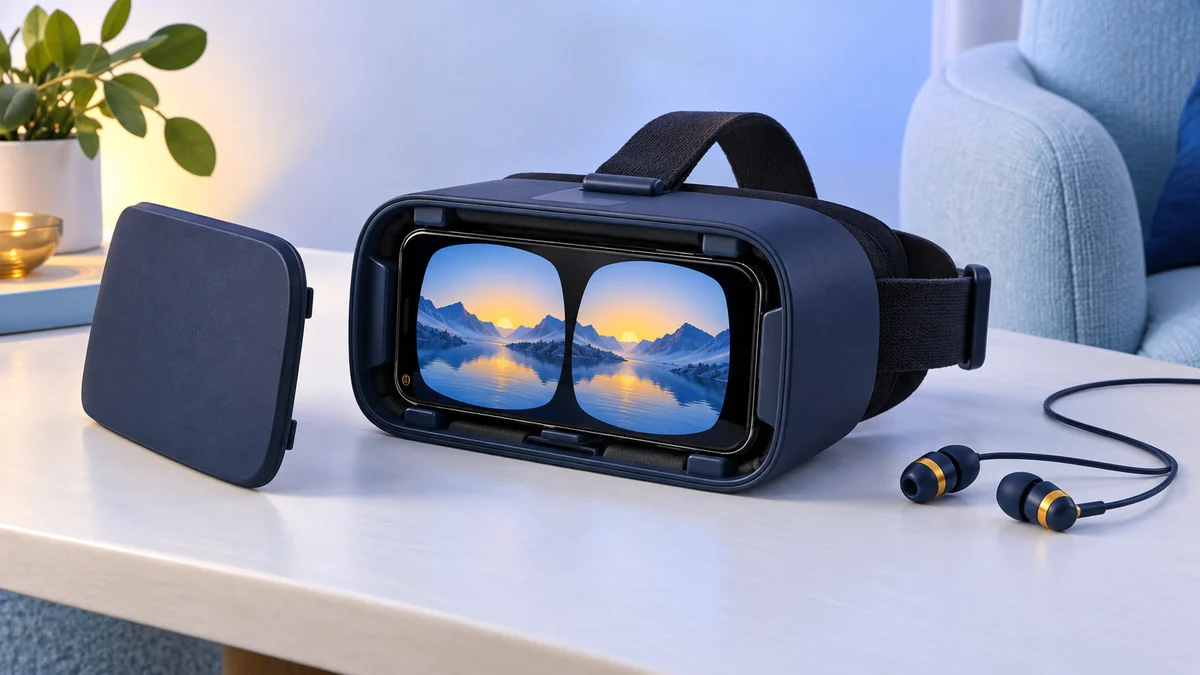
Treat Noon VR Pro as an older phone viewer with built-in headphones. Its 4.7 to 5.7-inch phone bay and unconfirmed companion software limit its usefulness. If you already own one, check phone fit and split-screen app support first. For a first VR purchase, compare the current alternatives before relying on its historical PC streaming features.

128 GB configuration
Standalone VRStandalone games with Fresnel lenses.
Check first: Check the app library, optical fit and return policy.
Check price on Amazon Paid link · Amazon
512 GB configuration
Pancake opticsPancake lenses and a higher-resolution display than Quest 3S.
Check first: Compare the complete purchase, including any accessories.
Check price on Amazon Paid link · AmazonA phone viewer with headphones can keep movie viewing simple. The Noon VR Pro added built-in audio to that idea, but its small phone bay and software limitations are important if you are choosing your first headset.
This review covers the phone requirements, audio and original PC streaming experience. Use the alternatives section to decide whether a phone viewer or standalone headset better fits what you want to watch or play.
Product status and source notes
Manufacturer support checked 16 October 2026. FXGear still describes NOON VR, but the linked noonvr.com domain now leads to an unrelated website. We could not verify current headset support or maintained Noon VR app and PC-streaming downloads. This review retains the original features as historical information, rather than a promise that those services still work.
Still usable? Only in part. It is a phone holder with lenses, so it still works with apps that have a Cardboard-style split-screen mode, such as the Google Cardboard app for Android and iPhone (the iOS version needs iOS 15 or later). YouTube's Cardboard mode works only in the Android app. We couldn't confirm that the Noon VR app or its PC streaming software is still available, and the 4.7 to 5.7-inch phone bay is smaller than most current phones: Apple's iPhone line-up now includes the 6.1-inch iPhone 17e and the 6.3-inch iPhone 17.
What to consider instead: a Cardboard-compatible viewer sized for your phone for 360-degree video, or a standalone Meta Quest 3S or Quest 3 for full VR and PC streaming. See current alternatives.
Original review introduction
After searching the market for affordable VR glasses, I always ended up disappointed over the lack of quality. These Virtual reality glasses lacked in various features to compromise over the price.
However, when I came across the Noon VR Pro, I was pleasantly surprised at how budget-friendly yet decent quality it was. With a sleek and modern design, it seemed to fit all my needs perfectly.
What to Know Before Buying the Noon VR Pro
Virtual reality goggles have changed the way we see the world. They have allowed humans to delve into far-off worlds, real or fake, and interact with its environment. With these glasses, you can play games, learn or explore places that seemed too far away.
Mostly, there are two types of virtual reality goggles in the market. This includes mobile compatible and PC compatible goggles. Today there is also a third, and now the most common, type: standalone headsets such as the Meta Quest, which have their own screen and processor and can also connect to a PC.
Who Should Buy It?
Mobile compatible goggles are perfect for those who do not want to invest in a highly functioning PC. Furthermore, they do not require a dedicated space. You can use them sitting down or standing up. Navigation is either through a magnetic trigger or a separate hand controller.
On the other hand, those who want a more immersive experience should go for the PC compatible goggles. They allow for a more interactive environment and make navigation easier.
What to Consider?
When buying a pair of Virtual reality goggles, here are a few factors you should look for:
- Comfort:
If you’re planning on gaming for hours on end, then you might need a pair that is comfortable. This can include comfortable padding as well as a lighter weight.
- Field of View:
The larger the field of view, the more realistic your virtual environment will seem. Go for at least 100 degrees FOV for a better view.
- Compatibility:
Another factor to look for is compatibility. Your set might not be compatible with all phone sizes so, make sure that the one you buy is compatible with your phone size and OS.
- Purpose:
Next, decide what you might want to use it for. If you merely want to watch a couple of 3D videos, then a simple Cardboard-style viewer will suffice (Google itself stopped selling Cardboard viewers in 2021, but third-party viewers and the Cardboard app remain). Or, if you want to play immersive games, then opt for a more expensive set.
Introducing the Noon VR Pro
The Noon VR Pro was a good choice for anyone looking for upgraded smartphone virtual reality goggles. It was the next step from entry-level VR. The Noon features a sleek and stylish metallic front that grants it a very modern look.
It also came with remote desktop software that allowed you to stream from your PC directly into your headset. Whether you want to watch 2D or 360-degree videos, the Noon converts them into cinematic masterpieces for your leisure.
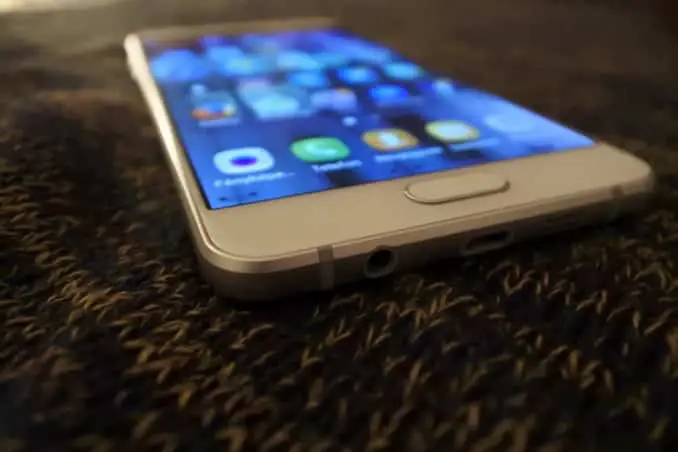
Lastly, it is compatible with all kinds of iOS and Android smartphones, given that their display size is about 4.7 to 5.7 inches. It offers a wide range of features right at your fingertips.
Specifications
| Specification | Noon VR Pro |
|---|---|
| Field of view | 101 degrees |
| Resolution | 1920 x 1080 |
| Control | Tap control |
| Compatibility | 4.7 – 5.7-inch iOS and Android smartphones |
| Focus adjustment range | -6.2 to +4 diopter |
| Weight | 385 g (without phone) |
What’s in the Box?
- Headset
- Microfiber cleaning cloth
- Headband
- Manual
- Replacement face padding
- Storage Pouch
Pros
- Allows direct streaming for PC
- Large FOV
- Transforms 2D and 360-degree videos
- Can be connected to more devices for shared viewing
- Comfortable to wear
- Futuristic and modern exterior
- Includes high-quality headphones
- Reduces eye fatigue
Cons
- Only fits phones with 4.7 to 5.7-inch screens, which rules out most current phones
- Does not support Linux or Windows
View the listing on AmazonPaid link · Historical or unverified listing
Noon VR Pro Features
Futuristic and Comfortable Design
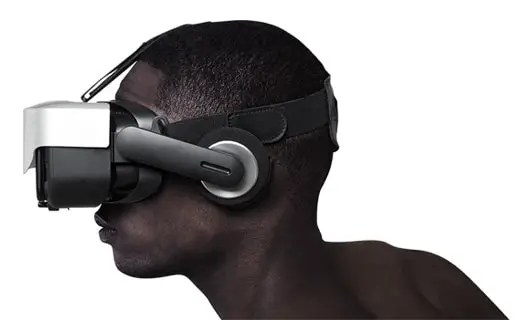
The Noon goggles feature a metallic exterior which looks quite modern and sleek. However, the device is not only about the looks. In fact, it is as comfortable as it is stylish. It features a 3-strap harness design which fits over the head. This makes it easier to wear the goggles without them slipping off.
Furthermore, the straps are adjustable so they provide you with the perfect fit. Otherwise, light may leak through the gaps and ruin your experience.
Also included is thick imitation leather padding which is lined around all the edges. So, you can comfortably use them for hours on end without worrying about the edges digging into the skin. The leather is perforated which makes it more breathable so, you won’t have to worry about sweating too much.
Moreover, the leather padding is connected with Velcro straps, so you can easily change it if you need to. The device comes with two different types of paddings to satisfy different kinds of users.
What’s more is that the device is quite lightweight. It weighs about 385 g (0.85 lbs) without a phone so you need not worry about straining your neck or head. Even the stereo headphones are adjustable in length and tilt.
Display Quality
The set features premium display quality that allows you to completely immerse yourself into the virtual world. The large lenses allow a large Field of view of about 101 degrees. This is quite sufficient for most videos.
However, some users might not like that they can’t see the edges of the screen. This might be a small bump in the road, however, it might not be as noticeable if you’re not playing any games.
Requirements
The Noon goggles work with all kinds of smartphones if their display size is about 4.7 to 5.7 inches long. You can use your existing iOS or Android phone. The only requirements apart from the display size are the resolution and the gyro sensors.
The resolution of your phone should be at least 1920 x 1080 for a completely immersive experience. In addition, your phone should have gyro sensors, otherwise features such as Head tracking and tap UI might not work.
Noon VR App
Moreover, the glasses were designed to work with the Noon VR App, which was available from the Play Store. The app offered a library of videos and experiences, including 3D, 2D and 360-degree videos.
Note: with noonvr.com now redirecting to an unrelated site, we couldn’t confirm that the Noon VR app is still available or supported. For 360-degree video today, the Google Cardboard app and, on Android, the YouTube app’s Cardboard mode are the safer choices.
Lens Adjustability
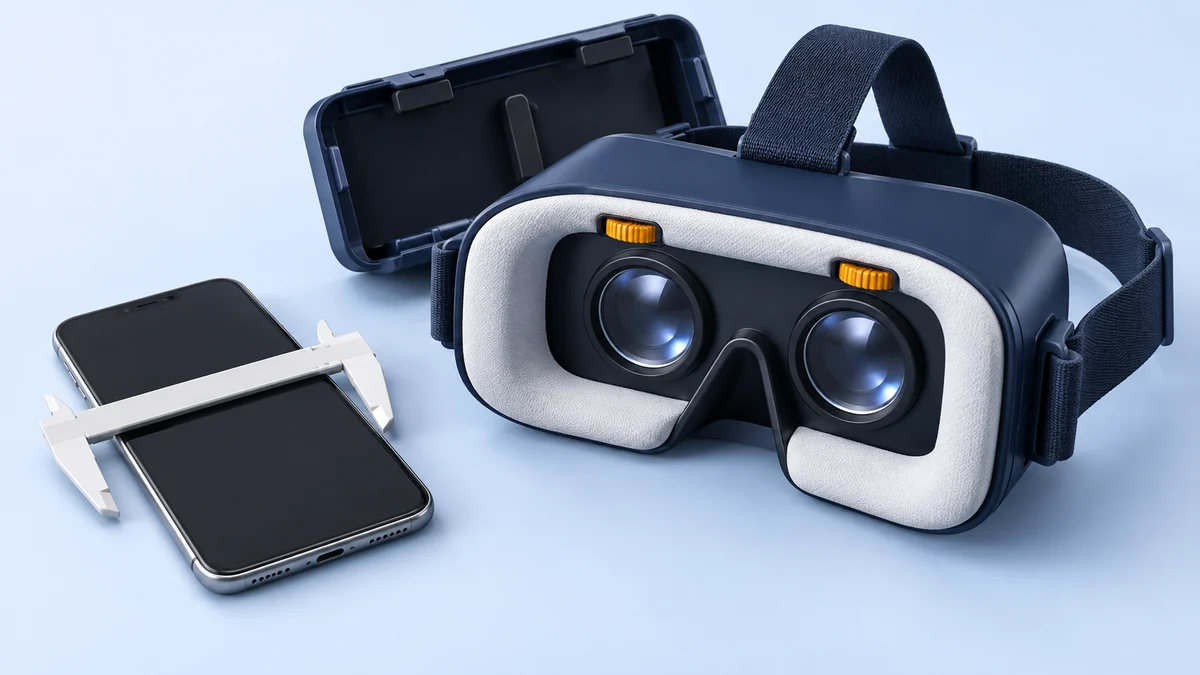
The display quality can further be increased by using the focus dial. The dial is located on the set and helps sharpen the quality of the video. It mainly depends on how strong your eyesight is. The focus can be adjusted from -6.2 to +4 diopter. This means you might not need your glasses with the set.
Even if your eyesight is very weak, you can still use the set on top of your regular glasses without feeling too uncomfortable.
Apart from that, the set also includes height adjustment risers which help center your phone with the lenses.
Anti-Blue Lenses
To help enhance your viewing experience, the set comes with anti-blue lenses. Blue light tends to be the major cause of eye fatigue and strain. These lenses effectively block the blue light, thus actively reducing eye fatigue.
This allows you to watch videos for longer periods of time without worrying about hurting your eyes. Of course, I do recommend that you don’t use it for more than 20 minutes as the experience can often be overwhelming and disorienting.
Audio Quality
Headphones are included with the set to ensure the highest sound quality. These headphones are retractable so you can use them whenever you need to. It also helps avoid any unnecessary tangles and helps in better storage.
Furthermore, you can adjust the length and the tilt of the headphones for a better experience. The headphones offer about 118 dB/mW sensitivity. The true-to-life audio supports a range of up to 20kHz for a more immersive experience.
The stereo headphones make for a truly realistic experience as they create a surround sound effect. You can clearly hear sounds coming from your left and right side.
PC to VR Streaming
A rather unique feature that I personally loved was the PC to VR streaming. All I had to do was connect the Noon VR Remote Desktop App with the smartphone and I could directly stream videos and game from my PC to the VR. This way you can also play virtual reality games with a joystick or a keypad.
Note: this depends on the Noon VR Remote Desktop software, which we couldn't confirm is still available. If PC streaming is the main reason you want a headset, a Meta Quest can stream PC VR games over a USB-C cable or Wi-Fi using Meta's Link and Air Link (Windows PC required).
Wi-Fi Connectivity
Another unique feature of the Noon VR Pro is the Wi-Fi connectivity. You can use the Wi-Fi to connect various devices together. The goggles can connect up to three devices that are using the same Wi-Fi network. This way all three devices can view and share the same videos. This feature ran through the Noon VR app, so it only works if you can still get that app.
Controls
Also included is a capacitive touch button that allows you to control and navigate the virtual environment. Furthermore, it makes it more compatible with most 3rd party apps. This way you can access menus, pause or play videos and reset your viewing angles without removing your headset.
In addition to this, the device features head tracking. So, you can control your viewing angle simply by turning or tilting your head. This is an imperative feature for 360 or stereoscopic videos.
What Buyers Said About the Noon VR Pro
When I decided to buy the Noon VR Pro goggles, I first searched the internet for real-life reviews. Mostly, the response was quite positive. Most users loved the Noon VR App and the Remote Desktop App. This enabled them to stream a wide variety of videos from the app or their PC.
Furthermore, most users found the audio and display quality to be quite high. They found the experience to be quite true to life. Another aspect most buyers loved was the comfort. They stated that these glasses were lightweight and did not strain their eyes even when they used it for long hours.
View the listing on AmazonPaid link · Historical or unverified listing
Alternatives to the Noon VR Pro Headset
If you find that the Noon might be too overwhelming or underwhelming for you, then you might want to try out the following devices instead. The three alternatives from the original review follow our current picks; we couldn’t confirm that the VR WEAR or BNEXT models have current manufacturer support, and the Oculus Rift is discontinued.
Current Alternatives to Buy
- A Cardboard-compatible phone viewer: the cheapest way to watch 360-degree video. Check that its phone bay fits your phone’s screen size. Pair it with the Google Cardboard app or, on Android, YouTube’s VR mode. Our VR headsets under $50 guide covers budget viewers.
- Meta Quest 3S: a standalone headset with tracked controllers that doesn’t need a phone or PC. As of 24 September 2026, Meta lists it from $349.99 (128 GB), after a price increase in April 2026.
- Meta Quest 3: Meta’s higher-end model, listed at $599.99 (512 GB) as of 24 September 2026 on Meta’s comparison page. Both Quest models can also play PC VR games through Link or Air Link.
VR WEAR 3D Headset
The VR Wear is compatible with more phones than the Noon, as it can fit about 4.5 – 6.3 inches. Also, the FOV is much more immersive being 105 degrees. Where the Noon features a tap control, the VR wear features a magnetic trigger to help you navigate or control.
In addition, both the sets include leather padding, however, the VR Wear’s cannot be changed or replaced like the Noon. The VR wear does not feature any built-in audio either. On the other hand, it is also more expensive despite the lack of features.
Similarities
- Imitation leather padding
- Smartphone compatible
- Adjustable focus
- Three-strap harness system
Differences
- Fits more smartphones
- Expensive
- Larger FOV
- Magnetic trigger instead of tap control
- No built-in headphones
View the listing on AmazonPaid link · Historical or unverified listing
BNEXT 3D VR Headset
The BNEXT can also fit more devices than the Noon, with a 4 to 6-inch range. It allows you to adjust IPD and lenses to allow for the perfect alignment. These are easy to use and setup. They have a larger field of view. The BNEXT is also more affordable than the Noon VR Pro.
Moreover, the padding is purely foam padding instead of the Noon’s leather-like padding. This makes the padding much less durable.
Similarities
- Smartphone compatibility
- Adjustable focus
- Three-strap harness system
Differences
- Foam padding
- Fits more smartphones
- Cheaper
- Larger FOV
- No built-in headphones
Oculus Rift Headset (Discontinued)
The Oculus Rift is compatible with PC and is a room-scale Virtual reality set. It features a larger field of view, about 110 degrees, making for a more immersive experience. Furthermore, you can use it to watch videos and play games. It comes with Touch controllers that allow you to navigate and interact with the virtual environment in real time.
It is, of course, much more expensive and requires dedicated space. What’s more is that it’s almost as comfortable as the Noon Pro, with foam padding and a three-strap harness system. Furthermore, it also features built-in headphones.
Note: the Rift is no longer made. The original Rift reviewed here was replaced by the Rift S in 2019, and Facebook (now Meta) ended the Rift line in 2021 to focus on the standalone Quest, which can also run PC VR games; see current alternatives.
Similarities
- Built-in headphones
- Padded face cushion
- Three-strap harness system
- Adjustable lenses
Differences
- Larger FOV
- Needs a gaming PC
- Includes Touch Controllers
- Room scale
- Requires dedicated space
- Expensive
Is the Noon VR Pro Still Worth Buying?
Overall, the Noon Pro VR is impressive, to say the least. Its Wi-Fi compatible features and an extensive video experience library truly make it unique in the Virtual world. When this review was written, it sold for under $50, and you wouldn’t find many VR headsets at that price that still delivered high-quality audio and video.
This is perhaps why the Noon Pro is truly the exception. All you need is a compatible phone and you’re good to go. It was ideal for those who wanted a more cinematic experience on a budget.
Note: today we'd only recommend the Noon VR Pro if you already own one or find it very cheap, and only with a phone that fits its 4.7 to 5.7-inch bay. Its own app and PC streaming software can't be relied on, so plan to use Cardboard-compatible apps instead.
Historical Noon VR Pro listing.
Noon VR Pro FAQ
Is the Noon VR Pro still supported?
Current manufacturer and companion-software support have not been verified. FXGear still describes NOON VR, but its linked Noon VR domain leads to an unrelated website. A retailer listing alone would not establish that its app or PC-streaming service still works.
Does the Noon VR Pro fit current phones?
Mostly not. It takes phones with 4.7 to 5.7-inch screens, while current phones such as the 6.1-inch iPhone 17e and 6.3-inch iPhone 17 on Apple's comparison page are larger.
What apps work with the Noon VR Pro today?
We couldn't confirm that the Noon VR app is still available. Any app with a Cardboard-style split-screen mode should work, including the Google Cardboard app and, on Android, the YouTube app's VR mode.
What should I buy instead of the Noon VR Pro?
A Cardboard-compatible viewer that fits your phone for 360-degree video, or a standalone Meta Quest 3S or Quest 3 for full VR, from $349.99 as of 24 September 2026.
Research behind this guide
Check the linked specifications and support documents, or read how we research. Original review experience stays attributed to its author.
View 11 sources
- Meta Quest headsets compared (Meta)
- An update on Meta Quest pricing (Meta)
- Set up and connect Link and Air Link (Meta Quest Help)
- Google Cardboard (Google AR & VR)
- Google Cardboard app (Apple App Store)
- Watch VR videos and 360 videos (YouTube Help)
- Google Store stops selling Cardboard VR headsets (9to5Google)
- Facebook to discontinue Rift product line in 2021 (Road to VR)
- Oculus Rift CV1 (Wikipedia)
- Compare iPhone models (Apple)
- FXGear: NOON VR platform
Explore the related guides in VR headsets.