Review of the Freefly Mobile Virtual Reality Headset
We may earn a commission when you buy through links on this page. As an Amazon Associate I earn from qualifying purchases. How this works
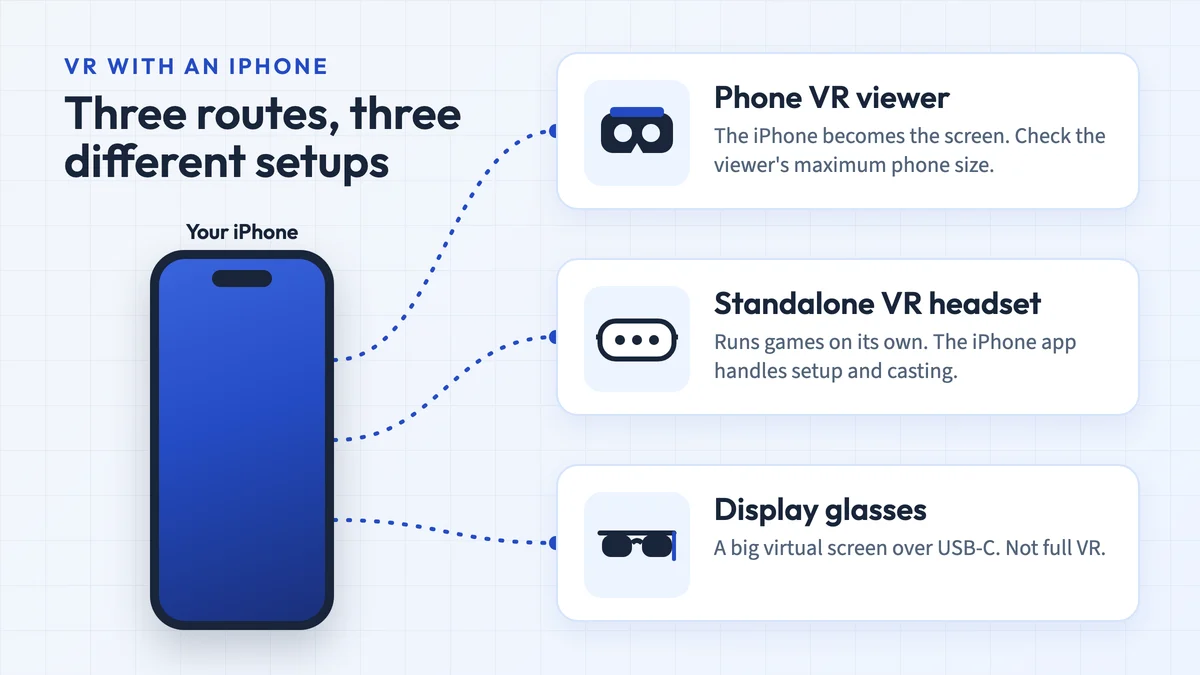
Use a Freefly you already own only after checking phone fit, app support and a workable input method. Its remote is Android-only, its lenses are fixed, and current stock and pricing are unconfirmed. For a new phone viewer, choose by your phone’s dimensions. For games with positional tracking and hand controllers, compare the standalone alternatives below.

128 GB configuration
Standalone VRStandalone games with Fresnel lenses.
Check first: Check the app library, optical fit and return policy.
Check price on Amazon Paid link · Amazon
512 GB configuration
Pancake opticsPancake lenses and a higher-resolution display than Quest 3S.
Check first: Compare the complete purchase, including any accessories.
Check price on Amazon Paid link · AmazonThe Freefly VR headset relies on your phone for its display and apps. Its 4.7–6.1-inch phone bay and Android-only remote are practical limits for a first purchase. There is also no lens adjustment, so physical fit alone does not guarantee a clear view.
This guide covers phone requirements, the harness, lenses, light blocking and remote controls. We preserve the original review’s impressions alongside dated compatibility notes, then separate the discontinued Gear VR, Noon and Rift comparisons from the current routes into phone VR or tracked gaming.
Product status and source notes
Still sold? We couldn't confirm it. The maker's website, freeflyvr.com, no longer loads, and we found no current official listing, so any Freefly headsets still on sale are likely old stock. The Amazon listing linked in this review still exists, but we couldn't confirm stock or price.
Does it work with today's phones? Partly. It is a passive lens viewer, so it still works with apps that offer a Cardboard-style split-screen mode, such as the Google Cardboard app for Android and iPhone (the iOS version needs iOS 15 or later). YouTube's Cardboard VR mode works only in the Android app, not on iPhone. The phone bay's 4.7 to 6.1-inch range is too small for 6.9-inch phones such as Apple's Pro Max iPhones and the Galaxy S26 Ultra, and the Bluetooth remote only works with Android.
Worth buying? Only as a cheap way to watch 360-degree video on a phone that fits. It has no positional tracking or lens adjustment.
What to consider instead: any Cardboard-compatible viewer sized for your phone, or a standalone Meta Quest 3S or Quest 3 for full VR. The three alternatives in the original review (Samsung Gear VR, Noon VR Pro and Oculus Rift) are all discontinued; see current alternatives.
Original review context (published 2020). The first-person account below is John’s original review. Read its product impressions and recommendations alongside the dated status and source notes. This redesign adds no new hands-on test.
When I first started getting into virtual reality I felt overwhelmed by all choice. The headsets ranged from $5-$500, but all seemed to promise the same amazing experience. I soon discovered there were big differences hidden by all the sales language.
What to Check Before Buying a Freefly VR Headset
As you begin exploring virtual reality, there are a few things you should think about.
Do You Have a Decent Smartphone?
If you get an entry-level VR headset, it uses your phone as a screen and to run apps. If your phone is old and has terrible graphics, you’ll either need to get a new phone or choose a stand-alone or PC VR system.
Screen size matters too. The Freefly’s phone bay was designed for 4.7 to 6.1-inch phones, and many current phones are bigger: Apple’s Pro Max iPhones have 6.9-inch displays, and so does Samsung’s Galaxy S26 Ultra. Check the headset’s supported size range before you buy.
Are You Just Testing or Do You Want Something for the Long Haul?
If you just want a taste before you get something bigger and better, than a low-cost, not-so-sturdy headset might work for your immediate needs. If you want something you can use for a long time, you should probably go with a mid-range to high-end headset.
Similarly, if you want to get the full VR experience, the mid to high-end headsets are where you need to look.
Presenting the Freefly Mobile VR Headset
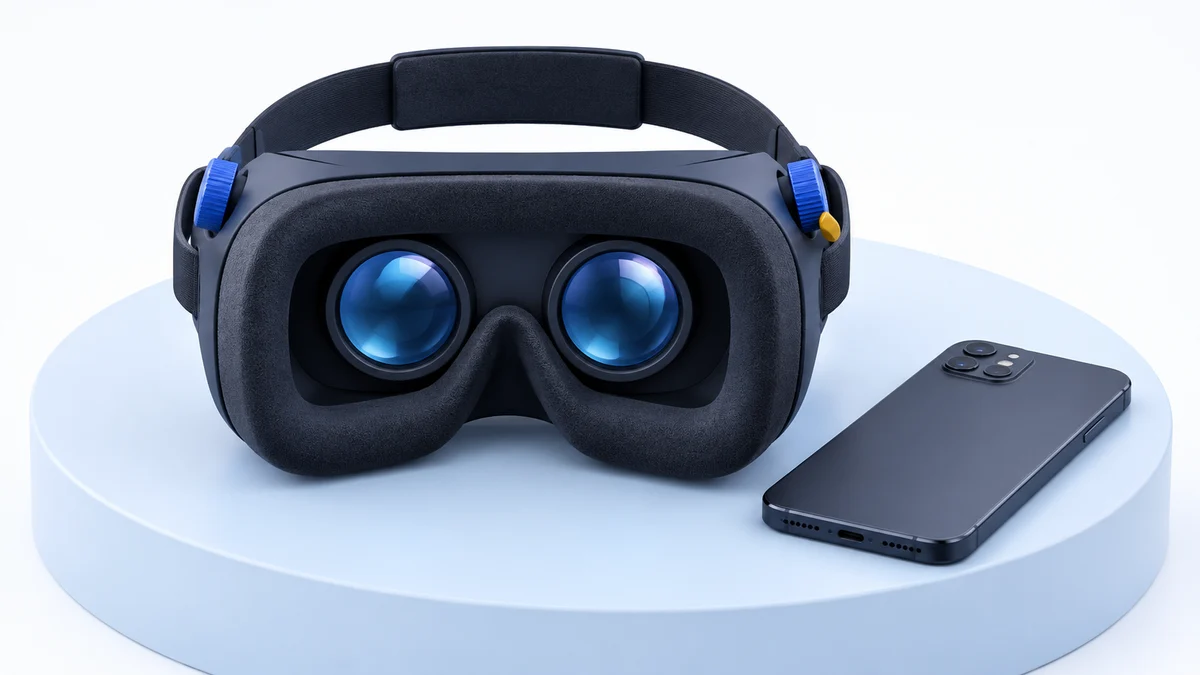
The Freefly virtual reality headset is one of the best looking entry-level VR headsets I’ve seen.
The styling and colors of the headset are beautiful. It also has a claimed 120-degree field of view.
The Freefly is a mobile VR headset, meaning it uses your smartphone for the screen and to run apps.
By using your phone instead of a built-in screen and computer, it reduces your cost for the headset tremendously. Regrettably, it also means your virtual reality app options are limited mostly to simple games and 360-degree videos.
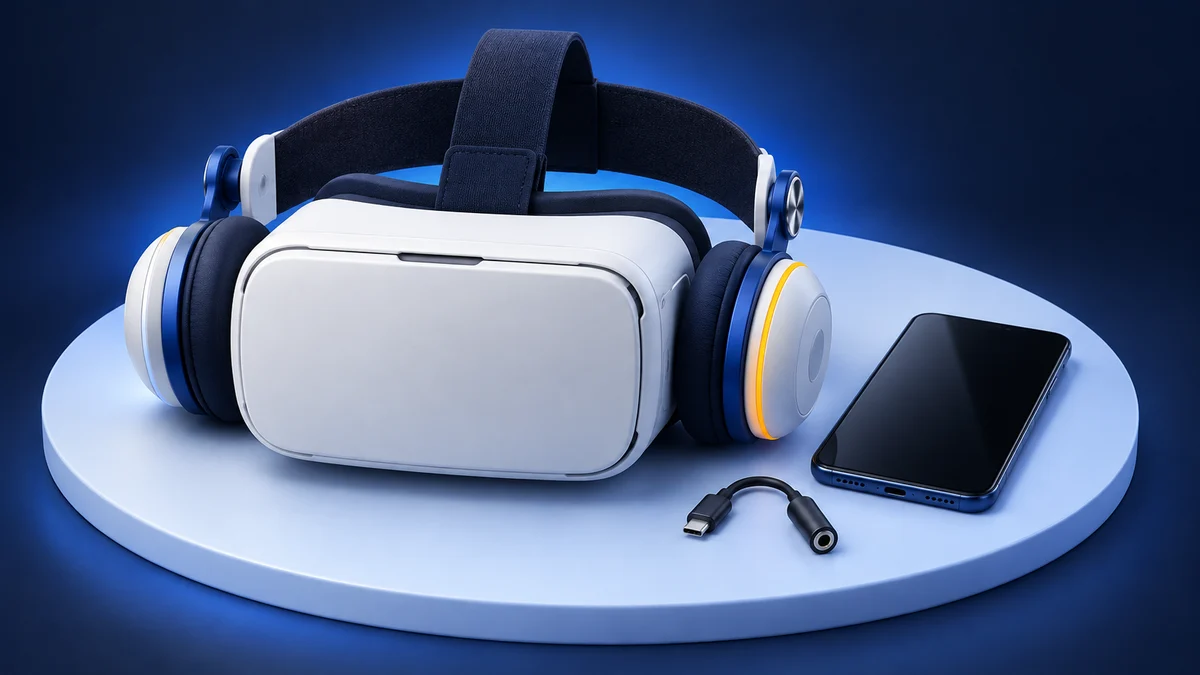
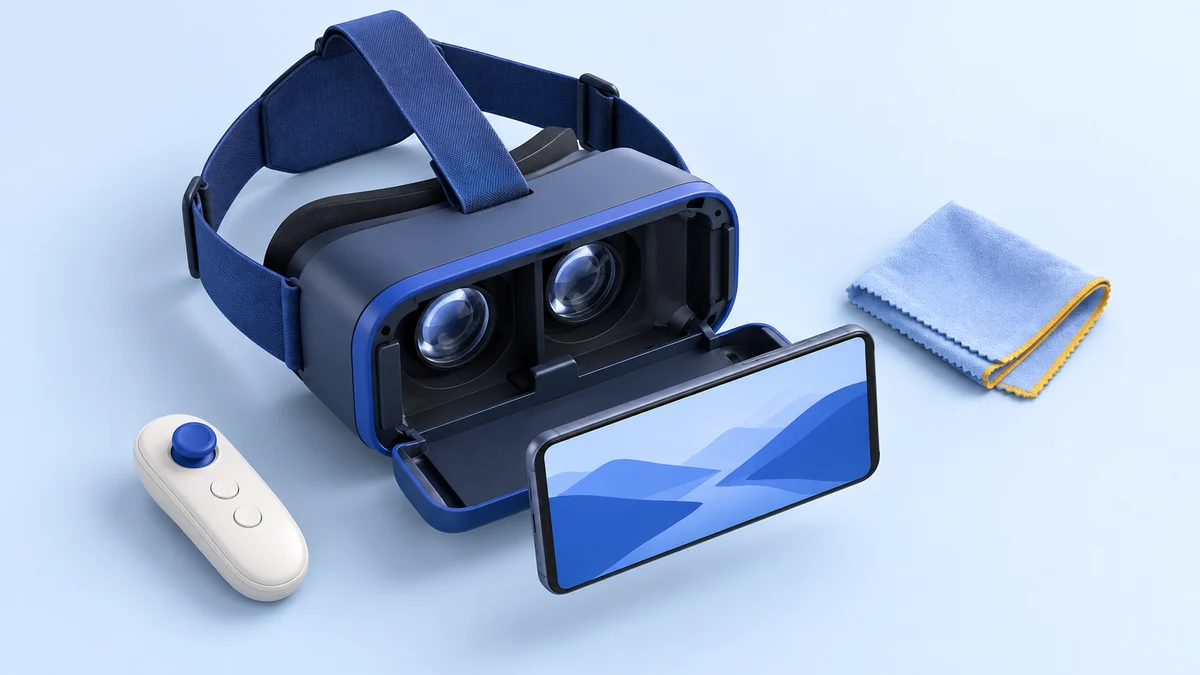
It has a 3-strap harness and comfortable soft leather padding against your face. It also comes with a Bluetooth remote and microfiber cleaning cloth to help you keep your lenses clean..
Unfortunately, for all its flare, the Freefly is missing some helpful features. There are no adjustments for focus distance or pupil distance. This may cause people to experience blurry images. Also, the pads that hold your phone in place are small and made of cheap plastic which may break.
Pros
- Looks awesome
- Comfortable
- Comes with a remote (Android compatible only)
- Has a hole for your headphones cable
Cons
- Made of cheap plastic
- No way to adjust the lenses for pupil distance or focal distance
- Some people have reported the shape of the lenses cause the image to be blurry
View the listing on AmazonPaid link · Historical or unverified listing
Freefly VR Features
The Freefly has several features which make it stand out among phone-based headsets, though it also has some areas that could use some improvement. Let’s explore the Freefly in more detail.
Comfort
When using a virtual reality headset, the quickest way to lose the immersive experience is for the gear to be uncomfortable. You don’t have to worry about that with the Freefly. The Freefly’s 3-strap harness comfortably secures the headset in place. This relieves much of the weight/pressure from your face.
The Freefly also has soft-leather covered padding where the goggles rest on your face. The padding is breathable, making the headset comfortable to use for extended periods.
Field of View
The Freefly VR headset boasts an amazing 120-degree field of view. This is as full a field as I’ve seen even with the most expensive VR systems. In fact, the Oculus and HTC Vive only have a 110-degree field of view.
This affects the immersive feel of your experience. By having a very wide field of view, the VR screens fill not only your direct vision but your peripheral vision. This makes it feel more natural, like a real environment.
Note: 120 degrees is the maker's figure. Field-of-view numbers are measured in different ways, and with a phone viewer the visible area also depends on your phone's screen size, so treat the comparison as rough. For reference, Meta lists today's Quest 3 at 110 degrees horizontal and the Quest 3S at 96 degrees.
Little Ambient Light
When your peripheral vision is filled with your screen’s images, that’s great for immersion. When it’s filled with light from outside the headset, that pulls you out of your virtual environment. The Freefly headset does a great job of blocking nearly all ambient light, allowing you to become fully immersed in your virtual world.
Remote Control
One of the distinctions between many entry-level headsets is how you control your phone when it’s inside the headset. Some headsets have buttons on the outside which hopefully line up with your phone. Others have remotes. Many headsets don’t have any external controls. This means you have to take the phone out every time you want to click on something or navigate somewhere.
The Freefly comes with a Bluetooth remote. You can use this remote to select options, navigate your apps or the web, and even play some games. Personally, I think having a remote is a necessity with any VR headset.
The remote that comes with the headset, however, is pretty small. It is also made of the same cheap plastic of the headset. So, don’t expect anything like a PlayStation controller. Also, it is only compatible with Android. Sorry, iPhone users.
Fits a Wide Range of Phones?
The Freefly is compatible with both iPhone and Android phones and fits a wide range of phone sizes. Its adjustable phone bay can accommodate phones with a diagonal size of 4.7-6.1 inches. This isn’t the best size range I’ve seen, but it fit most smartphones when this review was written.
That is no longer the case. Many current phones are larger than 6.1 inches, including the 6.3-inch iPhone 17 and the 6.9-inch Pro Max models listed on Apple’s comparison page. The Freefly will still hold a smaller phone such as the 6.1-inch iPhone 17e, but check your phone’s screen size first. On iPhone, also note that YouTube doesn’t support Cardboard VR mode, so you’ll depend on other VR apps.
What Buyers Said About the Freefly VR
We’ve covered the features and benefits of the Freefly, but what are people’s real-life experience with this VR headset. I’ve gone around the Internet to see people’s ratings and reviews. They are generally positive, though not great.
The most common positive comments I found were related to the comfort and beauty of the headset. The most common complaints I saw are blurriness due to the lack of lens adjustment and the quality of the plastic construction.
You can see some of the reviews below:
Alternatives to the Freefly VR
While the Freefly may be a decent entry-level VR headset for some people (or for a gift), we want to make sure you are getting the right headset for you.
Everyone’s needs and preferences are different. So, what works for one person may not work for someone else. With that in mind, we’ve put together a list of three alternatives for you so you can see how the Freefly compares to other headsets. Perhaps, another headset might be a better choice for you.
Current Alternatives to the Freefly VR
All three alternatives from the original review (below) are discontinued. These are the options we’d consider instead, based on what the makers currently list:
| Option | What it needs | Tracking | Price (checked 24 September 2026) |
|---|---|---|---|
| Cardboard-compatible phone viewer | Android 4.1 or later with a gyroscope, or an iPhone on iOS 15 or later | Head rotation only | Low; varies by third-party maker |
| Meta Quest 3S | Nothing; standalone headset with Touch Plus controllers | Full head and hand tracking | From $349.99 (128 GB) |
| Meta Quest 3 | Nothing; standalone headset | Full head and hand tracking | $599.99 (512 GB) |
Google stopped selling its own Cardboard viewer in 2021 but kept the platform going as an open-source project, and the Cardboard app is still offered for Android and iOS. Phone requirements come from Google’s Cardboard help and the App Store listing. Quest prices are Meta’s US prices after its April 2026 price increase. For a closer look at the two Quest models, see our Meta Quest 3 vs Quest 3S comparison, and for budget phone viewers see our VR headsets under $50.
The three alternatives from the original review follow, with notes on their current status.
Samsung Gear VR (Discontinued)
The Samsung Gear VR is a mobile virtual reality headset, like the Freefly. However, the quality of the product is better. It also connects to your phone via a USB C wire for additional controls on the headset.
The Gear VR can adjust focal distance to give you a clear image. Also, the devices it works with tend to give an HD quality image. What devices it works with is a big difference between the Gear VR and the Freefly.
The Gear VR is designed for Samsung devices only, specifically, later versions of the Galaxy S or Galaxy Note.
It also has a much better hand controller and connects to the Oculus Store for apps.
The Gear VR promises a higher quality VR experience, but you need to have a later model Samsung Galaxy or Note. If you have a Samsung and want to step your virtual reality experience up a notch, you may want to choose the Gear VR.
Update: the Gear VR is no longer a practical choice. Samsung’s Galaxy Note10 dropped Gear VR support in August 2019, Oculus (now Meta) ended Gear VR app development support in November 2019, and Gear VR stopped getting new features in March 2020. An enthusiast site reports that new users can no longer sign in to the Oculus app for Gear VR after the move to Meta accounts. We don’t recommend buying one now.
Click here to learn more about the Samsung Gear VR or go ahead and buy one.
Similarities
- Uses a smartphone
- Is comfortable to wear
- Requires separate headphones for audio
- Comes with a remote, though a better one
Differences
- Only works with Samsung devices
- Adjustable focal distance
- Integrates the phone and headset
View the listing on AmazonPaid link · Historical or unverified listing
Noon VR Pro (Discontinued)
The Noon VR Pro is another mobile virtual reality headset. It is compatible with iPhone and Android phones with a 4.7-5.7 inch display. This is a bit less than the Freefly. It also has a smaller field of view, only 101 degrees, which is decent, but not great.
The Noon has built-in headphones but does not come with a remote.
One interesting distinction of the Noon VR Pro is the Noon VR software. This software allows you to connect to a PC via WIFI and stream videos. You can even connect several devices for a shared experience.
Update: we treat the Noon VR Pro as discontinued. When we checked, Noon VR’s website (noonvr.com) redirected to an unrelated site, and we couldn’t confirm that the Noon VR streaming app is still available. Its 4.7 to 5.7-inch phone range also excludes most current phones.
If you have a smaller phone and want to be able to stream videos from your PC, then the Noon VR Pro might be the best option for you. You can find more information or purchase the Noon VR Pro by clicking here.
Similarities
- Uses a smartphone
- Compatible with Android and iPhone
Differences
- Does not come with a remote
- Has the Noon VR app which allows WIFI streaming
- Has built-in headphones
- Only fits phones 4.7-5.7 inches
View the listing on AmazonPaid link · Historical or unverified listing
Oculus Rift (Discontinued)
The Oculus Rift is a nice step up from the Freefly as well as the Gear VR and Noon headsets. The Oculus Rift does not use a smartphone. Instead, it has built-in HD screens and connects to your PC with cables to run apps. This allows the Oculus Rift to use higher quality games and apps and have better graphics.
The Oculus Rift also has motion tracking. Where the other headsets mentioned in this article can detect if you turn your head or look up or down, they can’t track your movements. You are stuck in one location.
The Rift includes room sensors and tracked hand controllers. This gives you free movement in your virtual environment. This takes your VR experience to a whole new level.
If you want a true, full virtual reality experience, then you probably want to go with the Oculus Rift. The Freefly gives you a taste of VR, where the Rift lets you fully experience virtual worlds.
Update: the original Rift was discontinued in 2019 and replaced by the Rift S, whose sales ended in 2021 when Facebook (now Meta) moved to standalone headsets. Today’s equivalent is a Meta Quest 3 or Quest 3S, which runs apps on its own and can also play PC VR games over a USB cable or Wi-Fi with Link and Air Link.
Similarities
- Has a wide field of view, though still slightly smaller than the Freefly
Differences
- Uses a PC rather than a smartphone
- Has motion tracking
- Built-in headphones
- Dual hand controllers for gaming and navigating
- Better graphics
- More expansive app library with higher-quality games
Is the Freefly VR Still Worth Buying?
Whether you want a full, high-quality VR experience or you just want to try out the virtual basics, there is a headset out there which will meet your needs. If you are just getting started or you want a fun gift for the kids, the Freefly Mobile Virtual Reality headset might be just what you need.
Update: that advice has aged. The Freefly is now hard to find new, its phone bay is too small for many current phones, and its remote only works with Android. If you already own one and your phone fits, it is still fine for 360-degree video with Cardboard-compatible apps. If you are buying today, a Cardboard-compatible viewer sized for your phone is the cheap option, and a Meta Quest 3S is the realistic entry point for full VR.
You can get your Freefly headset by click here.
Freefly VR FAQ
Is the Freefly VR headset still sold?
We couldn't confirm that it is. The maker's website no longer loads, and we found no current official listing. Any units still on sale are likely old stock.
Does the Freefly VR headset work with iPhone?
The headset holds an iPhone that fits its 4.7 to 6.1-inch bay, and the Google Cardboard app runs on iOS 15 or later. The Bluetooth remote doesn't work with iPhone, and YouTube's Cardboard VR mode is Android-only.
What apps work with the Freefly VR headset today?
Any app with a Cardboard-style split-screen mode, including the Google Cardboard app and, on Android, 360-degree and VR180 videos in the YouTube app. It can't run Meta Quest or PC VR apps.
What should I buy instead of the Freefly VR?
For cheap 360-degree video, a Cardboard-compatible viewer that fits your phone. For full VR with tracked controllers, a standalone Meta Quest 3S or Quest 3, from $349.99 in the US (Meta's price in September 2026).
Research behind this guide
Check the linked specifications and support documents, or read how we research. Original review experience stays attributed to its author.
View 17 sources
- Google Cardboard (Google AR & VR)
- Google Cardboard app (Apple App Store)
- Use Cardboard with an Android phone (Google Cardboard Help)
- Watch VR videos and 360 videos (YouTube Help)
- Google Store stops selling Cardboard VR headsets (9to5Google)
- Compare Meta Quest headsets (Meta)
- An update on Meta Quest pricing (Meta)
- Meta Quest 3S (Meta Store)
- Set up and connect Link and Air Link (Meta Quest Help)
- Gear VR app development no longer supported (Meta for Developers)
- Samsung Gear VR updates end (UploadVR)
- Galaxy Note10 and Note10+ are not compatible with the Gear VR (GSMArena)
- Meta killed the Gear VR (GearVR.net, enthusiast site)
- Facebook to discontinue Rift product line in 2021 (Road to VR)
- Oculus Rift CV1 (Wikipedia)
- Compare iPhone models (Apple)
- Galaxy S26 Ultra (Samsung UK)
Explore the related guides in VR headsets.