Best VR Headsets for iPhone SE
We may earn a commission when you buy through links on this page. As an Amazon Associate I earn from qualifying purchases. How this works
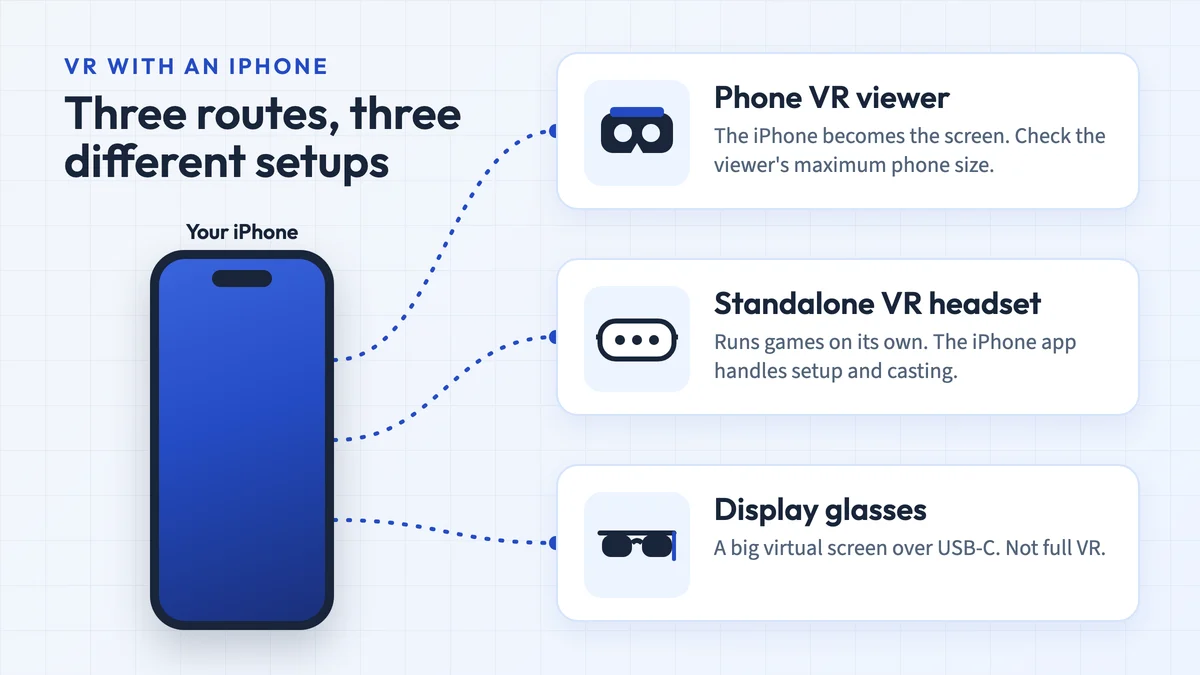
Match an available app to your exact iPhone SE first. The original SE has a 4-inch screen; later SE models have 4.7-inch screens. Check installed iOS, physical fit, lens alignment, the viewer profile and supported controls. The five marketplace comparisons are historical, with current variants and availability unverified. A standalone headset uses the iPhone for its setup app rather than its screen.

128 GB configuration
Standalone VRStandalone games with Fresnel lenses.
Check first: Check the app library, optical fit and return policy.
Check price on Amazon Paid link · AmazonYour iPhone SE generation changes which phone viewers can fit. The app is another separate check: its iOS requirement and controls must work on your phone. A “compatible with iPhone” label or bundled remote does not settle either question.
Use the phone compatibility checklist, SE fit table and app notes before comparing hardware. On a newer iPhone, read our best VR headset for iPhone guide instead, and for a headset that doesn't need a phone at all, see our best VR headset guide. The five original reviews preserve Dustin’s reported impressions. The final sections explain standalone and display-glasses alternatives, followed by answers to common SE setup questions.
Product status and source notes
Which viewer should you choose? Start with a compatible app and your exact SE model. A low-cost phone viewer can suit simple Cardboard experiences, but we cannot name a current “best” model from the unverified marketplace listings below. The original Shinecon verdict is historical.
Which SE do you have? Apple's specifications give the original SE a 4-inch screen, and the 2nd generation and 3rd generation a 4.7-inch screen. All three have a gyroscope. Confirm the viewer's physical fit, lens alignment and button support; a “works with iPhone” label is insufficient.
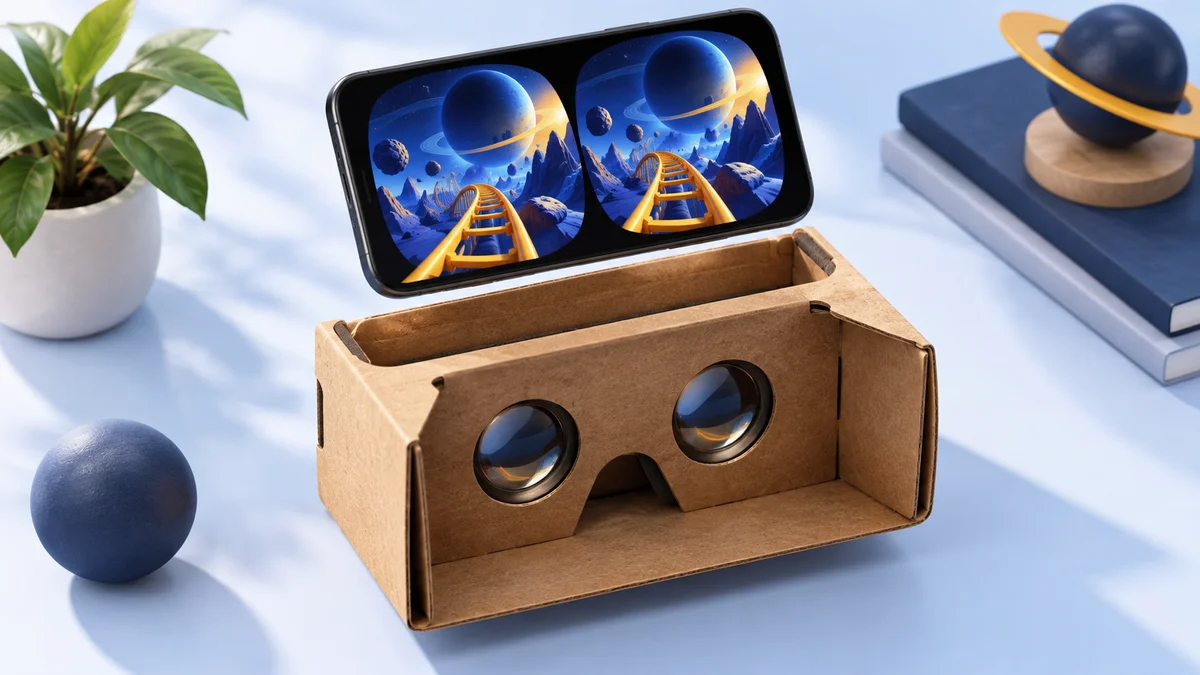
Which apps are available? The US App Store currently lists Google Cardboard with an iOS 15 minimum and Mobile VR Station with an iOS 12 minimum. Check your installed iOS and the app's current requirements. YouTube's Cardboard mode is not supported on iPhone.
What if you want tracked-controller games? Compare a standalone headset such as the Meta Quest 3S. Your iPhone runs the setup app; it is not the headset's screen or processor.
The original review preferred the Shinecon VR Headset and described the author’s move from an SE to an iPhone XS Max. That account belongs to the original review, not this month’s testing. The comparisons below retain that reported experience; current availability and exact listing variants remain unverified.
The original comparison covers these five models:
- BNext Universal VR Goggles
- VR Wear VR Headset
- Tepoinn 3D VR Glasses
- Shinecon VR Headset
- Hamswan VR Goggles
How to Choose the Best VR Headset for iPhone SE
First identify an app you can install and the viewer controls it supports. Then choose a viewer that explicitly fits your SE’s body and screen. Google’s iPhone setup instructions also ask you to scan the viewer’s QR profile; generic model names do not establish that the correct profile is supplied.
| iPhone SE | Screen diagonal | Buying check |
|---|---|---|
| Original, 2016 | 4 inches | Confirm the viewer holds a 4-inch phone; many larger-phone viewers will not |
| 2nd generation, 2020 | 4.7 inches | Confirm fit, lens alignment and the exact app’s iOS requirement |
| 3rd generation, 2022 | 4.7 inches | Confirm the same checks; a newer processor does not add unsupported app features |
Apple’s model specifications are linked in the opening summary. We have not performed a new headset fit test on these combinations. Older 3.5–6.0-inch viewers such as the VR Box 2.0 cover both SE screen sizes on paper.
A comfortable head strap
Believe it or not, some headsets don’t have head straps at all! This makes it hard to play for long periods. A head strap is a must, and a comfortable strap is also important. Trust me, this will make things much better and is the difference between VR being “meh”, and VR being “awesome!”
Light weight
When you get down to brass tacks, VR means strapping things to your head. Even if it’s just a pound, this weight can affect your neck or head. You will want a headset that is light in order to stop these strains. Trust me on this one.
The original review described limited controller support, but iPhone now supports Xbox, PlayStation and other Bluetooth game controllers. A paired controller or bundled remote helps only in apps that use it. Check the app’s description and viewer button support before buying for that feature.
What Are the Pros and Cons of Using VR on Your iPhone SE?
An SE you already own can be a low-cost starting point if the chosen app and viewer pass the checks above. Buying another old phone solely for discontinued VR platforms is a different decision; our compatible-phone guide explains the limits.
Pros
- Use an existing phone - An SE you already own avoids buying another phone solely for a basic viewer. A used or refurbished phone still needs its app support, battery condition and fit checked before purchase.
- Available starting apps - Cardboard and Mobile VR Station have current App Store listings. Listing availability and minimum iOS support do not establish performance on your particular phone.
Cons
- App-specific limits - Older recommendations may no longer be downloadable. YouTube’s Cardboard mode does not support iPhone, and standalone Quest apps do not run in a phone viewer.
- Input support - Bluetooth pairing does not guarantee that your VR app accepts a remote or game controller.
- Phone battery and heat - The phone powers the experience. The original review reported heat and battery drain, but we have not measured current app performance or battery life for this update.
iPhone SE VR Apps: Current and Historical Options
The original app picks were Within, Sisters and Mobile VR Station. They are preserved here as historical context; the availability notes below determine which ones to investigate for a new installation.
VR Apps That Still Work on iPhone SE
The Cardboard and Mobile VR Station App Store requirements below were checked on 12 October 2026. Within and Sisters retain the findings from our 24 September availability review:
- Within is gone. The app shut down in February 2023, after Meta bought the company, so it can no longer be downloaded.
- Sisters: A VR Ghost Story is still promoted on Otherworld Interactive’s website, but the App Store link on that page returned a “not found” error when we checked, so it may no longer be available for new downloads on iPhone.
- Mobile VR Station is still on the App Store. It is free with in-app purchases, needs iOS 12 or later and was last updated in September 2024.
- Google Cardboard is also still on the App Store. It needs iOS 15 or later and helps set up a viewer. Check that your installed iOS meets that requirement; availability does not mean we have tested every SE/viewer combination. Google lists the Cardboard platform for Android and iOS.
YouTube is not an option for VR video on the SE: Google’s help page says Cardboard is not supported for iPhone and iPad in the YouTube app. For more ideas, see our list of VR games for iPhone.
Historical iPhone SE Headset Comparisons
The following five comparisons retain the original author’s reported comfort, heat and sound impressions. They are historical observations, not new tests or a verified ranking of products currently in stock. Marketplace model names and specifications can change.
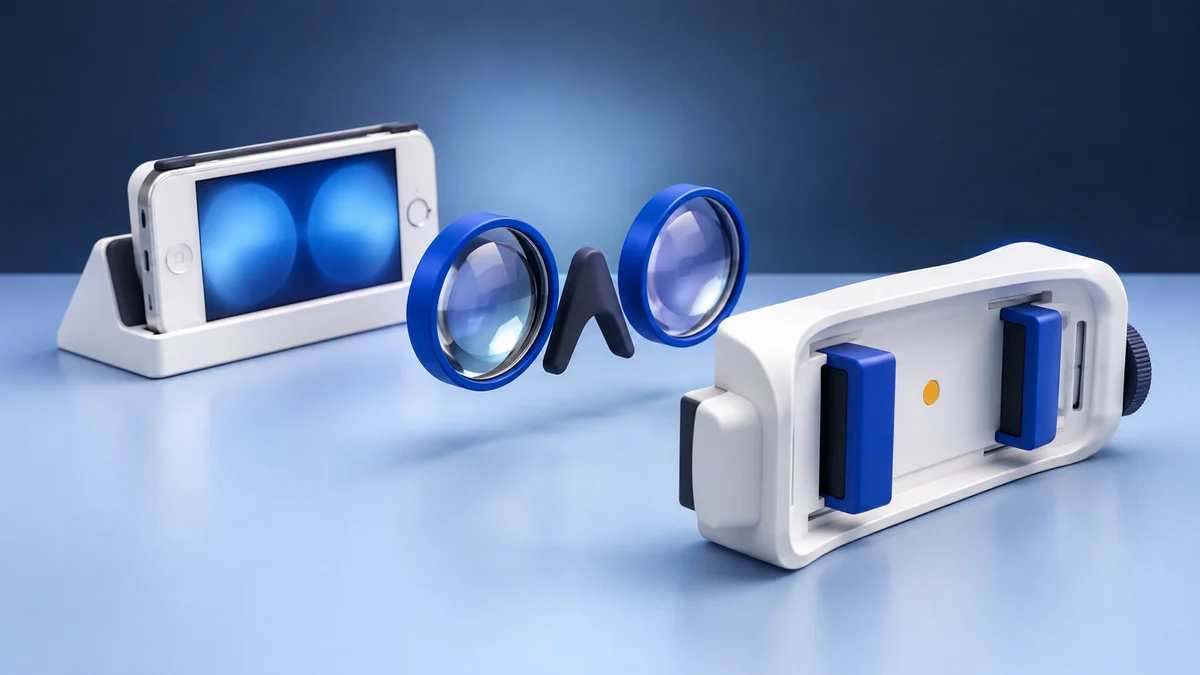
Listing and fit check: confirm the exact model's availability, physical dimensions and supported phone sizes before ordering. Shinecon's catalogue lists different viewers for 4.5–7 inch and 4.7–6.5 inch phones. Those ranges include a 4.7-inch diagonal but do not verify an SE's physical fit or identify the Amazon variant; they exclude the original 4-inch SE. The 2nd and 3rd generation SE have a Lightning connector without a headphone jack, so check the audio connection separately if the viewer includes wired headphones.
BNext Universal VR Goggles
The original author compared the BNext Universal VR Goggles with Gear VR and reported a comfortable strap and foam cushion. This describes that historical review, not a verified current-market comparison.
The original review reported substantial heat in the enclosed design. We have not repeated that comfort or heat test on current listings, so this impression should be read as a historical observation.
Pros
- Very comfortable
- Also compatible with newer iPhones such as the XS
- The company has its own suite of VR Apps
Cons
- iPhone gets hot inside the device
- Plastic does feel a bit cheap
- Lens quality could be better
View the listing on AmazonPaid link · Historical or unverified listing
VR Wear VR Headset
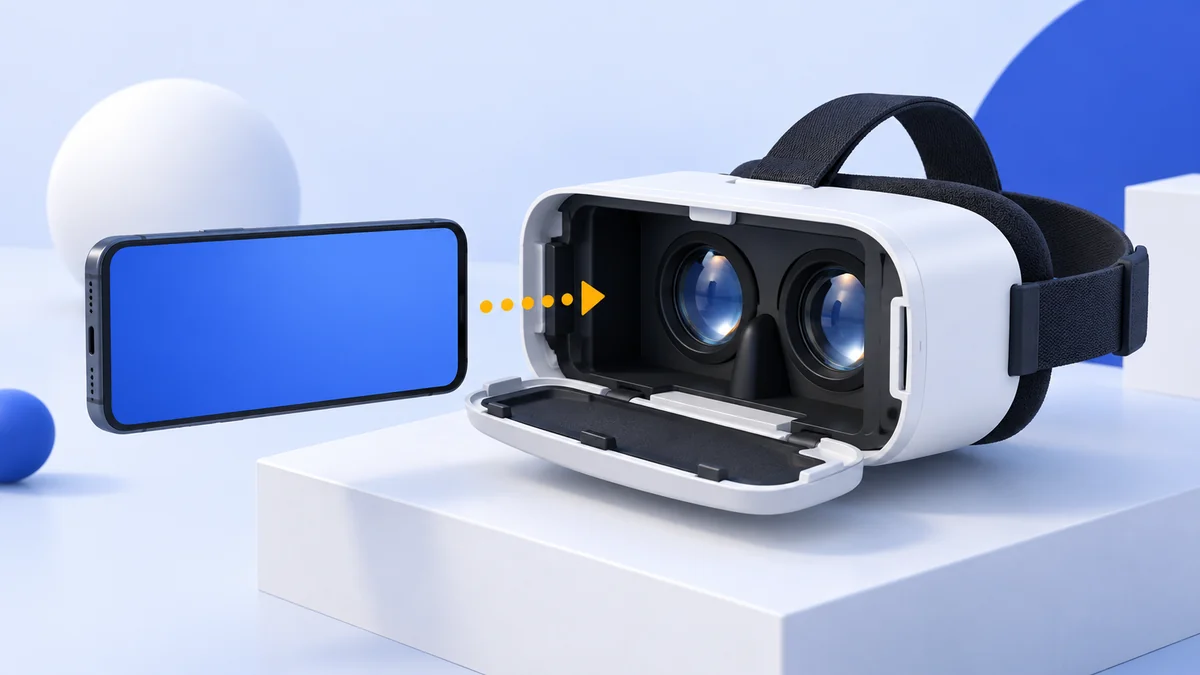
VR Wear’s headset doesn’t feel as nice as BNext’s, but it does have some things going for it. The front cover folds down, making this device easy to set up. There is a magnetic button on the side, which lets you navigate app menus.
The original review reported less overheating than BNext but lower comfort. That comparison is retained as the author’s historical impression, not a new test of current variants.
Pros
- Lenses don’t fog up
- No overheating
- Magnetic button on the side
- Quick setup and teardown
Cons
- Head strap isn’t comfortable
- Field of view is narrow
View the listing on AmazonPaid link · Historical or unverified listing
Tepoinn 3D VR Glasses
The original author described the Tepoinn 3D VR Glasses as a first phone viewer and reported good face foam but uncomfortable straps. The design appeared under several names, so do not assume a current similarly named listing sells the same model.
I do like how these goggles have the same fold and load setup as the VR Wear. There’s also a dial for adjusting the distance of the lenses, which is good for those with narrow or wide eye spaces.
Pros
- Adjustable lens distance dial
- Fold and load design
- Nice face foam
Cons
- Straps aren’t comfortable
- Cheap feel
- Headset slides around a bit
View the listing on AmazonPaid link · Historical or unverified listing
Shinecon VR Headset
The original review preferred this Shinecon VR headset for its reported comfort and snap-on headphones. The author’s sound comparison was a historical impression; we have not verified that a current listing sells the same configuration.
You also get the lens adjustment knobs with two dials. This allows you to better calibrate the lenses to your eyes and the results are awesome. A game controller is thrown in, but for iOS devices it’s only good for one button.
Pros
- Very comfortable
- Dual IPD lens dials
- Excellent 3D audio headphones
Cons
- The controller is basically useless
- Head straps could be more comfortable
View the listing on AmazonPaid link · Historical or unverified listing
Hamswan VR Goggles
The Hamswan VR Goggles look like the Google Daydream headset. They both have the same fabric exterior. Outside of this, the Hamswan is a lot like the VR Wear, without the magnetic button. The goggles have an IPD adjustment dial and were resistant to my sweaty body causing fog.
The original review reported a pleasant finish but poor balance during longer sessions, and described using it while lying down. That account is historical rather than a current comfort recommendation.
Pros
- Premium feel
- IPD adjustment dial
- No fog in lenses
Cons
- Isn’t balanced well
- Phone only velcros in
- Straps made my head itch
Alternatives to a Phone VR Headset
A phone headset turns the iPhone SE into a basic 360-degree video viewer. If you want more than that, consider these current options:
- Meta Quest 3S - A standalone headset with its own screen, processor and controllers. You use the Meta Horizon mobile app for setup; its App Store listing currently requires iOS 15.1 or later. Your phone’s screen does not power the VR experience. Meta’s US comparison page showed $349.99 for 128 GB and $449.99 for 256 GB on 12 October 2026; regional and retailer offers vary. See our Meta Quest 3 vs Quest 3S comparison for the display and lens differences.
- Display glasses - If you mainly want a big private screen for videos, video glasses that plug into the phone may suit you better than a VR headset. They show a floating screen rather than a 360-degree world. Our guide to AR glasses for iPhone covers the models and the cables and adapters Lightning iPhones need.
- A newer phone - If you replace your SE, remember that most current iPhones are larger. Check the screen-size range of any phone headset before you buy one for a new phone.
Our Current Advice for iPhone SE Owners
Choose a phone viewer only after confirming physical fit, app requirements and usable controls. The original review’s Shinecon preference remains historical; we have not verified that its current listing sells the same model or is available.
For tracked-controller games, compare the standalone options above. The old Oculus Go analogy is not a current buying recommendation: its sales ended in 2020. For simple phone experiences, first check the iPhone VR app guide and then choose a viewer that explicitly supports your SE. Neither a higher price nor a bundled remote proves compatibility.
iPhone SE VR FAQ
Does the iPhone SE work with VR headsets?
Yes, with phone VR headsets that support its screen size. All three iPhone SE models have a gyroscope. The 2nd and 3rd generation models have 4.7-inch screens, which many universal phone headsets support; the original 2016 SE has a 4-inch screen, which is below the minimum of many current headsets.
Does Google Cardboard work on the iPhone SE?
The App Store listing requires iOS 15 or later. Check your installed iOS and the exact viewer's fit, profile and controls. We have verified the listing requirements, not tested every SE/viewer combination.
Can I watch YouTube VR videos on an iPhone SE headset?
Not in Cardboard mode. YouTube’s help page says Cardboard is not supported for iPhone and iPad. For your own videos, apps such as Mobile VR Station can play them on a virtual screen in a headset.
Is there a Meta Quest app for the iPhone SE?
The Meta Horizon app currently requires iOS 15.1 or later. Check your installed iOS and the current listing before setup. The app pairs with a standalone Quest headset; it does not turn your SE into a Quest headset.
Research behind this guide
Check the linked specifications and support documents, or read how we research. Original review experience stays attributed to its author.
View 20 sources
- Google Cardboard Help: Set up a viewer on iPhone
- Meta: Compare Meta Quest headsets
- MacRumors: Apple discontinues iPhone SE (19 February 2025)
- Apple Support: iPhone models compatible with iOS 27
- Apple Support: iPhone SE technical specifications (1st generation)
- Apple Support: iPhone SE (2nd generation) technical specifications
- Apple Support: iPhone SE (3rd generation) technical specifications
- Wikipedia: iPhone SE (1st generation)
- Apple Support: Connect a wireless game controller to your Apple device
- App Store: Google Cardboard
- Google AR & VR: Google Cardboard
- YouTube Help: Watch VR180 and 360-degree videos with Cardboard
- App Store: Mobile VR Station
- Wikipedia: Within (company)
- Otherworld Interactive: Sisters, a mobile VR ghost story
- Shinecon Industrial: 3D HD VR headset for iOS and Android smartphones
- Meta: An update on Meta Quest pricing
- Meta Quest Help: Install the Meta Horizon mobile app on your phone
- App Store: Meta Horizon
- CNBC: Facebook to end Oculus Go VR headset sales (23 June 2020)
Explore the related guides in VR headsets.