Lenovo Explorer vs. Oculus Rift Comparison
We may earn a commission when you buy through links on this page. As an Amazon Associate I earn from qualifying purchases. How this works
Neither is a straightforward first purchase. The Explorer's Windows Mixed Reality platform was removed from newer Windows 11 versions, and the Rift is discontinued. Jamie Holmes preferred the Explorer in the original 2020 review for comfort and value; that verdict describes the headsets at the time. Existing owners should check software and missing accessories first. New buyers can start with the replacement options.

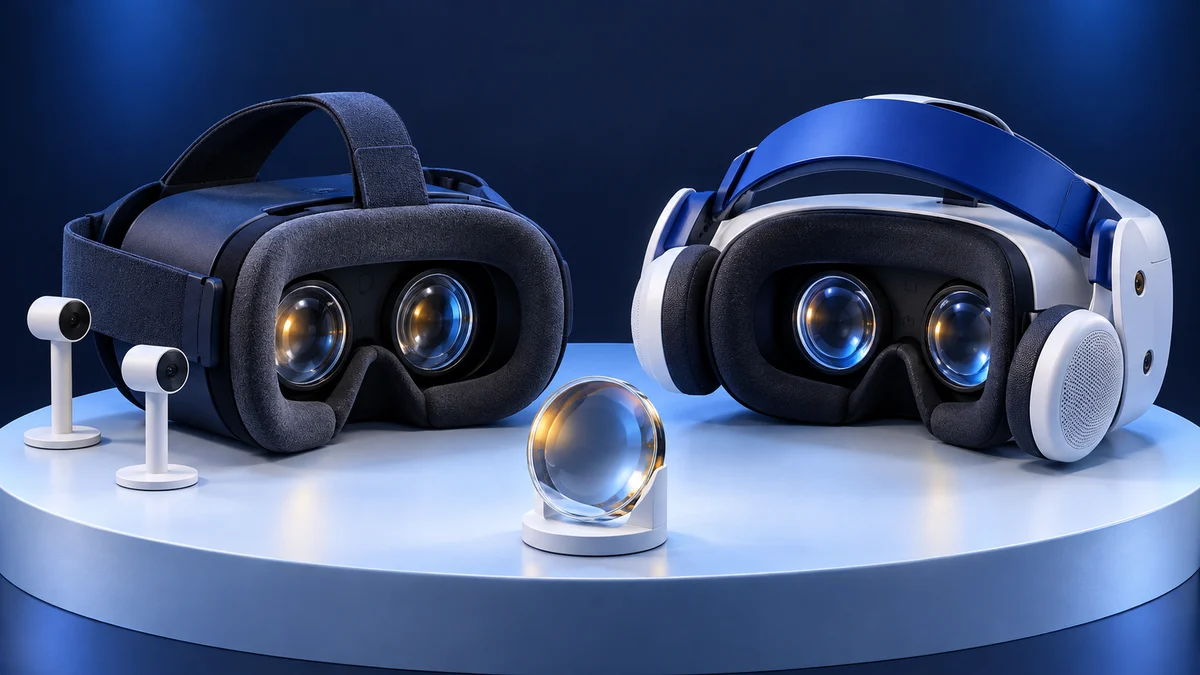
128 GB configuration
Standalone VRStandalone games with Fresnel lenses.
Check first: Check the app library, optical fit and return policy.
Check price on Amazon Paid link · Amazon
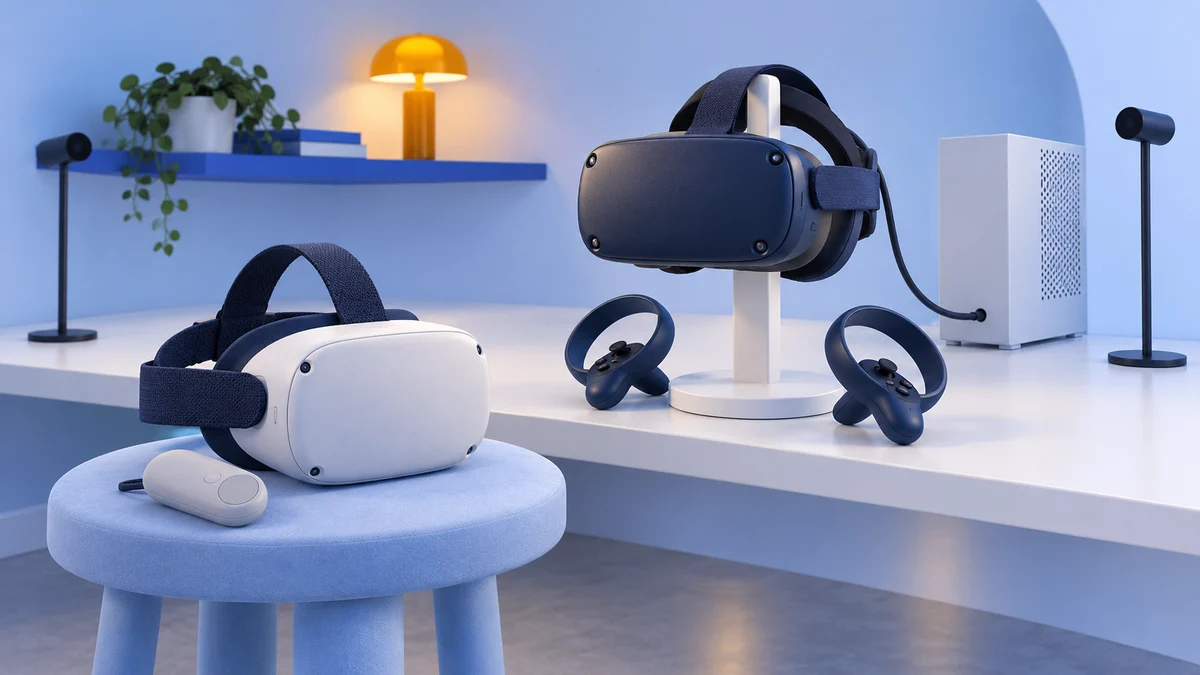
512 GB configuration
Pancake opticsPancake lenses and a higher-resolution display than Quest 3S.
Check first: Compare the complete purchase, including any accessories.
Check price on Amazon Paid link · AmazonA cheap Lenovo Explorer or Oculus Rift can look like an easy start in PC VR. The harder question is whether your computer and the headset's software still work together. The Explorer depends on Windows Mixed Reality, while the Rift needs a complete legacy PC setup.
Start with the platform and setup requirements, then compare software and tracking. If you're buying your first headset, also check the alternatives before choosing either older model.
Platform status and source notes
Status: the Rift is discontinued and the Explorer's platform is deprecated
Oculus Rift: the original Rift was replaced by the Rift S, announced in March 2019, and the Rift S itself was discontinued in 2021. Meta's help centre now files both under Oculus legacy headsets.
Lenovo Explorer: launched in October 2017 as a Windows Mixed Reality (WMR) headset; we found no current Lenovo listing for it. Microsoft deprecated WMR in December 2023 and removed it in Windows 11, version 24H2. Microsoft says existing WMR headsets keep working with Steam through November 2026 only if the PC stays on Windows 11, version 23H2, after which WMR gets no further updates or support. A community driver called Oasis, bundled with the SteamVR beta since September 2025 according to Wikipedia, can run WMR headsets on newer Windows 11 builds, but currently only with Nvidia graphics.
Our advice: neither headset is worth buying new or used today unless it is very cheap and you accept these limits. For a current headset, see what to buy instead. Checked 24 September 2026.
From Jamie Holmes’s original 2020 review: After enjoying the Oculus Go, I wanted more involved VR experiences. I compared the Lenovo Explorer and Oculus Rift to find which better suited that upgrade. The first-person observations and category winners below describe that original experience.
If you don’t want to read the whole review, the original verdict was that the Lenovo Explorer won because of its better value for money, comfort and user friendliness. The Rift is now discontinued and the Explorer depends on a deprecated platform, so read the status box above before buying either.
What to Check Before Buying a Used Explorer or Rift
Check the computer and the full kit before comparing display resolution. A bargain headset is poor value if its software cannot run or its tracking accessories are missing.
| Requirement | Lenovo Explorer | Original Oculus Rift |
|---|---|---|
| Computer and software | Windows PC with a working WMR installation; official compatibility ends at Windows 11 23H2 | Windows gaming PC and Meta’s legacy PC software |
| Tracking setup | Cameras on the headset track the room and controllers | External sensors track the headset and Touch controllers |
| Used-kit check | Verify the Windows version and included controllers | Verify the sensors, Touch controllers and PC requirements |
| Main constraint now | WMR support is ending; the community-driver route has limits | Discontinued hardware, with no confirmed long-term support date in this article |
The categories below explain the original review’s priorities. Use the dated platform notes above to judge whether those advantages still help your setup.
User Experience
Check the games you want, their headset support and the software needed to launch them. Both models connect to a PC, but the Explorer’s WMR dependency makes the Windows version especially important. Then check controller power and tracking setup so the whole kit works together.
Graphics, Audio and Immersion
With a range of VR headsets available these days, the quality of the experience can vary considerably.
The main things to look for are; how smooth and detailed the graphics are, the quality of the audio and how interactive and realistic the virtual reality experience is.
Value for an Older Headset
For an older headset, value means a complete working kit. Include the computer, controllers and tracking hardware in the total cost, then account for the unsupported platform. The original price comparison below describes the market when the headsets were on sale.
Comfort and Weight
To enjoy the virtual reality experience, the headset needs to be light and comfortable. The padding around the headset and the mechanisms vary across headsets, so it is important to look at these features and the weight of the headset.
Your Experience Level With VR
A first-time user needs to know how the headset connects, which software it uses and where tracking accessories go. Decide whether you want seated games or room-scale movement, then check the relevant setup requirements. Existing Explorer owners also need to understand the Windows-version restriction before changing their PC.
Presenting the Lenovo Explorer and Oculus Rift
The following pros, cons and category winners preserve Jamie’s original 2020 evaluation. They describe the hardware experience, while the platform-status notes explain today’s limitations.
For each category we’ve outlined above, we will see how the Lenovo Explorer and Oculus Rift compare with each other.
One main difference between the two is that the Oculus Rift has its own ecosystem of software, as well as being compatible with Windows applications. The Lenovo Explorer is a Windows Mixed Reality (WMR) headset, which means that Windows provides the software for the Explorer. Lenovo does not have its own app ecosystem like Oculus. That dependency matters now: Microsoft has removed WMR from Windows 11, version 24H2, and limits official support to Windows 10, version 20H2 through Windows 11, version 23H2.
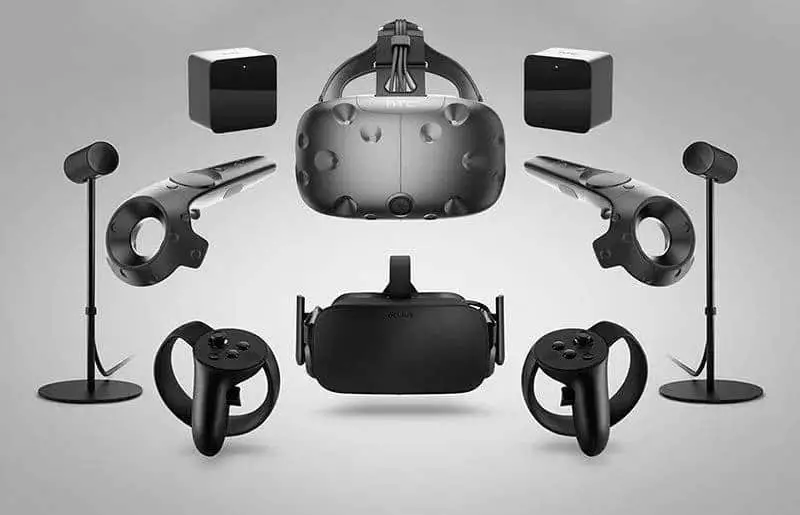
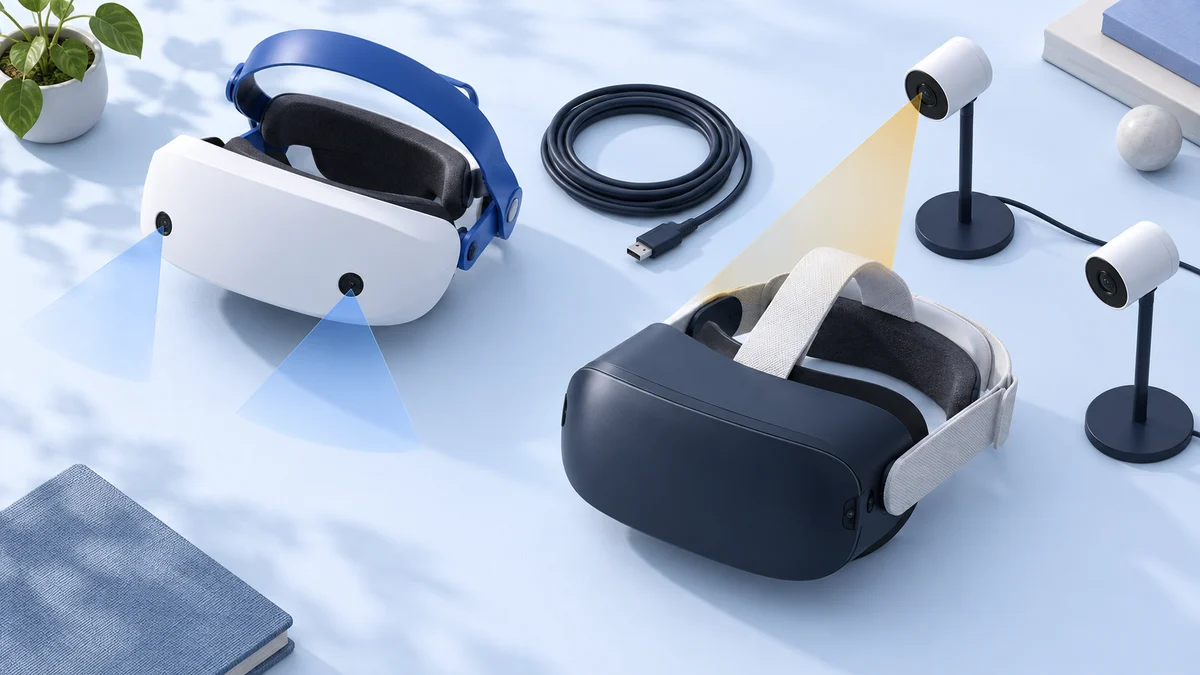
Another major difference between the Lenovo Explorer and Oculus Rift is the way they track your movements. While the Lenovo Explorer uses a tracking method known as inside-out (the headset itself tracks your movements and your surrounding environment), the Rift uses a method known as outside-in (where the Rift requires you to set up motion sensors external to the headset).
Both the Explorer and Rift come with two controllers and have some overlap in the games and apps you can enjoy.
Lenovo Explorer
Pros
- Lightweight, comfortable and well built
- Easy to install and use
- Good value for money
Cons
- Lenses are quite small and are not adjustable
- Overheats after extended use
- Not the best choice for certain types of games
- An old model, and Windows Mixed Reality is no longer supported on current Windows 11 releases
View the listing on AmazonPaid link · Historical or unverified listing
Oculus Rift
Pros
- Better quality visuals, sharper and brighter and more intense colours
- Offers some of the best immersive experiences in VR
- Thriving app ecosystem
Cons
- Risk of motion sickness, nausea or vertigo
- High price and less user friendly
- Minimum PC requirements make it less accessible
- Replaced by the Rift S in 2019; Meta treats it as a legacy headset
I ended up going through different categories that are important to most VR users and wanted to assign a winner. In the end, we’ll tally those categories up to let you know which device we feel is superior.
User Experience: Software
First, let’s look at the software for each model. With the Lenovo Explorer, the apps and games that are available are found on the Microsoft Store – while there are many VR games with WMR headsets, there are not nearly as many as on the Rift.
SteamVR is supported by WMR headsets but not every single game is supported. However, the majority of games are supported and they work just as well as with WMR as with the Rift. You can play Rift games on WMR using LibreVR’s Revive app which effectively re-routes Rift games downloaded through the Oculus app over to the SteamVR store.
Note: WMR headsets reach SteamVR through Microsoft's Windows Mixed Reality for SteamVR app, which Microsoft has deprecated along with the rest of WMR, so no new WMR support should be expected. Revive is still on GitHub, but its page lists the HTC Vive and Valve Index as supported headsets and points to a community compatibility list; we could not confirm how well it works with WMR headsets today.
As a fan of racing games, two games I tried out on the Explorer and Rift were RaceRoom and Codemaster’s Dirt Rally. Compared with the Oculus Rift, the colour is not as vibrant and the brightness is not as good. For instance, when racing using the Rift, it looks like you are racing on a nice, sunny day whereas with the Explorer it seems like an overcast day.
As with the Oculus Go, I am a bit wary about privacy and it is something to consider when buying the Oculus Rift, given Facebook’s tarnished past of compromising its users’ privacy. It is important to keep in mind that there is a data sharing agreement between Facebook and Oculus. If you are privacy conscious, I would recommend the Lenovo Explorer over the Rift. Oculus has since been folded into Meta (Facebook’s parent company), so check Meta’s current privacy terms before using any of its headsets.
Winner: Oculus Rift
Hardware
As mentioned already, the tracking is handled from the headset for the Lenovo Explorer. This means the headset has cameras and sensors which maps out your environment and tracks the controllers. The two controllers are tracked really well, even if controllers are behind your head for a short amount of time.
But if your hands are stationary by your side or if you move the controllers out of the headset’s field of view, the tracking will not function as effectively. Nevertheless, the tracking for sword and table tennis games is good enough, however, you may find with some VR archery games that the tracking is mediocre and has room for improvement. That said, the head tracking is on a par with more expensive models such as the HTC Vive.
The tracking of the Oculus Rift is much better in dimly lit rooms. You have to be in a well-lit room for the Lenovo Explorer’s tracking to work properly. With this model, you can also interact with virtual worlds in one of four ways; with the provided controllers, using your keyboard and mouse, using an Xbox controller, or using the Cortana digital assistant. Microsoft has since deprecated Cortana as a standalone Windows app, so voice control through Cortana should not be counted on.
For the Lenovo model, there is no physical Inter Pupillary Distance (IPD) adjustment – which is the distance between your pupils in the left eye and right eye. However, there is a software in the Windows Store that can allow you to adjust the IPD, but does not work that well. With the Rift, there is a button on the top of the device which allows you to adjust the IPD.
Two features that the Rift lacks but the Explorer has are; a 3.5 mm jack to plug in your own headphones and a visor that can flip upward. The flippable visor is a feature that I really like, since I can quickly shift in and out of virtual worlds if my friend wants to speak to me quickly while I’m playing a game or if I need a drink.
The requirements for the Oculus Rift makes it less accessible than the Explorer, as you will need a gaming PC to enjoy the best the Rift has to offer. For the Rift, the minimum requirements were a graphics card like the NVIDIA GTX 1050 Ti or AMD Radeon RX 470 (or anything more powerful), plus 8 GB of RAM or more. Meta’s current PC requirements page is now written for Quest headsets using Meta Horizon Link, and its Rift section says Windows 10 or later is required. For Link it asks for Windows 10 or 11, an Intel i5-4590 or AMD Ryzen 5 1500X or better and 8 GB of RAM, and recommends an Nvidia RTX 20 series or AMD Radeon RX 6000 series card. See our guide on checking whether your PC is ready for VR.
Winner: Lenovo Explorer
Quality
Surprisingly, the Lenovo Explorer has better optics in some areas than the Oculus Rift, with a higher resolution of 1440×1440 per eye, whereas the Oculus Rift has a resolution of 1080×1200 per eye at 90 Hz.
For the field of view – which is how much you can see in your peripheral vision – the Lenovo Explorer is listed at 110 degrees, which is in the same range as the Oculus Rift. The Oculus Rift’s frames per second is much higher however making the graphics smoother and there is no noticeable fuzziness when you move your head around. Part of the reason is the PC: Microsoft split WMR computers into “Windows Mixed Reality PCs” that target 60 fps and “Ultra” PCs that target 90 fps, so the Explorer’s smoothness depends on the computer it is connected to.
Since the Oculus Rift provides a more immersive experience, the downside is that VR experiences may trigger unwanted feelings of nausea, motion sickness and vertigo. For example, in one of the games I tried on the Oculus Rift, my vertigo kicked in as it placed me on top of a mountain. This immersion gives Rift the edge here.
Winner: Oculus Rift
Value for Money
The graphics of the Lenovo Explorer are starting to get a bit dated, but this is not a major concern because it has a relatively low price point. When this comparison was written, the Lenovo Explorer was usually the cheaper of the two, yet the visuals are quite similar, and even better in some areas than the Rift. For reference, the Explorer launched in October 2017 at $449 with controllers, and the Rift’s price had fallen to $399 by the time the Rift S replaced it. Neither is sold new by its maker today as far as we could find, so any price you see now is for old or used stock.
While we’ve already mentioned that the Rift has more games, the Lenovo Explorer already had most of these same games through SteamVR. That gave the bang-for-the-buck value to the Explorer at the time. Note that the “near future” catch-up we expected did not happen: WMR has been deprecated, and its SteamVR support depends on staying on an older Windows version or on the community Oasis driver.
Winner: Lenovo Explorer
Comfort
The Rift is fairly light and quite comfortable, but the headset requires a lot of pressure to be placed onto your face.
However, the Lenovo Explorer is also light, has a very light touch and does not push against your face too hard, making a big difference when playing for long periods of time. In the style of the PlayStation VR, the Explorer rests all the weight on your forehead.
For the Lenovo Explorer, you don’t have to make it too tight and will find that even after extended use, the device will stay fixed to your head. The Explorer is completely sealed with foam, even around the nose which makes it comfortable and prevents any leakage of light into your headset.
The only downside with the Lenovo Explorer is that it can heat up and become uncomfortable if you are playing for long periods.
Winner: Lenovo Explorer
Who The Headsets Are Built For
Finally, we look at what types of VR users each headset is best suited to.
If you are like me and want to upgrade a basic headset, then the Lenovo Explorer was the way to go as it was more affordable but offered a considerable improvement on models like the Lenovo Mirage Solo, Oculus Rift or the HP Windows Mixed Reality headset.
However, if you are a more experienced VR user and want the best possible experience and are not concerned with the price, then the Oculus Rift was the better choice.
Your lifestyle will also have an impact on which model will suit you better.
For instance, gamers might be better off with the Rift as it delivers a more powerful VR experience whereas, if you are like me and travel a lot, then I would suggest going with the Lenovo Explorer over the Rift as it’s much easier to set up and use.
For hardcore gamers: Oculus Rift
For travellers or the VR-curious: Lenovo Explorer
What to Buy Instead of a Lenovo Explorer or Rift
Both headsets in this comparison are old models, the Rift is discontinued, and the Explorer’s platform is at the end of its support. If you are buying a headset now, a current standalone headset that can also connect to a PC is the simplest replacement for either of them. As of 24 September 2026, Meta’s comparison page lists the Meta Quest 3S from $349.99 and the Meta Quest 3 at $599.99 in the US. Compare the two in our Quest 3 vs Quest 3S comparison, and see our Oculus Rift alternatives for other options.
If you already own a Lenovo Explorer, it can still be used on a PC that stays on Windows 11, version 23H2 or earlier until Microsoft ends support in November 2026, or through the community Oasis driver in the SteamVR beta on an Nvidia graphics card. If you already own a Rift, check your PC against Meta’s current requirements before relying on it.
Why the Explorer Beat the Rift in Our 2020 Review
Original 2020 verdict: Jamie’s recommendation below dates from when both headsets were on sale. We no longer recommend buying either; use the replacement section above for a first purchase.
Unless you’re a hardcore gamer, the Lenovo Explorer is the better VR headset.
The low price, ease of use, portability and similar quality puts the Explorer over the top.
Still, the Rift is a great piece of tech, and I still recommend it highly.
Note: this verdict dates from when both headsets were on sale. The Rift is now discontinued and the Explorer relies on the deprecated Windows Mixed Reality platform, so we no longer recommend buying either one. The link below is kept for reference only.
Historical Lenovo Explorer listing, kept for reference: here.
Research behind this guide
Check the linked specifications and support documents, or read how we research. Original review experience stays attributed to its author.
View 8 sources
- Deprecated features in the Windows client (Microsoft Learn)
- Windows Mixed Reality: Before you start (Microsoft Learn, archived)
- Windows Mixed Reality (Wikipedia)
- Oculus Rift (Wikipedia)
- Oculus Rift S and legacy headsets help (Meta)
- Meta Horizon Link PC requirements (Meta)
- Compare Meta Quest headsets (Meta)
- Revive compatibility layer (LibreVR on GitHub)
Explore the related guides in VR comparisons.