Is My PC Ready for Virtual Reality? VR PC Requirements in 2026
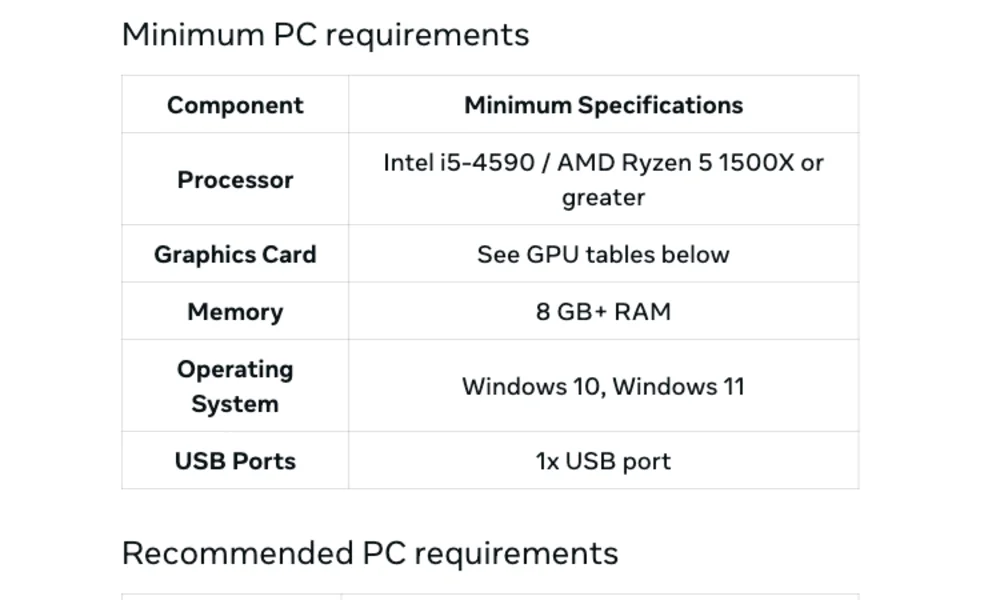
Inspect the GPU, operating system and required ports.
Updated 15 October 2026Check your computer, choose a wired or wireless connection, and get Quest working with SteamVR.
A capable graphics card is one part of the setup. Your headset connection, USB or DisplayPort support, network and VR software must also match. Use the requirements guide first, choose your connection next, then follow the SteamVR setup. Older component guides retain their original context.
Inspect the GPU, operating system and required ports.
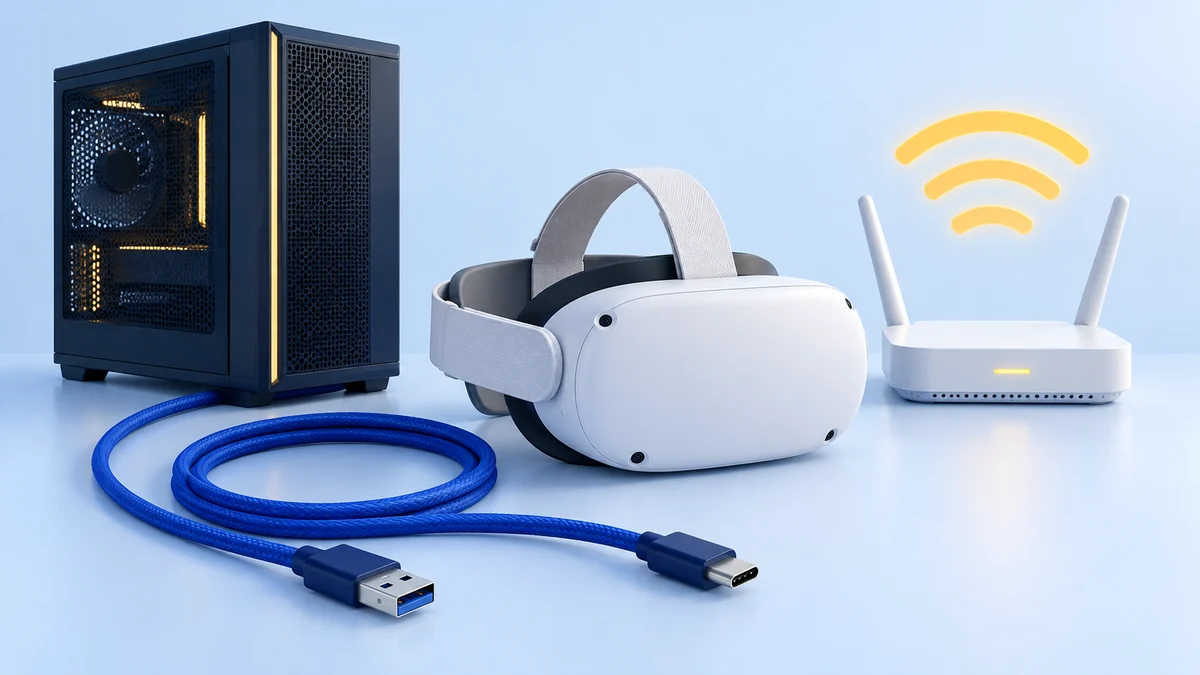
Updated 15 October 2026Compare cable requirements with your Wi-Fi setup.
Updated 14 October 2026Follow the route for your chosen connection.
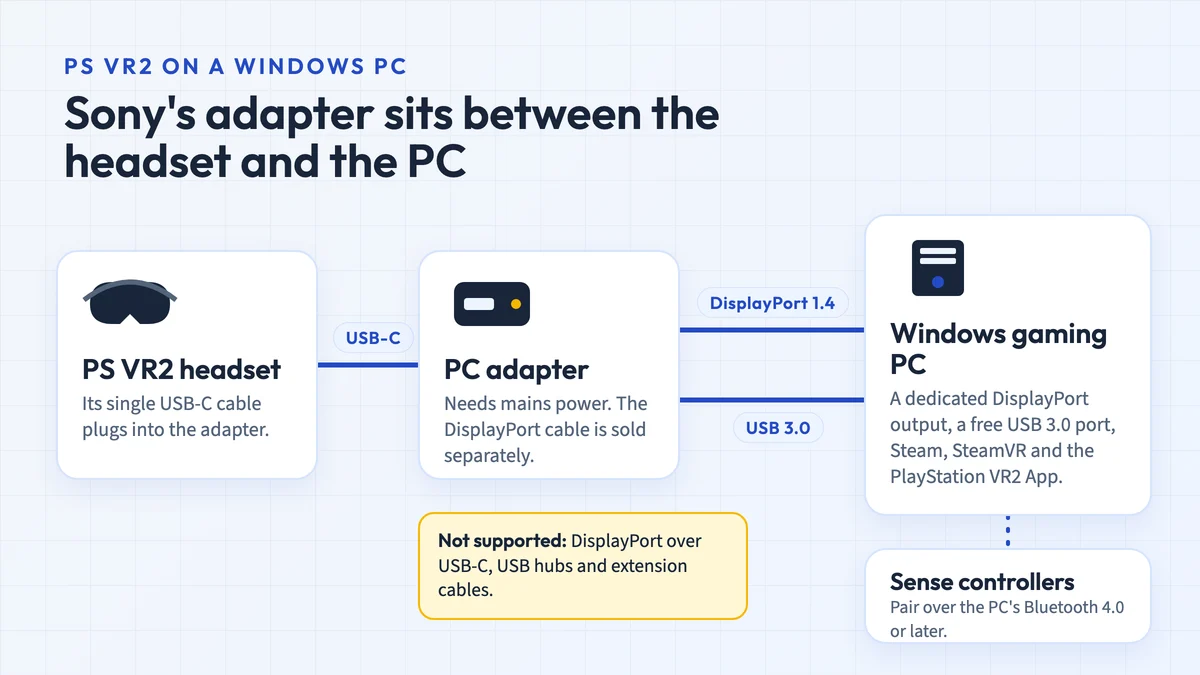
Updated 14 October 2026Sony's PS VR2 PC adapter lets PlayStation VR2 play SteamVR games on a Windows PC. The ports and parts you need, what you lose on PC, setup and third-party clones.
Updated 15 October 2026Watch VR videos on a PC monitor, stream files to Quest or use a PC VR player. Choose 180/360 and SBS settings, with Mac limits and fixes explained.
Updated 16 October 2026Older coverage keeps its original product context. Check each guide’s status and requirements before considering the hardware.