Darta Virtual Reality Headset Review
We may earn a commission when you buy through links on this page. As an Amazon Associate I earn from qualifying purchases. How this works
Only consider a Darta for simple phone VR after confirming the exact phone, app and input method work together. Current stock, pricing and manufacturer support remain unverified. The viewer cannot run standalone Quest, PC VR or PlayStation games by itself. For tracked-controller gaming, start with the current headset alternatives below.
Headset alternatives discussed in this guide

Meta Quest 3S
128 GB configuration
Standalone VRStandalone games with Fresnel lenses.
Check first: Check the app library, optical fit and return policy.
Check price on Amazon Paid link · Amazon
Meta Quest 3
512 GB configuration
Pancake opticsPancake lenses and a higher-resolution display than Quest 3S.
Check first: Compare the complete purchase, including any accessories.
Check price on Amazon Paid link · AmazonPlayStation VR2
Check the exact retailer bundle
PlayStation VRA headset for PS5, with a separate adapter option for PC VR.
Check first: PC use needs the adapter and a compatible DisplayPort setup.
Check price on Amazon Paid link · AmazonThe Darta VR headset uses your phone as its screen and computer. Before buying this older viewer, check three things: whether your phone fits, whether your chosen app runs, and how you select content with the phone enclosed.
Below, we explain the app, tray and control checks first. Then we separate John’s archived comfort and lens impressions from documented compatibility guidance, review the original alternatives, and show where to start if you want tracked-controller games.
Product status and source notes
Worth buying? Only consider this older phone viewer after confirming the exact unit fits your phone and supports the app you want. We have not verified current Darta stock, price or a manufacturer support page. A retailer link is not confirmation that a usable unit is available.
What can it do? The archived review describes a passive viewer: your phone provides the display and runs the app. It cannot run standalone Quest, PC VR or PlayStation games by itself. App availability, phone fit and a way to select content all matter.
Want tracked-controller games? Start with our Quest 3 vs Quest 3S comparison or Quest 3 vs PS VR2 guide. The original Gear VR, Quest and PSVR comparisons below explain the historical verdict.
About this archived review. John is the original author. The historical account says he purchased a Darta and tried it with an iPhone 8, but we have not recovered the original test date, photographs or test notes. The reported comfort and lens impressions below are unverified archival testimony, not new TechFuturae hands-on results. This revision adds documented app checks and clearer buying guidance.
Top Things to Know Before You Grab a Mobile VR Headset
Device Compatibility
Android or iPhone compatibility is not a blanket promise. Google Cardboard is offered for both platforms, but individual apps have their own operating-system and sensor requirements. Google’s setup instructions direct buyers to check the particular viewer and use its QR profile.
Install your chosen app before buying a viewer. Our VR-compatible phone guide explains why older Gear VR and Daydream compatibility lists do not establish current app support.
Viewing Screen Size
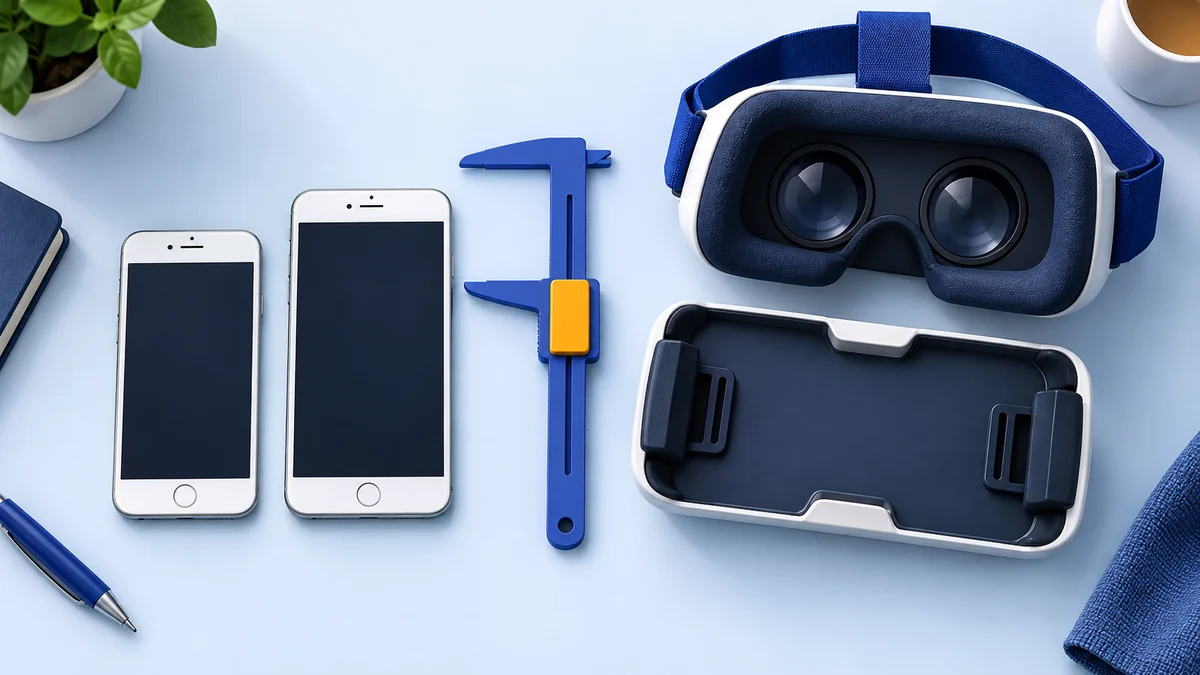
The original Darta description advertised roughly 3.5–6-inch phone screens. We cannot independently confirm that range against a current manufacturer specification, and a screen diagonal does not describe the phone’s full body dimensions.
Ask the seller for usable tray measurements. Camera protrusions, side buttons and the case can affect placement. Do not force a phone into an old cradle or assume another viewer sold under a similar name is identical.
Cost of the Headset
Compare the total cost with what you can actually use. A cheap viewer has little value if the only app you want no longer runs. Check condition, included parts and the return policy; this review does not quote a current Darta price.
If you already own one, complete the app and fit checks first. If you want controllers and games that track your position, compare the current headset choices below.
Presenting the Darta Virtual Reality Headset
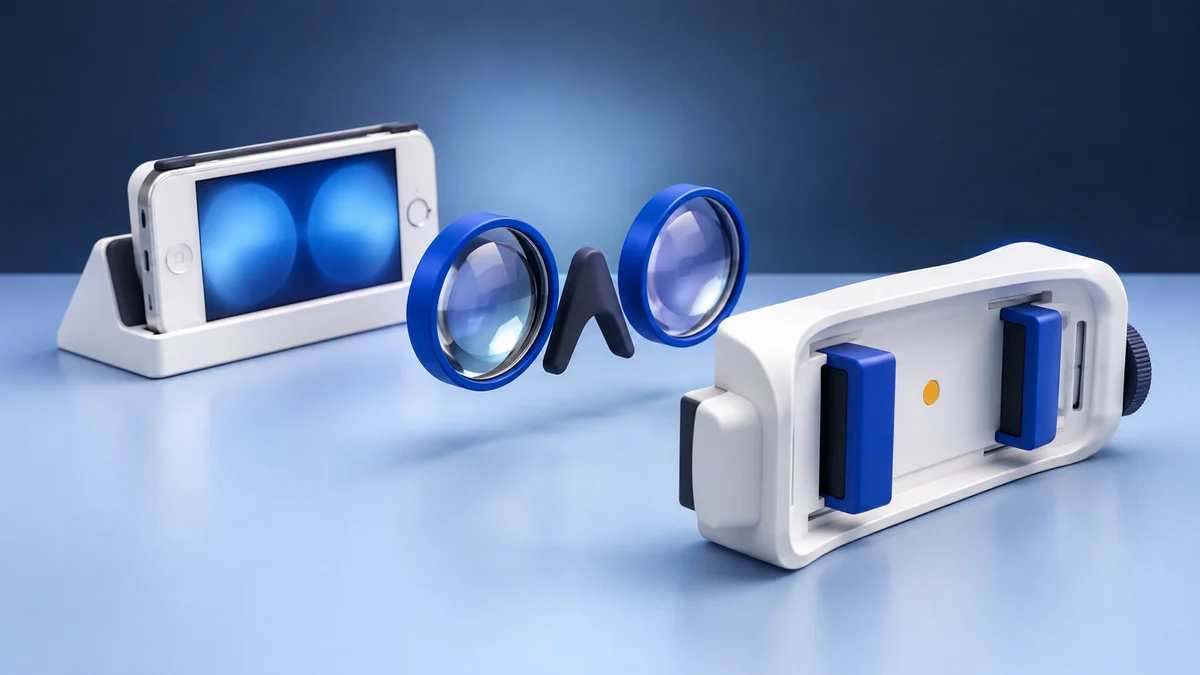
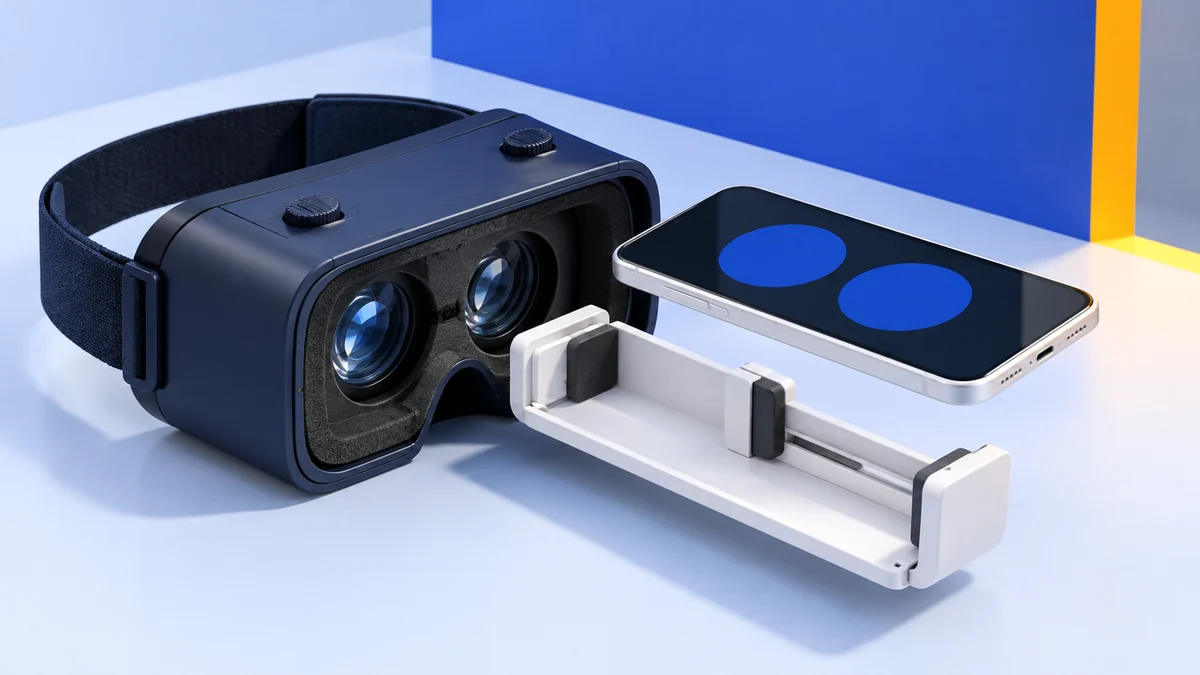
The archived description identifies a plastic phone holder, removable cradle, head strap and separate focus adjustments. We have not verified a current manual, exact dimensions, lens specifications or warranty provider. A historical claim linking Darta to Southern Telecom could not be substantiated during the September review, so it is not used as a support guarantee here.
| Detail in the original review | What it means for a buyer today |
|---|---|
| Phone supplies the screen and processing | App support and phone performance remain essential |
| Removable cradle | Inspect the tray and fastening mechanism on the actual unit |
| Separate focus dials | Confirm both move freely; they do not guarantee clear vision for every user |
| No built-in selection button described | Check whether your app needs touch input or another supported control |
| Advertised 3.5–6-inch screen range | Treat it as an archival claim and measure the phone body |
Original reported positives: simple setup, adjustable focus and low purchase cost. Original reported drawbacks: limited app interaction and disappointing optics. These describe the archived account; they do not establish the durability or condition of units sold now.
Inspect the original Darta Amazon listing, including the seller, condition, dimensions and returns. Availability has not been confirmed.
Features & Benefits of the Darta Virtual Reality Headset
The useful distinction is between what the archived author reported and what you can check on a particular unit. We have not retested the Darta or measured its optical performance.
Design and Comfort
John’s original account described a soft visor and a strap that felt more secure after adjustment, while also criticizing initial comfort and build quality. Those subjective observations are retained as historical reports, with the provenance limitation above.
For an older unit, examine the padding, strap and fasteners yourself. We cannot promise that an aged or second-hand headset will feel like the one in the original account.
Setup
The archived account says an iPhone 8 fitted after its case was removed. That single reported combination does not confirm compatibility with a larger phone, a different case or another Darta variant.
- Install and open the chosen app before placing the phone in the viewer.
- If the app requests a viewer profile, check for the correct QR code rather than choosing an unrelated model.
- Center the split-screen image and confirm the phone is secure without pressing buttons.
- Check how to remove the phone and exit the app before starting.
VR Experience
The original author reported adjusting the two focus dials and finding the lenses and repeated phone removal frustrating. These are archived impressions, not measured image-quality results.
A passive phone viewer does not supply positional tracking or tracked hand controllers. The old article also mentioned Star Trek: Bridge Crew as though the Darta could run it; that misleading example has been removed. Check an app’s supported platforms rather than assuming a game with “VR” in its name runs on a phone.
Smartphone Compatibility
Check software compatibility separately from physical fit. On 13 October 2026, the US Google Cardboard App Store listing required iOS 15 or later. That current store requirement is more useful than the older iOS minimum still shown in Google’s general setup article.
The listing confirms app availability and its stated requirements, not a successful Darta test. For more iOS choices and their limitations, see VR games for iPhone.
Software
The original Darta review did not identify a dedicated content service. Use apps that explicitly provide Cardboard or side-by-side viewer mode, and check whether they require a selection button the Darta lacks.
YouTube’s Cardboard instructions apply to the Android YouTube app. YouTube says Cardboard mode is not supported on iPhone or iPad, and VR180/360 playback is not supported in mobile browsers. Viewing a panoramic video on a phone screen is different from viewing it stereoscopically through two lenses.
Social Proof
The original article said it could not find other reviews at the time. Its unboxing video is no longer embedded, and we have no recoverable independent test record to add. No current review count, star rating or popularity claim is asserted here.
For a listing you find, read comments about the exact variant and inspect photographs of its tray. Reports about a differently branded viewer cannot establish Darta fit or reliability.
Alternatives Recommended in the Original Review
The original review favored the three systems below for different kinds of VR. They are historical comparisons, not current buying recommendations. Their old retailer destinations remain for model identification; we have not checked their offers.
Samsung Gear VR with Controller (discontinued)
Gear VR used specific Samsung phones and a dedicated software ecosystem, unlike the passive Darta viewer. Its controller and platform were the basis of the original recommendation. Meta subsequently ended Gear VR development support.
Check the Gear VR support context before treating an original Gear VR Amazon listing as a usable app platform.
Oculus Quest All-in-One Gaming Headset (discontinued)
The original Quest was a standalone system with its own display and controllers. The archived review’s enthusiasm referred to that first-generation model. It is not evidence about present app support or current Quest hardware.
The original Quest Amazon link identifies the archived product. For a current comparison, use Quest 3 vs Quest 3S.
Sony PlayStation VR (discontinued)
The original PlayStation VR required a console and its associated accessories. It was never another phone holder. Sony’s archived PS VR Starter Pack is marked discontinued.
Our original PlayStation VR guide explains the older system. The original PSVR Amazon destination is retained as an archived model reference.
What to buy instead today
Choose by the apps and hardware you already own. Meta’s current comparison documents Quest 3S and Quest 3; Sony’s PS VR2 page explains its PS5 use and optional PC connection. Manufacturer documentation does not confirm Amazon stock, and no live prices are quoted here.
| Your goal | Where to start | Check before purchasing |
|---|---|---|
| Simple phone-based demos or stereoscopic videos | Keep the Darta you own, or compare phone viewers | App support, tray dimensions, input and returns |
| Standalone VR games with tracked controllers | Meta Quest 3S or Meta Quest 3 | Desired apps, storage and fit; see 3 vs 3S |
| PS5 VR games | PlayStation VR2 | A PS5 and PS VR2 versions of the games you want |
| PC VR through PS VR2 | PS VR2 PC setup requirements | Adapter, PC requirements and supported features |
Conclusion
The Darta is useful to consider as an older phone viewer, especially if you already own one. The unverified historical review does not justify a current comfort, durability or performance guarantee.
Before spending money, confirm the app, fit and input method. If you want tracked-controller gaming, the current Quest comparison gives a more relevant starting point than the old recommendations.
Inspect the Darta listing on Amazon only after checking those requirements; its current price and availability remain unverified.
Darta headset FAQ
Does Darta work with every iPhone or Android phone?
No universal compatibility is established. The phone must fit the exact cradle, run the selected app and support its required controls. The original advertised screen range alone does not prove compatibility.
Can Darta play Quest games?
The archived Darta is a passive phone viewer. It does not contain the hardware or software platform that runs standalone Quest games.
Is this a new hands-on Darta test?
No. Original author credit is retained, but the historical testing evidence has not been recovered. Current additions are documented app and buying checks.
Research behind this guide
Check the linked specifications and support documents, or read how we research. Original review experience stays attributed to its author.
View 8 sources
- Google: Cardboard app for Android and iOS
- Google Cardboard Help: Set up Google Cardboard on iPhone
- Apple App Store: Google Cardboard requirements
- YouTube Help: Watch VR180 and 360-degree videos with Cardboard
- Meta: Compare Quest 3S and Quest 3
- Meta for Developers: Gear VR development support update
- Sony New Zealand: Archived PS VR Starter Pack
- PlayStation: PS VR2 platform requirements
Explore the related guides in VR headsets.